
As holiday seasons come around, many homeowners rely on smart lighting systems to create festive, automated ambiance. Smart Christmas lights offer convenience, scheduling, color control, and energy efficiency. But when your carefully curated light display suddenly dims without warning, it can be more than just a nuisance—it can disrupt routines, confuse guests, or even signal an underlying technical flaw. The root causes are often not immediately obvious, blending software quirks, hardware limitations, and environmental factors. Understanding why this happens is the first step toward restoring reliable performance.
Common Causes of Unexpected Dimming
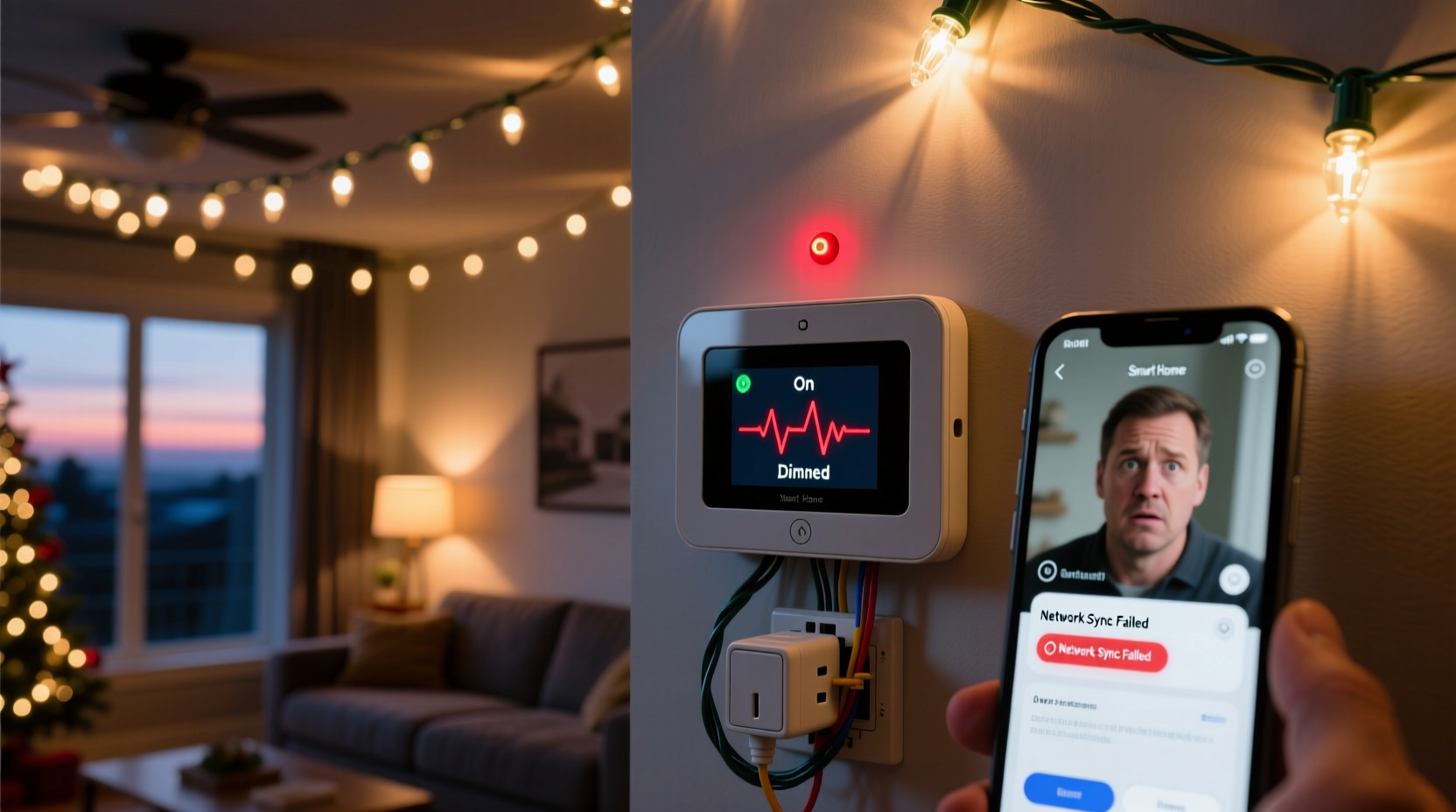
Smart home systems integrate multiple components—apps, hubs, voice assistants, sensors, and firmware—all of which must work in harmony. When Christmas lights dim unexpectedly, the culprit typically falls into one of several categories:
- Scheduling conflicts: Overlapping automation rules may trigger dimming events unintentionally.
- Geofencing behavior: Your phone’s location might trigger “Away” or “Home” modes that adjust lighting levels.
- Voice assistant misinterpretation: Accidental voice commands like “Dim the lights” can activate via background noise or misheard phrases.
- Firmware bugs: Outdated or glitchy firmware in bulbs or hubs can cause erratic behavior.
- Power fluctuations: Voltage drops or electrical interference from other appliances may affect dimmable LEDs.
- Overheating protection: Some LED strings reduce brightness automatically when they overheat, especially when enclosed or densely packed.
- App sync issues: Mobile apps may fail to reflect real-time status, making it seem like lights dimmed when they haven’t—or vice versa.
Each of these has unique symptoms and solutions. Pinpointing the exact cause requires systematic testing and observation.
Diagnosing the Problem: A Step-by-Step Guide
To resolve unexpected dimming, follow this structured approach. It helps eliminate variables and identify whether the issue stems from software, hardware, or configuration.
- Observe timing and frequency: Note when the dimming occurs. Is it at the same time every day? Only when you leave the house? After using voice commands?
- Check active automations: Open your smart home app (e.g., Google Home, Apple HomeKit, Samsung SmartThings) and review scheduled scenes or routines involving lights.
- Review geofencing settings: Ensure location-based triggers aren’t activating dimming modes when you exit or enter your property.
- Test voice history: Review recent voice interactions with Alexa, Google Assistant, or Siri for accidental commands.
- Update firmware: Check for updates on your smart bulbs, hub, or bridge. Manufacturers frequently patch bugs affecting stability.
- Isolate the circuit: Plug the lights into a different outlet or power strip to rule out voltage drops caused by shared circuits.
- Test manually: Turn off remote access and control the lights directly through a physical switch or app-only mode to see if the issue persists.
If the problem disappears during manual testing, the issue lies within automation logic. If it continues, suspect hardware defects or firmware instability.
Hardware vs. Software: Where the Fault Lies
Distinguishing between hardware and software issues is critical for effective resolution. Below is a comparison table summarizing diagnostic indicators:
| Indicator | Points to Software | Points to Hardware |
|---|---|---|
| Dimming occurs at precise times | ✅ Likely scheduled automation | ❌ Unlikely |
| Affects only specific bulbs | ❌ Less likely | ✅ Possible defective unit |
| Occurs after app or voice command | ✅ High probability | ❌ Rare |
| Lights flicker before dimming | ❌ Possible, but less common | ✅ Power supply or driver issue |
| Issue persists across multiple networks | ❌ No | ✅ Hardware fault |
| Resolved by rebooting hub | ✅ Firmware or sync bug | ❌ Temporary fix only |
Software-related problems are usually consistent and repeatable under certain conditions. Hardware faults, on the other hand, tend to be erratic—flickering, partial failures, or unresponsiveness—and may worsen over time.
“Many ‘smart’ lighting issues are actually integration problems. Devices from different brands don’t always interpret commands the same way, leading to unintended behaviors.” — Raj Patel, IoT Systems Engineer
Real-World Case: The Midnight Dimming Mystery
Consider the case of Sarah M., a homeowner in Portland who installed smart Christmas lights along her roofline in December 2023. Every night at exactly 10:15 PM, the lights would dim to 20%, despite no schedule being set. She initially assumed a neighbor was hacking her system. After ruling out external access, she reviewed her Google Home app and discovered a hidden routine labeled “Wind Down,” created months earlier during a sleep-tracking setup. This routine included “Dim outdoor lights” as part of a broader relaxation sequence. Because the label wasn’t descriptive, she hadn’t recognized it.
After renaming and disabling the routine, the dimming stopped. She later reconfigured it to exclude outdoor lighting. This example illustrates how legacy automations—especially those tied to wellness or productivity features—can interfere with seasonal setups.
Prevention Checklist: Avoid Future Issues
Once resolved, take proactive steps to prevent recurrence. Use this checklist annually before deploying holiday lighting:
- ✅ Audit all existing automations and disable outdated ones.
- ✅ Label scenes and devices specifically (e.g., “Front Porch – Xmas Lights”).
- ✅ Update firmware on all smart lighting devices and hubs.
- ✅ Test voice commands in a quiet environment to ensure accuracy.
- ✅ Use dedicated circuits or surge protectors for high-load LED strings.
- ✅ Disable geofencing temporarily during holidays if not needed.
- ✅ Set up a test routine with notifications to confirm expected behavior.
- ✅ Document your setup (screenshots of routines, device names) for next year.
This routine maintenance ensures consistency and reduces troubleshooting time during peak usage periods.
Frequently Asked Questions
Can Wi-Fi interference cause smart lights to dim?
Yes, though indirectly. Poor connectivity doesn’t usually dim lights on its own, but it can delay command execution or cause sync errors. For example, if a “turn on” command fails mid-transmission, the bulb may revert to a cached state—often a lower brightness level. Using a strong 2.4 GHz network (not 5 GHz) and minimizing router congestion helps maintain stable communication.
Why do my smart lights dim when I turn on the microwave?
This points to electrical interference or voltage drop. Microwaves draw significant power when operating, which can momentarily reduce voltage on shared household circuits. Smart LED drivers are sensitive to such dips and may interpret them as signals to reduce output. Solution: plug the lights into a separate circuit or use a line conditioner to stabilize voltage.
Are some smart bulbs more prone to unexpected dimming?
Yes. Lower-cost or older-generation bulbs often have less robust firmware and fewer safeguards against erratic behavior. Brands like Philips Hue, LIFX, and Nanoleaf generally offer better reliability due to regular updates and tighter ecosystem control. Always check user reviews for reports of instability before purchasing in bulk for holiday use.
Expert Recommendations for Long-Term Stability
Experts agree that the key to avoiding unexpected behavior lies in simplicity and documentation. Overcomplicating automation stacks increases the risk of conflict. According to Maria Lopez, a smart home consultant with over a decade of experience:
“The most reliable smart homes aren’t the most automated—they’re the best organized. One clear routine beats ten overlapping ones.” — Maria Lopez, Smart Home Integration Specialist
She recommends creating a “holiday lighting profile” that isolates festive controls from daily routines. This includes:
- Dedicated device groups (e.g., “Xmas – Roof,” “Xmas – Tree”)
- Time-bound schedules (e.g., Dec 1–Jan 5 only)
- Manual override permissions to prevent automation lock-in
Additionally, consider using physical switches or smart plugs with override buttons to retain local control, bypassing app dependency during outages or glitches.
Conclusion: Take Control of Your Smart Lighting Experience
Unexpected dimming of Christmas lights isn’t magic—it’s a symptom of mismatched expectations between user intent and system behavior. Whether triggered by forgotten automations, electrical quirks, or firmware flaws, the solution lies in methodical investigation and clean configuration. By understanding the interplay between software logic and hardware limits, you can enjoy a seamless, reliable holiday display year after year.
Start today by auditing your current setup. Remove redundant routines, update firmware, and test each component under real conditions. A few hours of preventive work now can save frustration later—and keep your lights shining bright exactly when you want them to.




 浙公网安备
33010002000092号
浙公网安备
33010002000092号 浙B2-20120091-4
Comments
No comments yet. Why don't you start the discussion?