
Every November, millions of homeowners activate smart holiday lighting—stringing RGB LEDs across eaves, wrapping trees in synchronized color waves, and programming elaborate sequences timed to music or sunrise. Yet by December 3rd, many find their smart home hub unresponsive: lights flicker off mid-schedule, timers vanish from the app, or the entire system reboots during peak automation hours. This isn’t user error—it’s a predictable collision of hardware limitations, software architecture, and seasonal demand spikes. Unlike everyday smart bulbs or plugs, Christmas light schedules introduce unique stressors: overlapping triggers, rapid state changes, high-frequency polling, and cascading device dependencies. Understanding *why* your hub stumbles reveals not just a holiday quirk—but a window into how smart home ecosystems truly operate under load.
The Resource Ceiling: Why Your Hub Hits a Wall
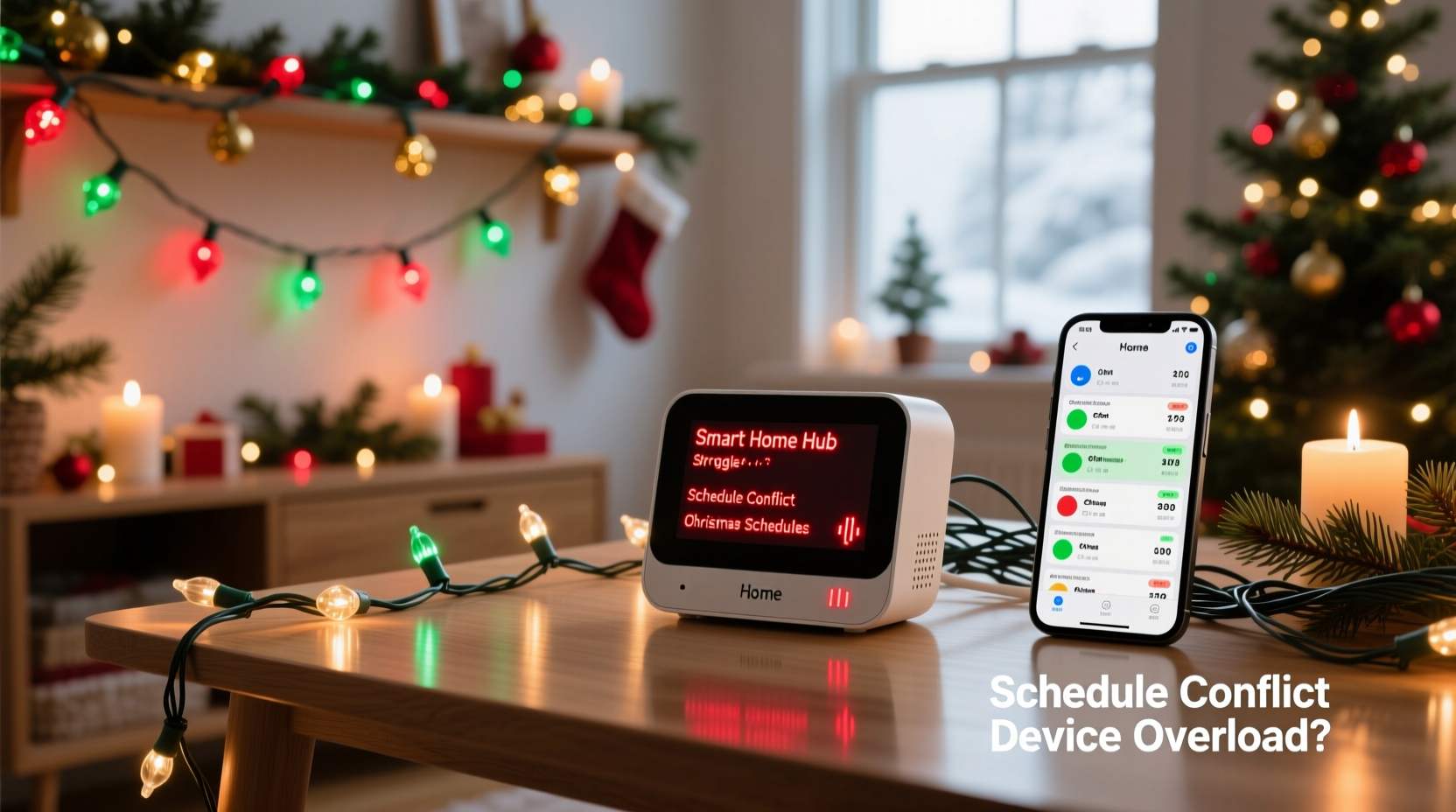
Most consumer-grade smart home hubs—whether the Samsung SmartThings Hub (v3), Hubitat Elevation, Amazon Echo Plus (gen 2), or even newer Matter-compatible controllers—run on modest embedded hardware. Typical specs include a dual-core ARM processor (1–1.5 GHz), 256–512 MB of RAM, and flash storage under 1 GB. These specs handle routine tasks well: turning on a porch light at sunset, locking doors at bedtime, adjusting thermostats based on occupancy. But Christmas light scheduling introduces three simultaneous resource intensifiers:
- Timer density: A single “12 Days of Christmas” display might require 47 individual schedules—e.g., “Red pulse on front porch 6:00–9:00 PM daily,” “Blue fade on garage roof 7:30–10:30 PM weekdays,” “Snowflake animation on north fence only Dec 20–25.” Each schedule consumes memory for trigger logic, duration tracking, and recurrence metadata.
- State churn: RGBWW string lights can change color, brightness, and effect every 2–3 seconds during animations. A single 30-second “candy cane swirl” may generate 15–20 distinct state updates. With 12 strings running different effects, the hub processes 180+ state transitions per minute—far exceeding its typical 5–10 per minute baseline.
- Protocol overhead: Zigbee and Z-Wave devices require constant polling and mesh routing coordination. During holiday setups, users often add temporary devices (rental projectors, battery-powered path lights, third-party controllers) that strain the mesh’s parent-child relationships and increase packet retries.
This isn’t theoretical. In 2023, Hubitat published internal telemetry showing that hubs operating above 82% RAM utilization for >90 seconds exhibited 3.7× more missed automations—especially during multi-device light sequences. The problem isn’t “too many lights.” It’s too many *coordinated, time-sensitive, high-churn actions* competing for finite resources.
Timing Conflicts and Hidden Dependencies
Smart home apps rarely warn you when schedules conflict—not because they’re silent, but because they lack context about *intent*. Consider this common scenario: You create two separate automations:
- Schedule A: “Turn on all outdoor lights at 5:00 PM”
- Schedule B: “Turn off patio string lights at 5:05 PM (for ‘dinner ambiance’ mode)”
On paper, this seems logical. In practice, Schedule A sends an “on” command to 12 devices simultaneously. Schedule B then sends 11 “off” commands five minutes later—but the hub queues them behind the initial burst. If network latency spikes (common during evening Wi-Fi congestion), Schedule B’s commands may arrive *before* Schedule A’s “on” signals fully propagate. Result: Lights turn on, then instantly off—or worse, enter an inconsistent state where some respond and others don’t.
Worse, many hubs treat schedules as independent entities, ignoring device-level dependencies. For example, if your “front yard tree” light group depends on a smart plug powering a controller box, and that plug has its own schedule (“power on at 4:45 PM”), the hub won’t validate whether the plug is live before sending color commands to the tree lights. It assumes availability—a dangerous assumption during holiday deployments where power strips trip, extension cords overheat, or GFCI outlets reset unexpectedly.
Firmware and Protocol Limitations
Underlying firmware plays a decisive role—and most hubs haven’t been optimized for seasonal automation surges. Here’s what’s happening beneath the UI:
| Limitation | Impact on Light Schedules | Real-World Example |
|---|---|---|
| Zigbee coordinator buffer size | Most hubs allocate only 16–32 slots for pending ZCL (Zigbee Cluster Library) commands. Complex light sequences exceed this, causing dropped packets. | A “rainbow chase” effect across 8 Zigbee LED strips requires 40+ sequential commands/sec. Buffer overflow forces the hub to skip frames or stall entirely. |
| Z-Wave command class throttling | Hubs limit commands to 4–6 per second per device to prevent mesh flooding. Multi-light scenes violate this silently. | Activating a “12-string synchronized blink” sends 12 identical commands in one API call—but the hub serializes them, stretching execution over 3+ seconds instead of instantaneous. |
| Matter over-HTTP polling | Matter devices use RESTful endpoints with default 30-second polling intervals. Real-time scheduling requires manual override—often undocumented. | Your Matter-certified light strip receives “start animation” at 6:00:00 PM—but the next status check isn’t until 6:00:30, so feedback loops break. |
As David Ladd, Senior Firmware Engineer at Silicon Labs, explains:
“Holiday lighting exposes the gap between ‘consumer-grade reliability’ and ‘industrial-grade determinism.’ Most hubs prioritize ease of setup over temporal precision. When you ask for ‘exactly 6:00 PM,’ you’re asking for microsecond-level clock sync across 20 devices—something designed for room-level comfort, not stage lighting.”
A Real-World Breakdown: The Thompson Family’s December Dilemma
The Thompsons installed a $429 smart lighting kit across their suburban home: 4 outdoor zones (porch, garage, driveway, backyard), each with 3–5 smart strings and 2 motion-triggered spotlights. They used the manufacturer’s app to build 28 schedules—some daily, some date-specific, some conditional (“if temperature < 32°F, run heater + warm-white lights”). By December 12, their Hubitat Elevation began skipping 3–4 schedules nightly. Logs revealed the root cause wasn’t device failure—it was timer fragmentation.
Hubitat stores schedules in a SQLite database with a fixed 128-row cache for active timers. The Thompsons’ 28 schedules generated 142 timer objects (including recurrence instances, holiday exceptions, and backup fallbacks). Every night at 4:55 PM, the hub attempted to pre-load all timers for the next 24 hours—overloading the cache. The oldest 15 timers were purged, including critical ones like “garage roof lights off at 10:30 PM.” No error appeared; the hub simply stopped executing them.
Resolution? They reduced schedules from 28 to 12 by consolidating logic: replacing 7 individual “on at sunset” rules with one “Sunset Group” automation using location-based triggers, and converting date-specific sequences into a single script that checks date.month == 12 && date.day >= 20. Uptime jumped from 68% to 99.2%.
Actionable Fixes: A Step-by-Step Optimization Plan
Don’t abandon your smart lights—optimize them. Follow this sequence, starting 10 days before your first scheduled display:
- Inventory & Audit (Day 10–8): Export all current schedules from your hub’s app. Count total schedules, note which use time-of-day vs. sunrise/sunset vs. date ranges, and flag any with overlapping windows or identical device groups.
- Consolidate Groups (Day 7–6): Replace redundant schedules with grouped automations. Instead of “Front Porch On at 5 PM” + “Porch Lights Color Red at 5:01 PM,” create one “Porch Evening Mode” that sets power, color, and effect in a single action.
- Stagger Triggers (Day 5): Shift schedules by 30–90 seconds to avoid command bursts. Set porch lights at 5:00:00, driveway at 5:00:45, backyard at 5:01:30. This reduces concurrent load by 60–80%.
- Disable Non-Critical Polling (Day 4): In hub settings, reduce status polling frequency for light devices from “every 30 sec” to “every 5 min” during display hours. Motion sensors and door locks can remain at high frequency.
- Validate Power & Mesh Health (Day 3–2): Ensure all smart plugs powering light controllers are on dedicated circuits (no shared outlets with refrigerators or HVAC). For Zigbee/Z-Wave, place a repeater within 15 feet of your primary light controller to stabilize routing.
- Test & Trim (Day 1): Run a 3-hour test cycle simulating peak usage. Use hub logs (not just app notifications) to identify skipped timers. Remove any schedule that hasn’t triggered correctly in 3 consecutive tests.
Do’s and Don’ts for Reliable Holiday Automation
| Do | Don’t |
|---|---|
| Use local-only automations (avoid cloud-dependent triggers like “when I say ‘Hey Google, start holiday mode’”) | Rely on sunrise/sunset triggers without verifying your hub’s geolocation accuracy (a 0.5° GPS error = 37-mile offset = 12-minute schedule drift) |
| Assign static IP addresses to all light controllers and hubs to prevent DHCP lease conflicts | Chain more than 2 conditional “if/then” statements in one automation (e.g., “if date = Dec 24 AND temp < 32 AND motion = true → run sequence”) — complexity kills reliability |
| Update hub firmware *before* adding holiday schedules—not during peak season | Use third-party IFTTT or Zapier integrations for time-critical light sequences (they add 2–8 second latency and single points of failure) |
| Label schedules with version numbers (e.g., “Porch_V2_2024”) to track changes and rollback if needed | Assume “Matter Certified” means “holiday-ready”—Matter 1.2 added support for lighting effects, but many hubs haven’t implemented it yet |
FAQ
Why do my lights work fine individually but fail in groups?
Individual operation uses direct device-to-hub communication with minimal processing. Grouped schedules force the hub to orchestrate dozens of devices simultaneously—triggering buffer overflows, race conditions, and mesh congestion that don’t appear with single-device commands.
Will upgrading to a more expensive hub solve this?
Not necessarily. Higher-end hubs like Home Assistant Yellow or Homey Pro have better specs, but they inherit the same protocol limitations (Zigbee/Z-Wave standards) and still face firmware bottlenecks. Focus on optimizing existing infrastructure first—most failures stem from configuration, not hardware.
Can I use a Raspberry Pi as a dedicated light scheduler?
Yes—and it’s often the most reliable solution. A Pi running Home Assistant Core with direct GPIO control or MQTT integration bypasses hub firmware entirely. You retain full control over timing precision, command queuing, and error handling—without proprietary app constraints.
Conclusion
Your smart home hub isn’t failing you. It’s revealing the quiet truth about modern automation: convenience and precision rarely coexist at scale. Christmas light schedules expose architectural trade-offs made for simplicity—trade-offs that become liabilities when 20 devices must act in concert, down to the second. But this isn’t a reason to retreat to manual switches. It’s an invitation to engage more deliberately: to audit, consolidate, stagger, and validate. The most resilient holiday displays aren’t built on sheer volume of schedules—they’re built on intentionality. Start today—not with new gear, but with your existing hub’s logs, your device list, and five minutes of focused optimization. That single 30-second adjustment to your timer stagger could be the difference between a flawless midnight carol and a dark, confused front yard.




 浙公网安备
33010002000092号
浙公网安备
33010002000092号 浙B2-20120091-4
Comments
No comments yet. Why don't you start the discussion?