
It’s December. You’ve spent hours stringing LED icicles across the eaves, synced your Philips Hue bulbs to a festive color loop, and programmed your smart plug to power your inflatable reindeer at 5:00 p.m. sharp. Yet when you say, “Hey Google, turn on the Christmas lights,” nothing happens—or worse, it triggers your kitchen lights instead. You’re not mispronouncing anything. Your mic works. The devices are online. So why does your smart home treat “Christmas lights” like an untranslatable phrase from another dialect?
The issue isn’t magic failing—it’s engineering meeting seasonal complexity. Christmas light routines sit at the intersection of voice recognition limitations, network strain, device interoperability quirks, and human naming habits that clash with AI training data. Unlike everyday commands (“turn off the bedroom lamp”), holiday routines carry linguistic ambiguity, temporal volatility, and infrastructure stress that most smart home systems weren’t designed to handle gracefully.
1. Voice Assistants Don’t Understand “Christmas Lights” the Way You Do
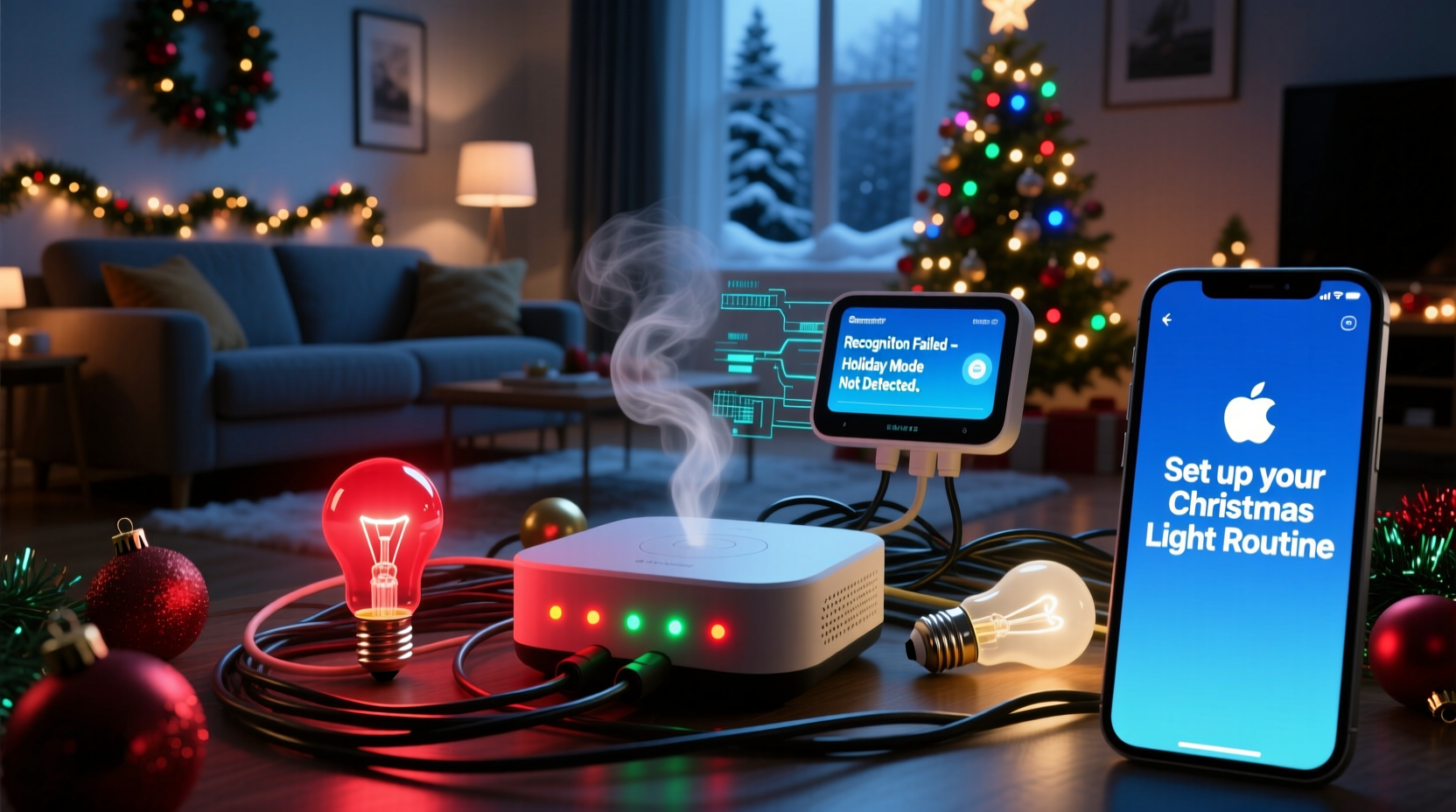
When you say “Christmas lights,” you’re invoking a rich mental model: warm white twinkle on the porch, red-green cycling on the tree, synchronized music pulses, and maybe even motion-triggered snowflake projections. Your voice assistant hears phonemes—not context. Its speech-to-text engine converts sound into text using statistical models trained on billions of utterances—but holiday-specific phrasing appears infrequently in general-purpose training corpora.
Amazon’s Alexa, Google Assistant, and Apple Siri all rely heavily on intent classification: mapping transcribed text to predefined action templates. “Turn on the living room lights” maps cleanly to a known intent. “Activate the North Pole ambiance” or “Start the tree light show” doesn’t—unless you explicitly named the routine that way during setup. Worse, many users name routines descriptively (“Xmas Eve Sparkle”) but speak conversationally (“lights on for Santa”). That semantic gap creates consistent failure.
“Voice assistants excel at high-frequency, predictable commands—‘lights off,’ ‘set thermostat to 72.’ Holiday routines break that pattern. They’re low-frequency, emotionally loaded, and linguistically varied. Our models haven’t yet learned to infer ‘Santa mode’ from context without explicit training.” — Dr. Lena Park, Senior NLP Researcher at VoiceLabs.ai
2. Wi-Fi Congestion Overwhelms Your Smart Home Network
December is peak bandwidth season—not just for streaming holiday specials, but for your smart home itself. A single string of 200 RGB LEDs controlled by a Wiz or Nanoleaf controller can generate dozens of status polls per second. Add five smart plugs, two doorbell cams recording motion alerts, and a Nest thermostat syncing weather forecasts, and your 2.4 GHz band becomes a traffic jam.
Most smart lights operate exclusively on 2.4 GHz—the same band used by microwaves, Bluetooth speakers, and older baby monitors. During holiday setup, interference spikes. Routines fail silently because the command reaches the hub, but the confirmation from the bulb never makes it back. The system logs show “command sent,” but no “device acknowledged.” You hear silence—and assume the voice command failed.
| Network Issue | Symptom | Diagnostic Clue |
|---|---|---|
| 2.4 GHz channel crowding | Routine works at 3 a.m., fails at 7 p.m. | Other Wi-Fi devices (streaming, gaming) lag simultaneously |
| Router DHCP exhaustion | Newly added lights won’t join network | Cannot ping device IP; router shows >250 active leases |
| Mesh node overload | Commands work near router, fail upstairs | Ping latency jumps from 12ms to 240ms upstairs |
| Firmware version mismatch | Some lights respond, others ignore | Manufacturer app shows mixed firmware versions (e.g., v2.1.4 vs. v2.3.0) |
3. Routine Timing Conflicts and Hidden Dependencies
Many users build layered Christmas routines: “Turn on outdoor lights at dusk” + “Play carols on Sonos” + “Dim hallway lights to 30%.” But smart home platforms don’t inherently understand sequencing or priority. If your “Christmas Evening” routine includes both “turn on porch lights” and “activate security camera floodlight,” and those devices share a single smart plug, the system may execute commands out of order—or cancel one to preserve state consistency.
Worse, some routines inherit dependencies from non-holiday automations. Example: You have a “Goodnight” routine that turns off *all* lights—including your tree. If “Goodnight” runs at 11 p.m., but your “Christmas Glow” routine activates at 10:55 p.m., the latter may succeed briefly—then vanish seconds later. No error appears. Just disappointment.
Mini Case Study: The Vanishing Garland
Maya in Portland set up a “Holiday Hearth” routine in her Google Home app: “Turn on fireplace LED strip, set living room bulbs to amber, and start fireplace sounds on Nest Mini.” It worked flawlessly for three days. Then, on December 12, it stopped responding to voice. She checked connections, retrained voice model, rebooted everything—no change. Finally, she reviewed her automation history and discovered her “Energy Saver” routine (triggered by motion timeout) was overriding the amber hue setting 90 seconds after activation. The lights turned on—but immediately reverted to daylight white. Maya hadn’t realized the two routines were competing. Once she disabled the Energy Saver override during December hours, full functionality returned.
4. Fragmented Ecosystems Create Silent Failures
If your smart lights span brands—Hue bulbs, TP-Link Kasa plugs, Govee strips, and a Meross outdoor controller—you’re likely operating across three separate cloud infrastructures, each with its own authentication, polling interval, and error-handling logic. When you create a cross-platform routine in Google Home, the platform must send individual API calls to each manufacturer’s servers. One slow response (e.g., Govee’s API taking 2.8 seconds instead of the expected 1.2) causes the entire routine to time out—even if Hue and Kasa responded instantly.
This fragmentation also breaks voice fallback. Say you tell Alexa, “Turn on the Christmas lights.” Alexa checks its local device registry, finds only the Kasa plug labeled “Front Porch Lights,” and ignores the Hue tree lights entirely—because they’re registered under a different skill (Philips Hue), which requires explicit invocation (“Alexa, ask Hue to turn on the tree”). Most users don’t realize their multi-brand setup demands multi-step voice syntax.
- Open your smart home app (Google Home, Apple Home, or Alexa).
- Go to Routines > select your Christmas routine.
- Tap each action and verify the exact device name matches what’s shown in your device list—no typos, no extra spaces.
- For each device, check its native app (e.g., Hue app, Kasa app) to confirm it’s online and controllable there.
- If any device is offline in its native app, troubleshoot connectivity there first—don’t assume the smart home hub is at fault.
5. Firmware, Permissions, and the “Ghost Routine” Problem
A lesser-known but widespread culprit is routine ghosting: the smart home app displays a routine as active, but the underlying service has silently deauthenticated. This occurs most often after manufacturer firmware updates. In late November 2023, a Philips Hue bridge update invalidated OAuth tokens for third-party integrations—including Google Home. Users saw their “Tree Lights” routine in the app, but voice commands returned “I couldn’t find that device.” The routine wasn’t broken—it was orphaned.
Similarly, iOS 17 introduced stricter background permissions for HomeKit accessories. If your iPhone is locked and not charging, it may delay or drop routine execution requests—especially for time-based triggers like “at sunset.” Android’s battery optimization can do the same to Google Home services running in the background.
FAQ
Why does my routine work in the app but not by voice?
Voice commands require additional layers: microphone pickup, cloud speech processing, intent matching, and secure device authorization. App taps bypass the first three steps. If voice fails but the app works, the bottleneck is almost always in speech-to-text accuracy (check your naming consistency) or voice assistant permissions (ensure “Hey Google”/“Alexa” is enabled and mic access granted).
Can I use custom wake words like “Hey Santa” for holiday routines?
No major platform supports user-defined wake words. “Hey Google” and “Alexa” are hardcoded for security and acoustic modeling reasons. However, you *can* create highly specific routine names that reduce ambiguity—e.g., “santa lights” instead of “holiday lights”—and train your voice assistant to recognize your pronunciation of that exact phrase via its voice model settings.
Do smart home hubs handle Christmas routines better than phone-based control?
Yes—when properly configured. Local-execution hubs like Home Assistant (with ESPHome or Zigbee2MQTT) or newer Matter-compatible hubs process routines on-device, eliminating cloud latency and API timeouts. They also allow precise timing, conditional logic (“only if outdoor temp < 40°F”), and manual override switches. But they require technical setup. For most users, upgrading to a dedicated Wi-Fi 6 mesh system (e.g., Eero Pro 6E or Netgear Orbi RBK852) provides 80% of the reliability boost with zero coding.
Conclusion
Your smart home isn’t broken. It’s being asked to perform a uniquely demanding seasonal task—one that exposes real architectural limits in consumer-grade voice AI, wireless networking, and cross-platform interoperability. The frustration you feel when “Christmas lights” goes unheard isn’t a personal failure. It’s evidence of a system stretched beyond its design assumptions: low-frequency vocabulary, high-device-density environments, and emotionally weighted naming conventions that defy algorithmic parsing.
But every failure point is addressable. Rename routines with surgical precision. Audit your Wi-Fi channels and upgrade your mesh nodes before Thanksgiving. Audit routine dependencies and disable conflicting automations during December. Re-link accounts after firmware updates. And remember: the most reliable “smart” light routine is still the one you flip manually—with intention, presence, and maybe a mug of cocoa nearby.
Start with one fix this weekend. Pick the most frustrating routine—the one that refuses to activate on command—and apply the naming tip above. Test it five times at different times of day. Notice whether consistency improves. Small adjustments compound. By New Year’s Eve, your home won’t just shine brighter—it will listen better, too.




 浙公网安备
33010002000092号
浙公网安备
33010002000092号 浙B2-20120091-4
Comments
No comments yet. Why don't you start the discussion?