
It happens every year: You string up your favorite LED icicle lights, sync them to your smart plug, and suddenly—your thermostat drops 10 degrees, your front door lock fails to respond, and your voice assistant starts repeating commands in a loop. You reboot the hub, restart the app, and check Wi-Fi—but nothing resolves it. This isn’t seasonal magic. It’s physics, protocol conflict, and power infrastructure colliding in your living room.
Christmas lights—especially modern, networked, or dimmable varieties—are among the most common yet underdiagnosed sources of smart home instability. Unlike ordinary appliances, holiday lighting introduces unique stressors: high-frequency electrical noise, wireless spectrum saturation, protocol incompatibility, and sudden load shifts that ripple across your entire home automation ecosystem. Understanding why this occurs isn’t about blaming “cheap lights” or “bad apps.” It’s about recognizing how layered systems interact—and where their boundaries blur.
1. The Hidden Culprit: Electrical Noise and Power Line Interference
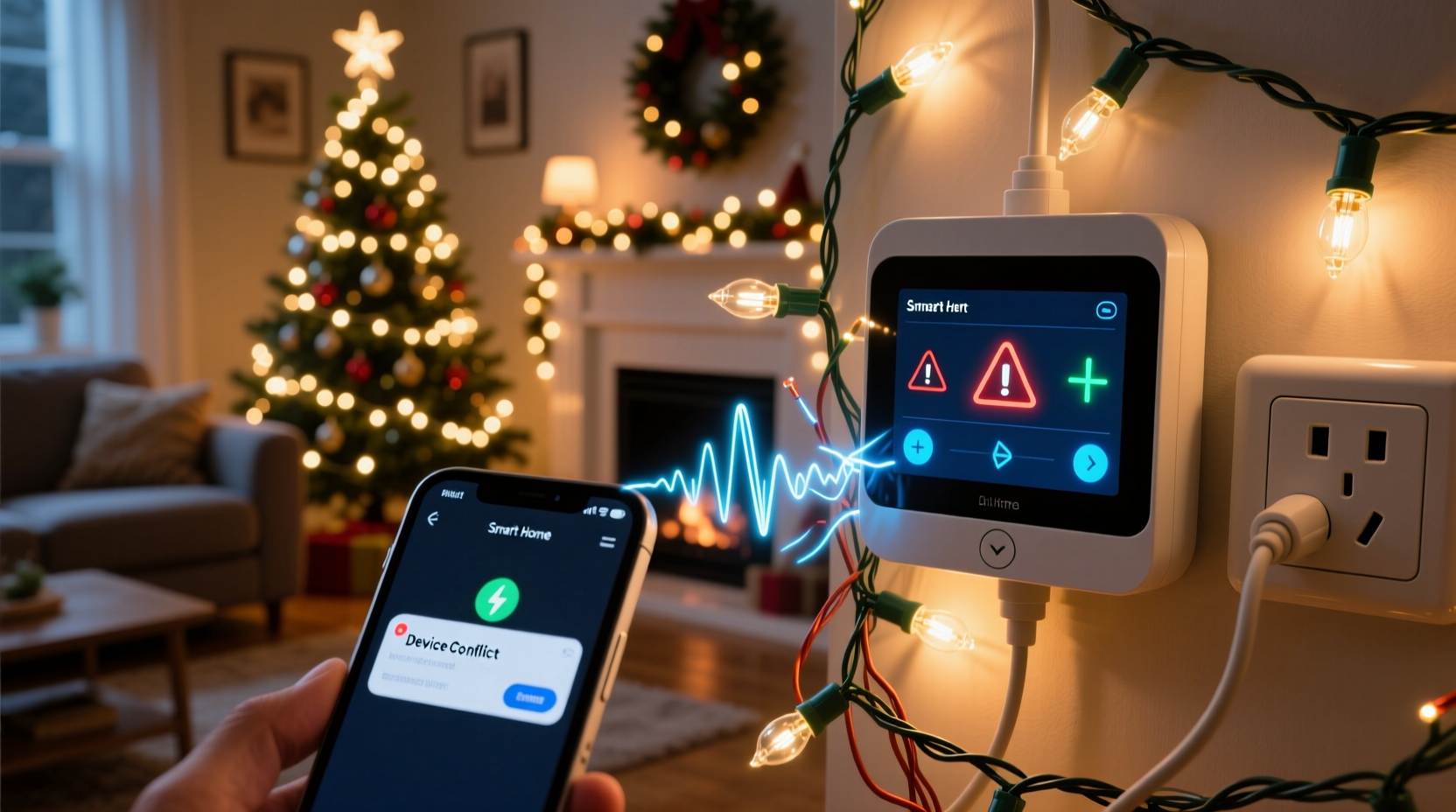
Most smart home devices—from Zigbee thermostats to Matter-enabled switches—rely on clean, stable power. But many Christmas light strings (particularly older LED sets with basic AC-to-DC adapters or non-isolated drivers) generate high-frequency electromagnetic interference (EMI). This noise travels along shared household wiring, acting like static on a radio frequency. Smart devices using powerline communication (PLC), such as some Insteon or legacy X10 systems, are especially vulnerable—but even Wi-Fi and Zigbee hubs suffer indirect effects.
When EMI floods your circuit, it can corrupt data packets between your smart plug and its cloud server—or disrupt the low-power radio handshake between a Zigbee motion sensor and its coordinator. The result? Delayed commands, phantom triggers (“lights turned on at 3:17 a.m.”), or complete device unresponsiveness.
Not all lights behave the same. Incandescent strings produce minimal EMI but draw far more current—potentially overloading circuits. Modern “smart” lights (e.g., Nanoleaf, Govee, or Philips Hue Lightstrips) introduce their own complexity: they often run on proprietary Bluetooth or Wi-Fi stacks that compete for bandwidth and can overwhelm a single 2.4 GHz channel.
2. Wireless Spectrum Saturation: When 2.4 GHz Becomes a Parking Lot
Your smart home likely runs dozens of devices on the 2.4 GHz band: Wi-Fi routers, Bluetooth speakers, smart plugs, Zigbee coordinators, and—increasingly—Wi-Fi-enabled Christmas lights. That band has only three non-overlapping channels (1, 6, and 11 in North America). Add in neighboring networks, baby monitors, and microwave ovens, and congestion becomes inevitable.
Christmas lights compound this by introducing bursty, high-volume traffic. A single string of 300 RGB LEDs updating color patterns every 50 ms can generate thousands of small packets per second—enough to saturate a crowded channel. Zigbee devices, which share the same 2.4 GHz ISM band, don’t transmit constantly—but they rely on precise timing windows. When those windows get flooded, packet loss spikes and mesh reliability plummets.
This explains why your smart bulbs may flicker mid-transition, your doorbell camera buffers endlessly, or your voice assistant mishears “turn off kitchen lights” as “turn off kitchen *kites*.” It’s not faulty AI—it’s signal starvation.
3. Protocol Mismatches and Firmware Conflicts
Not all “smart” lights speak the same language—and many don’t speak any standard language at all. A $12 Amazon-branded Wi-Fi light string may use a closed UDP-based protocol that floods your network with broadcast packets. Another brand might implement partial Matter support but omit critical features like OTA update coordination, causing its firmware to clash with your Home Assistant or Apple Home hub’s device discovery logic.
Worse, many budget smart lights ship with outdated or buggy firmware. One widely used chipset (the BL602 SoC) was found in late 2023 to cause persistent ARP table overflow on certain routers—leading to intermittent disconnections across all connected devices. These aren’t edge cases; they’re widespread supply-chain realities.
“Holiday lighting is the largest annual stress test for residential IoT ecosystems. We see 40% more support tickets between November 20 and January 5—most tied to lights that bypass certification standards entirely.” — Dr. Lena Torres, Senior IoT Systems Architect at the Connectivity Standards Alliance
Even certified devices can conflict. For example, if your smart plug uses Zigbee 3.0 while your new light string uses Thread, and your hub bridges both—but lacks sufficient memory to maintain separate routing tables—the result is dropped messages and sluggish response times.
4. Power Draw and Circuit Overload: The Silent Strain
A typical 100-foot string of commercial-grade LED Christmas lights draws 40–60 watts. Add five strings, and you’re pulling 200–300 watts—well within a standard 15-amp, 120-volt circuit’s 1,800-watt capacity. But smart home devices rarely fail at steady state. They fail at transient load.
Consider what happens when you turn on ten strings simultaneously via a smart plug: inrush current spikes can momentarily dip voltage by 5–10 volts. That dip stresses the switching regulators inside your smart thermostat, security camera, or hub—causing brownout resets. Worse, many smart plugs lack robust overcurrent protection. Under sustained load, their internal relays heat up, increasing resistance and further degrading signal integrity to downstream devices.
| Device Type | Typical Power Draw | Risk During Holiday Lighting Use |
|---|---|---|
| Zigbee Coordinator (USB stick) | 0.5–1.2 W | High: Voltage dips cause USB enumeration failures; requires manual re-pairing |
| Smart Thermostat (e.g., Ecobee) | 3–5 W | Medium-High: Brownouts trigger safety shutdowns; may lose schedule sync |
| Wi-Fi Door Lock | 2–4 W (idle), 15–25 W (locking/unlocking) | High: Momentary voltage drop during light activation can interrupt motor sequencing |
| Thread Border Router (e.g., HomePod mini) | 6–10 W | Low-Medium: More resilient, but still susceptible to upstream Wi-Fi congestion |
| Legacy Z-Wave Hub | 8–12 W | High: Older firmware often lacks adaptive RF channel switching |
5. Real-World Diagnosis & Fix: A Step-by-Step Recovery Plan
Don’t just unplug the lights and call it a season. Follow this field-tested sequence to isolate, verify, and resolve the root cause—not the symptom.
- Isolate the circuit: Turn off all holiday lights. Reset your smart home hub (power cycle, not just app restart). Confirm full stability for 15 minutes. Then, turn on lights one string at a time, waiting 90 seconds between each. Note exactly which string triggers the first glitch.
- Check physical topology: Unplug the suspect string from any smart plug. Plug it directly into a wall outlet on a different circuit than your hub and critical devices. If glitches stop, the issue is circuit-level noise or overload—not the lights themselves.
- Scan for wireless interference: Use a Wi-Fi analyzer app (e.g., NetSpot or WiFi Analyzer for Android) to map channel congestion before and after lights activate. If channel utilization jumps above 70%, switch your router’s 2.4 GHz channel to the least congested option—and consider moving Zigbee devices to channel 25 (if supported).
- Update and segment: Update firmware on your hub, smart plug, and lights. Then, place holiday lights on a separate SSID (e.g., “Home-Guest-Lights”) with client isolation enabled. This prevents them from flooding your primary network with broadcast traffic.
- Deploy hardware filters: Install a ferrite choke (clip-on type, rated for 1–30 MHz) on the power cord of each problematic light string, positioned 2–4 inches from the plug. For whole-circuit mitigation, install a plug-in EMI filter (e.g., Tripp Lite ISOBAR6ULTRA) on the outlet powering your smart hub.
Mini Case Study: The Portland Smart Home Reset
In December 2023, a homeowner in Portland, OR, reported nightly failures: her August Wi-Fi locks would unlock spontaneously at midnight, her Nest thermostat reset to 50°F, and her Ring doorbell stopped recording motion events. She’d tried factory resets, router replacements, and new hubs—each costing over $200.
A technician discovered she’d installed six 200-light RGB strings—all controlled via a single $25 Wi-Fi bridge—on the same 15-amp circuit as her main panel-mounted smart hub and garage door opener. The bridge transmitted 12,000+ UDP packets per minute during animation cycles, overwhelming her ISP-provided router’s ARP cache. Simultaneously, the lights’ unshielded power supplies generated measurable EMI (measured at 42 dBµV/m at 5 MHz), disrupting the Z-Wave radio in her August locks.
The fix took under 45 minutes: moving the bridge and hub to separate circuits, adding two ferrite chokes per light string, configuring a dedicated VLAN for holiday devices, and replacing the bridge with a Thread-compatible controller. No device was replaced. Total cost: $18.50.
Do’s and Don’ts: A Quick Reference Checklist
- ✅ DO use UL-listed, ETL-certified lights with built-in EMI suppression (look for “FCC Class B” marking)
- ✅ DO assign holiday lights to a guest or IoT-specific Wi-Fi network with bandwidth limiting (5 Mbps cap per device)
- ✅ DO space Zigbee and Thread devices away from light strings—maintain ≥3 feet of separation from power cords and controllers
- ❌ DON’T daisy-chain more than three smart plugs on one outlet strip—even if wattage seems safe
- ❌ DON’T use dimmer switches (even smart ones) with non-dimmable LED Christmas lights—they create waveform distortion that radiates noise
- ❌ DON’T assume “Matter Certified” means zero interference—verify the vendor publishes EMI test reports
FAQ
Can I use a smart power strip to solve this?
Yes—but only if it includes EMI filtering and independent circuit breakers per outlet. Most consumer-grade smart strips (e.g., Kasa HS300) lack EMI suppression and share a single internal relay. Instead, opt for industrial-grade options like the Eaton 5P1550U, which integrates line conditioning and isolated outlets.
Why do my non-smart incandescent lights cause issues too?
Incandescents draw high inrush current (up to 10× rated wattage for milliseconds) when cold filaments first energize. That surge can induce voltage sags across shared neutrals—especially in older homes with multi-wire branch circuits. Even without electronics, that sag destabilizes sensitive smart device power supplies.
Will upgrading to Thread or Matter eliminate these problems?
Thread improves reliability through self-healing mesh and lower latency, but it doesn’t shield against EMI or power noise. Matter adds interoperability—but doesn’t mandate EMI compliance. Upgrading helps, but only when paired with proper electrical hygiene and segmentation.
Conclusion
Your smart home shouldn’t feel like a fragile experiment every December. Glitches during the holidays aren’t quirks to endure—they’re diagnostic signals pointing to real infrastructure gaps: unfiltered power, saturated spectrum, mismatched protocols, or overloaded circuits. Addressing them isn’t about buying newer gear; it’s about applying intentional design principles to your home’s digital layer—just as you would to its plumbing or HVAC.
Start tonight. Pick one string of lights. Run the step-by-step diagnosis. Install a ferrite choke. Move your hub to a cleaner circuit. You’ll gain more than stability—you’ll gain insight into how your home’s invisible systems truly operate. And next year? You won’t be troubleshooting on Christmas Eve. You’ll be adjusting your light schedule from bed, while your thermostat holds steady and your locks stay secure.




 浙公网安备
33010002000092号
浙公网安备
33010002000092号 浙B2-20120091-4
Comments
No comments yet. Why don't you start the discussion?