
As the holiday season approaches, many homeowners rely on smart lighting systems to automate festive displays. However, a common frustration arises when multiple smart Christmas light strands appear as a single device in apps like Google Home, Amazon Alexa, or Apple HomeKit. Instead of controlling each string independently, users find themselves toggling all lights at once—defeating the purpose of granular automation and dynamic lighting effects. This behavior isn't random; it's often caused by how devices are discovered, named, or grouped during setup. Understanding why this happens—and how to fix it—is essential for anyone who wants full control over their holiday lighting.
Why Smart Home Systems Merge Multiple Lights into One Device
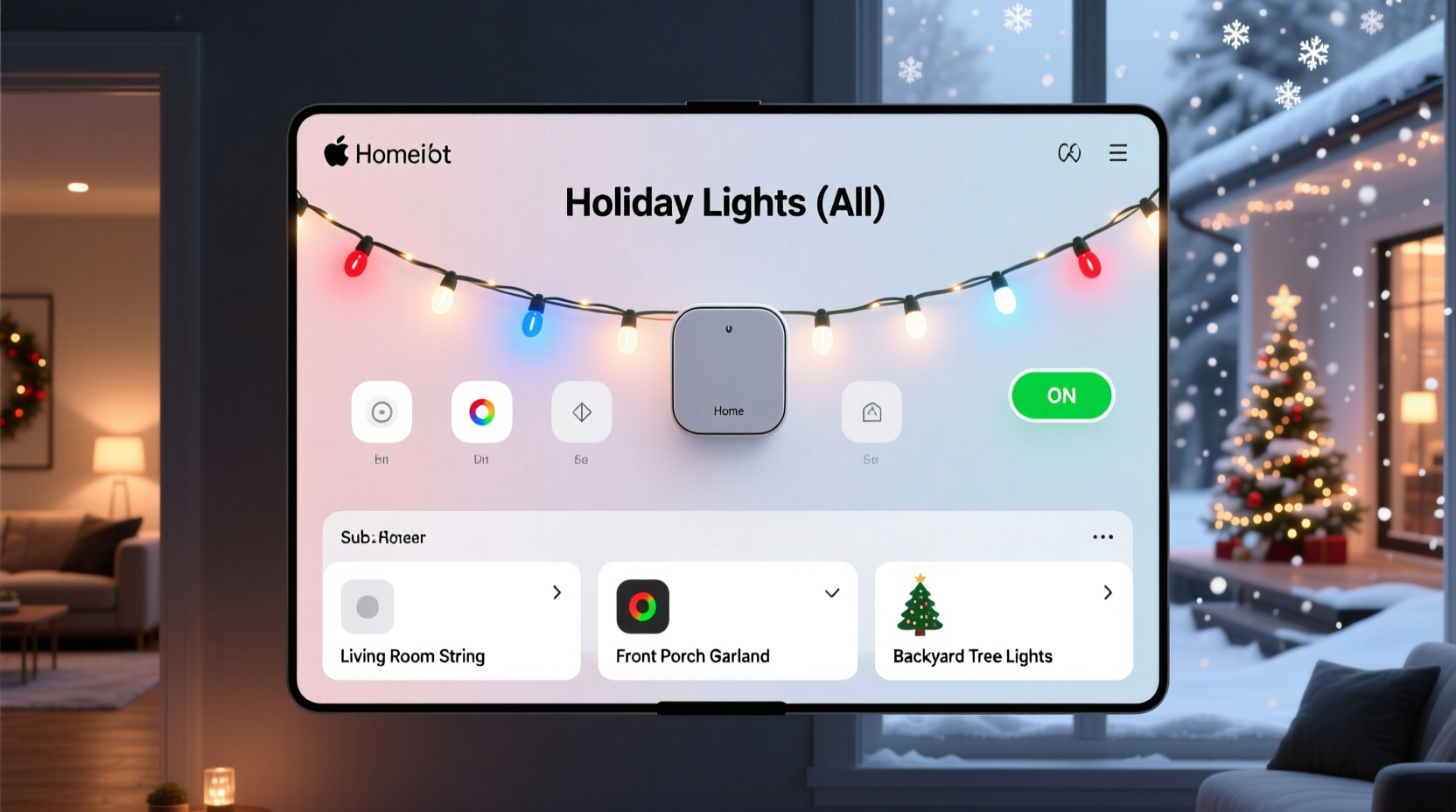
Smart home platforms use discovery protocols to detect new devices on your Wi-Fi network. When you connect several identical smart light strings—especially from budget brands—they may share the same model identifier, default device name (like “Smart LED Strip”), and manufacturer code. Because these attributes are indistinguishable, the system assumes they’re duplicates or part of a single unit rather than separate entities.
This issue is particularly common with:
- Lights using generic firmware from white-label manufacturers
- Devices connected simultaneously via batch pairing modes
- Systems that rely solely on UPnP (Universal Plug and Play) without unique identifiers
- Third-party hubs that don’t support multi-instance recognition
The result? Your smart assistant treats five different light strings spread across your porch, tree, and driveway as one logical device—limiting scene customization, scheduling, and voice command precision.
“Device naming conflicts and lack of unique identifiers are among the top reasons smart lights get incorrectly grouped,” says Rajiv Mehta, IoT Integration Specialist at HomeTech Labs. “Manufacturers often cut corners on firmware uniqueness to reduce costs.”
How Device Discovery and Naming Affect Grouping Behavior
When a smart hub scans your network, it pulls metadata from each device: IP address, MAC address, model number, and user-assigned name. If two devices report the same model and name, some platforms will automatically merge them to avoid clutter. Others may display both but route commands to only one if they can’t differentiate responses.
For example, consider three light strips all labeled “LED_STRIP_01” with model ID “WS2812B-CTRL.” Even though they have different MAC addresses, Google Home might show only one entry because it prioritizes human-readable names over hardware IDs unless instructed otherwise.
This becomes worse when using voice assistants. Saying “Turn on the porch lights” fails if that phrase triggers a device that includes indoor and outdoor sets unintentionally linked together.
Step-by-Step Guide to Fix Incorrectly Grouped Christmas Lights
Regaining independent control requires reconfiguring how your system identifies each light string. Follow this sequence carefully:
- Disconnect all affected lights from power and reset them individually (usually by holding the power button for 10+ seconds until LEDs flash).
- Reconnect one light at a time, ensuring no other similar devices are active during pairing.
- Assign unique names and room locations during setup—for example, “Front Porch Lights,” “Tree Top Strip,” “Garage Rail Lights.”
- Verify appearance in your smart home app. Confirm each shows as a distinct tile or card.
- Repeat for remaining lights, waiting 30 seconds between setups to avoid signal overlap.
- Test individual control via app and voice command (“Alexa, dim the tree lights”).
If problems persist, check whether your hub supports manual device separation. Some platforms allow you to split merged entries through advanced settings or direct API access.
Best Practices for Preventing Future Grouping Issues
Once resolved, maintain proper device separation with proactive management strategies:
- Use descriptive, non-repeating names: Avoid defaults like “Light 1” or “Strip.” Include location and function.
- Label devices physically: Use small tags or colored tape behind each controller to match digital names.
- Update firmware regularly: Manufacturers sometimes patch discovery bugs in later versions.
- Avoid bulk pairing features unless you plan to group lights intentionally.
- Stick to reputable brands known for unique device fingerprinting (e.g., Philips Hue, LIFX, Nanoleaf).
| Practice | Do | Avoid |
|---|---|---|
| Naming Convention | “East Fence Lights – Red”, “Living Room Tree – Bottom Ring” | “Christmas Light”, “LED Strip 1” |
| Setup Timing | Add one device every 30–60 seconds | Plugging in all units at once |
| Hubs & Bridges | Use dedicated hubs per brand (e.g., Hue Bridge) | Mixing incompatible controllers on same network |
| Firmware | Check updates monthly during holiday season | Ignoring update notifications |
Real-World Example: Sarah’s Holiday Display Fix
Sarah installed six smart light strings around her home using a popular budget brand. After connecting them all at once through the Tuya Smart app, she noticed only three appeared in Google Home—and two were grouped under “Smart RGB Light.” Voice commands turned everything on simultaneously, ruining her planned staggered lighting effect.
She followed the reset-and-renaming process outlined above. By powering down all units, resetting each via long-press, and reconnecting them one by one with specific names like “Roofline – North Side” and “Patio Archway,” she successfully separated all six into individual controllable devices. She also assigned each to its correct room in Google Home, enabling zone-based routines like “Evening Ambience” and “Party Mode.”
The fix took about 25 minutes but gave her full creative control over animations, brightness levels, and schedules—proving that a methodical approach pays off.
Advanced Solutions: Using Third-Party Tools and Local Control
For tech-savvy users, deeper solutions exist beyond standard app workflows. Platforms like Home Assistant allow full control over device registry entries, letting you manually split merged entities or assign custom unique IDs based on MAC addresses.
You can also leverage static IP assignments:
- Access your router settings.
- Locate each smart light by MAC address.
- Assign a fixed IP to each device.
- Configure port forwarding or mDNS overrides if needed.
This ensures consistent network identification, reducing chances of misidentification during reboots or app refreshes.
Another option is MQTT bridging, where each light publishes status to a message broker with a unique topic (e.g., lights/porch/left). This method is common in DIY smart homes and offers superior reliability compared to cloud-dependent setups.
FAQ: Common Questions About Smart Light Grouping
Can I fix grouped lights without resetting them?
In some cases, yes. Open your smart home app, locate the grouped device, and look for an “Edit” or “Split Devices” option. If unavailable, renaming one unit may force the system to recognize it separately. However, a full reset remains the most reliable solution.
Will changing the Wi-Fi network help separate the lights?
Possibly. Moving lights to a guest network or 5 GHz band temporarily during setup can isolate discovery signals. But this alone won’t solve naming conflicts. Combine it with unique naming for best results.
Why do my lights regroup after a power outage?
After reboot, devices broadcast their default names again. If those names conflict, the system may re-merge them. To prevent this, ensure firmware stores custom names locally—not just in the cloud app. Higher-end devices handle this better than budget models.
Essential Checklist: Regain Control Over Your Smart Christmas Lights
Use this checklist to systematically resolve and prevent grouping issues:
- ✅ Reset all Christmas light controllers individually
- ✅ Reconnect one at a time, avoiding simultaneous power-up
- ✅ Assign unique, descriptive names including location
- ✅ Place each light in the correct room within your smart home app
- ✅ Test individual control via app and voice assistant
- ✅ Update firmware on all devices before seasonal use
- ✅ Document device names and placements for future reference
- ✅ Consider using a local hub (like Home Assistant) for complex setups
Conclusion: Take Back Control of Your Holiday Lighting
Having all your Christmas lights grouped under a single name isn’t a dead end—it’s a solvable configuration challenge rooted in naming conventions, discovery logic, and setup habits. With deliberate renaming, careful pairing, and ongoing maintenance, you can enjoy fully independent control over every strand in your display. Whether you're crafting subtle ambiance or dazzling synchronized shows, precise device management unlocks the true potential of smart holiday lighting.




 浙公网安备
33010002000092号
浙公网安备
33010002000092号 浙B2-20120091-4
Comments
No comments yet. Why don't you start the discussion?