
As holiday seasons approach, many homeowners turn to smart lighting systems to create dazzling Christmas displays. While the convenience of scheduling colorful light shows from a smartphone is appealing, users often report noticeable lag—delays in response time, unresponsive commands, or flickering patterns that fall out of sync. This frustrating behavior isn’t random; it’s typically rooted in technical limitations of network infrastructure, device compatibility, and data processing demands. Understanding the underlying causes allows you to diagnose and resolve these performance bottlenecks before they ruin your festive ambiance.
Understanding Smart Home Communication Protocols
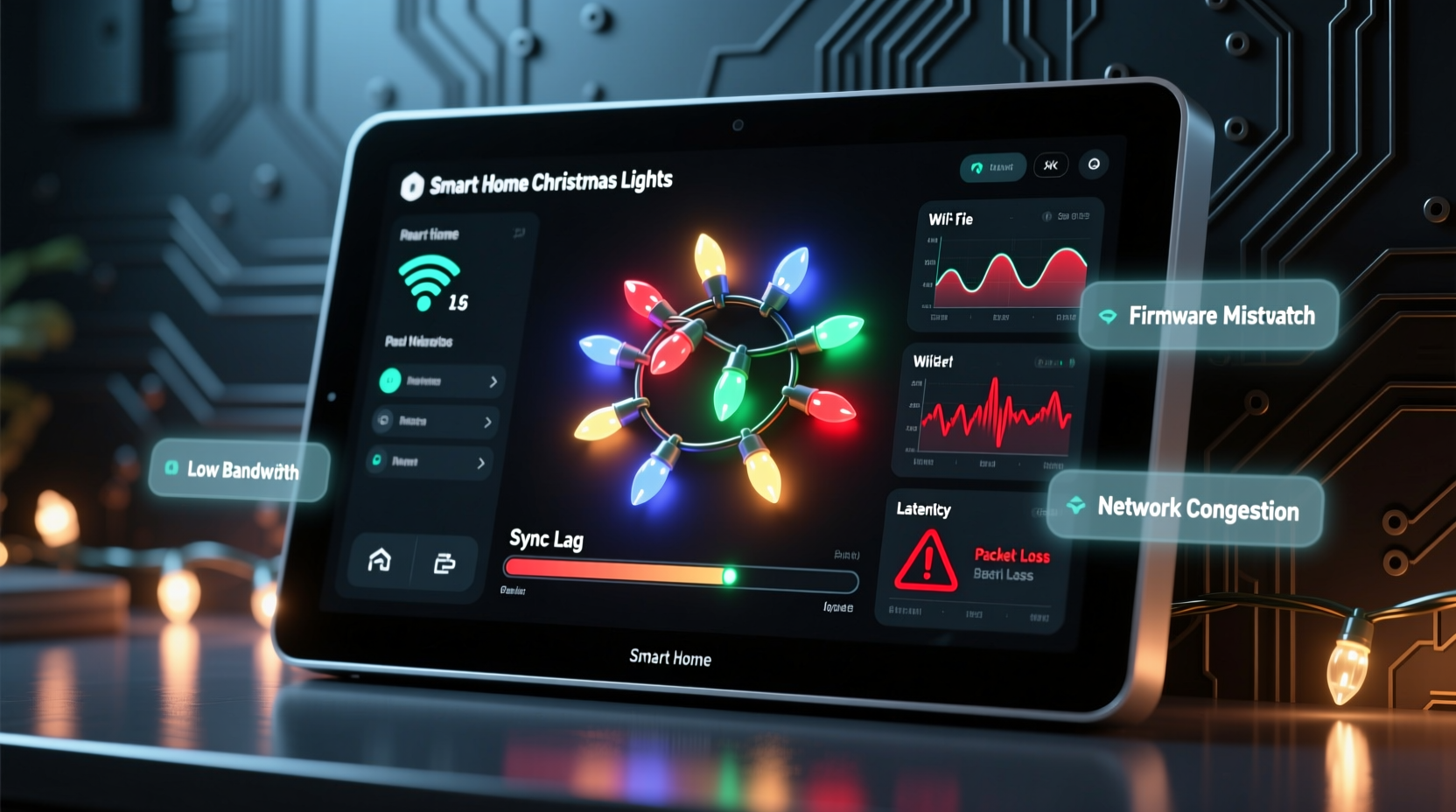
Smart home devices don’t operate in isolation—they rely on communication protocols such as Wi-Fi, Zigbee, Z-Wave, Bluetooth, or proprietary RF signals to transmit commands between hubs, apps, and individual devices. When integrating Christmas lights into your ecosystem, each string acts as an endpoint that must receive and interpret signals from your central hub or router.
Wi-Fi-based smart lights are particularly common due to their ease of setup and broad app support. However, this convenience comes at a cost: every light strip connects directly to your home's 2.4 GHz Wi-Fi band, consuming bandwidth and IP addresses. As more devices join the network during the holidays—outdoor displays, animated figures, synchronized music controllers—the cumulative load can overwhelm routers not designed for high-volume IoT traffic.
“During peak usage, especially with multimedia synchronization, smart lighting systems can generate up to ten times more data requests than typical sensors.” — Dr. Lena Torres, IoT Network Engineer at SmartHome Labs
Zigbee and Z-Wave offer alternatives with mesh networking capabilities, where devices relay signals to one another, reducing direct dependence on the main router. But even these systems face strain when managing dozens of nodes simultaneously, especially if firmware updates or real-time color transitions are involved.
Common Causes of Lag During Light Synchronization
Lag doesn’t stem from a single flaw but rather a combination of interrelated factors. Identifying which apply to your setup is key to implementing effective solutions.
Network Congestion and Bandwidth Saturation
Your router has finite bandwidth. Each smart light may only use a small amount individually—typically under 1 Mbps—but when controlling 50+ bulbs across multiple zones, command frequency increases dramatically. Real-time effects like pulsing, chasing, or music sync require constant data streaming, leading to packet delays and dropped connections.
Additionally, other household devices (streaming boxes, video calls, gaming consoles) compete for the same wireless spectrum. If your router lacks Quality of Service (QoS) settings to prioritize IoT traffic, smart lights may be deprioritized during high-demand periods.
Device Overload on the Hub or App Server
Many smart home platforms, such as Google Home, Amazon Alexa, or Apple HomeKit, route commands through cloud servers. When you trigger a scene like “Holiday Mode,” the app sends a request to the cloud, which then broadcasts instructions to each connected light. With large installations, this round-trip process creates latency—especially if server response times are slow or authentication steps delay execution.
Local control hubs (like Samsung SmartThings or Hubitat) reduce reliance on the cloud by processing commands internally. Yet, even local processors have limits. Older models may struggle with complex automations involving conditional logic, timers, and multi-device coordination.
Inconsistent Firmware or Protocol Mismatches
Not all smart lights speak the same language. Mixing brands or generations can introduce protocol inefficiencies. For example, some LED strings use older versions of Wi-Fi modules that respond slower than newer ones. Similarly, firmware bugs can cause devices to miss commands or rejoin the network repeatedly, creating intermittent lag.
Signal Interference and Physical Obstacles
Outdoor Christmas lights are frequently placed far from the router—in yards, eaves, or trees—where signal strength diminishes. Building materials like brick, metal gutters, or insulated walls further block 2.4 GHz signals. Weak reception leads to retries, timeouts, and inconsistent behavior.
Bluetooth-based lights suffer even more from range limitations, typically maxing out at 30 feet without obstructions. Even Zigbee, while better at handling interference, requires proper node spacing to maintain reliable mesh paths.
Step-by-Step Guide to Diagnose and Fix Sync Lag
Follow this structured troubleshooting sequence to isolate and resolve performance issues efficiently.
- Assess Your Current Setup
List all smart devices currently active on your network, including non-lighting items. Note how many smart lights are involved and whether they're grouped by brand or protocol. - Test Network Performance
Use a speed test tool near your primary display area. Check upload/download speeds and ping times. A ping above 100ms indicates potential latency problems. Also, verify how many devices are connected via your router’s admin panel. - Isolate the Issue
Turn off all smart lights except one strand. Trigger a simple command (e.g., “turn red”). If it responds instantly, gradually add more lights until lag returns. This helps identify threshold points for overload. - Switch to Local Control
If using cloud-dependent assistants, try setting up automations directly on a local hub. Compare response times before and after the change. - Optimize Router Settings
Enable QoS rules to prioritize IoT devices. Assign static IPs to critical lights to prevent DHCP conflicts. Consider renaming your 2.4 GHz and 5 GHz bands separately to ensure smart lights don’t attempt (and fail) to connect to the wrong band. - Add Signal Boosters
Install a Wi-Fi extender or mesh satellite closer to outdoor displays. Alternatively, place a powered Zigbee repeater nearby to strengthen mesh reliability. - Simplify Automation Logic
Break complex scenes into smaller groups. Instead of activating 100 lights at once, stagger activation by zones with 0.5-second delays. This reduces instantaneous demand on the system.
Do’s and Don’ts: Managing Smart Holiday Lighting
| Do | Don’t |
|---|---|
| Group lights by zone and control them in stages | Send simultaneous commands to all devices at once |
| Use wired backhaul mesh systems for outdoor coverage | Rely solely on long-range wireless without testing |
| Update firmware on all devices pre-season | Ignore pending updates because \"it worked last year\" |
| Schedule heavy sync shows during low-network-use hours | Run full-display animations during family movie nights |
| Label devices clearly in your app for quick diagnostics | Leave default names like “Light Strip 1” for 20+ devices |
Real-World Example: Solving Lag in a Large Residential Display
Consider the case of Mark R., a homeowner in Denver who manages a 75-light outdoor Christmas setup synced to music played over speakers. Every year, his display became increasingly unresponsive, culminating in a 2023 incident where half the lights failed to activate during a neighborhood tour.
After investigation, he discovered three root causes: his aging dual-band router couldn’t handle 80+ connected devices, several light strips were running outdated firmware, and all automations relied on Alexa cloud triggers. By upgrading to a tri-band Wi-Fi 6 mesh system, applying firmware patches, and switching to a SmartThings hub for local orchestration, Mark reduced average command latency from 3.2 seconds to under 0.4 seconds. He also implemented staggered group triggers, ensuring no more than 15 lights received commands simultaneously.
The result? A perfectly synchronized show that drew praise from neighbors and ran reliably throughout December.
Checklist: Prepare Your System for Holiday Syncing
- ✅ Audit total number of smart devices on your network
- ✅ Confirm all smart lights are on latest firmware version
- ✅ Test Wi-Fi signal strength at furthest light location
- ✅ Set up QoS rules to prioritize IoT traffic
- ✅ Replace old or underpowered routers with modern mesh systems
- ✅ Group lights logically (by zone, function, or effect type)
- ✅ Schedule stress tests two weeks before public display
- ✅ Create backup manual controls in case automation fails
Frequently Asked Questions
Can too many smart lights crash my Wi-Fi?
Yes. While each light uses minimal bandwidth, collective connection requests, status pings, and real-time updates can saturate your router’s capacity—especially on older models. Devices may disconnect, become unresponsive, or experience severe lag. Upgrading hardware and segmenting networks usually resolves this.
Why do my lights respond slowly only during certain times of day?
This pattern typically reflects increased household network usage. In evenings, when TVs stream, phones browse, and video calls occur, available bandwidth shrinks. Configure QoS settings to reserve priority for smart lighting during scheduled shows.
Is there a limit to how many smart lights I can control smoothly?
There’s no universal number—it depends on your hub, protocol, and network quality. As a rule of thumb: Wi-Fi systems perform best under 50 devices per access point; Zigbee handles about 30–40 nodes per coordinator without degradation. Beyond that, segmentation or professional-grade controllers are recommended.
Conclusion: Turn Frustration Into Festive Flow
A lagging smart home system shouldn’t dim your holiday spirit. The delays and sync issues commonly seen with Christmas light integration are solvable with the right knowledge and preparation. From optimizing network architecture to simplifying automation workflows, each adjustment brings you closer to seamless, responsive control. Whether you manage a modest porch display or an elaborate yard spectacle, investing time in system health pays off in reliability and enjoyment.




 浙公网安备
33010002000092号
浙公网安备
33010002000092号 浙B2-20120091-4
Comments
No comments yet. Why don't you start the discussion?