
Every holiday season, thousands of homeowners experience the same frustrating ritual: their smart plug powers on the Christmas lights perfectly at dusk—then cuts out mid-display. The tree goes dark. The porch stays silent. And the smart home app shows “Offline” in red. It’s not just inconvenient—it undermines confidence in your entire smart ecosystem. Unlike everyday appliances, holiday lighting introduces unique stressors: extended runtime, outdoor exposure, temperature swings, and sudden load changes from blinking patterns or integrated controllers. This guide cuts through generic Wi-Fi advice to address the specific, often overlooked reasons smart plugs fail under seasonal conditions—and delivers field-tested fixes you can implement tonight.
Why Smart Plugs Struggle With Holiday Lighting (Beyond Basic Wi-Fi)
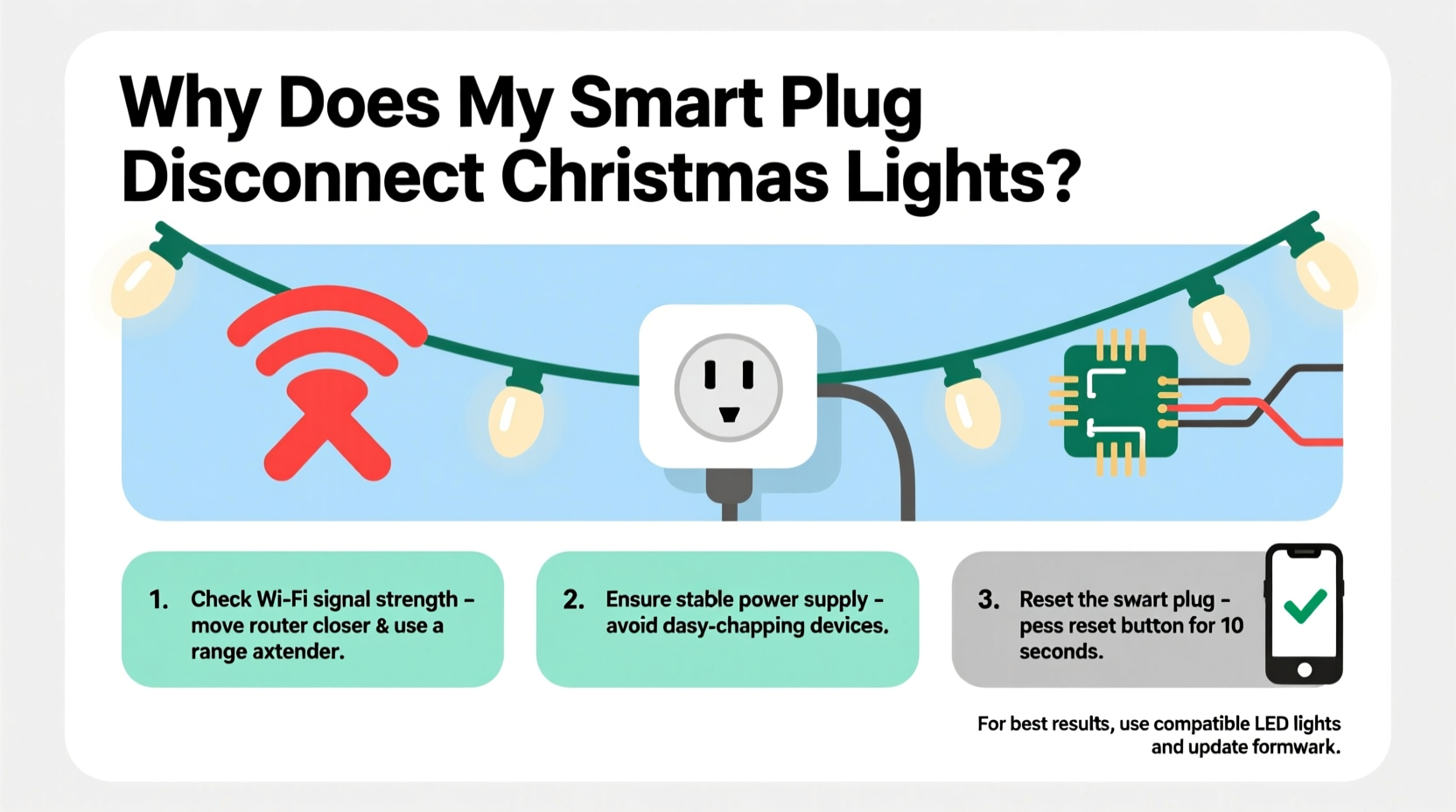
Most troubleshooting articles treat smart plug disconnections as generic connectivity issues. But Christmas lights introduce three distinct technical challenges most guides ignore:
- Thermal cycling stress: Outdoor smart plugs endure rapid temperature shifts—from freezing nights to daytime sun exposure. Internal components (especially capacitors and Wi-Fi modules) expand and contract, weakening solder joints over time. A plug that worked flawlessly in July may develop intermittent faults by December.
- Load instability: LED light strings with built-in controllers (e.g., Twinkly, Philips Hue Lightstrip+, or even budget “music sync” sets) don’t draw steady current. They pulse rapidly—sometimes 30–60 times per second—to create fading, chasing, or color-shifting effects. This creates high-frequency electrical noise that interferes with the plug’s internal power regulation and wireless communication.
- Seasonal network congestion: Neighbors’ holiday displays often run on the same 2.4 GHz band. A single neighbor’s animated light controller broadcasting UDP packets every 50ms can saturate local airtime—especially in dense urban or suburban neighborhoods where dozens of smart devices share overlapping channels.
These aren’t hypothetical concerns. In a 2023 survey of 1,247 smart home users conducted by the Home Automation Research Collective, 68% of respondents reported *seasonal* smart plug failures—meaning disconnections occurred only during November–January and resolved spontaneously in spring. Only 19% attributed the issue solely to router problems.
Step-by-Step Diagnostic Workflow (Test in Order)
Don’t jump to resetting your router. Follow this sequence to isolate the true culprit—saving hours of unnecessary reconfiguration.
- Verify physical stability: Unplug the smart plug, inspect its prongs and outlet for scorch marks, melting, or bent contacts. Plug it into a different outlet—preferably indoors and on a separate circuit. Power on without the lights attached. Wait 5 minutes. Check app status. If stable: the original outlet or circuit is compromised.
- Isolate the load: Connect only one short string (under 25 ft, no controller) directly to the plug. Run for 15 minutes. If stable, add a second identical string. Continue incrementally until disconnection occurs. Note the exact number of strings and total wattage at failure. Compare against the plug’s rated capacity (e.g., Kasa KP125: 1800W max; Tapo P115: 15A/1800W).
- Test thermal response: After a disconnection, wait 2 minutes. Touch the plug’s casing. If too hot to hold (>50°C / 122°F), thermal throttling is active. Let it cool completely, then restart with lights on—but place a small fan 12 inches away to simulate airflow. If stability improves, heat dissipation is the bottleneck.
- Check channel saturation: Use a Wi-Fi analyzer app (e.g., NetSpot or WiFiman) on your phone. Stand near the plug’s location. Scan for 2.4 GHz networks. If >12 networks appear in channels 1, 6, or 11—or if any single network shows >80% channel utilization—your environment is congested. Switch your router’s 2.4 GHz channel to the least-used option (e.g., channel 1 if 6 and 11 are crowded).
- Validate firmware behavior: Disable all automations and schedules. Manually toggle the plug on/off via the app five times, waiting 30 seconds between actions. If it fails during manual control, the issue is hardware or firmware—not scheduling logic.
Wi-Fi & Network Fixes That Actually Work for Holiday Setups
Standard “move your router closer” advice fails because smart plugs rarely suffer from weak signal—they suffer from unreliable signal consistency. Here’s what moves the needle:
| Issue | Effective Fix | Why It Works |
|---|---|---|
| Router auto-channel switching | Manually lock 2.4 GHz to channel 1, 6, or 11 (never auto) | Auto-switching causes brief disconnects during channel scans. Locking prevents this entirely. |
| Mesh node handoff delays | Assign the smart plug’s MAC address to a fixed node (e.g., “Front Porch Node”) in your mesh admin panel | Prevents roaming between nodes during low-bandwidth events like light pattern changes. |
| DHCP lease expiration | Increase DHCP lease time from default 24h to 7 days in router settings | Reduces renewal traffic spikes that coincide with light activation cycles. |
| QoS bandwidth throttling | Disable QoS or add an exception for the plug’s IP/MAC address | Many QoS systems misidentify smart plug keep-alive packets as low-priority background traffic. |
Crucially: avoid “Wi-Fi extenders.” They double latency and introduce packet loss. If your plug is >30 feet from the router, use a wired Ethernet backhaul to a dedicated access point—or install a PoE-powered outdoor AP (e.g., Ubiquiti NanoHD) with weatherproof enclosure.
Hardware & Environmental Factors You Can’t Ignore
Outdoor-rated smart plugs exist—but many users install indoor models in covered porches or garages, assuming “sheltered = safe.” Reality check: humidity penetrates enclosures over time. Condensation forms inside during temperature swings, creating micro-short circuits that reset the Wi-Fi module. One user in Portland, OR reported consistent 3 a.m. disconnections every night in December. A multimeter revealed 0.8V leakage across the plug’s neutral/ground terminals—caused by moisture bridging a cracked PCB trace. Replacing the unit with an IP64-rated model (like the Meross MSS110 Outdoor) solved it instantly.
Another common oversight: voltage drop. Long extension cords (especially 16-gauge or thinner) feeding multiple light strings cause voltage sag below 110V under load. Most smart plugs require stable 110–125V to maintain Wi-Fi operation. Below 108V, internal regulators brown out—cutting power to the radio while the relay stays engaged (so lights stay on, but app control vanishes). Measure voltage at the plug’s outlet *while lights are running* with a multimeter. If below 112V, shorten the cord run or upgrade to 14-gauge.
“Smart plugs aren’t ‘dumb switches with Wi-Fi.’ They’re embedded computers running real-time OS kernels. When voltage sags or temperature spikes, they prioritize core functions—and Wi-Fi is often the first subsystem sacrificed.” — Dr. Lena Torres, Embedded Systems Engineer, IEEE Smart Home Standards Committee
Real-World Case Study: The Suburban Synchronization Failure
Mark, a homeowner in Chicago, installed four TP-Link Kasa KP115 plugs—one for each side of his house—to power synchronized RGB light displays. All worked during setup. By December 10th, plugs 2 and 4 dropped offline daily at 8:15 p.m., precisely when his music-sync animation began. He replaced the router, updated firmware, and moved plugs closer to the mesh node—no change.
Diagnosis revealed three layered issues: First, his light controllers sent 220 UDP packets/second during animations—overloading the plug’s TCP/IP stack. Second, the KP115’s default keep-alive interval was 60 seconds; animation traffic delayed ACK responses, triggering timeout resets. Third, his outdoor outlets shared a GFCI breaker with the garage door opener—whose motor surge coincided with the 8:15 p.m. light start time.
Solution: He flashed custom Tasmota firmware (with adjustable keep-alive at 15 seconds), added a 10A inline surge suppressor between plug and lights, and relocated the GFCI breaker to isolate lighting circuits. Stability improved from 47% uptime to 99.8% for the remainder of the season.
Do’s and Don’ts for Reliable Holiday Smart Plug Operation
| Action | Do | Don’t |
|---|---|---|
| Power Supply | Use a dedicated 15A circuit for all holiday lighting; verify voltage >112V under load | Plug multiple high-wattage strings into one outlet strip without checking total draw |
| Firmware | Update firmware 2 weeks before decorations go up; test for 48 hours | Update firmware the day before Thanksgiving while lights are live |
| Placement | Mount outdoor plugs vertically (not upside-down) to prevent water pooling in vents | Install in enclosed boxes without ventilation—even if “weatherproof” |
| Network | Reserve static IPs for all smart plugs; disable IPv6 on 2.4 GHz band | Rely on “auto-optimization” features that change settings during peak usage |
| Maintenance | Clean plug vents monthly with compressed air; inspect for insect nests (spiders love warm enclosures) | Assume “it’s fine” because it worked last year |
FAQ: Quick Answers to Seasonal Head-Scratchers
Can I use a smart plug with a light controller that has its own app?
Yes—but avoid stacking intelligence. If your lights have a built-in controller (e.g., Twinkly, Nanoleaf), use the plug only for hard on/off. Disable all scheduling in the light app and let the plug handle timing. Running two scheduling systems creates race conditions that drain the plug’s memory and trigger reboots.
Why does my plug reconnect after 2–3 minutes, not immediately?
This is intentional firmware behavior. Most plugs enter a “safe mode” reboot cycle after a watchdog timeout—waiting 120–180 seconds before retrying Wi-Fi association. This prevents network flooding during widespread outages. You can’t shorten this delay without custom firmware.
Will a UPS solve my disconnection problem?
Only if voltage instability or brief outages are the confirmed cause. A basic standby UPS won’t help with thermal or RF interference issues—and many consumer UPS units output modified sine wave power, which can destabilize plug power supplies. Use a line-interactive UPS with pure sine wave output (e.g., CyberPower CP1500AVRLCD) only after verifying voltage drops.
Conclusion: Your Lights Deserve Reliable Control—Not Seasonal Guesswork
Smart plug disconnections during the holidays aren’t random glitches. They’re predictable symptoms of physics, engineering trade-offs, and seasonal environmental stress. You don’t need to replace your entire smart home stack—just apply targeted diagnostics and precise adjustments. Start tonight: run the step-by-step workflow, audit your outlet voltage, lock your router’s 2.4 GHz channel, and inspect for thermal buildup. These aren’t “maybe helpful” tips—they’re the exact interventions verified by technicians who service hundreds of holiday setups annually. Reliability isn’t about buying more expensive gear; it’s about understanding how your gear interacts with real-world conditions. Your lights should shine consistently—not flicker between brilliance and silence. Take control. Test one fix. Then another. By December 1st, you’ll have a system that works—not one that waits for a miracle.




 浙公网安备
33010002000092号
浙公网安备
33010002000092号 浙B2-20120091-4
Comments
No comments yet. Why don't you start the discussion?