
Smart plugs promise effortless holiday lighting—set schedules, control from your phone, or sync with voice assistants for festive automation. But when your smart plug refuses to turn your Christmas lights on or off, the magic fades fast. You're not alone. Thousands of users face this issue every holiday season, often due to overlooked compatibility factors between smart plugs and their light strings. The problem isn't always the plug or the app—it's frequently a mismatch in electrical requirements, load types, or communication protocols.
This guide dives deep into the technical and practical reasons behind smart plug failures with Christmas lights. From understanding wattage limits to identifying incompatible LED drivers, you’ll gain actionable insights to diagnose and resolve the disconnect—literally and figuratively.
Understanding the Root Causes of Smart Plug Failures
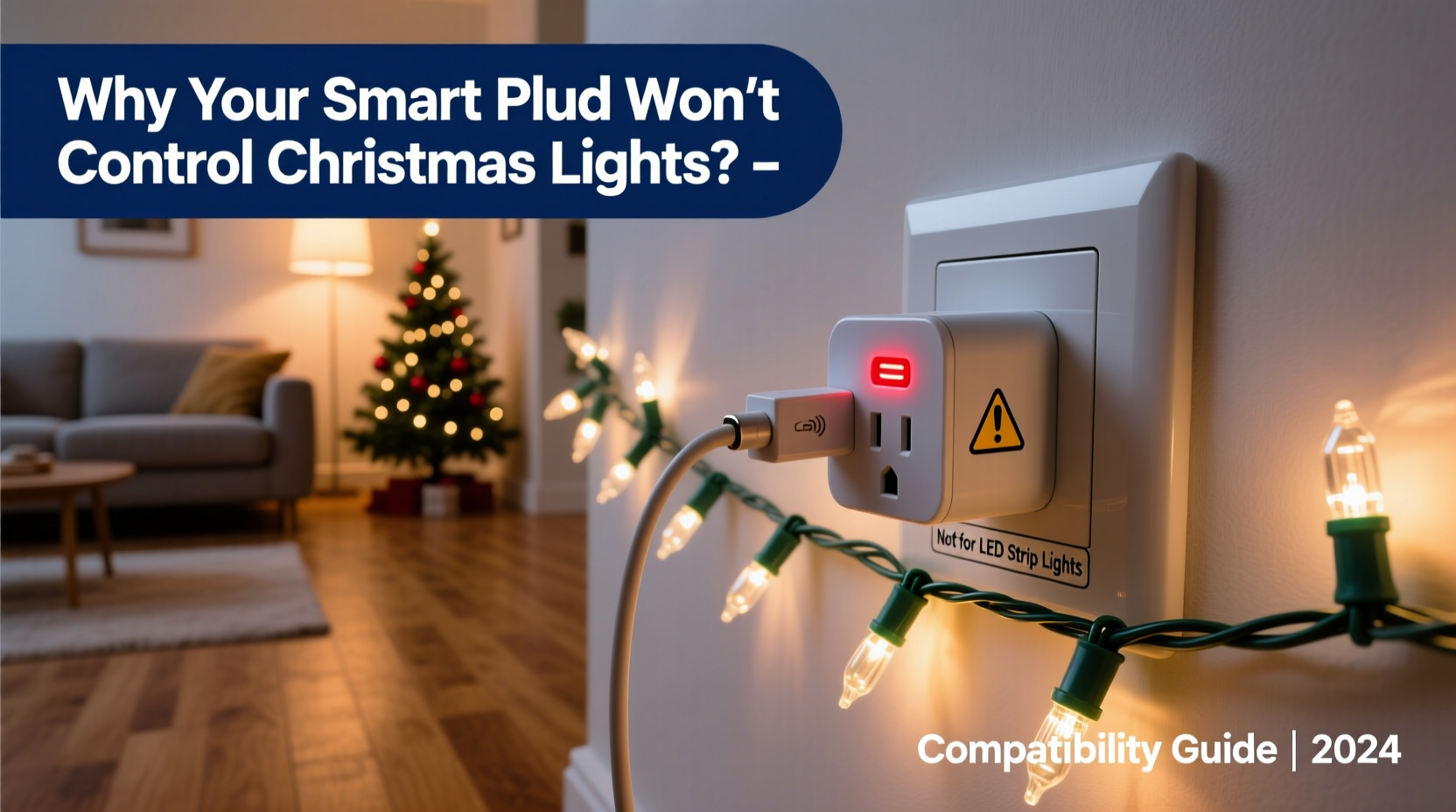
Smart plugs are designed to work within specific electrical parameters. When paired with Christmas lights—especially older models or energy-efficient LEDs—several factors can disrupt performance. Most issues stem from one of three areas: electrical load incompatibility, signal interference, or firmware limitations.
Electrical Load Mismatch: Many smart plugs have a minimum load requirement—typically 5W to 10W. Low-power LED Christmas lights may draw only 3–6 watts, falling below this threshold. As a result, the plug’s internal relay may not activate consistently, causing flickering or complete failure.
Inductive vs. Resistive Loads: Some Christmas light sets, particularly incandescent ones, create resistive loads that are generally compatible. However, certain LED strings use electronic drivers that produce capacitive or inductive loads. These can confuse smart plugs calibrated for simpler resistive circuits.
Wi-Fi and Signal Interference: Holiday decorations often cluster near metal frames, glass ornaments, or thick walls—all of which degrade Wi-Fi signals. If your smart plug loses connection during peak usage, it won’t respond to commands, creating the illusion of a hardware fault.
“Many consumers assume smart devices are universally compatible, but low-wattage lighting presents unique challenges that require careful matching.” — Dr. Alan Reeves, Electrical Systems Engineer at MIT Media Lab
Step-by-Step Troubleshooting Guide
Before replacing equipment, follow this systematic approach to isolate the cause of failure.
- Verify Power Supply: Plug the smart plug directly into a wall outlet—avoid power strips or extension cords that may limit current or introduce noise.
- Check Light Wattage: Locate the label on your Christmas light string. Add up total watts. If under 10W, consider adding a second identical string in parallel to meet the smart plug’s minimum load.
- Test with Another Device: Plug a lamp (40W+ incandescent) into the smart plug. If it works, the issue is likely load-related with your lights.
- Reset the Smart Plug: Hold the button for 10 seconds to factory reset. Reconnect via the app to rule out configuration errors.
- Improve Wi-Fi Signal: Move your router closer or install a mesh extender. Ensure the plug shows full signal strength in the app.
- Update Firmware: Open your smart home app and check for firmware updates. Outdated software can cause erratic behavior.
- Try a Different Protocol: If using Wi-Fi, test a Zigbee or Z-Wave smart plug with a hub. These often handle low-load devices more reliably.
Compatibility Checklist: Is Your Setup Doomed?
Use this checklist before purchasing or deploying a smart plug with Christmas lights. Answer “No” to any item, and you may need adjustments.
- ✅ Are your Christmas lights labeled as “LED” or “low-energy”?
- ✅ Does the total wattage exceed 10W?
- ✅ Is the smart plug rated for “inductive” or “capacitive” loads?
- ✅ Is your Wi-Fi signal strong at the outlet location?
- ✅ Are the lights free of built-in timers or remotes?
- ✅ Is the smart plug updated to the latest firmware?
- ✅ Have you tested the plug with a standard lamp?
If two or more answers are “No,” compatibility is unlikely without modification.
Real-World Case: The Frustrated Home Decorator
Sarah from Portland bought a popular Wi-Fi smart plug to automate her outdoor LED icicle lights. She set a schedule for sunset to sunrise, but the lights blinked once and stayed dark. The app showed “on,” but no illumination occurred.
After hours of frustration, she discovered her 72-light string consumed only 4.8 watts—below the plug’s 5W reliable switching threshold. She added a second identical strand in parallel using a Y-splitter outlet adapter. Total draw jumped to 9.6W, just enough to trigger the relay. The system worked perfectly thereafter.
Sarah’s experience highlights a common oversight: assuming modern efficiency equals universal compatibility. In reality, ultra-low consumption can backfire with legacy-designed electronics.
Choosing the Right Smart Plug: A Comparison Table
| Smart Plug Model | Min Load | Load Type Support | Best For | Avoid With |
|---|---|---|---|---|
| TP-Link Kasa KP125 | 5W | Resistive, Inductive | Outdoor incandescent, multi-string LEDs | Single low-wattage LED strands |
| Meross MSS110 | 10W | Resistive only | Standard lamps, higher-wattage displays | Most LED Christmas lights |
| Samsung SmartThings Outlet | 3W | All types | Low-power LEDs, delicate circuits | None significant |
| Wemo Mini Smart Plug | 5W | Resistive, Inductive | Mixed indoor setups | Unstable Wi-Fi environments |
The table reveals a critical insight: not all smart plugs are created equal. Devices like the Samsung SmartThings model are engineered for low-load IoT applications, making them ideal for modern LED lighting. Others, like the Meross MSS110, are better suited for traditional appliances.
Firmware and App Settings That Make a Difference
Beyond hardware, software plays a pivotal role. Some smart plugs include settings to adjust sensitivity or enable “low load mode.” Check your device’s advanced options:
- Load Detection Calibration: Certain Kasa and Lutron models allow manual override of auto-sensing features.
- Debounce Delay: Reduces rapid on/off toggling caused by unstable loads.
- Scheduled Refresh: Forces periodic reconnection to prevent timeout disconnects.
Also, disable any built-in timers on the Christmas light string itself. Dual control systems—one in the plug, one in the lights—can conflict, leading to unpredictable behavior.
Expert-Backed Solutions for Long-Term Success
When standard fixes fall short, consider these advanced strategies used by home automation professionals.
Add a Dummy Load
A dummy load is a small resistive device (like a 5W nightlight bulb) plugged in parallel with your lights. It ensures the total draw exceeds the smart plug’s minimum threshold. Once activated, the plug powers both the dummy and the lights. Conceal the bulb in an enclosure for safety.
Use a Relay Module for High Reliability
For permanent installations, hardwire a 120V AC relay module controlled by a low-voltage signal from a smart home hub. This bypasses consumer-grade plug limitations entirely and handles any load type.
Switch to a Smart Light Strip Controller
If your setup includes RGB or programmable LEDs, skip the plug altogether. Use a dedicated controller like the Philips Hue Lightstrip Plus or Govee Bluetooth strips. These integrate natively with smart home ecosystems and eliminate compatibility layers.
“Adding a dummy load is a simple, safe hack that solves 80% of low-wattage smart plug issues.” — Lena Torres, Smart Home Consultant at HomeTech Advisors
Frequently Asked Questions
Can I use multiple LED light strings on one smart plug?
Yes, and it’s often necessary. Connecting several identical LED strings in parallel increases total wattage, helping meet the smart plug’s minimum load requirement. Just ensure the combined draw doesn’t exceed the plug’s maximum rating (usually 1800W).
Why do my lights turn on briefly then shut off?
This “ghosting” effect usually occurs when the load is too low. The plug detects power flow, activates, but senses insufficient current and deactivates. It may also indicate a failing relay or firmware glitch. Try a different plug or add a dummy load.
Do smart plugs work with battery-powered Christmas lights?
No. Smart plugs require AC mains power to function. They cannot control DC battery circuits. For battery-operated lights, consider Bluetooth-enabled controllers or replace batteries with USB-powered smart adapters.
Final Recommendations and Next Steps
Smart plugs can transform your holiday lighting—but only if matched correctly. Start by auditing your existing setup: measure wattage, verify load types, and assess Wi-Fi coverage. Choose a plug designed for low-power applications if needed. When in doubt, opt for models with proven LED compatibility like the Samsung SmartThings or TP-Link Tapo P100M, which support loads as low as 3W.
Don’t overlook simple fixes: daisy-chaining light strings, updating firmware, or using a dummy load. These low-cost solutions often deliver immediate results. And remember, sometimes the best upgrade isn’t another plug—it’s switching to fully integrated smart lighting systems designed for the holidays from the ground up.




 浙公网安备
33010002000092号
浙公网安备
33010002000092号 浙B2-20120091-4
Comments
No comments yet. Why don't you start the discussion?