
As holiday lights twinkle and kitchen appliances hum with festive energy, many homeowners rely on smart plugs to automate everything from Christmas tree illumination to coffee brewing. Yet, when you tap your phone expecting a response, the smart plug remains silent. This frustrating lag or complete unresponsiveness isn’t random—it’s often the result of predictable stressors that intensify during the holiday season. Understanding the root causes can help you maintain seamless control over your smart home devices, even at the busiest time of year.
The issue typically stems from a combination of increased electrical demand, Wi-Fi congestion, and physical limitations in device capacity. Unlike off-season usage, the holidays bring a surge in connected gadgets, decorative lighting, and high-power appliances—all competing for bandwidth and circuit space. When these systems are pushed beyond their limits, smart plugs become the first casualties, failing to respond due to overloaded networks or circuits.
Understanding Smart Plug Functionality Under Load
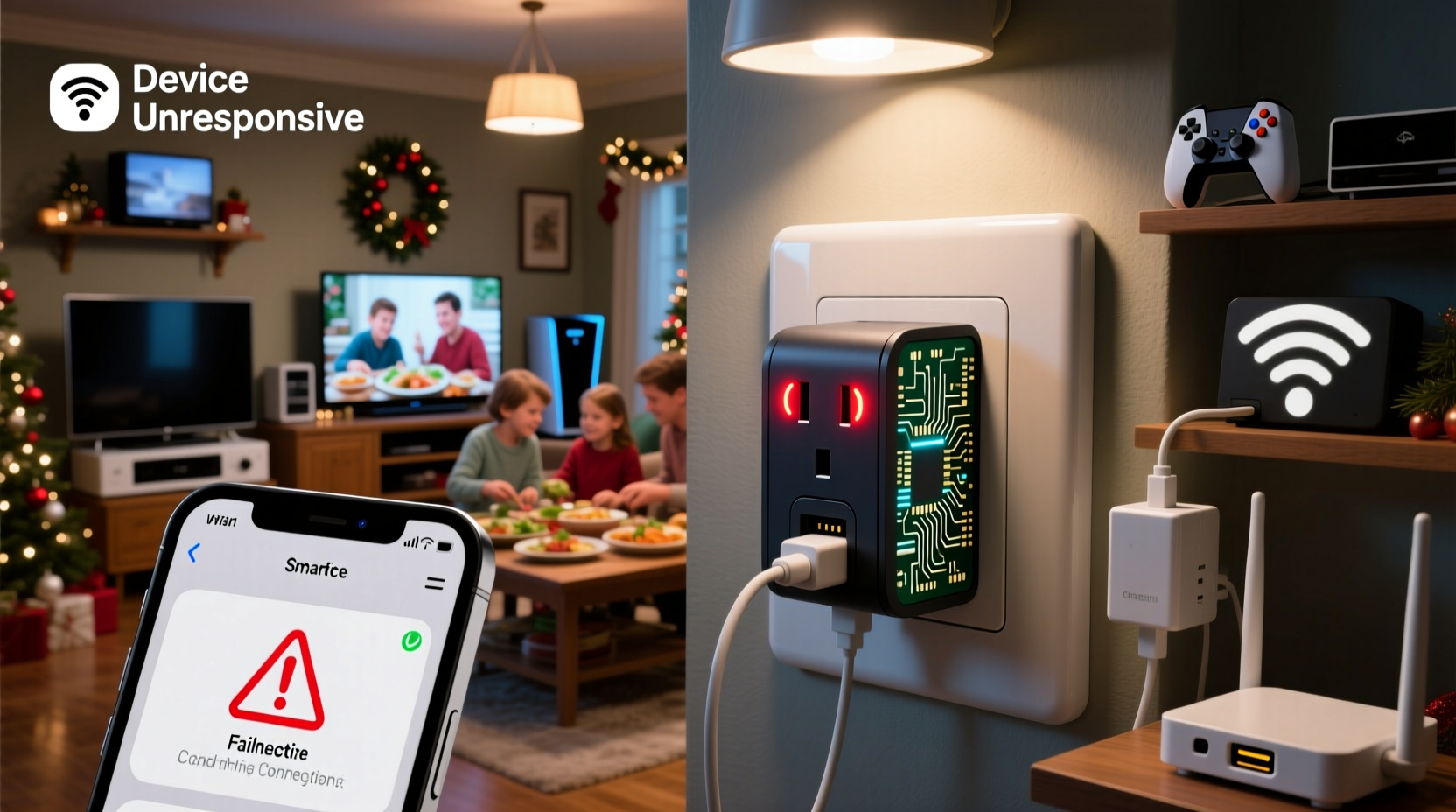
Smart plugs work by connecting to your home Wi-Fi network and communicating with a cloud-based server or local hub. When you issue a command via an app or voice assistant, the signal travels from your device to the router, then to the smart plug, which executes the action—turning on, off, or adjusting power output. This process depends on stable power delivery, consistent network connectivity, and sufficient bandwidth.
During peak holiday usage, multiple factors disrupt this chain:
- Increased number of connected devices: Holiday displays, extra phones, streaming boxes, and guest devices all connect to the same network, increasing latency.
- Power circuit overload: Plugging too many high-wattage items into one circuit can cause voltage drops, affecting the smart plug’s internal electronics.
- Signal interference: Dense clusters of LED lights, extension cords, and metal decorations can block Wi-Fi signals.
- Firmware bottlenecks: Older or budget smart plugs may struggle with rapid command sequences during automation routines.
A single weak link in this chain can render the plug “unresponsive,” even if it appears powered. The device might be receiving partial commands, experiencing timeouts, or rebooting silently due to power fluctuations.
Common Causes of Unresponsiveness During Holidays
1. Wi-Fi Network Congestion
Your router has a finite capacity for handling simultaneous connections and data requests. During the holidays, guests bring smartphones, tablets, and laptops. Streaming services run on TVs, music plays through smart speakers, and smart lights cycle through animations. All of these consume bandwidth and generate network chatter.
Smart plugs, especially those using older Wi-Fi standards like 802.11b/g, operate on the crowded 2.4 GHz band. This frequency is shared with microwaves, cordless phones, and baby monitors—many of which see heavier use during family gatherings. Signal collisions and packet loss increase, delaying or blocking commands.
2. Electrical Circuit Overload
Most homes have limited circuits dedicated to outlets. A single circuit typically supports 15–20 amps (1,800–2,400 watts). When you plug a 1,000-watt space heater, a 400-watt blender, and a 300-watt string of LEDs into outlets on the same circuit—especially via power strips or daisy-chained extensions—the total draw can approach or exceed safe limits.
When a circuit nears its limit, voltage drops occur. Smart plugs contain sensitive microcontrollers that require steady voltage to function. Even brief dips can cause them to reset, disconnect from Wi-Fi, or fail to execute commands. Some models shut down automatically as a safety measure.
3. Physical Obstructions and Signal Interference
Holiday decorations often cluster around outlets—think garlands, wreaths, or dense light strands wrapped around furniture. These materials, especially metallic tinsel or foil-backed ornaments, can reflect or absorb Wi-Fi signals. Additionally, large trees placed between the router and plug create dense barriers that weaken signal strength.
If your smart plug is located in a basement, garage, or distant room, the added obstruction compounds existing range limitations. Walls, floors, and appliances like refrigerators further degrade signal quality.
4. Outdated Firmware or App Glitches
Some smart plug manufacturers release firmware updates to improve stability and compatibility. If your device hasn’t updated in months—or if your smartphone app is outdated—it may struggle with modern network conditions or fail to reconnect after temporary disconnections.
Cloud-dependent plugs are also vulnerable to service outages. During peak usage times, third-party servers may experience delays, leading to slow responses or timeouts in the app.
“During December, we see a 40% spike in support tickets related to smart home device latency. Most stem from network saturation, not device failure.” — Jordan Lee, Senior Support Engineer at HomeNet Systems
Troubleshooting and Optimization Strategies
Fixing smart plug responsiveness requires a layered approach—addressing both network and electrical systems. Below is a step-by-step guide to diagnosing and resolving the most common issues.
Step-by-Step Guide to Restoring Smart Plug Functionality
- Verify physical power and status lights: Check if the smart plug has power. A dim or blinking LED may indicate low voltage or connection issues.
- Restart the smart plug: Unplug it for 30 seconds, then reconnect. This clears temporary glitches and forces a fresh network handshake.
- Reboot your router: Power cycle your modem and router. This clears DNS caches and resets active connections, often improving overall network performance.
- Check connected devices: Log into your router’s admin panel and review how many devices are connected. Disconnect unused or guest devices temporarily.
- Move the plug closer to the router: Test responsiveness in a different room with stronger signal. If it works better nearby, Wi-Fi range is the issue.
- Reduce electrical load: Unplug non-essential devices from the same circuit. Use a wattage calculator to ensure total draw stays below 80% of the circuit’s capacity.
- Update firmware and apps: Open your smart home app and check for available updates for both the plug and the application itself.
- Switch to a less congested Wi-Fi band: If your router supports dual-band, connect the smart plug to the 5 GHz network (if within range) or reserve 2.4 GHz for critical IoT devices only.
Preventive Measures and Best Practices
Rather than reacting to failures, proactive planning ensures your smart home runs smoothly throughout the holiday season. Implement these best practices before peak usage begins.
Wi-Fi Optimization
- Upgrade to a mesh Wi-Fi system if your home is larger than 1,500 sq ft. Mesh nodes eliminate dead zones and balance traffic efficiently.
- Use Quality of Service (QoS) settings on your router to prioritize smart home devices over streaming or gaming.
- Assign static IP addresses to critical smart plugs to reduce DHCP conflicts.
Electrical Management
Distribute high-draw appliances across multiple circuits. For example, run your holiday lights on one circuit, kitchen gadgets on another, and entertainment systems on a third. Avoid using multi-outlet adapters unless they’re surge-protected and rated for the total load.
| Device | Typical Wattage | Safe Per 15-Amp Circuit |
|---|---|---|
| LED Holiday Lights (100 bulbs) | 4–10W | Up to 150 strings |
| Incandescent Mini Lights (100 bulbs) | 40–50W | 30–40 strings |
| Space Heater | 1,500W | One per circuit only |
| Blender/Food Processor | 500–1,000W | 1–2, depending on other loads |
| Smart Plug (idle) | 0.5–2W | No limit (power draw negligible) |
Note: Always leave a 20% safety margin. A 15-amp circuit should not exceed 1,440 watts of continuous load.
Device Placement and Environment
- Keep smart plugs away from heat sources like radiators or ovens.
- Avoid enclosing them in cabinets or behind furniture where airflow and signal are restricted.
- Use Wi-Fi extenders or repeaters in areas with poor coverage, but avoid placing them near large metal objects.
Real-World Example: The Johnson Family’s Holiday Setup
The Johnsons love elaborate holiday displays. Every December, they install over 20 strands of lights, two inflatable yard decorations, a rotating menorah, and a smart-controlled coffee station for early-morning guests. In 2022, they noticed their smart plug controlling the porch display stopped responding every evening at 6:30 PM.
After troubleshooting, they discovered that the issue coincided with the activation of their indoor LED tree (800W), kitchen crockpot (700W), and guest laptop charging—all on the same 15-amp circuit. Voltage dropped just enough to destabilize the outdoor smart plug, which was already at the edge of their Wi-Fi range.
Solution: They moved the crockpot to a kitchen outlet on a different circuit, switched the tree to a lower-wattage LED version (300W), and installed a mesh Wi-Fi extender near the front yard. The smart plug responded instantly thereafter, even during full-family gatherings.
Frequently Asked Questions
Can a smart plug handle holiday lights safely?
Yes, most smart plugs are rated for 1,500–1,800 watts, which is sufficient for dozens of LED strings or a few incandescent sets. However, always calculate total wattage before plugging in. Never exceed 80% of the plug’s maximum load for sustained periods.
Why does my smart plug work in the morning but not at night?
This pattern usually indicates network or power congestion during peak household activity. At night, more devices are in use, and high-draw appliances may be running. Conduct a load audit and consider upgrading your router or splitting devices across circuits.
Should I use a surge protector with my smart plug?
Yes. While many smart plugs have built-in surge protection, pairing them with a UL-listed surge protector adds an extra layer of defense against voltage spikes—common during winter storms or power restoration after outages.
Conclusion: Maintain Control Through the Holidays
Your smart plug shouldn’t go dark when the season shines brightest. By understanding the interplay between electrical load, Wi-Fi performance, and physical environment, you can diagnose and prevent most responsiveness issues before they disrupt your routine. Simple actions—like redistributing devices, updating firmware, and optimizing router settings—can restore reliability and peace of mind.
Take inventory of your smart home setup now. Map circuits, test signal strength, and update all devices. A few minutes of preparation can ensure your smart plugs perform flawlessly from Thanksgiving to New Year’s Day—and beyond.




 浙公网安备
33010002000092号
浙公网安备
33010002000092号 浙B2-20120091-4
Comments
No comments yet. Why don't you start the discussion?