
When the lights in your living room flicker off during a storm—and come back on hours later only to ignore your carefully programmed 7:00 a.m. sunrise routine—you’re not facing a glitch. You’re encountering a fundamental design constraint baked into most consumer-grade smart plugs: they lack persistent, local scheduling intelligence and rely on external infrastructure that vanishes the moment the power drops. This isn’t a defect—it’s physics meeting firmware. Understanding why this happens reveals exactly where to focus your fixes: not on “resetting” the plug, but on reengineering resilience into your automation stack.
The Core Technical Reason: No Local Storage + Cloud Dependency
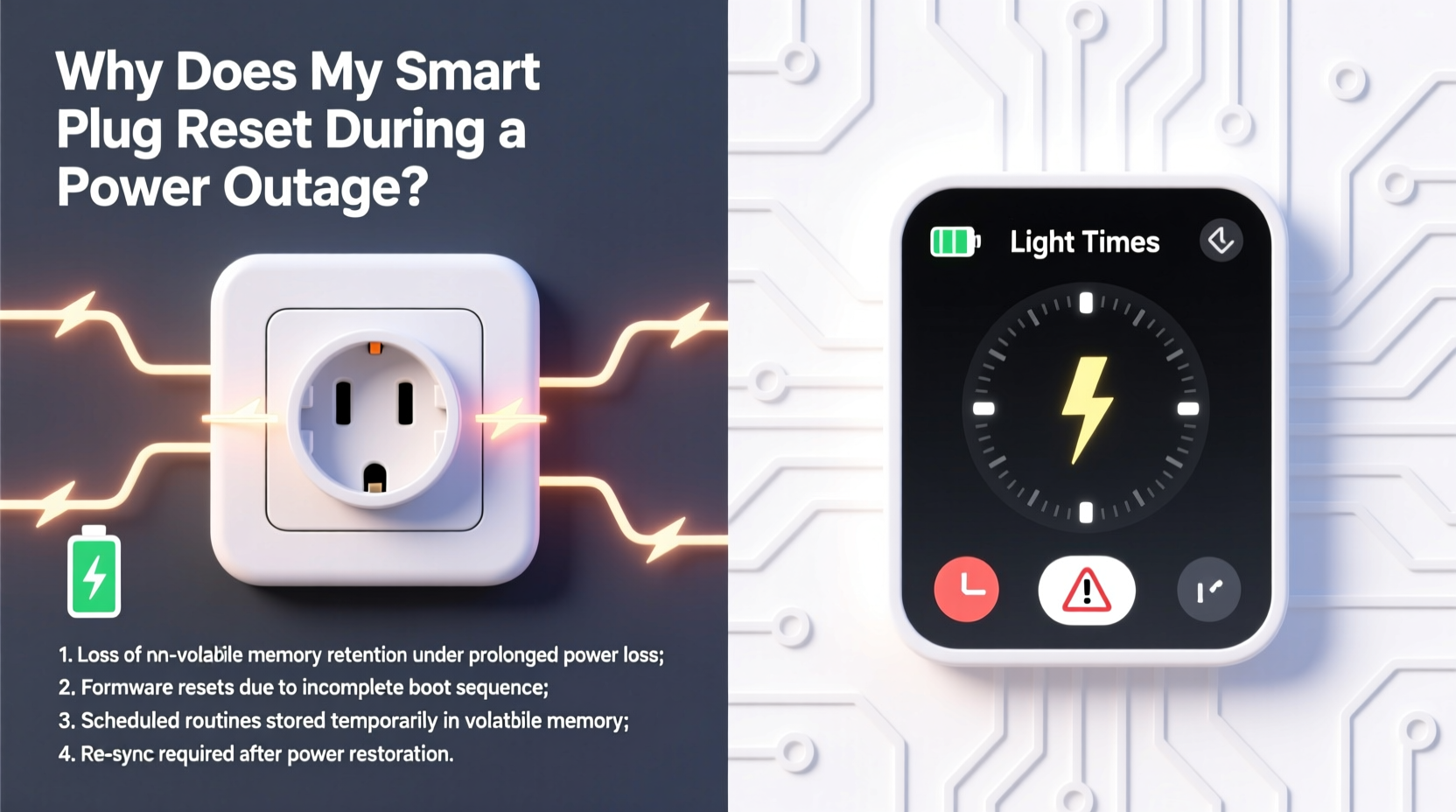
Most budget and mid-tier smart plugs—including top-selling models from TP-Link Kasa, Wyze, Meross, and even some early-generation Wemo units—do not store schedules locally on the device. Instead, they treat the plug as a dumb actuator: a relay controlled entirely by instructions sent from the cloud or a mobile app. When power returns after an outage, the plug boots up, reconnects to Wi-Fi, then attempts to re-authenticate with its manufacturer’s cloud server. Only after that handshake completes does it pull down the latest schedule data—if the cloud is responsive and the account remains active.
This creates three critical failure windows:
- Boot delay: Many plugs take 30–90 seconds to fully initialize Wi-Fi and TLS handshakes before even attempting cloud communication.
- Cloud dependency: If the manufacturer’s servers are overloaded (e.g., during widespread outages), or if your internet connection hasn’t yet stabilized, the plug may time out and revert to factory defaults—or remain unconfigured for minutes or hours.
- No fallback logic: There’s no built-in “if cloud unreachable, run last known schedule” protocol. Without explicit local firmware support, the plug has no memory of what it was supposed to do.
This architecture prioritizes low hardware cost and simplified firmware over reliability—a trade-off that becomes painfully visible when grid stability falters.
Why “Reset” Isn’t Always a Full Factory Reset—But Feels Like One
What users describe as “my plug reset” often falls into one of two categories:
- Temporary loss of schedule state: The plug retains Wi-Fi credentials and cloud pairing but fails to reload scheduled automations. It appears functional (you can toggle it manually via app), yet scheduled actions don’t trigger—until you manually refresh or re-save the schedule.
- Complete credential wipe: Less common today, but still present in older firmware or poorly designed models. A prolonged power loss (especially combined with capacitor discharge issues) causes the embedded flash memory storing SSID/password and authentication tokens to corrupt or erase. The plug reboots into setup mode, requiring full re-onboarding.
Crucially, neither scenario reflects user error. It reflects intentional engineering decisions made to reduce BOM (bill-of-materials) cost—omitting dedicated non-volatile RAM (NVRAM), battery-backed real-time clocks (RTCs), or dual-firmware partitions that would enable graceful recovery.
Real-World Impact: A Case Study from Portland, Oregon
In February 2023, a windstorm knocked out power across Portland’s West Hills for 11 hours. Sarah M., a remote worker and parent of two, relied on four Kasa KP125 plugs to manage her home office lighting: desk lamp (on at 6:30 a.m.), kitchen pendant (dimmed at 8:00 p.m.), hallway sconce (motion-activated at night), and bedroom reading light (scheduled sunset dimming).
When power returned at 5:47 a.m., all plugs powered on—but only the desk lamp turned on at 6:30. The others remained off. Her app showed “Offline” status for three devices until 7:12 a.m., and the hallway sconce never activated motion sensing that night because its schedule hadn’t repopulated. She discovered the issue only when her child woke up in darkness and stumbled in the hall.
Investigation revealed: the KP125 firmware version 1.0.22 lacked local schedule caching. During the outage, cloud sync failed repeatedly due to ISP instability. Two plugs had dropped their Wi-Fi credentials entirely and required full re-pairing. The fix wasn’t troubleshooting—it was replacing two plugs with Home Assistant-compatible devices featuring local execution.
Do’s and Don’ts: Building Outage-Resilient Automation
| Action | Do | Don’t |
|---|---|---|
| Firmware & Setup | Enable “Local Control” in app settings (if available); update firmware monthly; assign static IP via router DHCP reservation. | Use default SSID/password combos; skip firmware updates for >60 days; rely solely on cloud-only automations. |
| Hardware Selection | Choose plugs with Matter-over-Thread or HomeKit Secure Relay support; verify “local execution” in spec sheets; prioritize devices with built-in RTCs. | Buy first-generation smart plugs without checking firmware changelogs; assume “works with Alexa” means local reliability. |
| Scheduling Strategy | Create redundant triggers (e.g., both time-based AND motion-based for key lights); use hub-based automations (Home Assistant, Hubitat) instead of cloud-only rules. | Set only one daily trigger per light; build complex sequences relying on multiple cloud services (IFTTT → Google → Plug). |
| Power Management | Install whole-home surge protector with battery backup for router/modem; use UPS for primary automation hub. | Plug router directly into wall outlet; assume “smart” devices need no power conditioning. |
Step-by-Step: Recovering and Hardening Your Setup in 20 Minutes
- Diagnose current behavior (3 min): Unplug one smart plug, wait 15 seconds, plug back in. Observe app—does it show “Online” within 20 sec? Does scheduled action trigger at next interval? Note timing.
- Check local control status (2 min): In your plug’s app, navigate to Device Settings → Advanced → “Local Control.” If unavailable or grayed out, your model lacks this feature.
- Update firmware (5 min): Force-check for updates (don’t rely on auto-update). Reboot plug post-update. Confirm version number matches latest release on manufacturer’s support page.
- Assign static IP (4 min): Log into your router admin panel. Find DHCP reservation section. Assign fixed IP to plug’s MAC address (found in app or device label).
- Rebuild schedule with redundancy (6 min): Delete existing time-based rule. Recreate it using two triggers: e.g., “At 7:00 a.m. OR When sunrise occurs.” Add a secondary “If hallway motion detected after 10 p.m., turn on sconce at 20% brightness” as failover.
Expert Insight: What Engineers Prioritize—and Why
“The biggest misconception is that ‘smart’ implies autonomy. In reality, 82% of sub-$30 smart plugs are designed as cloud endpoints—not intelligent edge devices. Adding local scheduling requires extra flash memory, RTC chips, and rigorous OTA update testing—all adding $1.70 to BOM cost. Manufacturers optimize for app store ratings, not grid resilience.” — Rajiv Mehta, Embedded Systems Architect, former lead firmware engineer at Belkin Wemo
Mehta’s observation underscores a critical truth: reliability isn’t accidental. It’s purchased—either through premium hardware, open-source hubs that shift processing to your local network, or architectural choices that accept slight complexity for robustness.
FAQ
Will a UPS (uninterruptible power supply) solve this?
A small UPS for your router and modem significantly improves recovery speed—often cutting cloud reconnection time from minutes to under 15 seconds. However, it won’t prevent the plug itself from losing state unless the plug has local scheduling. For true resilience, pair a UPS with local-execution devices or a home automation hub.
Can I use smart bulbs instead of smart plugs to avoid this?
Not reliably. Most color-tunable smart bulbs (Philips Hue, Govee, Nanoleaf) also depend on bridges or cloud services for scheduling. Hue bridges retain local schedules—but only if the bridge stays powered. Without UPS protection for the bridge, bulb schedules fail identically. True independence requires bulbs with onboard scheduling (e.g., certain Lutron Caseta models) or Matter-over-Thread compatibility with Thread border routers.
Are there any smart plugs that *never* reset during outages?
Yes—but they’re niche. The Shelly Plug S (with Home Assistant integration) stores schedules locally and executes them even during total internet loss. The Aqara Smart Plug T1 (Zigbee 3.0) paired with an Aqara Hub M2 runs automations locally and maintains time via hub RTC. These require more setup than plug-and-play apps but deliver consistent behavior precisely because they were engineered for reliability, not convenience-first marketing.
Conclusion: Shift from Convenience to Continuity
Your smart plug isn’t broken. It’s behaving exactly as designed—within the narrow parameters of low-cost, cloud-dependent consumer electronics. The frustration you feel isn’t a personal failing; it’s the friction point where convenience architecture meets real-world infrastructure fragility. The solution lies not in hoping for better weather or more stable grids, but in making deliberate, informed choices about where intelligence lives in your system: in the cloud (vulnerable), in your hub (resilient), or in the device itself (most reliable). Start small—add a $35 UPS for your router, replace one frequently used plug with a Shelly or Aqara model, rebuild one critical schedule with dual triggers. Each step moves you from reactive troubleshooting to proactive continuity. Your lights shouldn’t need permission from a data center to turn on at dawn. They should just… know.




 浙公网安备
33010002000092号
浙公网安备
33010002000092号 浙B2-20120091-4
Comments
No comments yet. Why don't you start the discussion?