
Smart speakers like Amazon Echo, Google Nest, or Apple HomePod are designed to simplify daily routines—especially when it comes to controlling smart home devices with voice commands. Yet, many users find themselves frustrated when they say, “Turn on the living room lights,” only to hear a detailed weather forecast instead. This isn’t a hardware flaw or random glitch—it’s usually a symptom of deeper issues in device configuration, voice recognition, or ecosystem integration. Understanding why this happens is the first step toward regaining reliable control over your smart home.
Voice assistants rely on natural language processing (NLP) to interpret what you say, but their accuracy depends on context, phrasing, connected devices, and even ambient noise. When commands are misunderstood, it often reveals gaps in setup rather than limitations of the technology itself. The good news? Most of these problems are fixable with a few targeted adjustments.
How Voice Assistants Interpret Commands
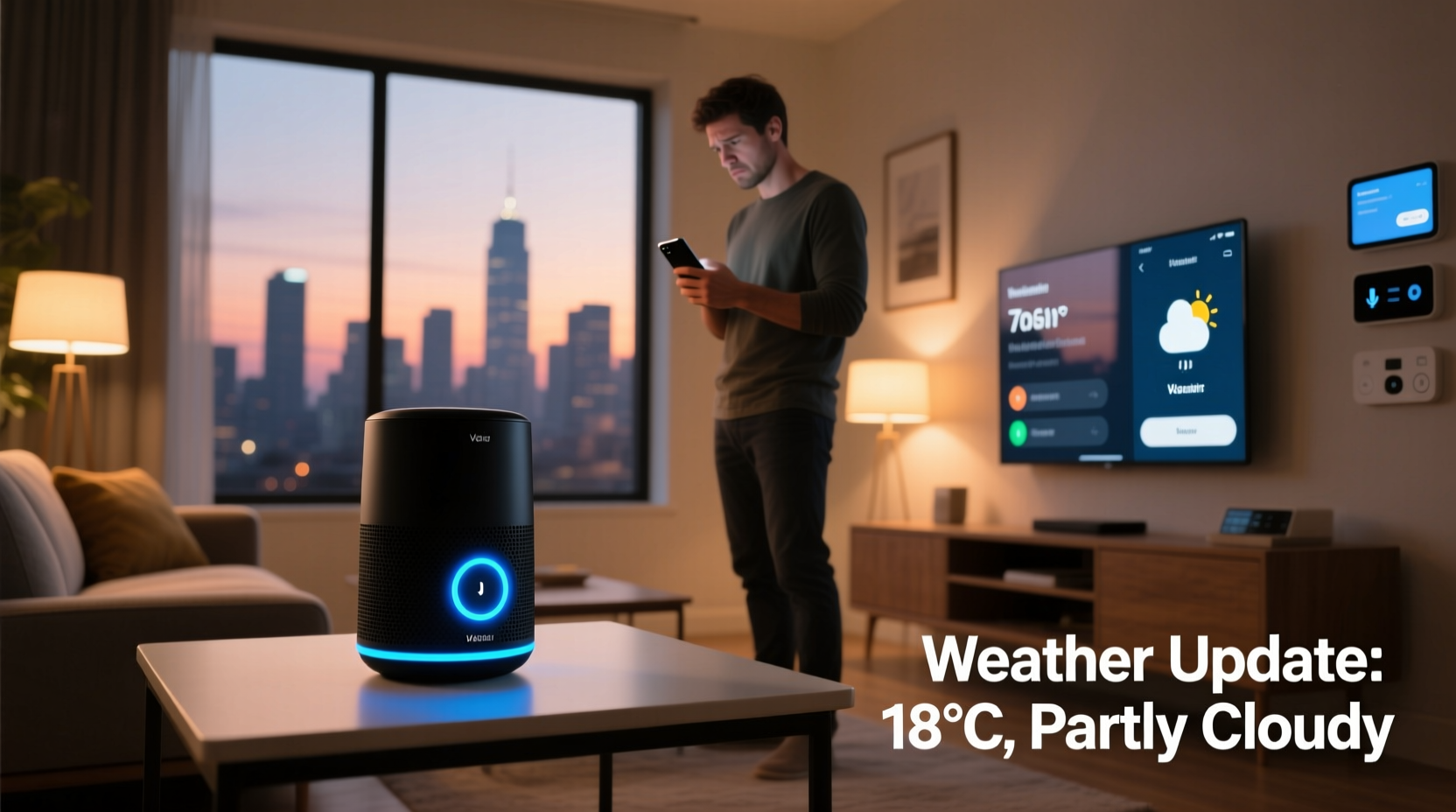
At the core of every smart speaker is a voice assistant—Alexa, Google Assistant, or Siri—that listens for trigger words (“Alexa,” “Hey Google,” “Hey Siri”) before activating and analyzing your request. Once activated, the assistant breaks down your sentence using NLP algorithms trained on millions of voice samples. It identifies keywords, intent, and entities (like device names or locations) to determine the appropriate action.
For example, saying “Turn on the kitchen lights” contains:
- Intent: Turn on a device
- Entity: Kitchen lights
- Action: On
But if the assistant hears “kitchen” as “weather” due to background noise or accent variation—or if no device named “kitchen lights” exists in your system—it may default to a common fallback: providing weather updates. This is especially likely because weather queries are among the most frequent user requests, making them a high-probability interpretation when ambiguity arises.
“Voice assistants prioritize statistically common responses when confidence in intent detection drops below a threshold.” — Dr. Lena Patel, NLP Researcher at MIT Media Lab
Common Causes of Misinterpreted Commands
The shift from lighting control to weather reports typically stems from one or more of the following root causes:
1. Poor Device Naming or Labeling
If your smart lights aren’t clearly labeled in the app (e.g., named “Device 3” instead of “Bedroom Lights”), the assistant may not recognize them during speech processing. Similarly, duplicate names across rooms can confuse location-based commands.
2. Incomplete Smart Home Integration
Your smart speaker must be properly linked to your lighting system via the correct app or platform (e.g., Philips Hue, TP-Link Kasa, or SmartThings). If the connection fails or syncs incorrectly, the assistant won’t see the lights as controllable devices.
3. Ambient Noise or Speech Clarity Issues
Noisy environments, mumbled speech, or fast delivery can distort key syllables. For instance, “lights” might sound like “likes” or “night,” triggering social media or time-based responses instead.
4. Regional Accents and Dialects
While modern assistants support multiple accents, some dialects are still underrepresented in training data. Users with strong regional inflections may experience higher error rates unless voice profiles are customized.
5. Default Fallback Responses
When uncertain, assistants often fall back to safe, non-actionable responses like weather, time, or news. These prevent unintended actions but increase user frustration when they override valid commands.
Step-by-Step Guide to Fix Command Misfires
Follow this structured troubleshooting process to resolve incorrect responses and restore proper light control:
- Verify Device Connection
Open your smart speaker’s companion app (e.g., Alexa, Google Home). Confirm that your lights appear under “Devices” and show a green active status. If not, reconnect or re-pair them. - Check Device Names and Room Assignments
Rename each light clearly (e.g., “Living Room Ceiling Light”) and assign it to the correct room. Avoid generic terms like “lamp” or “bulb.” - Re-sync Your Smart Home Devices
In the Alexa app: Go to Devices > + > Add Device > Smart Home > [Your Brand]. For Google Home: Tap Devices > + > Set up device > Works with Google. This forces a fresh scan for all connected devices. - Train Your Voice Model (Google & Alexa Only)
Enable voice match and complete voice training:- Alexa: Settings > Your Profile > Voice Training
- Google: Assistant Settings > Voice Match > Retrain Voice Model
- Test Commands in Quiet Environment
Eliminate background noise and speak slowly. Use full phrases like “Hey Google, turn on the bedroom lights” instead of clipped versions. - Disable Conflicting Routines
Check if any automated routines trigger weather announcements upon hearing “turn on” or similar phrases. Disable or edit conflicting rules. - Update Firmware and Apps
Ensure your smart speaker, lights, and mobile app are running the latest software versions. Outdated firmware can cause compatibility issues.
Tips to Prevent Future Errors
Maintaining consistent performance requires proactive habits. Implement these best practices to minimize misinterpretations:
| Practice | Benefit | How to Apply |
|---|---|---|
| Use unique, descriptive device names | Reduces confusion between similar devices | Name lights by room and function (e.g., “Kitchen Pendant Light”) |
| Group devices into scenes | Enables single-command control | Create a “Movie Night” scene that dims all relevant lights |
| Enable voice confirmation for actions | Provides feedback when commands succeed or fail | In Alexa: Settings > Voice Responses > Confirm Smart Home Actions |
| Position speaker away from reflective surfaces | Improves audio clarity and echo cancellation | Place on a soft surface, not near mirrors or glass |
Mini Case Study: Sarah’s Morning Routine Gone Wrong
Sarah, a remote worker in Denver, set up her Amazon Echo Dot to turn on bedroom lights at 7 a.m. daily. But every morning, she heard, “Currently, it’s 58 degrees and partly cloudy in Denver.” Confused, she manually turned on the lights, assuming it was a one-off issue.
After days of repeated errors, she investigated. She discovered two problems: First, her smart bulb was listed as “Bulb_12A3” in the Alexa app—no clear name or room assignment. Second, she had an old routine titled “Morning Update” that automatically played weather upon detecting motion (linked to a now-uninstalled sensor).
She renamed the bulb to “Bedroom Main Light,” reassigned it to the bedroom group, deleted the outdated routine, and created a new scheduled action: “At 7:00 AM, turn on Bedroom Main Light.” The next morning, the lights came on without a word about the weather.
This case illustrates how naming conventions and legacy automation can silently undermine functionality—even when hardware works perfectly.
Checklist: Restore Reliable Light Control
Use this checklist to audit and correct your smart speaker setup:
- ✅ All smart lights appear in the assistant app under “Devices”
- ✅ Each light has a clear, unique name and correct room label
- ✅ Smart home account (e.g., Hue, Kasa) is linked and authorized
- ✅ Devices were re-discovered/synced after setup changes
- ✅ Voice training completed for primary users
- ✅ No conflicting routines override lighting commands
- ✅ Speaker is placed in optimal listening position
- ✅ Firmware and apps updated within the last 30 days
Frequently Asked Questions
Why does Alexa respond with weather even when I mention lights?
This usually happens when the assistant doesn’t recognize the device name or detects low confidence in your command. It defaults to weather because it’s a common query. Verify that your lights are properly named and synced in the Alexa app.
Can background music cause command mix-ups?
Yes. High-volume audio interferes with microphone sensitivity. Smart speakers use beamforming to isolate voices, but loud music reduces accuracy. Pause playback before issuing critical commands, or increase mic sensitivity in settings if available.
Will changing my wake word help reduce errors?
Possibly. Some wake words like “Computer” (Alexa) or “Ok Google” are less prone to false triggers than others. However, this won’t fix underlying recognition issues—focus first on device labeling and voice training.
Conclusion: Regain Control with Precision and Consistency
Hearing a weather report when you want lights on isn’t just annoying—it breaks the promise of seamless smart home living. But the solution lies not in replacing your devices, but in refining how they understand you. Clear naming, accurate integrations, and deliberate voice habits transform erratic behavior into reliable automation.
Take a few minutes today to review your device list, retrain your voice profile, and eliminate outdated routines. These small steps compound into a smarter, more responsive environment. Your smart speaker can do more than tell you about the rain—it can create the perfect ambiance with a single phrase. Make sure it knows exactly what you mean.




 浙公网安备
33010002000092号
浙公网安备
33010002000092号 浙B2-20120091-4
Comments
No comments yet. Why don't you start the discussion?