
Smart speakers have transformed how we interact with technology at home—turning on lights, playing music, setting timers, or checking the weather with just our voice. But nothing disrupts the magic faster than a device that responds to “play jazz music” with “playing cat videos.” If your smart speaker regularly mishears commands, you're not alone. The issue often isn’t the device itself, but where it’s placed. Microphone performance is highly sensitive to location, ambient noise, and environmental acoustics. Understanding why these devices struggle—and how to fix it—can dramatically improve reliability without upgrading hardware.
Why Smart Speakers Mishear Commands
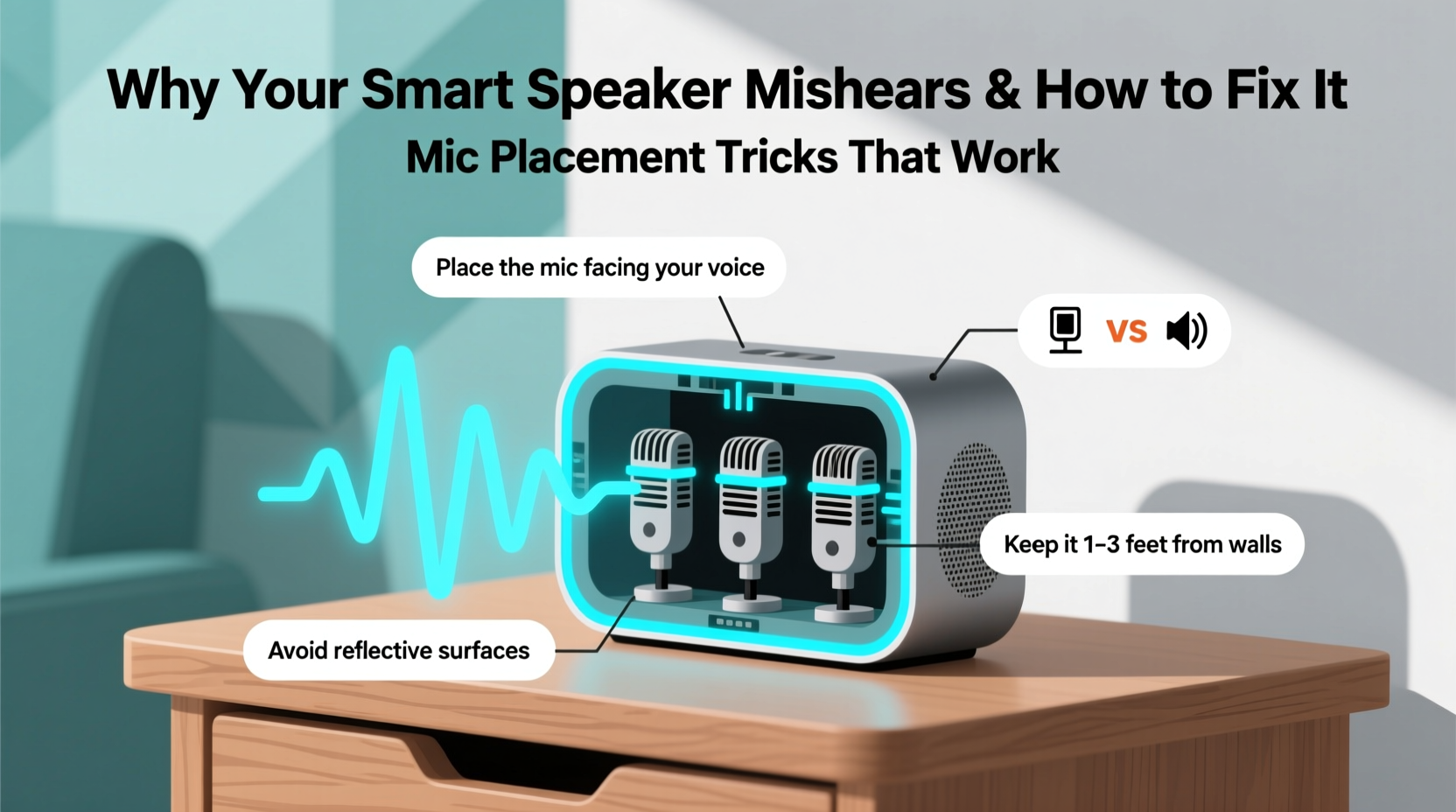
Despite advances in AI and natural language processing, smart speakers rely heavily on clear audio input to function properly. When background noise, poor positioning, or acoustic interference muddles your voice, even the most advanced voice assistant can fail. Here are the most common reasons behind misunderstood commands:
- Ambient noise: Refrigerators humming, fans running, or TVs playing create competing sound frequencies that drown out speech.
- Distance from the microphone: Speaking from across the room reduces signal clarity, especially if you’re not facing the device.
- Acoustic reflections: Hard surfaces like tile, glass, or bare walls cause echoes, distorting the original voice input.
- Obstructed microphones: Placing the speaker inside a cabinet, behind books, or under a lampshade blocks sound waves.
- Multiple voices or overlapping speech: In households with several people, cross-talk confuses wake-word detection.
According to Dr. Lena Park, an audio systems engineer at MIT Media Lab, “Even high-end voice recognition models degrade significantly when the signal-to-noise ratio drops below 15 dB. Most living rooms operate between 8–12 dB during normal activity.” This means everyday household sounds are enough to push your speaker past its reliable operating threshold.
“Microphone placement is as critical as internet speed for voice assistant performance. A well-placed $50 speaker often outperforms a premium model in a poor location.” — Dr. Lena Park, Audio Systems Engineer, MIT Media Lab
The Science Behind Smart Speaker Microphones
Most smart speakers use an array of two to seven microphones arranged in a circular or linear pattern. This design enables beamforming—a signal-processing technique that focuses on sound coming from a specific direction while filtering out noise from other angles. However, beamforming only works effectively when certain conditions are met:
- The speaker must detect slight time delays between when sound reaches each mic.
- The environment should allow clean sound wave propagation.
- There must be minimal physical obstruction around the mic array.
When a speaker is tucked into a corner or covered by fabric, the directional sensitivity diminishes. Sound waves arrive distorted or delayed, making it harder for the system to isolate your voice. Additionally, materials like wood, fabric, and plastic absorb high-frequency sounds—the very frequencies that carry consonant clarity (like “s,” “t,” and “k” sounds). Muffled consonants lead directly to misinterpretations: “turn off the kitchen light” becomes “turn on the chicken night.”
Mic Placement Tricks That Actually Work
You don’t need technical expertise to optimize your smart speaker’s performance. Simple adjustments to placement can yield dramatic improvements. Below are proven techniques used by audio technicians and smart home installers.
1. Elevate the Speaker to Ear Level
Position your device between 3 and 5 feet above the floor—roughly average adult ear height. This aligns the microphone array with typical speaking positions, whether you're standing or seated. Placing it too low (e.g., on the floor) forces sound waves to travel upward, increasing reflection and distortion.
2. Center It in High-Traffic Areas
Place the speaker in the center of the room where conversations naturally occur—near sofas, kitchen islands, or entryways. Avoid corners, which amplify bass frequencies and create dead zones for voice pickup. Central locations ensure more consistent coverage.
3. Keep It Away From Noise Sources
Never place your speaker next to appliances like refrigerators, air purifiers, or TVs. These generate constant low-frequency noise that masks speech. Even subtle vibrations from nearby electronics can interfere with sensitive mic diaphragms.
4. Face It Toward You, Not the Wall
Orient the front of the speaker (where the mic array usually faces) toward the main seating or standing area. Many users unknowingly turn their device backward when placing it on a shelf. Check your model’s manual to confirm mic directionality.
5. Use Open Shelves Instead of Enclosures
If aesthetics require hiding the speaker, opt for open-backed shelves rather than closed cabinets. Solid doors trap sound and cause reverberation. Fabric covers or speaker grilles made of dense material also reduce sensitivity.
6. Add Soft Furnishings to Dampen Echoes
In echo-prone spaces like kitchens or bathrooms, add rugs, curtains, or upholstered furniture to absorb excess sound. These materials prevent voice signals from bouncing multiple times before reaching the mic, reducing garbled input.
7. Test Performance in Real Time
After repositioning, test the speaker from various distances and angles. Say common commands like “Set a timer for 10 minutes” or “What’s the weather today?” Repeat from different parts of the room. Note any inconsistencies and adjust accordingly.
“Voice assistants aren’t failing you—they’re hearing you wrong. Fix the path your voice takes to the mic, and you’ll fix most issues.” — Carlos Mendez, Senior Smart Home Consultant, TechHome Labs
Do’s and Don’ts of Smart Speaker Placement
| Do’s | Don’ts |
|---|---|
| Place on a flat, stable surface at waist to chest height | Put it on the floor or deep inside a bookshelf |
| Keep 6+ inches away from walls and large objects | Cram it into tight corners or behind curtains |
| Position in central areas with frequent human activity | Install near noisy appliances (fridge, AC, fan) |
| Angle the mic side toward primary interaction zones | Face the speaker backward or cover the top grille |
| Add carpets or cushions to reduce echo in hard-surfaced rooms | Use plastic enclosures or thick fabric wraps |
Step-by-Step Guide to Optimizing Your Smart Speaker Setup
Follow this sequence to systematically improve your speaker’s voice recognition accuracy:
- Identify problem zones: List rooms where the speaker frequently misunderstands commands.
- Inspect current placement: Is it enclosed? On the floor? Near a noise source? Take notes.
- Choose a new location: Pick a central, elevated spot with minimal obstructions and background noise.
- Clear the surroundings: Remove books, decor, or fabrics blocking the microphone array.
- Test from multiple distances: Stand 3 ft, 6 ft, and 10 ft away. Speak naturally and observe response accuracy.
- Adjust orientation: Rotate the device so its mic side faces the most-used part of the room.
- Introduce sound-absorbing materials: Add a small rug, curtain, or cushion nearby if echoes persist.
- Re-test after 24 hours: Allow time to assess real-world performance during daily routines.
Real-World Example: Fixing a Kitchen Speaker Struggle
Sarah, a homeowner in Portland, installed a smart speaker above her kitchen counter to control lights and set cooking timers. Despite strong Wi-Fi, the device constantly misheard “preheat oven” as “play heat over” and ignored commands when the faucet was running.
After consulting a smart home installer, she discovered three issues: the speaker was mounted flush against a tiled backsplash (causing echo), positioned directly beside the sink (exposed to water noise), and partially covered by an overhead cabinet. The installer recommended moving it to a nearby open shelf, angled toward the stove, with 8 inches of clearance from the wall.
She also added a small fabric placemat beneath the speaker to dampen vibrations. After the changes, command accuracy improved from 60% to over 95%. “I didn’t realize placement mattered so much,” Sarah said. “Now it hears me perfectly, even with the blender on.”
Checklist: Optimize Your Smart Speaker in 10 Minutes
- ☐ Move speaker off the floor and onto a table or shelf
- ☐ Ensure at least 6 inches of space around all sides
- ☐ Turn it so the microphone side faces the room
- ☐ Remove any covers, books, or objects blocking the top
- ☐ Relocate away from TVs, fridges, or fans
- ☐ Test voice commands from your usual spots (couch, kitchen sink, bed)
- ☐ Add a small rug or curtain if room has lots of hard surfaces
- ☐ Reboot the device after repositioning to recalibrate audio settings
Frequently Asked Questions
Can software updates fix voice misrecognition?
Software updates can improve language models and background noise filtering, but they won't compensate for poor microphone placement. Physical setup remains the primary factor in voice clarity. Always address location first before assuming a software flaw.
Does using a speakerphone mode help?
Some smart speakers offer a “speakerphone” or “far-field” calibration mode in their app. Activating this prompts the device to analyze room acoustics and adjust mic sensitivity. Run this feature after any major relocation for best results.
Are some rooms worse for smart speakers than others?
Yes. Bathrooms, kitchens, and basements are particularly challenging due to hard surfaces, humidity, and appliance noise. If you must place a speaker in these areas, prioritize open shelving, add soft materials, and avoid mounting near sinks or vents.
Final Thoughts: Small Changes, Big Results
Misheard commands don’t mean your smart speaker is broken—they’re a sign that the microphone isn’t receiving clean audio. By understanding how sound travels and how mic arrays function, you gain control over performance. Often, the solution requires no tools, no cost, and less than ten minutes of effort. Simply adjusting placement based on acoustics and usage patterns can transform a frustrating device into a seamless part of daily life.
Technology should adapt to us, not the other way around. Before replacing your speaker or giving up on voice control, take a closer look at where it sits. A few inches can make all the difference between chaos and clarity.




 浙公网安备
33010002000092号
浙公网安备
33010002000092号 浙B2-20120091-4
Comments
No comments yet. Why don't you start the discussion?