
It’s 2:37 a.m. The house is silent. Suddenly, from across the room, your smart speaker emits a short, eerie chuckle. No one asked for a joke. No one triggered a command. And yet—laughter. If this has happened to you, you're not alone. Thousands of users have reported their Amazon Echo or Google Nest devices laughing unexpectedly in the middle of the night. While it might seem like something out of a sci-fi horror film, there are logical—and fixable—reasons behind this unsettling behavior.
This article dives deep into why smart speakers laugh at random, especially during quiet nighttime hours, and offers actionable solutions to regain control over your device. From accidental voice triggers to software bugs and privacy concerns, we’ll cover everything you need to know to silence the mystery once and for all.
Understanding the Root Causes of Random Laughter
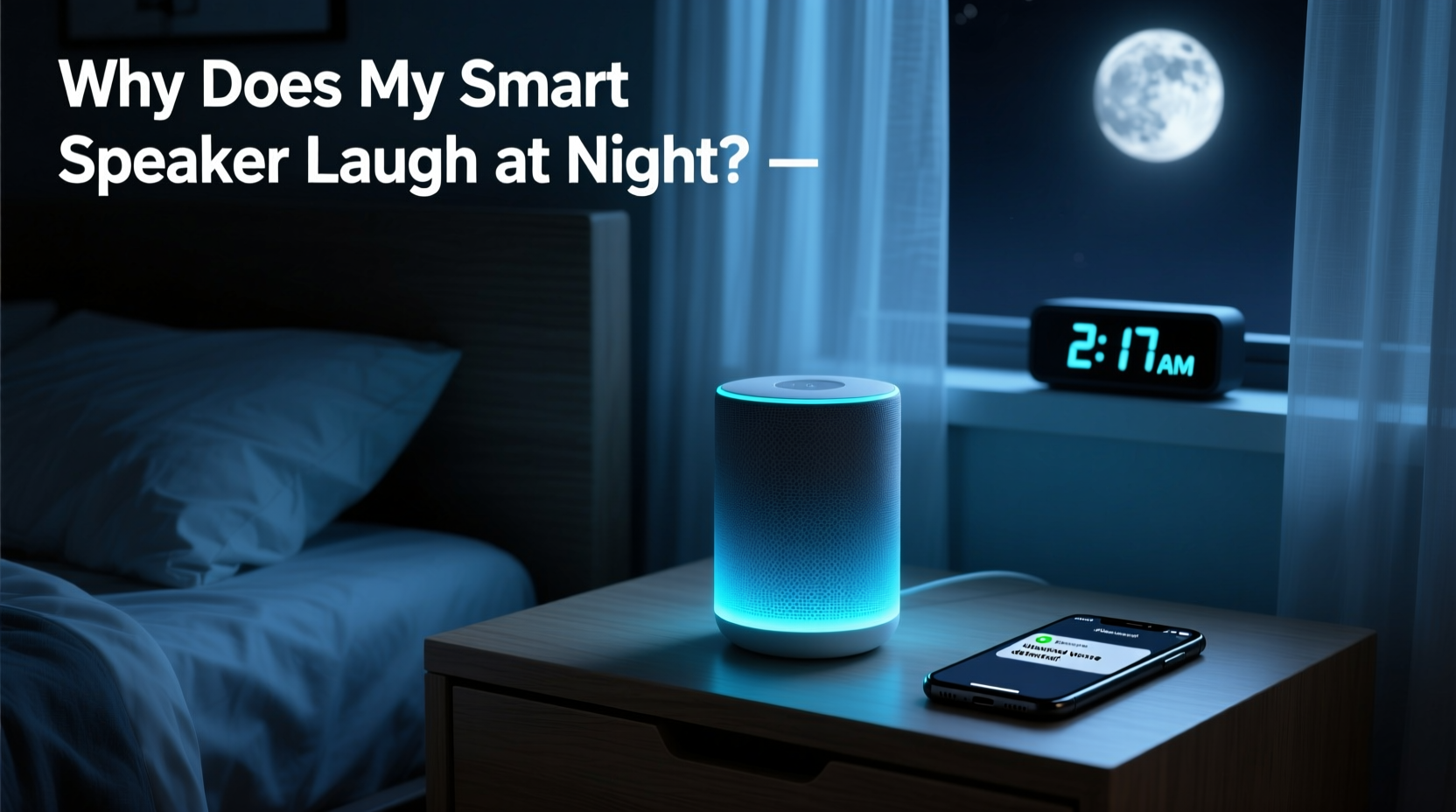
Smart speakers like Amazon Echo (Alexa) and Google Nest use artificial intelligence to interpret voice commands. They’re always listening for wake words such as “Alexa” or “Hey Google,” but they don’t record or process audio until that word is detected. However, false triggers happen more often than most users realize—especially in low-noise environments like late at night.
The most common cause of random laughter is an accidental activation followed by a misinterpreted command. For example, if someone nearby says “Alexa, tell me a joke,” and the device wakes up due to a similar-sounding phrase (“I’m allergic to shellfish”), it may respond with a joke—including canned laughter. These misfires are amplified at night when ambient noise is minimal, making the speaker’s response seem sudden and unprovoked.
Additionally, software glitches can lead to unintended behaviors. In 2018, Amazon acknowledged a bug where Alexa would emit a strange laugh in response to certain requests. Though patched, similar issues have resurfaced in updated firmware versions, particularly after automatic updates roll out without thorough user testing.
Common Triggers Behind Nighttime Laughter
While some causes are technical, others stem from everyday household sounds. Here’s a breakdown of what might be waking your device:
- Background noise patterns: Snoring, pet movements, creaking floors, or HVAC systems turning on can mimic human speech patterns closely enough to trigger the wake word.
- Voice similarities: Family members’ voices—especially children—may sound close enough to the primary user’s voice profile to activate the device unintentionally.
- Radio or TV interference: If a nearby television or radio mentions “Alexa” or “Hey Google,” even in commercials, the speaker may respond.
- App integrations: Third-party skills or routines set to run at night (e.g., bedtime stories or weather updates) may include laughter as part of their audio output.
- Firmware bugs: Outdated or corrupted software can cause erratic behavior, including unprompted responses.
A 2021 study by Consumer Reports found that smart speakers activated falsely an average of 1.8 times per week in typical homes—with nighttime incidents being twice as likely due to reduced background noise masking potential triggers.
Mini Case Study: The Midnight Laugh That Woke a Household
In suburban Ohio, Sarah M. began noticing her Amazon Echo Dot laughing around 3 a.m. every few nights. At first, she dismissed it as a glitch. But when it persisted for weeks, she grew concerned—especially after her daughter said she was afraid to sleep alone.
Sarah reviewed her Alexa app history and discovered a recurring entry: “Alexa, laugh.” The timestamp showed no actual voice command had been recorded, but the action was logged. She contacted Amazon Support, who confirmed a known issue with older firmware interpreting random static as the “laugh” command.
After updating the device and disabling the “Laugh” skill (which allowed Alexa to respond with laughter upon request), the episodes stopped completely. Sarah also relocated the speaker from her child’s bedroom to the hallway, reducing exposure to sleep-talking and breathing sounds.
“False activations are rarely malicious—they’re usually the result of imperfect voice recognition meeting real-world acoustic complexity.” — Dr. Alan Reyes, Senior AI Researcher at MIT Media Lab
Step-by-Step Guide to Stop Random Laughter
If your smart speaker keeps laughing at night, follow this structured troubleshooting plan:
- Check Recent Activity Logs
Open the Alexa or Google Home app and review voice history. Look for any commands like “tell me a joke,” “laugh,” or “funny sounds” that may have triggered the response—even if you didn’t speak them. - Disable Unnecessary Skills
Go to Skills & Games (Alexa) or Routines (Google). Disable any third-party apps or features related to jokes, humor, or sound effects. Specifically, disable the “Laugh” skill if enabled. - Update Device Firmware
Ensure your speaker is running the latest software version. In the app, go to Device Settings > About > Check for Software Updates. - Adjust Microphone Sensitivity (if available)
Some models allow sensitivity tuning. Lowering it slightly can reduce false triggers without compromising usability. - Relocate the Speaker
Move the device away from beds, vents, or high-traffic areas. Place it at least six feet from where people sleep to minimize accidental activation from murmurs or snores. - Use Do Not Disturb Mode
Enable DND during sleeping hours. This silences notifications and prevents most verbal responses—even if the device wakes up. - Re-train Voice Recognition (Google Only)
For Google Nest, go to Settings > Voice Match and re-enroll your voice to improve accuracy and reduce false positives from others. - Factory Reset as Last Resort
If problems persist, reset the device and set it up again. This clears corrupted settings and reinstalls clean firmware.
Do’s and Don’ts: Smart Speaker Safety at Night
| Do’s | Don’ts |
|---|---|
| ✅ Enable Do Not Disturb between 10 p.m. and 7 a.m. | ❌ Leave joke or prank skills enabled indefinitely |
| ✅ Position the speaker away from sleeping areas | ❌ Ignore firmware update notifications |
| ✅ Regularly review voice history for anomalies | ❌ Assume all laughter is a hardware defect |
| ✅ Use physical mute buttons when not needed | ❌ Keep microphones active in private rooms like bedrooms or bathrooms |
| ✅ Disable unused voice purchasing and calling | ❌ Share voice assistant access with young children unsupervised |
When It’s Not Just Laughter: Broader Privacy Implications
Random laughter isn’t just creepy—it can signal deeper issues with how your smart speaker interprets and responds to audio. Every time your device activates incorrectly, it records a snippet of audio and sends it to the cloud for processing. While companies claim these clips are anonymized and used only to improve performance, unintended recordings can include private conversations, arguments, or sensitive information.
In 2020, Bloomberg reported that contractors regularly heard confidential audio from Alexa devices due to false triggers. Although Amazon later added opt-in review programs, the incident highlighted the risks of always-on microphones.
To protect your privacy:
- Delete voice recordings monthly via the Alexa or Google Home app.
- Turn off voice recording storage entirely if you don’t need it.
- Use strong Wi-Fi encryption to prevent unauthorized access to your networked devices.
- Consider using a smart plug to cut power to the speaker at night.
“We trust these devices with intimate details of our lives. They should earn that trust through transparency and precision—not random laughs in the dark.” — Lisa Chen, Digital Privacy Advocate, Electronic Frontier Foundation
FAQ: Your Top Questions Answered
Can hackers make my smart speaker laugh?
It’s extremely unlikely. Modern smart speakers use end-to-end encryption and require authentication for remote commands. Random laughter is almost always due to local triggers or software bugs, not hacking. However, ensure your Wi-Fi network uses WPA3 security and change default passwords to minimize risk.
Is Alexa really listening to me all the time?
No. The device only begins recording *after* detecting the wake word. Prior audio is processed locally and discarded unless the wake word is recognized. That said, false detections do occur, which is why reviewing your voice history is important.
How do I permanently disable the laugh command?
For Alexa: Open the Alexa app, go to Skills & Games > Your Skills > Manage Your Skills. Search for “Laugh” and disable it. You can also say, “Alexa, disable the laugh skill.” For Google Assistant, no native “laugh” command exists, but check your routines and third-party actions for humorous responses.
Final Checklist: Secure Your Smart Speaker Tonight
Before going to bed, run through this quick checklist to prevent another midnight surprise:
- ☑️ Mute the microphone using the physical button
- ☑️ Confirm Do Not Disturb mode is scheduled
- ☑️ Review today’s voice history for odd commands
- ☑️ Ensure all software is up to date
- ☑️ Verify no joke-related skills are active
- ☑️ Consider relocating the device outside sleeping quarters
Conclusion: Take Control of Your Smart Environment
Your smart speaker should enhance your life—not haunt it. Random laughter at night is unsettling, but it’s rarely supernatural or malicious. By understanding how voice assistants work, identifying common triggers, and applying simple fixes, you can eliminate these surprises and restore peace to your home.
Technology should serve you, not startle you. Take a few minutes tonight to audit your device settings, update its software, and consider whether it belongs in your bedroom at all. Small changes today can prevent years of unease tomorrow.




 浙公网安备
33010002000092号
浙公网安备
33010002000092号 浙B2-20120091-4
Comments
No comments yet. Why don't you start the discussion?