
It’s unsettling—your smart speaker suddenly emits a chuckle or giggle with no apparent trigger. You’re not alone. Thousands of users have reported their Amazon Echo, Google Nest, or other voice assistants laughing unexpectedly, sometimes in the middle of the night. While it may seem like something out of a sci-fi movie, the explanation is usually grounded in technology quirks, misinterpretations, or software bugs. Understanding why this happens—and how to fix it—is essential for regaining trust in your smart home ecosystem.
This phenomenon gained widespread attention in 2018 when Amazon acknowledged that Alexa had occasionally responded to “Alexa, laugh” after mishearing unrelated phrases. Though Amazon adjusted the response to “Sure, I can laugh” followed by a chuckle, similar incidents continue to surface across brands. Whether you own an Amazon Echo, Google Home, Apple HomePod, or another model, unexpected laughter isn’t normal behavior—but it is fixable.
Understanding Why Smart Speakers Laugh Unexpectedly
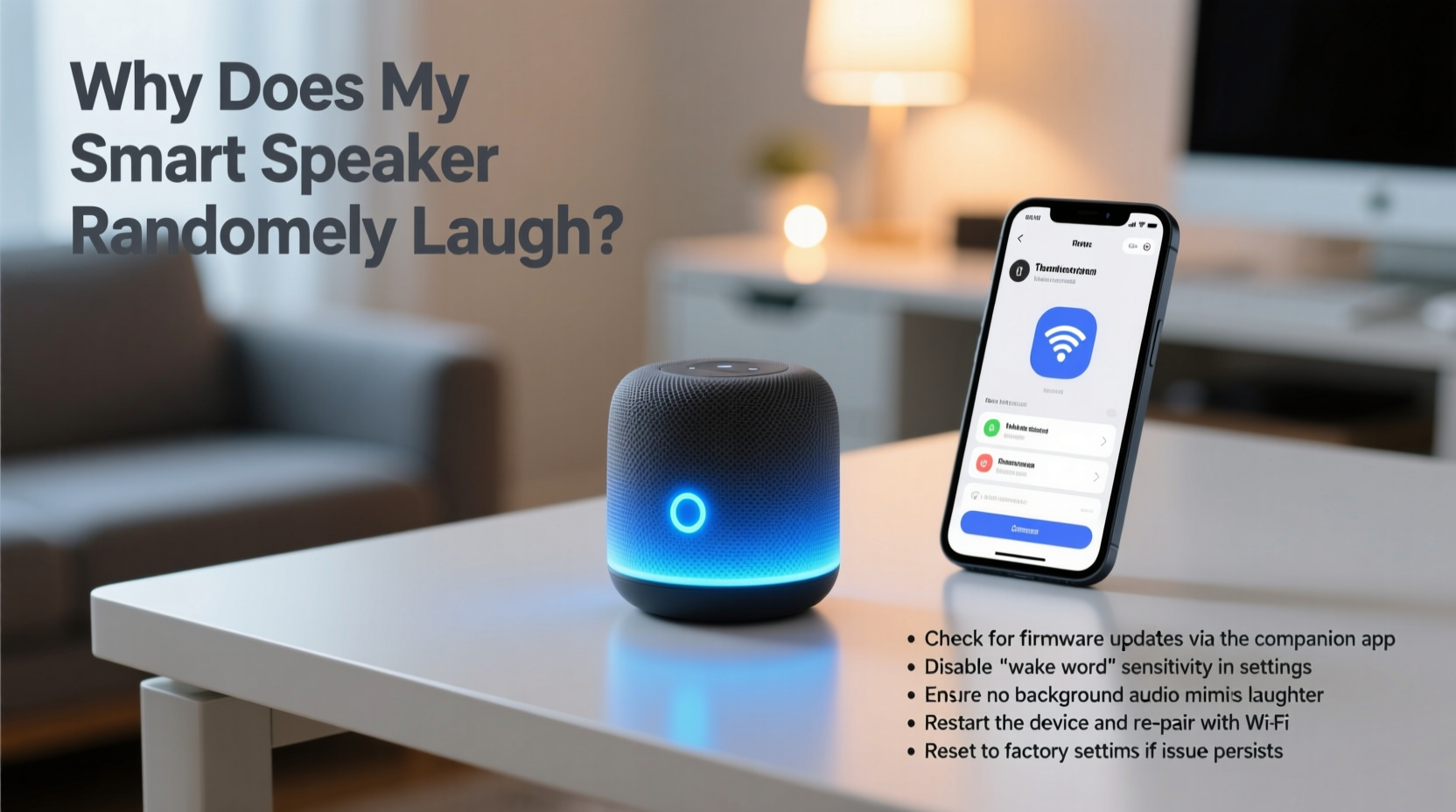
Smart speakers use advanced voice recognition algorithms to detect wake words like “Alexa,” “Hey Google,” or “Hey Siri.” Once activated, they process the following command using natural language processing (NLP). However, background noise, homophones, or audio glitches can trick the system into thinking it heard a valid command—even when no one spoke.
The most common reason for random laughter is a false wake-up followed by a misinterpreted command. For example:
- A TV show mentions “laugh” near a wake word.
- Someone says “I’ll pass” which sounds like “Alexa, laugh.”
- A pet’s noise or static triggers the microphone.
In some cases, the speaker may be responding to a previous interaction stored in the app history or reacting to a delayed cloud-based command. Firmware bugs or outdated software can also contribute to erratic behavior.
“Voice assistants are designed to be highly sensitive, but that sensitivity comes with trade-offs. False positives are inevitable without proper filtering.” — Dr. Lena Patel, AI Ethics Researcher at MIT Media Lab
Step-by-Step Guide to Stop Unwanted Laughter
If your smart speaker laughs on its own, follow this systematic approach to diagnose and resolve the issue.
- Check Recent Voice History
Open your assistant’s companion app (e.g., Alexa app, Google Home) and review the voice history. Look for any recorded commands that include “laugh,” “giggle,” or similar terms. This confirms whether the device truly misheard something. - Review Device Logs
In the app, check if the device registered a wake event. Most platforms show timestamps and detected wake words. If the log shows “Alexa” was triggered without your input, the mic is overly sensitive or picking up false positives. - Adjust Microphone Sensitivity (if available)
Some devices allow sensitivity tuning. On certain Echo models, you can say, “Alexa, lower your volume,” or adjust mic settings via the app under Device Settings > Microphone. - Disable Unnecessary Routines
Go to Routines in your app. Delete any custom routines that might trigger laughter, such as jokes, sound effects, or pranks set by family members. - Update Firmware and Software
Ensure your speaker and app are running the latest version. Manufacturers frequently patch bugs related to voice misinterpretation. - Reboot the Device
Unplug the speaker for 30 seconds, then plug it back in. A reboot clears temporary memory and resets active processes. - Factory Reset (Last Resort)
If problems persist, reset the device to factory settings. This removes all preferences and logs, giving you a clean slate. Reconnect it afterward and reconfigure carefully.
Do’s and Don’ts When Dealing with Random Laughter
| Do | Don't |
|---|---|
| Regularly review voice command history | Ignore repeated strange behaviors |
| Keep firmware updated | Assume it's a prank or hacking without checking logs |
| Use physical mute buttons when privacy is critical | Leave the device near loudspeakers playing human-like voices |
| Train the assistant with your voice (voice profiles) | Share accounts with people who set joke commands |
| Position the speaker centrally, away from echo sources | Blame the brand immediately—first troubleshoot systematically |
Real Example: The Case of the Midnight Giggle
Sarah from Portland noticed her Echo Dot laughing around 2:30 a.m. several nights in a row. Alarmed, she unplugged it, only for the issue to return after reconnecting. She checked her Alexa app and discovered a voice recording labeled “Alexa, laugh” at 2:31 a.m.—but she was asleep.
After reviewing her smart home setup, she realized her baby monitor streamed audio to a nearby tablet that played white noise through a speaker close to the Echo. One night, her toddler giggled, and the sound was picked up by both devices. The white noise amplified the syllables, and the Echo misinterpreted “giggle” as part of a command.
Solution: Sarah moved the Echo farther from the baby monitor’s output and enabled the mute button overnight. She also disabled the “laugh” response entirely in Skills & Games settings. The random laughter stopped immediately.
Troubleshooting Checklist
Use this checklist to methodically eliminate causes of random laughter:
- ✅ Check voice history for unintended “laugh” commands
- ✅ Confirm no one programmed a routine involving laughter
- ✅ Update the device’s software and companion app
- ✅ Reboot the smart speaker
- ✅ Mute the microphone temporarily to test if behavior stops
- ✅ Relocate the device away from TVs, radios, or high-noise areas
- ✅ Disable the laugh feature via app settings
- ✅ Factory reset if issues persist after all other steps
- ✅ Contact customer support with logs if problem continues
How to Disable the Laugh Command Permanently
If you don’t want your device to laugh at all, you can disable the function. Here’s how, depending on your platform:
Amazon Alexa
The laugh response is tied to the “Laugh” skill. To disable it:
- Open the Alexa app.
- Go to More > Skills & Games > Your Skills.
- Find “Laugh” under Enabled Skills.
- Select it and choose “Disable Skill.”
Alternatively, tell Alexa: “Alexa, disable the laugh skill.”
Google Assistant
Google doesn’t have a dedicated “laugh” command, but it may respond to prompts like “Tell me a joke” with chuckling. To prevent this:
- Delete any routines involving laughter.
- Turn off “Sound Effects” in Assistant settings.
- Use Digital Wellbeing settings to restrict voice responses during sleep hours.
Apple HomePod
Siri rarely laughs unprompted, but if triggered by a joke request, you can limit interactions:
- Disable “Hey Siri” when locked (Settings > Siri).
- Restrict explicit content and humor in Screen Time settings.
“We received over 200 reports of Alexa laughing unexpectedly in Q1 2018. After analysis, we changed the response to require a full phrase and added acoustic confirmation to reduce false triggers.” — Amazon Customer Service Statement, April 2018
Frequently Asked Questions
Is it possible someone is hacking my smart speaker to make it laugh?
While hacking is theoretically possible, it’s extremely rare and unlikely to result in random laughter. Most cases are due to accidental voice triggers or software quirks. If you suspect unauthorized access, check login history in your account settings, enable two-factor authentication, and change your password immediately.
Can pets trigger my smart speaker to laugh?
Yes. High-pitched barks, meows, or squeaky toys can mimic human speech patterns. Devices with multiple microphones may interpret overlapping sounds as a wake word plus command. If you have vocal pets, consider muting the speaker when unattended or placing it in a less accessible area.
Does unplugging the device stop it from listening?
Yes. When unplugged, smart speakers cannot process voice commands. However, some models with battery backup or local processing may retain limited functionality. For complete privacy, physically disconnect power and cover the mic array when not in use.
Conclusion: Regain Control of Your Smart Speaker
Random laughter from your smart speaker is more than just eerie—it undermines confidence in your connected home. But in nearly every case, the cause is technical, not supernatural. By reviewing voice logs, updating software, adjusting placement, and disabling unnecessary features, you can eliminate unwanted behavior and restore peace of mind.
Technology should serve you, not startle you. Take a few minutes today to audit your smart speaker’s settings, especially if it’s been acting strangely. Share your experience in the comments—your solution might help another user avoid late-night jolts from an overenthusiastic AI.




 浙公网安备
33010002000092号
浙公网安备
33010002000092号 浙B2-20120091-4
Comments
No comments yet. Why don't you start the discussion?