
Smart speakers have become central to modern homes—playing music, managing calendars, controlling lights, and answering questions with a simple voice command. But when your device activates without being prompted, it can feel unsettling. That sudden chime or glowing ring in an empty room raises a natural question: Is someone listening? While most unintended activations have technical explanations, they do spotlight real privacy risks tied to always-listening devices. Understanding the causes—and knowing how to respond—is essential for maintaining both control and confidence in your smart home.
Common Causes of Unprompted Smart Speaker Activation
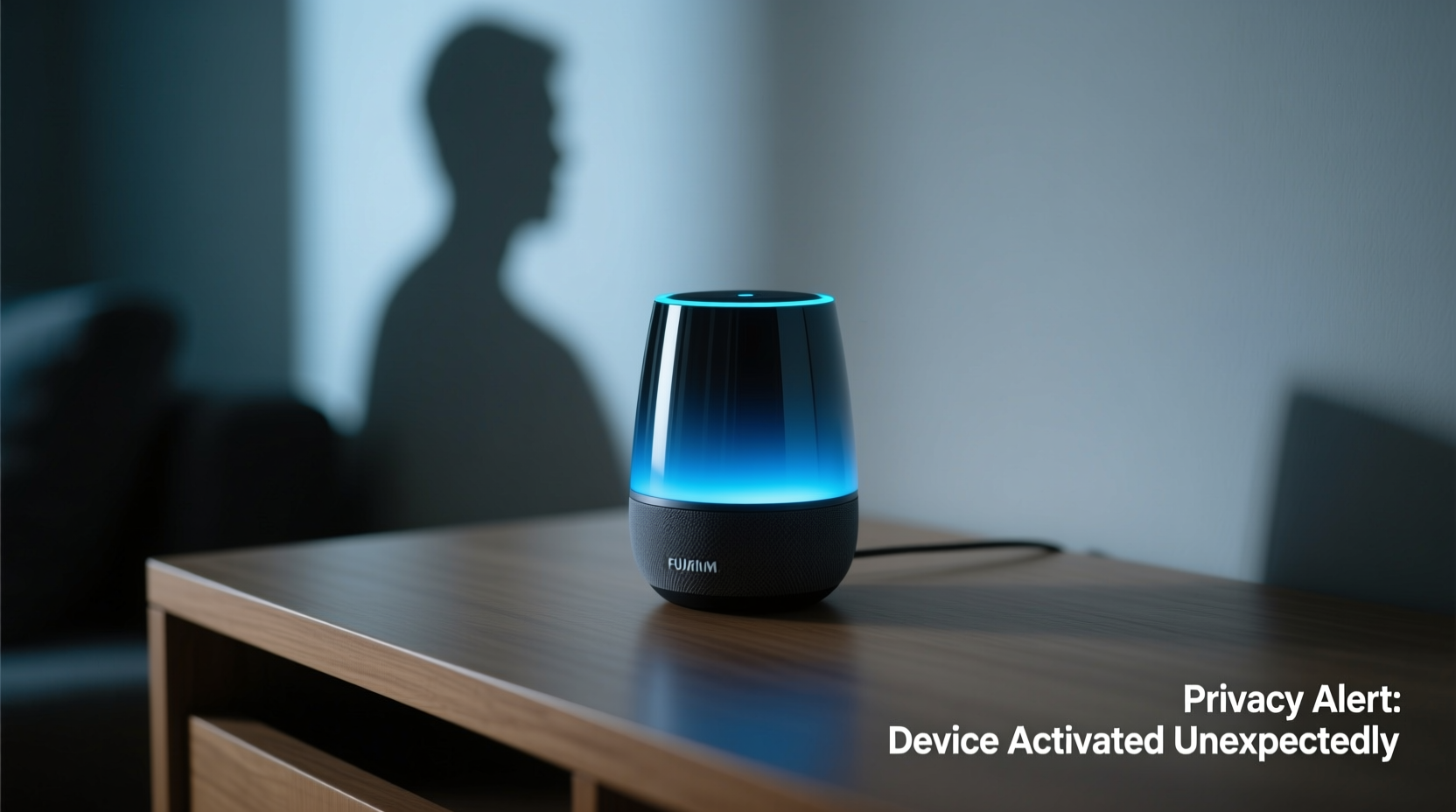
Smart speakers like Amazon Echo, Google Nest, and Apple HomePod are designed to listen for wake words such as “Alexa,” “Hey Google,” or “Hey Siri.” These devices use local processing to detect triggers without sending audio to the cloud—unless activated. However, false positives occur more often than users expect. Background noise, similar-sounding phrases, or even TV dialogue can trick the system into thinking it was called upon.
- Wake word misfires: Words like “election,” “architecture,” or “Alex” may sound close enough to trigger Alexa.
- Noise interference: Loud environments, static, or overlapping conversations increase false detection rates.
- Firmware glitches: Outdated software or bugs after updates may cause erratic behavior.
- Hardware malfunctions: Faulty microphones or internal components can lead to phantom activations.
- Remote access or app commands: Family members or connected apps might unintentionally send voice or automation triggers.
A study by Northeastern University found that smart speakers activated unintentionally up to 19 times per day in some households, though most went unnoticed. The issue isn’t necessarily malicious—but frequency increases concern about what’s being recorded and stored.
Privacy Risks Behind Unexpected Activations
The core concern isn’t just annoyance—it’s whether private conversations are being captured, analyzed, or stored. While manufacturers claim recordings are only saved after a wake word is detected, unexpected activations blur this boundary. If the device thinks it heard “Hey Google” when no one said it, any following speech could be recorded and uploaded.
In 2018, an Oregon couple discovered their private conversation had been recorded by their Amazon Echo and sent to a random contact. Amazon later confirmed the sequence: a false wake-up, misinterpreted follow-up dialogue as a “send message” command, and transmission without user confirmation. Though rare, incidents like these validate public skepticism.
“Even occasional unintended recordings represent a breach of trust. Users assume silence is private—when technically, the microphone is always on.” — Dr. Rebecca Lin, Digital Privacy Researcher at Stanford Center for Internet Policy
Additional risks include:
- Data profiling: Voice data helps companies refine ad targeting and user behavior models.
- Third-party access: Some skills or actions share data with external developers.
- Law enforcement requests: In criminal investigations, courts have compelled tech firms to hand over voice recordings.
- Device hacking: Poorly secured networks can allow remote access to live microphone feeds.
Step-by-Step Guide to Diagnose and Fix Random Activations
Before assuming surveillance, methodically rule out common technical issues. Follow this timeline to identify and resolve the root cause:
- Review recent activity logs: Check your Alexa or Google Home app for timestamps of activations. Look for patterns (e.g., same time daily, during certain shows).
- Adjust microphone sensitivity: Some devices allow tuning wake-word detection strictness. In Alexa settings, go to Settings > Device Settings > [Your Device] > Wake Word Sensitivity and lower it if needed.
- Relocate the speaker: Move it away from TVs, radios, or noisy appliances that may mimic wake words.
- Update firmware: Ensure the device runs the latest software version via the companion app.
- Test with mic off: Press the physical mute button and observe if lights still activate. If they do, it may indicate a hardware or network-based trigger.
- Factory reset: As a last step, erase and reconfigure the device to eliminate corrupted settings.
If problems persist after resetting, contact customer support—your unit may have defective hardware warranting replacement.
Do’s and Don’ts: Managing Smart Speaker Privacy
| Do | Don't |
|---|---|
| Regularly review voice history and delete old recordings | Leave the speaker in bedrooms or bathrooms where privacy is critical |
| Use the mute button when having sensitive conversations | Assume “off” means disconnected—some functions remain active |
| Set up two-factor authentication on your account | Share your Wi-Fi password openly—unauthorized access risks device control |
| Limit third-party skill permissions | Allow indefinite voice data storage; disable auto-retention settings |
| Place speakers centrally, not near confidential workspaces | Ignore software update notifications—they often patch security flaws |
Real Example: A Case of Misheard Commands
Sarah Thompson, a teacher from Austin, Texas, noticed her Google Nest Mini turning on multiple times each evening around 7:30 PM. No one was speaking to it, yet the light ring would pulse blue. Alarmed, she checked her Voice & Audio Activity log and found dozens of recordings labeled “OK Google, dim the lights.”
After investigation, she realized the trigger was a nightly news segment on a nearby TV. The anchor said, “Okay, good look at tonight’s forecast,” which closely matched the wake phrase. Google’s algorithm interpreted the context as a command. Sarah resolved it by changing her wake word to “Hey Google” (which the broadcast never used) and relocating the speaker farther from the living room television.
Her experience highlights how mundane household sounds—not hackers or spies—can create privacy scares. Yet without checking logs, she might have assumed the worst.
Expert Recommendations for Long-Term Security
Security experts agree: convenience should never override informed consent. Here’s how professionals safeguard their own smart speakers:
- Disable voice purchasing: Prevent accidental or malicious orders using voice commands.
- Use guest mode or separate profiles: Limit data collection from non-household members.
- Monitor linked services: Revoke access from unused apps connected to your voice assistant.
- Enable notification alerts: Get mobile alerts whenever the device activates.
- Segment your network: Place smart devices on a guest Wi-Fi network isolated from computers and phones.
“The best defense is awareness. Treat your smart speaker like a roommate who occasionally overhears things—not a spy, but not entirely trustworthy either.” — Marcus Tran, Cybersecurity Consultant at Veritas Labs
Checklist: Securing Your Smart Speaker Today
Take immediate action with this concise checklist:
- ✅ Review and delete past voice recordings in your account settings
- ✅ Mute the microphone when not in use, especially at night
- ✅ Change the default wake word to a less common phrase
- ✅ Turn off voice history auto-save (set to manual review)
- ✅ Update device firmware and app to latest version
- ✅ Disable unnecessary skills or integrations
- ✅ Position the speaker away from high-noise areas and private zones
- ✅ Enable two-factor authentication on your account
- ✅ Check for unauthorized devices linked to your account
- ✅ Educate household members on privacy practices
FAQ: Common Questions About Smart Speaker Behavior
Can someone remotely activate my smart speaker to listen in?
It’s extremely unlikely under normal conditions. All major brands encrypt communications and require account authentication. However, if your account is compromised (e.g., weak password, phishing), attackers could potentially access voice history or enable features. Use strong passwords and two-factor authentication to prevent this.
Does my smart speaker record everything I say?
No. Devices only begin recording after detecting a wake word—and even then, only the few seconds following activation are sent to the cloud. Prior audio is processed locally and discarded unless a match occurs. Still, unintended wake-ups mean occasional pre-trigger snippets may be saved.
How do I know if my device was hacked?
Signs include unexplained activations, unfamiliar voice commands in your history, lights turning on without cause, or new devices appearing in your account. Immediately change your password, disconnect suspicious devices, and run a factory reset if necessary.
Conclusion: Take Control of Your Smart Home Privacy
Your smart speaker shouldn’t come at the cost of peace of mind. Random activations are usually technical quirks, not evidence of surveillance—but they expose vulnerabilities worth addressing. By understanding how these devices operate, reviewing your settings regularly, and applying practical safeguards, you can enjoy the benefits of voice assistants without surrendering your privacy. Technology should serve you, not watch you. Audit your setup today, empower your habits, and reclaim confidence in your connected home.




 浙公网安备
33010002000092号
浙公网安备
33010002000092号 浙B2-20120091-4
Comments
No comments yet. Why don't you start the discussion?