
Smart speakers have become central to modern homes, seamlessly integrating voice assistants into daily routines. Yet many users report a puzzling issue: their devices turning on unexpectedly, lighting up, or responding without being prompted. While this behavior can be unsettling, it’s rarely a sign of malfunction or security breach. Instead, it usually stems from predictable technical and environmental triggers. Understanding these causes is the first step toward regaining control over your device’s responsiveness and ensuring it works when—and only when—you want it to.
Common Triggers That Activate Smart Speakers
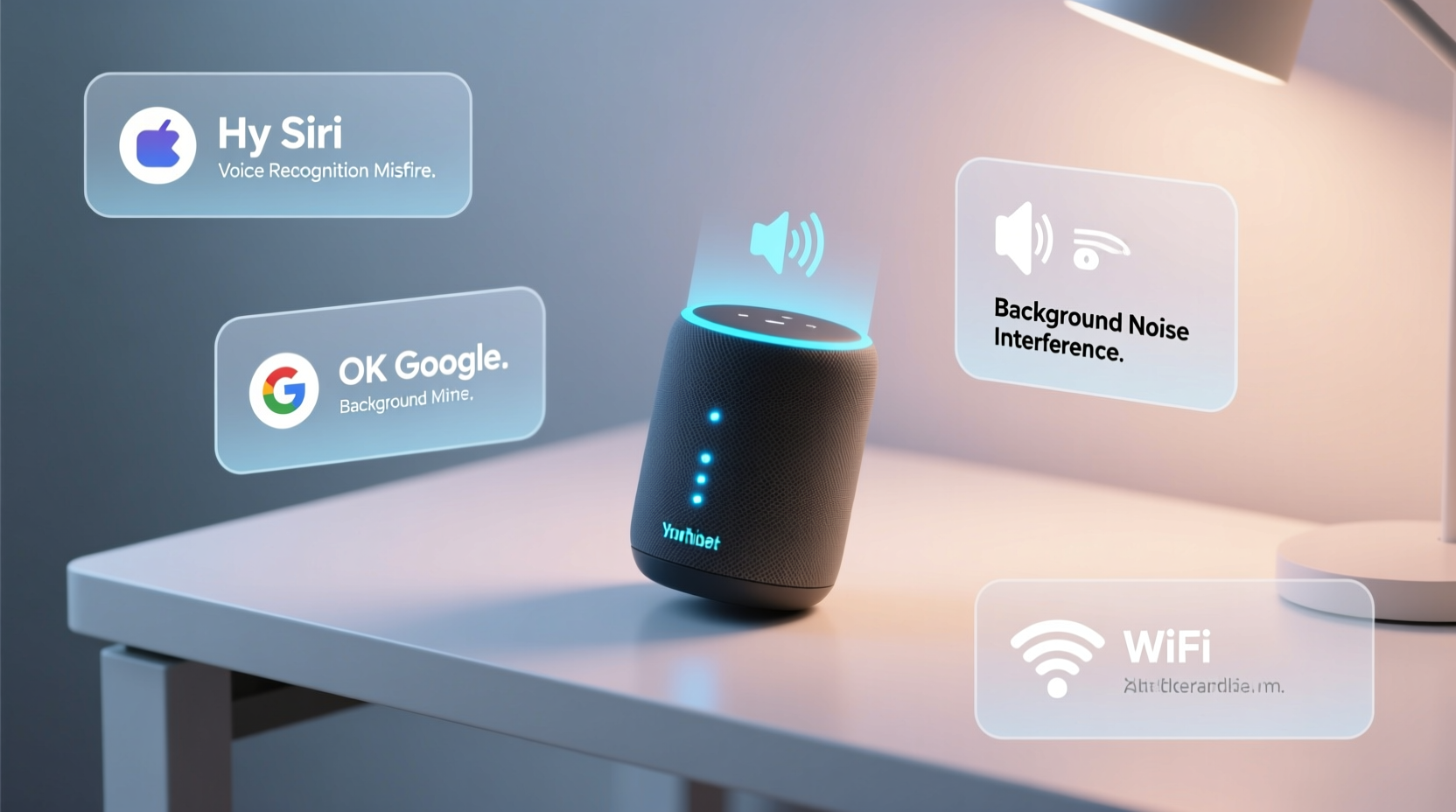
Smart speakers are designed to listen continuously for wake words like “Hey Google,” “Alexa,” or “Hey Siri.” This constant listening mode enables instant response but also increases the risk of false positives. The microphone systems in these devices use advanced algorithms to detect voice patterns, but they aren’t perfect. Ambient sounds, similar-sounding phrases, or even TV dialogues can inadvertently trigger activation.
One frequent cause is audio interference from media sources. For example, if a character on a TV show says something close to “Alexa” or “Hey Google,” the speaker may interpret it as a command. A well-documented case involved an episode of a news program where a reporter mentioned “Alexa,” prompting thousands of Echo devices to activate simultaneously. These incidents highlight how sensitive the wake-word detection system truly is.
Background noise such as clinking dishes, barking dogs, or loud music can also generate frequencies that mimic human speech patterns. In some cases, ultrasonic signals from electronic devices or poor Wi-Fi interference can distort audio input, leading to erratic behavior. Even low battery levels in remote controls or other gadgets have been known to emit faint electromagnetic noise picked up by sensitive microphones.
Software Glitches and App Interference
Beyond environmental factors, software-related issues can cause unexpected behavior. Firmware bugs, outdated operating systems, or conflicting third-party apps may lead to random activations. When a smart speaker connects to multiple services—like Spotify, smart home hubs, or messaging platforms—a glitch in one integration can send unintended commands.
For instance, a delayed notification push from a connected app might trigger the speaker to announce a message long after it was intended. Similarly, automation routines (such as “Turn on lights at sunset”) can sometimes fire incorrectly due to time sync errors or geolocation inaccuracies. These background processes don’t always produce visible cues, making it seem as though the speaker turned on for no reason.
Cloud-based voice assistants occasionally experience server-side anomalies. During high-traffic periods or maintenance windows, response delays or duplicated commands can occur. While rare, these backend issues are outside user control but worth considering if problems persist across devices.
“Voice recognition systems are trained on vast datasets, but real-world environments introduce variables they weren't fully prepared for—leading to what we call 'false accepts.'” — Dr. Lena Patel, AI Researcher at MIT Media Lab
Hardware Sensitivity and Placement Issues
The physical location of your smart speaker plays a crucial role in its performance. Placing it near reflective surfaces like mirrors or glass tables can amplify sound waves, increasing the chance of echo-induced misinterpretations. Similarly, enclosing the device in a cabinet or corner traps sound, distorting input and confusing the onboard microphones.
Some models feature touch-sensitive tops or motion-activated indicators. Accidental bumps or changes in ambient light can prompt visual feedback (like glowing rings) that make it appear the device has powered on—even if no command was processed. It’s important to distinguish between full activation (audio response) and partial indicators (lighting up).
Dust buildup around microphone ports can degrade audio clarity, forcing the system to work harder to interpret inputs. Over time, this strain may result in erratic responses. Regular cleaning with a soft brush or compressed air helps maintain optimal sensitivity without damaging components.
Step-by-Step Guide to Diagnose Unwanted Activations
- Review recent voice history: Check your assistant’s app (Google Home, Alexa, etc.) to see if any commands were registered during unexplained activations.
- Adjust microphone sensitivity: Some devices allow you to tweak wake-word detection thresholds in settings.
- Relocate the speaker: Move it away from TVs, windows, and high-traffic areas to minimize external noise.
- Update firmware: Ensure the device runs the latest software version through the companion app.
- Disable unused skills or actions: Remove integrations with apps you no longer use to reduce background triggers.
- Test with mic off: Temporarily disable the microphone to confirm whether activations stop entirely.
- Factory reset (if needed): As a last resort, reset the device and reconfigure it from scratch.
Do’s and Don’ts: Managing Smart Speaker Behavior
| Do’s | Don’ts |
|---|---|
| Place the speaker centrally, away from noise sources | Install it inside enclosed furniture or behind curtains |
| Regularly review voice command history | Ignore repeated false activations—they may worsen over time |
| Use strong, unique passwords for your account | Share your Wi-Fi password openly; unauthorized access could trigger commands |
| Enable two-factor authentication on your assistant account | Leave default settings unchanged indefinitely |
| Set up voice profiles for personalized recognition | Assume all activations are malicious—most are accidental |
Real-World Example: The Case of the Midnight Announcements
Consider the experience of Mark T., a homeowner in Portland who reported his Amazon Echo turning on every night around 2:17 a.m., announcing weather updates unprompted. After weeks of frustration, he reviewed his Alexa app and discovered a recurring routine labeled “Good Morning Forecast” set to trigger based on motion detection. However, the motion sensor—installed in the garage—was overly sensitive and detecting raccoons scavenging outside. Each movement triggered the routine, which included a spoken forecast.
Mark adjusted the sensor’s sensitivity, rescheduled the routine to daytime hours, and disabled verbal alerts during nighttime. The random activations ceased immediately. His case illustrates how interconnected smart devices can create indirect triggers that seem mysterious until investigated systematically.
Security Concerns: Is Someone Listening?
A common fear among users is that random activations indicate eavesdropping or hacking. While legitimate privacy concerns exist with any internet-connected device, spontaneous turn-ons are almost never evidence of intrusion. Most manufacturers encrypt voice data and require explicit permissions for third-party access.
That said, securing your network is essential. Use WPA3 encryption on your Wi-Fi, change default router passwords, and avoid public guest networks for smart devices. Additionally, periodically audit linked devices and authorized apps within your assistant account. If you find unfamiliar entries, remove them immediately and change your password.
Physical safeguards matter too. Many smart speakers include a hardware mute button that disconnects the microphone. Engaging this when privacy is critical (e.g., during private conversations) provides peace of mind. Just remember to unmute when ready to use voice commands again.
FAQ: Frequently Asked Questions
Can someone remotely activate my smart speaker without permission?
Under normal circumstances, no. Remote activation requires login credentials and explicit setup (like calling another device). Unauthorized access would mean your account has been compromised—so use strong passwords and enable two-factor authentication.
Why does my speaker light up but not say anything?
This often indicates a partial detection—your assistant heard something resembling a wake word but couldn’t process a valid command. It may also signal incoming notifications, Bluetooth pairing attempts, or internal system checks.
Will covering the microphone prevent false triggers?
Covering the mic may block sound but isn’t recommended. Materials like fabric can trap moisture and damage internal components. Instead, use the built-in mute function or adjust placement and sensitivity settings.
Action Plan: How to Stop Random Activations
- Evaluate environment: Identify potential sound sources that mimic wake words (TVs, radios, household noises).
- Optimize placement: Keep the speaker in an open area, elevated, and away from reflective surfaces.
- Customize wake word (if available): Some assistants let you change from “Alexa” to less common alternatives like “Computer.”
- Limit automations: Audit and simplify smart home routines to reduce background triggers.
- Monitor activity logs: Regularly check voice history for unrecognized commands.
- Engage privacy features: Use mute buttons, schedule downtime, and enable voice review deletion.
Conclusion: Take Control of Your Smart Speaker Experience
Random activations in smart speakers are more common than most users realize—and typically harmless. By understanding the interplay of acoustics, software behavior, and smart home ecosystems, you can diagnose and resolve these quirks effectively. The key lies in methodical troubleshooting: reviewing logs, adjusting settings, and optimizing your environment. These steps not only reduce false triggers but also enhance overall device reliability and trust.




 浙公网安备
33010002000092号
浙公网安备
33010002000092号 浙B2-20120091-4
Comments
No comments yet. Why don't you start the discussion?