
In the stillness of a late evening or early morning, there’s nothing more unsettling than hearing your smart speaker suddenly chime in with a response—when no one said anything. You’re not imagining it. Many users report their devices activating unexpectedly during quiet hours, often uttering phrases like “Okay, I’m listening” or launching into music playback without command. While this behavior can feel eerie or intrusive, it typically stems from technical and environmental factors rather than malfunctions or privacy breaches. Understanding the root causes empowers you to take control of your device and restore peace to your home.
How Smart Speakers Recognize Voice Commands
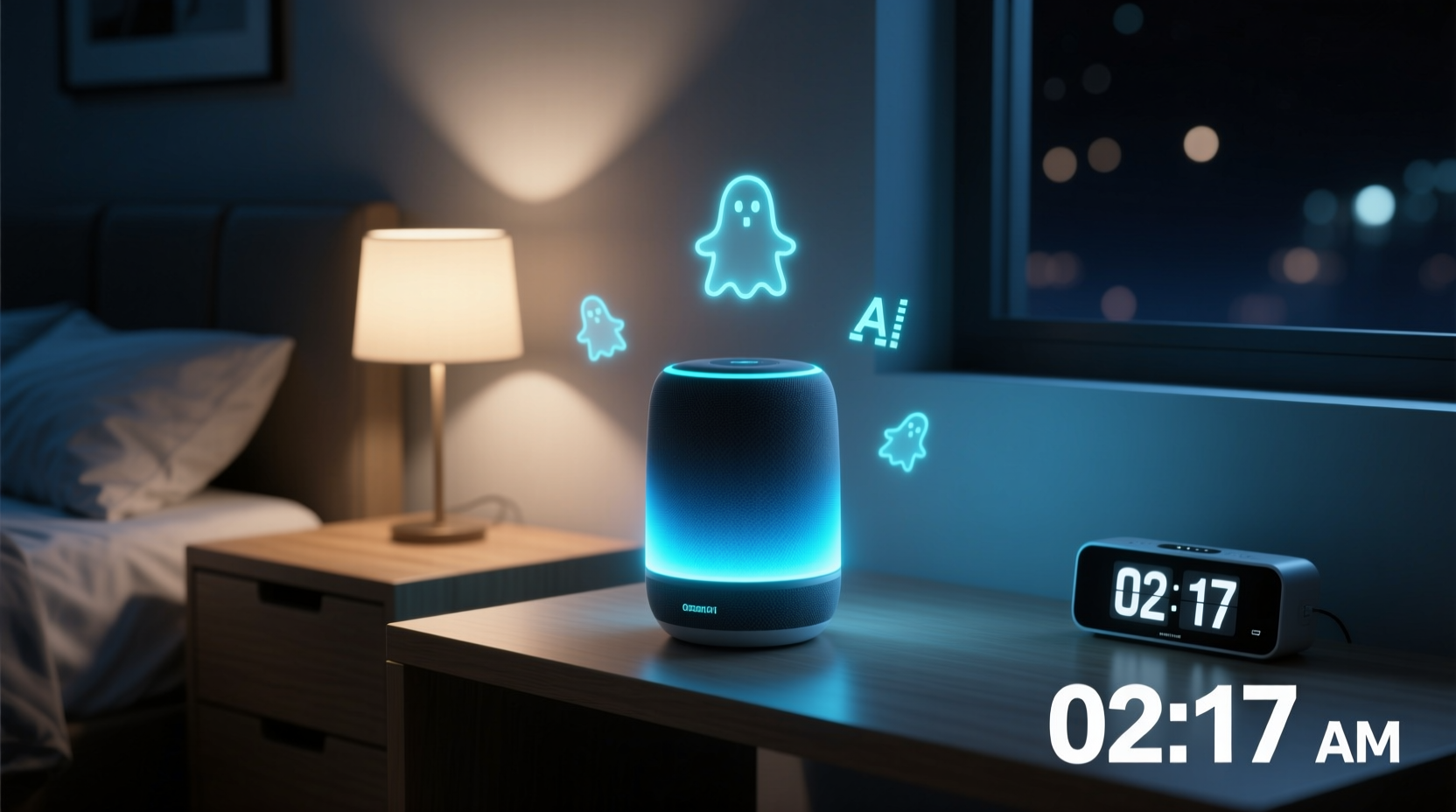
Smart speakers rely on wake-word detection systems—commonly “Hey Google,” “Alexa,” or “Hey Siri”—to activate and begin processing voice input. These systems run locally on the device using low-power processors that continuously analyze ambient sound. When the algorithm detects a pattern matching the wake word, the device powers up its full microphone array and sends audio to the cloud for interpretation.
This process is designed for convenience but introduces a trade-off: sensitivity. To ensure responsiveness, manufacturers tune these systems to err on the side of false positives rather than missed commands. As a result, background noise, similar-sounding words, or even radio broadcasts can occasionally trigger activation.
“Voice recognition systems are trained on vast datasets, but real-world acoustics are unpredictable. False triggers are an expected byproduct of high sensitivity.” — Dr. Lena Patel, Audio AI Researcher at MIT Media Lab
Common Causes of Random Activations During Quiet Hours
While smart speakers are built to be reliable, several conditions increase the likelihood of unintended responses—especially when ambient noise is low and subtle sounds become more pronounced.
1. Acoustic Lookalikes
The most frequent cause is audio that closely resembles the wake word. Words like “Alex” in conversation, “election” on TV, or “Hey, Julie!” from another room can fool the system. During quiet hours, such sounds may carry more clearly across rooms, increasing misinterpretation risk.
2. Background Noise and Electronic Interference
Even in silence, homes produce low-level sounds: refrigerator hums, HVAC cycles, electrical buzzing from outlets, or Wi-Fi router emissions. Some of these emit frequencies that interfere with microphone sensors or create digital artifacts mistaken for speech.
3. Device Sensitivity Settings
Many smart speakers default to high sensitivity to maximize usability. This works well in noisy environments but becomes problematic in quiet spaces where minor sounds are amplified.
4. Firmware Glitches or Outdated Software
Bugs in software updates or corrupted firmware can cause erratic behavior, including phantom activations. Devices left unupdated for long periods may experience degraded performance in voice detection logic.
5. Network Latency and Cloud Sync Errors
Occasionally, delayed signal processing between the device and cloud server results in mismatched timing. A command processed seconds after capture might appear spontaneous, especially if the user has already forgotten speaking near the device.
Troubleshooting Steps to Reduce Unwanted Responses
Fixing random activations requires both immediate fixes and long-term adjustments. Follow this step-by-step guide to diagnose and resolve the issue systematically.
Step 1: Review Recent Activity Logs
Check your assistant’s app (Google Home, Amazon Alexa, Apple Home) for voice history. Most platforms log every activation, including audio snippets. Look for patterns: Was there actually a faint voice? Did it occur after an appliance turned on?
Step 2: Adjust Wake Word Sensitivity
Some devices allow sensitivity tuning:
- Amazon Echo: Go to Settings > Your Device > Alexa Voice Responses > Choose \"Less Sensitive.\"
- Google Nest: Open Google Home app > Device Settings > Sound > Microphone Sensitivity.
- Apple HomePod: Limited adjustment, but placing it away from reflective surfaces helps reduce echo-based errors.
Step 3: Reposition the Speaker
Place the device away from:
- Sources of vibration (washing machines, subwoofers)
- Reflective surfaces (mirrors, glass tables) that amplify sound
- Drafty areas where air movement creates soft whistling
Step 4: Disable Unnecessary Features
Turn off features contributing to false alerts:
- “Brief Mode” (reduces verbal confirmations)
- “Drop In” or “Announcements” if not used
- “Adaptive Sound” or auto-volume features that react to ambient noise
Step 5: Update Firmware and Restart
Ensure your device runs the latest software version. In the companion app, check for updates under device settings. After updating, perform a full restart by unplugging for 30 seconds.
Do’s and Don’ts: Managing Smart Speaker Behavior
| Do’s | Don’ts |
|---|---|
| Do place the speaker in a central, open location | Don’t install near TVs, radios, or appliances with speakers |
| Do review voice history weekly | Don’t ignore recurring false triggers—they indicate solvable issues |
| Do use mute buttons during sleep hours | Don’t cover microphones with fabric—it traps heat and distorts sound |
| Do customize wake words if available (e.g., “Computer” instead of “Alexa”) | Don’t assume all activations are bugs—many have traceable sources |
Real-World Example: The Midnight Music Incident
A homeowner in Portland reported her Amazon Echo repeatedly playing jazz music at 2:30 a.m., despite being silent all night. No one was awake, and voice logs showed no commands. After weeks of frustration, she discovered the cause: her neighbor’s vintage alarm clock radio, which emitted a faint AM station broadcast—including occasional commercials mentioning “play jazz playlist”—that traveled through shared walls. The Echo interpreted fragments of the audio as voice commands.
She resolved it by changing the wake word to “Echo” (less prone to interference) and enabling routine silence hours via the Alexa app. The random activations stopped immediately. This case highlights how external audio sources, even weak ones, can influence smart devices in unexpected ways.
Preventative Maintenance Checklist
Use this checklist monthly to keep your smart speaker functioning reliably:
- ✅ Check for firmware updates in the companion app
- ✅ Review voice history for unrecognized activations
- ✅ Clean dust from microphone ports with a soft brush
- ✅ Confirm device placement hasn’t shifted toward noise sources
- ✅ Test wake word accuracy from normal speaking distance
- ✅ Verify mute status if used overnight
- ✅ Audit connected services for rogue automations (e.g., smart lights triggering audio cues)
Frequently Asked Questions
Can someone remotely access my smart speaker and make it talk?
Unauthorized remote access is extremely rare due to strong encryption and account authentication. Most random responses stem from local audio misinterpretation, not hacking. However, always use strong passwords, enable two-factor authentication, and review linked devices regularly.
Is it safe to leave my smart speaker on at night?
Yes, provided you manage privacy settings. Use physical mute switches when desired, disable unnecessary permissions, and consider turning off microphones entirely during sleep. Devices do not record or transmit audio unless activated by a wake word (or manual button press).
Will lowering sensitivity make my speaker less responsive?
Potentially, yes—but the trade-off is often worth it. Lower sensitivity reduces false triggers while still capturing intentional commands spoken at normal volume within 6–10 feet. Test different levels to find your optimal balance.
Expert Insight: Design Trade-Offs in Voice Tech
“Consumers want instant responsiveness, so manufacturers prioritize low-latency detection. But in pursuit of ‘always ready,’ we accept a baseline rate of false positives. The future lies in contextual awareness—devices that understand not just words, but environment and intent.” — Rajiv Mehta, Senior Engineer at Sonos
This insight underscores a key reality: today’s smart speakers are optimized for availability, not perfection. As AI evolves, future models may incorporate room occupancy sensors, speech intention analysis, and multi-device cross-verification to minimize false triggers.
Conclusion: Regaining Control Over Your Smart Environment
Random smart speaker responses during quiet hours are rarely mysterious—they’re usually the result of understandable technical behaviors interacting with real-world environments. By auditing your device settings, repositioning hardware, and staying proactive with maintenance, you can dramatically reduce unwanted activations. Silence doesn’t mean inactivity, and modern voice assistants operate in a constant state of listening for cues. That capability brings convenience, but also responsibility: understanding how these tools work ensures they serve you, not disturb you.




 浙公网安备
33010002000092号
浙公网安备
33010002000092号 浙B2-20120091-4
Comments
No comments yet. Why don't you start the discussion?