
As holiday decorations brighten homes each winter, many homeowners notice a curious side effect: their smart thermostats begin behaving erratically. The temperature readings fluctuate, the display flickers, or the system disconnects from Wi-Fi just as the Christmas lights switch on. While it may seem like seasonal magic gone wrong, the issue is rooted in electrical behavior and home automation sensitivity. Understanding the interaction between decorative lighting and smart devices can prevent frustration—and keep your home comfortable throughout the holidays.
Smart thermostats are designed to optimize heating and cooling with precision, relying on stable power, accurate sensors, and consistent network connectivity. When high-draw or poorly regulated holiday lights activate, they can introduce subtle but impactful disturbances into your home’s electrical and wireless environment. This article explores the technical causes behind this phenomenon and offers practical solutions to maintain thermostat performance without sacrificing festive cheer.
Electrical Noise and Power Fluctuations
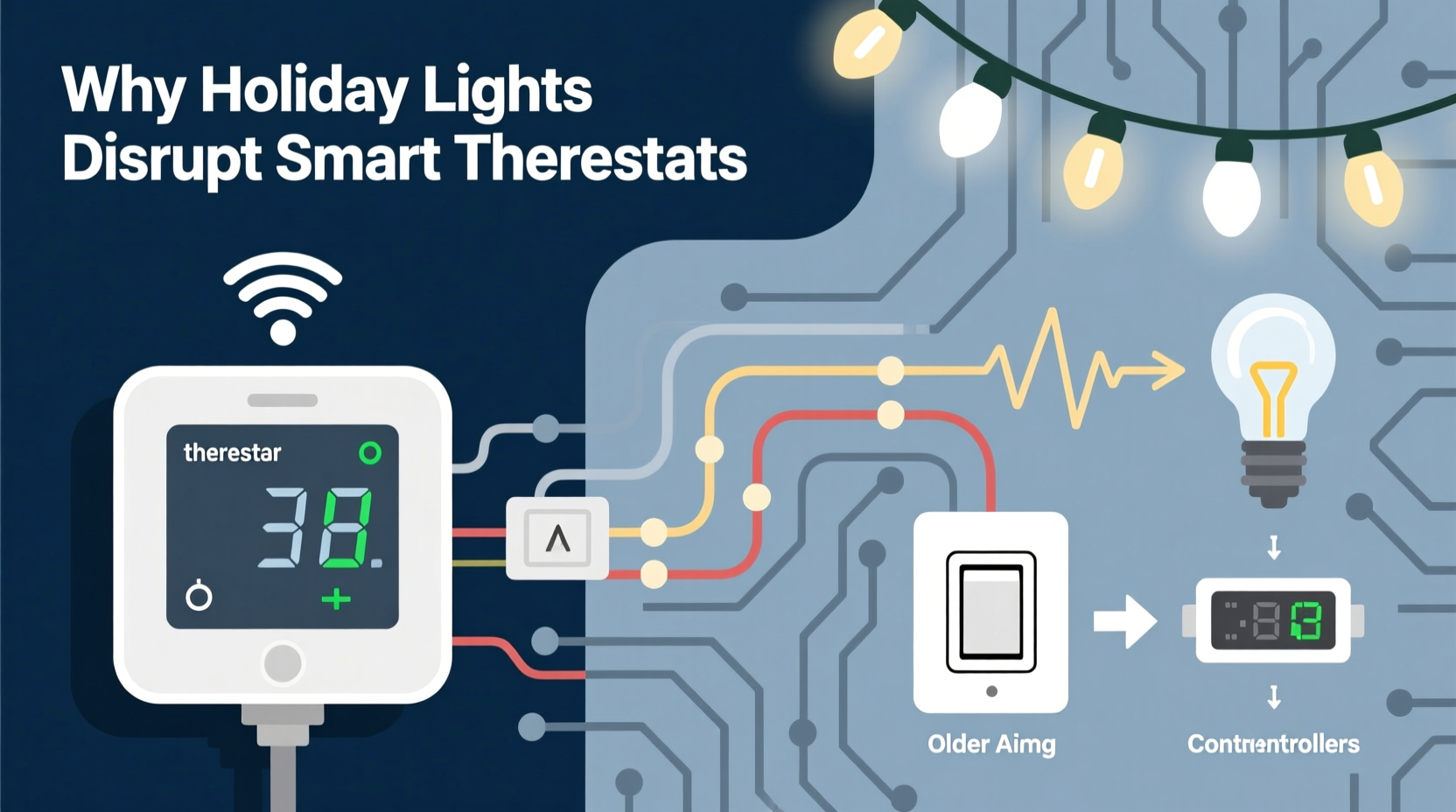
One of the primary reasons smart thermostats misbehave when Christmas lights turn on is electrical noise—also known as electromagnetic interference (EMI) or line noise. Many older or budget-friendly string lights use simple rectifier circuits that don’t smooth out alternating current (AC) properly. When these lights cycle on, especially in sequences or chases, they create rapid surges and drops in current draw. These fluctuations travel through the home’s wiring and can affect other low-voltage devices connected to the same circuit, including smart thermostats.
Smart thermostats operate on 24V AC power supplied by your HVAC system’s control board, typically via a C-wire (common wire). Although this voltage is low, the thermostat’s internal electronics—including microprocessors, Wi-Fi radios, and temperature sensors—are highly sensitive to power inconsistencies. A sudden spike or dip caused by cycling lights can momentarily disrupt the thermostat’s logic board, leading to:
- Temporary loss of Wi-Fi connection
- Inaccurate temperature readings
- Unresponsive touchscreens or buttons
- Unexpected reboots or reset behaviors
This is especially common in older homes where lighting and HVAC systems share circuits or where wiring lacks proper grounding and filtering.
Wi-Fi Interference from LED Drivers and Timers
Modern LED Christmas lights often include built-in controllers, dimmers, or programmable timers. These components rely on switching power supplies and pulse-width modulation (PWM) to manage brightness and effects. Unfortunately, low-cost drivers can emit radio frequency interference (RFI), particularly in the 2.4 GHz band—the same frequency used by most Wi-Fi networks and smart thermostats.
When hundreds of LEDs rapidly switch on and off in sequence, they generate electromagnetic “noise” that overlaps with Wi-Fi signals. If your thermostat is located near a window, staircase, or entryway where lights are concentrated, this interference can degrade signal strength or cause intermittent disconnections. The result? Your thermostat might show as “offline” in the app, fail to receive updates, or stop executing scheduled changes.
A 2022 study by the IEEE Electromagnetic Compatibility Society found that unshielded LED lighting systems increased packet loss in nearby 2.4 GHz devices by up to 38% during peak operation cycles. While not all light sets are this disruptive, poorly manufactured or uncertified products pose a higher risk.
“Holiday lighting can unintentionally become a source of RF pollution. Even small emissions, when multiplied across dozens of strings, can impact smart home reliability.” — Dr. Alan Zhou, Electrical Engineer & EMC Consultant
Circuit Overload and Voltage Drop
Beyond interference, sheer electrical load can destabilize shared circuits. A single strand of incandescent mini-lights can draw 40 watts; ten strands equal 400 watts—nearly 3.5 amps at 120 volts. When multiple such strings are daisy-chained or powered from the same outlet, they strain the circuit, especially if other devices are running.
Voltage drop occurs when demand exceeds the circuit’s capacity, causing the voltage available to other devices to dip below optimal levels. Smart thermostats require a steady 24V supply, but if the transformer feeding the HVAC system is also under stress—perhaps due to aging or undersizing—it may not maintain output when additional household loads activate.
This scenario often manifests as:
- Thermostat display dimming or turning off briefly
- Failure to communicate with the furnace or heat pump
- Repeated “low power” warnings in the app
The problem worsens if the thermostat lacks a reliable C-wire and instead uses a power-stealing mechanism, which extracts energy from the heating circuit itself. These models are more vulnerable to voltage instability.
Do’s and Don’ts of Holiday Lighting & Thermostat Coexistence
| Action | Recommended? | Reason |
|---|---|---|
| Plug lights into a different circuit than the HVAC system | ✅ Yes | Reduces shared load and electrical noise exposure |
| Use surge protectors with EMI/RFI filtering | ✅ Yes | Filters out high-frequency noise from cheap LED drivers |
| Daisy-chain more than three light strands | ❌ No | Exceeds safety limits and increases fire/electrical risk |
| Install uncertified or non-UL-listed lights | ❌ No | Higher chance of emitting interference or overheating |
| Place Wi-Fi extenders near light clusters | ❌ No | Can amplify interference rather than mitigate it |
Step-by-Step Guide to Diagnose and Fix the Issue
If your smart thermostat acts up only when the lights turn on, follow this systematic approach to identify and resolve the root cause.
- Observe the pattern: Note exactly when the thermostat misbehaves—does it happen at the same time every evening? Only when certain light sequences run? Write down timing, duration, and symptoms.
- Check circuit sharing: Turn off the breaker for your Christmas lights and see if the thermostat stabilizes. Alternatively, unplug the lights manually and monitor the thermostat app for recovery.
- Test with battery backup: If your thermostat supports it, install AA or rechargeable backup batteries. This helps determine if the issue is power-related—if the thermostat remains stable with battery support, voltage drop is likely the culprit.
- Move or shield the router: Relocate your Wi-Fi router or access point away from light clusters. Consider switching your thermostat to a 5 GHz network (if supported) to avoid 2.4 GHz interference.
- Upgrade lighting quality: Replace old or flickering light strings with UL-certified, low-EMI LED sets. Look for labels like “RF quiet” or “designed for smart homes.”
- Install a line filter: Add an AC line noise filter (e.g., Furman PL-8C or equivalent) to the outlet powering the lights. These suppress high-frequency spikes before they enter the circuit.
- Add a C-wire if missing: If your thermostat doesn’t have a common wire, consider installing one. This provides continuous, stable power independent of heating cycles, reducing susceptibility to load changes.
Real-World Example: The Johnson Family’s Holiday Glitch
The Johnsons in Minneapolis installed a new Nest Learning Thermostat in November, eager to save on winter heating costs. By early December, they noticed a recurring issue: every night at 5 PM, when their outdoor Christmas lights turned on automatically, the thermostat would disconnect from Wi-Fi and sometimes revert to standby mode.
After ruling out internet outages and router issues, they used a circuit tester and discovered both the lights and the HVAC system were on the same 15-amp circuit. The combined load was pushing the limit, and the LED controller’s RF emissions were interfering with their 2.4 GHz Wi-Fi channel.
Their solution? They rewired the outdoor outlet to a dedicated 20-amp circuit and replaced the original light controller with a Wi-Fi-enabled model that supported 5 GHz. They also added a ferrite core to the thermostat’s power cable to reduce EMI. After these changes, the thermostat remained stable—even during the most elaborate light shows.
Troubleshooting Checklist
Use this checklist to ensure your smart thermostat and holiday lights coexist peacefully:
- ✅ Confirm thermostat has a C-wire or reliable power source
- ✅ Verify Christmas lights are on a separate circuit from HVAC
- ✅ Use UL-listed, low-EMI LED light strings
- ✅ Avoid daisy-chaining more than three light strands
- ✅ Position Wi-Fi router away from light clusters
- ✅ Switch thermostat to 5 GHz Wi-Fi if supported
- ✅ Install an AC line noise filter on the lighting circuit
- ✅ Test system after each change to confirm stability
Frequently Asked Questions
Can Christmas lights damage my smart thermostat permanently?
It’s unlikely, but repeated power surges or chronic voltage instability can shorten the lifespan of sensitive electronics. Most modern thermostats have basic overvoltage protection, but sustained exposure to electrical noise increases wear on internal components. Using surge protectors and dedicated circuits minimizes long-term risk.
Why does only my thermostat act up, but other smart devices are fine?
Smart thermostats are uniquely vulnerable because they’re hardwired into the HVAC system, which shares infrastructure with household circuits. Unlike plug-in devices or phones, they can’t be easily moved away from interference sources. Additionally, their constant operation means they’re exposed to cumulative stress that intermittent devices avoid.
Will switching to all LED lights solve the problem?
Not necessarily. While LEDs consume less power, some low-quality LED strings have poorly designed drivers that generate more RF noise than incandescent bulbs. Always choose reputable brands with EMI/RFI compliance certifications. Look for terms like “low-noise,” “filtered output,” or “FCC compliant” on packaging.
Maintaining Harmony Between Festivity and Function
The holiday season should bring joy, not tech troubles. With thoughtful planning, you can enjoy dazzling light displays without compromising your home’s climate control. The key is recognizing that modern homes are interconnected ecosystems—where a string of lights can influence a thermostat miles away through shared wires and airwaves.
By addressing electrical load, minimizing interference, and upgrading outdated components, you protect not just your thermostat, but the integrity of your entire smart home network. As lighting technology continues to evolve, manufacturers are beginning to prioritize compatibility with connected devices. Until then, proactive measures remain essential.
“The future of smart homes depends not just on intelligence, but on resilience. Devices must coexist reliably—even during the busiest, brightest times of year.” — Lena Patel, Smart Home Systems Architect
Take Action Before the Next Light Show
Don’t wait for another outage or erratic reading to investigate. Review your lighting setup, verify circuit separation, and test your thermostat’s response to controlled light activation. Small adjustments now can prevent discomfort and confusion later. Share your experience in the comments—your solution might help another homeowner keep their holidays both merry and efficient.




 浙公网安备
33010002000092号
浙公网安备
33010002000092号 浙B2-20120091-4
Comments
No comments yet. Why don't you start the discussion?