
A smart thermostat is designed to make your life easier—automating temperature control, learning your habits, and saving energy. But when it keeps resetting unexpectedly, turning back to default settings or rebooting mid-day, the convenience quickly turns into frustration. These resets can disrupt your comfort, increase energy bills, and raise concerns about device reliability. The good news: most causes are diagnosable and fixable without replacing the unit. This guide walks through the most common reasons behind unexplained resets, offering practical solutions grounded in real-world HVAC expertise.
Understanding Smart Thermostat Resets
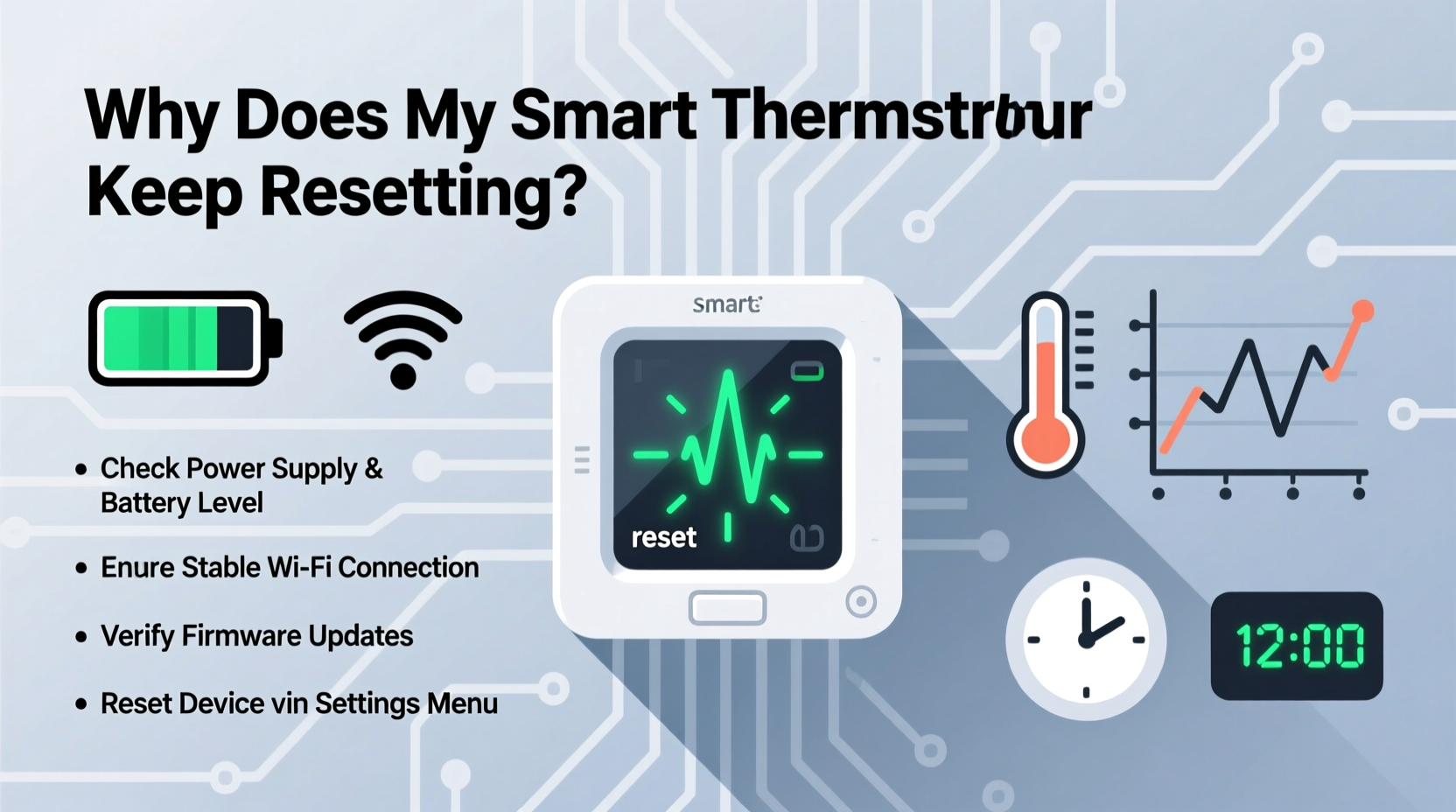
Smart thermostats rely on continuous low-voltage power (typically 24V AC) from your HVAC system’s control board. Unlike traditional thermostats, they contain processors, Wi-Fi radios, and touchscreens—all of which require stable power. A reset occurs when the device loses power momentarily or experiences a software fault, forcing it to restart. Occasional reboots after updates are normal. Frequent, random resets are not.
Resets may manifest as:
- Loss of schedule settings
- Wi-Fi disconnection followed by reconnection
- Screen going blank and restarting
- Device reverting to factory defaults
- Erratic behavior like incorrect temperature readings
Pinpointing the root cause requires examining both hardware and software components of your system.
Common Causes of Unplanned Resets
1. Insufficient or Unstable Power Supply
The leading cause of smart thermostat resets is inconsistent power delivery. Many smart thermostats need a C-wire (common wire) to provide continuous power. Without it, the device relies on “power stealing” from the heating or cooling cycle, which can lead to voltage drops during idle periods.
If your thermostat lacks a C-wire or the wire is improperly connected, it may drain battery reserves or capacitor charge, eventually shutting down and rebooting when power resumes.
2. Faulty or Loose Wiring
Vibration from HVAC equipment, poor initial installation, or rodent damage can loosen thermostat wires. Even a slightly disconnected wire—especially the R (power) or C (common) line—can interrupt power flow. Intermittent contact mimics a power outage, triggering a reset.
Check for frayed insulation, corroded terminals, or wires that slip out when adjusting the thermostat faceplate.
3. Overheating Due to Poor Ventilation
Some thermostats generate internal heat, especially when running Wi-Fi and display functions continuously. If mounted in direct sunlight, near a vent, or enclosed in a tight wall cavity, overheating can force automatic shutdowns as a safety measure.
4. Firmware Bugs or Failed Updates
Manufacturers release firmware updates to improve performance, but flawed updates can introduce instability. A failed or corrupted update may leave the thermostat in a boot loop. Some users report resets occurring exactly 24 hours after an update, suggesting a delayed crash.
5. Compatibility Issues with HVAC Systems
Not all HVAC systems deliver clean, consistent 24V power. Older furnaces, dual-transformer setups, or systems with high electrical noise can interfere with thermostat operation. Heat pumps with auxiliary strips or multi-stage systems sometimes cause voltage fluctuations during mode changes.
“Thermostat resets are rarely about the device itself—it’s usually a symptom of underlying electrical inconsistency.” — Daniel Reyes, HVAC Systems Engineer with 18 years of field experience
Troubleshooting Steps to Stop the Resets
Follow this step-by-step diagnostic process to identify and resolve the issue.Step 1: Check for a C-Wire
- Turn off HVAC power at the breaker.
- Remove the thermostat faceplate.
- Inspect terminal connections. Look for a wire labeled “C” connected to the C terminal.
- If no C-wire exists, verify if your furnace has a spare C-terminal. Many do, even if unused.
- If confirmed absent, install a C-wire adapter or PEK.
Step 2: Inspect Wiring Integrity
Examine each wire for tightness and corrosion. Wiggle each connection gently—if any move, tighten the terminal screw. Ensure no stray copper strands are touching adjacent terminals, which can cause shorts.
Step 3: Monitor Voltage with a Multimeter
Use a multimeter to test voltage between R and C terminals:
- Set meter to AC voltage (20V–30V range).
- Measure voltage while HVAC is idle and during startup.
- Stable reading should be 24–28V AC.
- Dips below 20V under load indicate transformer or wiring issues.
Step 4: Review Recent Firmware Updates
Visit your thermostat manufacturer’s support page or app to check for known issues. For example:
- Nest had a March 2023 update causing resets in older models.
- Ecobee released a patch in 2022 for spontaneous reboots linked to humidity sensor polling.
If a problematic update is suspected, contact support for rollback options or wait for a fix.
Step 5: Relocate or Improve Ventilation
If the thermostat is near a register, window, or appliance emitting heat, consider relocating it to a more neutral area. Ensure at least 2 inches of clearance around the unit for airflow.
Troubleshooting Checklist
- ✅ Confirm C-wire is present and securely connected
- ✅ Tighten all thermostat wire terminals
- ✅ Test voltage at thermostat (idle and under load)
- ✅ Check for firmware update history and known bugs
- ✅ Ensure thermostat is not exposed to direct heat or sunlight
- ✅ Verify compatibility with HVAC system type (e.g., heat pump, millivolt)
- ✅ Reset thermostat to factory settings and reconfigure
- ✅ Observe behavior for 48 hours after fixes
When Hardware or System Upgrades Are Needed
Sometimes, the solution goes beyond basic troubleshooting. Consider these upgrades if problems persist.
Install a C-Wire Adapter Kit
If your furnace lacks a C-wire but has the necessary terminal, you can often add one by running a new 18/5 cable from the furnace to the thermostat. Alternatively, use a plug-in power adapter that connects to a standard outlet and links to your thermostat via USB or proprietary connector.
Replace an Aging Transformer
The HVAC control transformer supplies 24V power. Units over 10–15 years old may degrade, delivering unstable voltage. A failing transformer often hums or feels hot. Replacing it (typically $30–$60) can restore clean power to the thermostat.
Upgrade to a Dual-Transformer System?
In rare cases, homes with separate HVAC and humidifier systems may have conflicting transformers. This creates a “backfeeding” scenario where voltage cancels out. Installing isolation relays or consolidating control circuits may be required.
| Issue | Diagnosis Method | Solution |
|---|---|---|
| No C-wire | Visual inspection of terminals | Install C-wire or use PEK |
| Low voltage under load | Multimeter test during fan startup | Check wiring, replace transformer |
| Firmware bug | Check manufacturer forums | Wait for patch or reset device |
| Overheating | Touch thermostat after hours of use | Relocate or improve airflow |
| Loose wiring | Wiggle wires at terminals | Retighten screws, replace damaged wires |
Real-World Example: The Case of the Cycling Nest
Homeowner Maria L. in Portland reported her Nest Learning Thermostat reset every afternoon around 3 PM. She’d lose her schedule, and the system would default to 72°F. Initial checks showed a C-wire was connected, and firmware was up to date.
An HVAC technician discovered that her 20-year-old furnace had a weak transformer. During summer, when the air conditioner cycled on, the combined load caused voltage to drop from 26V to 18V for several seconds. The Nest interpreted this as a power loss and rebooted. After replacing the transformer, the resets stopped completely.
This case underscores that symptoms appear at the thermostat, but the root cause often lies deeper in the HVAC infrastructure.
Frequently Asked Questions
Can a dirty HVAC filter cause thermostat resets?
Not directly. However, a clogged filter forces the blower motor to work harder, increasing electrical draw. In marginal systems, this added load can contribute to voltage sag, indirectly triggering resets. Regular filter changes support overall system stability.
Is it safe to keep using a resetting thermostat?
Occasional resets aren’t dangerous, but frequent ones suggest an underlying electrical issue. Prolonged voltage instability can damage not only the thermostat but also the HVAC control board. It’s best to resolve the cause promptly.
Will resetting the thermostat to factory settings fix the problem?
Factory resets clear corrupted configurations and cached data, which may help if software glitches are involved. However, if the issue is power-related, the resets will return. Use a factory reset as part of troubleshooting, not a standalone fix.
Final Recommendations and Next Steps
Smart thermostat resets are disruptive but almost always solvable. Start with the basics: confirm your C-wire setup, inspect wiring, and test voltage. Most homeowners can complete these steps safely with a multimeter and basic tools. When technical complexity increases—such as transformer replacement or circuit modifications—consult a licensed HVAC professional.
Keep records of when resets occur, what HVAC cycles were active, and whether recent updates were installed. This data helps technicians diagnose patterns faster.
Remember, your smart thermostat is only as reliable as the system powering it. Investing time in ensuring clean, stable voltage pays off in comfort, efficiency, and long-term device health.




 浙公网安备
33010002000092号
浙公网安备
33010002000092号 浙B2-20120091-4
Comments
No comments yet. Why don't you start the discussion?