
If you're like millions of smartwatch users, you've likely experienced the frustration of charging your device overnight only to see the battery plummet to 20% by lunchtime. You didn’t overuse it. You didn’t enable experimental apps. Yet here you are—scrambling for a charger before your afternoon meetings. The truth is, modern smartwatches are packed with powerful sensors and constant connectivity, which come at a steep energy cost. But before you resign yourself to carrying a portable charger or downgrading to a basic fitness tracker, understand that there are intelligent, non-sacrificial ways to improve battery longevity—without turning off essential features like heart rate monitoring, notifications, or GPS.
The key isn't in stripping functionality but in optimizing how those features operate. With small behavioral shifts, strategic settings adjustments, and a deeper understanding of what drains your watch’s power, you can realistically extend battery life by 30–50%, often reaching full-day use—even with active tracking.
What Actually Drains Your Smartwatch Battery?
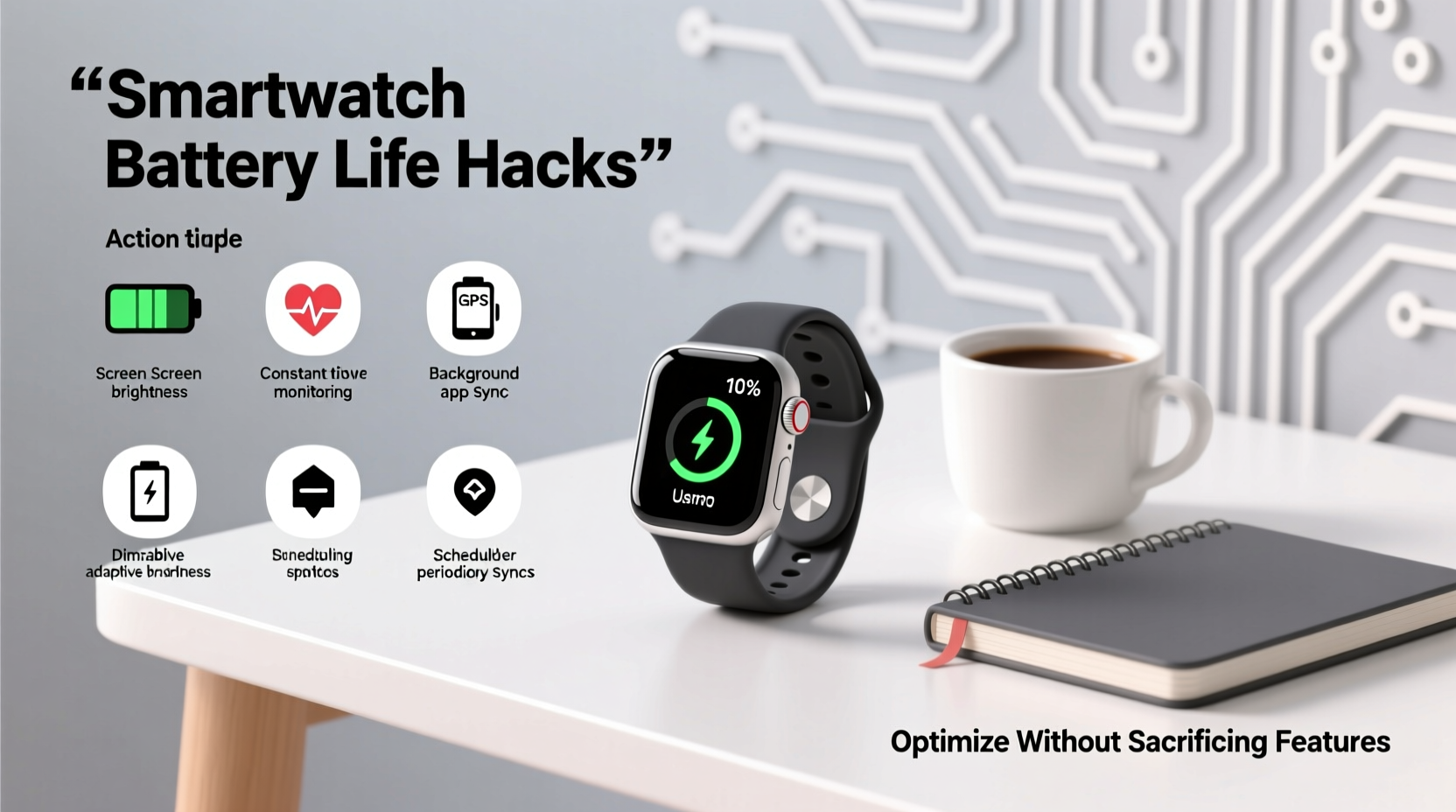
To fix a problem, you must first understand its root causes. Unlike smartphones, smartwatches have limited battery capacity (typically between 200–450 mAh) and run on compact systems that balance performance with efficiency. However, several components consume disproportionate amounts of power:
- Display Brightness and Always-On Mode: OLED screens are efficient per pixel, but keeping the entire display lit all day—especially at high brightness—can account for up to 40% of total battery drain.
- GPS Tracking: Continuous location services during workouts pull heavily from the battery. A single hour-long outdoor run with GPS active can deplete 15–25% of charge.
- Heart Rate Monitoring: While convenient, continuous optical sensing runs the LED and sensor array every few seconds, creating a steady background draw.
- Notifications and Syncing: Frequent app alerts, message syncing, and email checks keep the radio modules (Bluetooth, Wi-Fi) constantly active, even when idle.
- Third-Party Apps and Watch Faces: Animated watch faces and poorly optimized apps may refresh too often or run background processes unnecessarily.
- Software Updates and Background Processes: New OS updates sometimes introduce inefficiencies, and background health data processing can spike CPU usage.
Understanding these factors helps avoid blanket recommendations like “turn off heart rate monitoring.” Instead, targeted tweaks can yield significant gains while preserving core utility.
Smart Optimization Without Feature Sacrifice
Many guides suggest disabling critical features to save power—but that defeats the purpose of owning a smartwatch. The goal is smarter usage, not reduced capability. Here’s how to maintain functionality while boosting efficiency:
Adaptive Display Settings
The display is usually the largest energy consumer. However, you don’t need to disable the always-on screen entirely. Most modern watches (Apple Watch Series 5+, Samsung Galaxy Watch, Wear OS devices) offer adaptive brightness and motion activation.
Enable “Raise to Wake” and ensure ambient light sensing is active. This allows the screen to remain dim or off until needed, lighting up only when you lift your wrist. On Wear OS, use “Ambient Mode” instead of full-color always-on faces. On Apple Watch, choose modular or simple watch faces that minimize animation and bright colors.
Optimize Heart Rate Monitoring Intervals
You don’t need real-time heart rate data every second unless you’re training. Most wearables allow adjusting sensor polling frequency. For example, Fitbit lets users set “Heart Rate Sensing” to “Normal” instead of “High,” reducing readings from every 5 seconds to every 10–30 seconds during inactivity.
Similarly, Garmin watches offer “Pulse Ox” sampling options—disable it during the day if you’re not tracking sleep apnea or altitude adaptation. These changes preserve accuracy where it matters while cutting unnecessary drain.
“Battery optimization isn’t about removing features—it’s about aligning them with actual user behavior.” — Dr. Lena Torres, Senior Wearable Systems Engineer at MIT Media Lab
Refine Notification Management
Every buzz, beep, and screen wake-up uses energy. But missing important messages isn’t acceptable either. The solution lies in filtering.
Use your phone’s companion app (e.g., Wear OS by Google, Galaxy Wearable, Apple Watch app) to silence non-critical apps. Allow notifications only from messaging, calendar, and health alerts. Disable social media pings and promotional emails. This reduces both screen activations and Bluetooth sync frequency.
Additionally, turn off haptic feedback for minor alerts. One subtle vibration may seem harmless, but hundreds per day add up.
Battery-Smart Charging Habits
How you charge your smartwatch affects not just immediate battery levels but long-term health. Lithium-ion batteries degrade faster when subjected to extreme conditions.
Avoid letting your watch drop below 20% regularly. Deep discharges stress the cell. Conversely, leaving it plugged in at 100% for hours (especially overnight) accelerates aging. Aim to keep charge between 30% and 80% whenever possible.
If your model supports it, enable “Optimized Battery Charging” (available on Apple Watch and some Wear OS devices). This feature learns your routine and delays charging past 80% until just before you typically unplug it, reducing time spent at full capacity.
Temperature Matters More Than You Think
Extreme heat or cold damages lithium-ion cells. Don’t leave your watch in direct sunlight (e.g., on a car dashboard) or expose it to freezing temperatures for extended periods. Even wearing it tightly under a sleeve during intense workouts can trap heat and degrade battery efficiency over time.
Manufacturers design watches to operate safely between 0°C and 35°C (32°F–95°F). Staying within this range preserves both daily performance and lifespan.
Real-World Example: Sarah’s 48-Hour Fix
Sarah, a project manager in Seattle, relied on her Samsung Galaxy Watch6 for calendar alerts, step tracking, and stress monitoring. But she found herself charging it twice daily—once before work and again after lunch. Her battery would hit 15% by 2 PM.
After reviewing her usage, she made three changes:
- Switched from an animated watch face to a static analog design with motion-activated illumination.
- Limited Pulse Ox measurements to nighttime only via the Samsung Health app.
- Disabled notifications from Slack and news apps, allowing only calls, texts, and calendar reminders.
She also started charging her watch for 15 minutes during her mid-morning break when it reached ~40%. These adjustments allowed her to go from struggling through one workday to comfortably lasting two full days on a single charge—without losing access to health tracking or urgent alerts.
Action Plan: 7-Day Battery Optimization Challenge
Implementing changes all at once can be overwhelming. Instead, follow this step-by-step timeline to gradually optimize your smartwatch without disruption:
| Day | Action | Expected Impact |
|---|---|---|
| 1 | Review current battery usage in settings; identify top power-consuming apps. | Baseline awareness |
| 2 | Replace animated watch face with minimalist or system default design. | Reduce display load by ~15% |
| 3 | Adjust heart rate and SpO2 monitoring to periodic or sleep-only mode. | Lower sensor drain by 10–20% |
| 4 | Disable non-essential app notifications via phone companion app. | Fewer wake-ups, less sync traffic |
| 5 | Enable adaptive brightness and reduce screen timeout to 6 seconds. | Extend display efficiency |
| 6 | Perform a soft reboot to clear background processes and cached data. | Refresh system performance |
| 7 | Test full-day use; note remaining battery at bedtime. | Measure improvement |
This structured approach ensures sustainable changes rather than temporary fixes. By day seven, most users report at least a 30% increase in battery endurance.
Do’s and Don’ts: Quick Reference Table
| Do | Don’t |
|---|---|
| Use adaptive brightness and motion wake | Keep maximum brightness all day |
| Charge in short bursts during downtime | Leave on charger overnight regularly |
| Update software to benefit from efficiency patches | Ignore OS updates for months |
| Limit third-party animated watch faces | Install flashy faces with live data feeds |
| Filter notifications to essentials only | Allow every app to send alerts |
| Store in moderate temperatures | Expose to direct sun or freezing environments |
Frequently Asked Questions
Can I extend battery life without switching to a ‘battery saver’ mode?
Yes. Most battery saver modes disable GPS, heart rate, and notifications—defeating the purpose of a smartwatch. Instead, fine-tune individual settings like screen timeout, sensor frequency, and alert filtering to achieve similar gains while retaining functionality.
Does using LTE instead of Bluetooth drain the battery faster?
Significantly. LTE-enabled watches consume up to 40% more power when disconnected from a phone because they maintain a cellular connection independently. Use LTE only when necessary (e.g., running without your phone), and switch back to Bluetooth mode otherwise.
Will turning off Wi-Fi help conserve battery?
Only marginally. Wi-Fi is primarily used for initial setup and firmware updates. Once paired via Bluetooth, the watch rarely uses Wi-Fi unless syncing large files. Disabling it has minimal impact unless you're in a poor signal area where the radio searches constantly.
Final Thoughts: Reclaim Control Over Your Device
Your smartwatch shouldn’t demand constant charging to remain useful. The frustration of a dead battery by noon stems not from flawed hardware but from mismatched usage patterns and overlooked settings. By applying intelligent optimizations—targeting display behavior, notification flow, sensor activity, and charging habits—you can dramatically improve battery performance without surrendering the features that make your device valuable.
Technology should serve you, not dictate your routine. With a few deliberate adjustments, your smartwatch can last through your busiest days, track your health accurately, and stay connected when it matters—all without begging for a recharge by lunch.




 浙公网安备
33010002000092号
浙公网安备
33010002000092号 浙B2-20120091-4
Comments
No comments yet. Why don't you start the discussion?