
Waking up to a dead smartwatch is more than just an inconvenience—it disrupts your morning routine, disables health tracking, and forces you into a daily charge scramble. You’re not alone. Many users report their devices losing 30%, 50%, or even 100% of battery overnight despite minimal use. The good news? Most causes are fixable with the right adjustments. This guide dives deep into the real reasons behind rapid battery drain and delivers practical, long-term solutions that actually work.
The Hidden Causes of Overnight Battery Drain
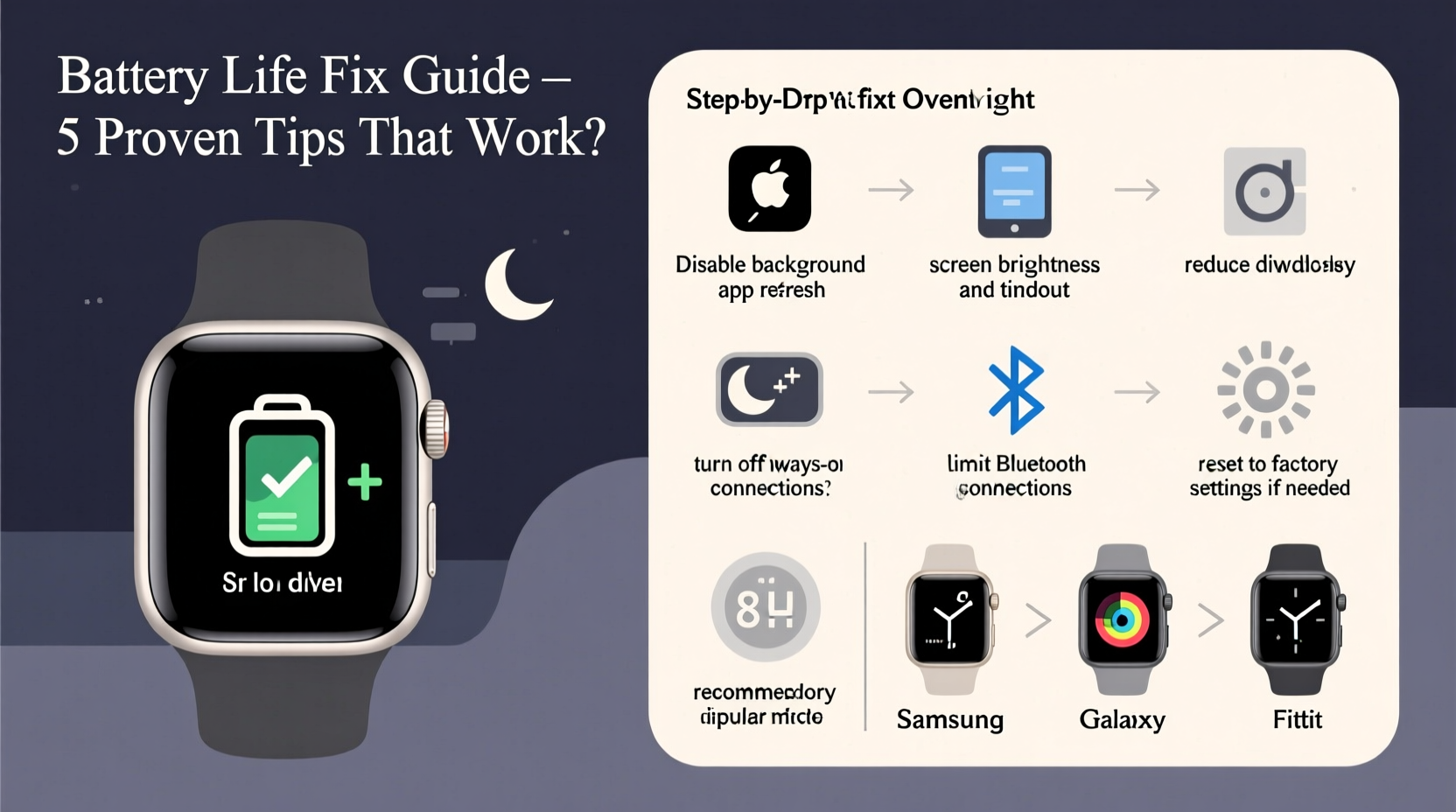
Smartwatches are designed for constant connectivity, but that convenience comes at an energy cost. Unlike phones, which sleep deeply when idle, smartwatches maintain background processes to sync notifications, track vitals, and stay ready for voice commands. When these functions run unchecked, they can silently consume power while you sleep.
Common culprits include:
- Background app refresh: Apps like weather, messaging, or fitness trackers may sync data every few minutes, even at night.
- Heart rate monitoring: Continuous heart rate checks—especially on models that sample every 10 seconds—drain significant power.
- Poor Bluetooth connection: If your watch struggles to maintain a stable link with your phone, it increases transmission power and battery usage.
- Firmware bugs: Software glitches in updates can cause processes to run indefinitely or fail to enter low-power mode.
- Battery aging: After 18–24 months, lithium-ion batteries degrade, reducing capacity and increasing discharge rates.
“Overnight battery loss is rarely about one single setting. It’s usually a combination of background services, connectivity issues, and outdated firmware.” — Dr. Lena Torres, Wearable Tech Engineer at MIT Media Lab
Step-by-Step: Diagnose and Fix the Problem
Follow this timeline to identify and eliminate the root causes of overnight battery drain.
- Check battery usage stats (Night 1): Open your smartwatch’s battery settings and review what consumed power overnight. Look for apps or system features using disproportionate energy.
- Disable unnecessary sensors (Night 2): Turn off continuous heart rate, blood oxygen, and skin temperature monitoring unless medically necessary.
- Enable Sleep Mode or Theater Mode (Night 3): Activate built-in low-power modes that disable the screen, haptics, and non-critical alerts during bedtime.
- Review notification load (Night 4): Disable alerts from social media, email, and non-urgent apps. Only allow critical messages like calls and texts.
- Update firmware (Night 5): Ensure both your watch and paired phone have the latest OS updates. Manufacturers often release patches for battery optimization.
- Re-pair Bluetooth connection (Night 6): Unpair and re-pair your watch with your phone to reset communication protocols and eliminate signal inefficiencies.
- Factory reset (Night 7): As a last resort, erase all data and set up the watch fresh. This removes corrupted caches and rogue background processes.
Do’s and Don’ts: Smartwatch Battery Best Practices
| Do’s | Don’ts |
|---|---|
| Use built-in sleep tracking mode—it optimizes sensor use and disables screen wake. | Leave GPS always on; it’s unnecessary unless actively exercising. |
| Set screen brightness to auto or low (under 50%). | Run third-party watch faces with animations—they increase CPU load. |
| Turn off haptic feedback for non-essential alerts. | Allow all apps to refresh in the background. |
| Enable “Always-On” display only if essential. | Ignore software updates—they often contain battery-saving improvements. |
| Restart your watch weekly to clear memory leaks. | Keep Wi-Fi enabled when out of range—it drains power searching for networks. |
Real-World Example: Sarah’s Samsung Galaxy Watch Recovery
Sarah, a 34-year-old nurse in Chicago, noticed her Galaxy Watch 5 dying by 6 AM after charging at 10 PM. She wasn’t using it heavily—just step tracking and receiving call alerts. After checking battery usage, she found that “Samsung Health” was consuming 68% of power overnight due to continuous heart rate monitoring.
She followed these steps:
- Disabled “Continuous HR” in Samsung Health settings.
- Enabled “Sleep Mode” from 10 PM to 6 AM.
- Updated One UI Watch 5.1.
- Uninstalled a third-party weather widget causing frequent syncs.
Result: Her overnight battery drop went from 92% to just 18% over seven hours. The fix lasted three months with no recurrence.
Essential Checklist for Long-Term Battery Health
Use this checklist weekly to maintain optimal smartwatch performance:
- ✅ Review battery usage breakdown in the companion app.
- ✅ Confirm Sleep Mode or Do Not Disturb is scheduled nightly.
- ✅ Disable Always-On Display if not needed.
- ✅ Limit background app refresh to essentials (e.g., Messages, Calendar).
- ✅ Restart the watch once per week.
- ✅ Keep the watch and phone OS updated.
- ✅ Avoid exposing the device to extreme temperatures (below 32°F or above 95°F).
- ✅ Use manufacturer-recommended chargers—cheap cables can damage battery chemistry.
Frequently Asked Questions
Why does my smartwatch battery drain even when I’m not using it?
Even idle smartwatches run background tasks: syncing data, checking location, monitoring heart rate, and listening for voice commands. These functions draw continuous power. Additionally, poor Bluetooth pairing or outdated software can cause inefficient communication, accelerating drain.
Is it bad to charge my smartwatch every night?
Not inherently, but constantly charging from 80% to 100% can stress the battery over time. Lithium-ion batteries perform best between 20% and 80%. For longevity, consider partial charges or using a timer plug to stop charging after 3–4 hours.
How long should a smartwatch battery last overnight?
A healthy smartwatch with optimized settings should lose no more than 10–20% overnight under normal conditions. Losing more than 30% indicates a configuration issue, software bug, or aging battery. If your device drops below 50% without active use, it’s time to investigate.
When to Consider Hardware Replacement
Software fixes can only go so far. If you’ve optimized settings, updated firmware, and still experience rapid drain, the issue may be hardware-related. Battery degradation typically begins after 500 charge cycles (about 1.5–2 years of daily use). Symptoms include:
- Sudden shutdowns at 20–30% battery.
- Inability to hold charge beyond a few hours.
- Swelling or overheating during charging.
Most manufacturers offer battery replacement services. For example, Apple charges $79 for an out-of-warranty Series 7 battery swap, which restores 80–90% of original capacity. Third-party repair shops may offer lower prices, but ensure they use certified cells to avoid safety risks.
“Replacing a degraded battery can feel like getting a new watch. Performance, standby time, and charging behavior improve dramatically.” — Marcus Lin, Senior Technician at iFixSmart
Conclusion: Take Control of Your Smartwatch Battery Life
Your smartwatch doesn’t have to die every morning. With targeted adjustments to settings, awareness of background processes, and disciplined maintenance, you can achieve reliable all-day and overnight battery life. Start by diagnosing the biggest energy hogs, apply the fixes outlined here, and stick with the checklist to prevent backsliding. Over time, these habits become second nature—and your wrist device will thank you with consistent, dependable performance.




 浙公网安备
33010002000092号
浙公网安备
33010002000092号 浙B2-20120091-4
Comments
No comments yet. Why don't you start the discussion?