
It’s a common frustration: your smartwatch, which typically lasts a full day on a charge, suddenly dies halfway through the afternoon when temperatures drop. You haven’t changed your usage habits, yet the battery seems to vanish into thin air. This isn’t just a coincidence—it’s physics. Cold weather has a measurable impact on lithium-ion batteries, the power source behind nearly every modern smartwatch. Understanding the science behind this phenomenon is the first step toward maintaining reliable performance all winter long.
Smartwatches are designed for constant connectivity—tracking steps, receiving notifications, monitoring heart rate, and more. These functions demand consistent energy output. When exposed to low temperatures, even briefly, the chemical reactions inside the battery slow down significantly, reducing available power and triggering premature shutdowns. But beyond the science, there are real-world strategies you can use to minimize winter battery drain and keep your device running efficiently.
The Science Behind Cold Weather Battery Drain
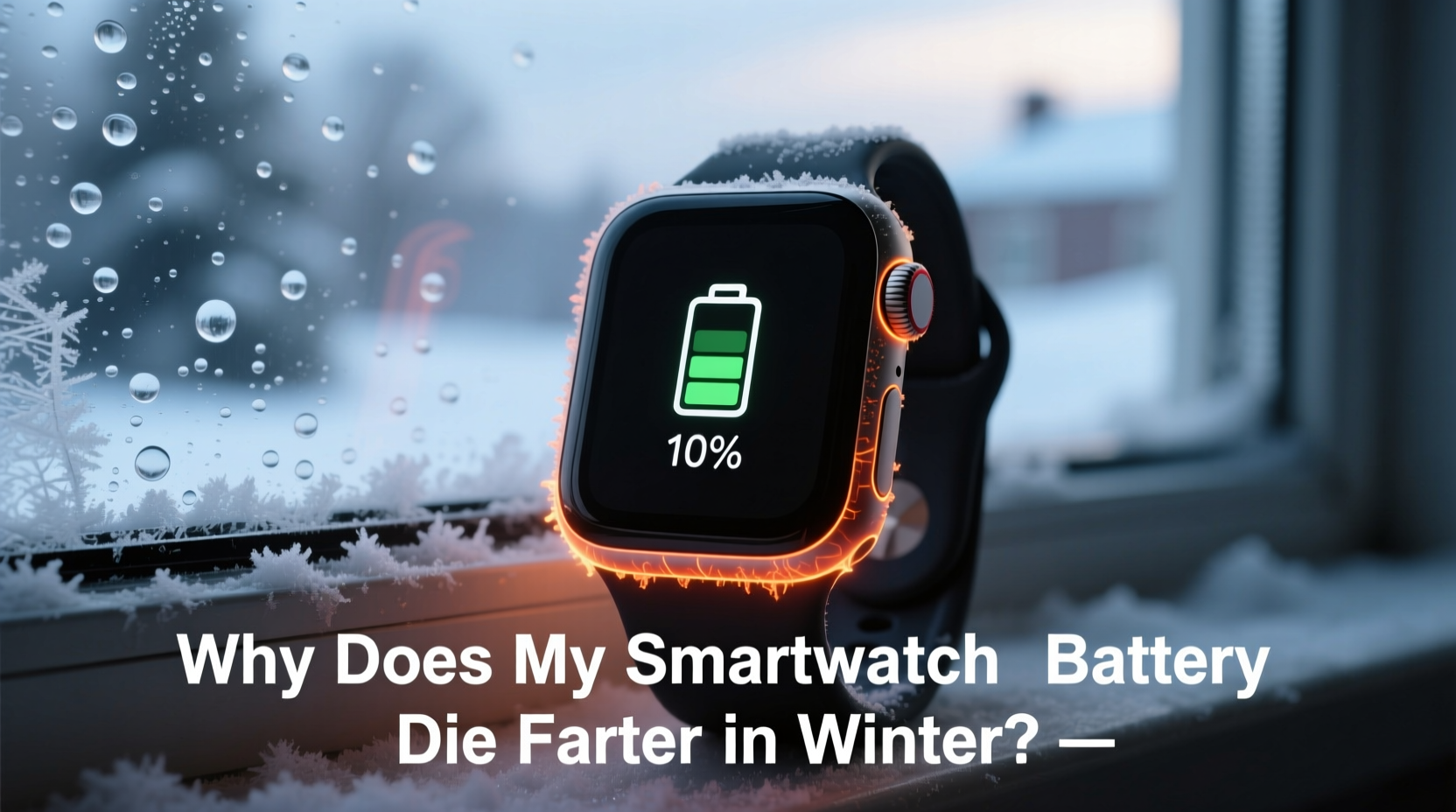
Lithium-ion batteries, used in virtually all smartwatches from Apple to Samsung to Garmin, rely on the movement of lithium ions between electrodes to generate electricity. This process works optimally within a specific temperature range—typically between 20°C and 25°C (68°F to 77°F). When temperatures fall below this range, especially below freezing (0°C or 32°F), ion mobility decreases dramatically.
In cold conditions, the electrolyte solution inside the battery becomes more viscous, slowing ion transfer. This reduces the battery’s ability to deliver current, causing voltage to drop. Your smartwatch interprets this voltage drop as a low charge—even if the battery isn’t actually depleted—and may shut down unexpectedly. Once warmed up, the device might show 30% or more charge remaining, proving the issue wasn’t capacity but temporary performance suppression.
“Cold doesn’t permanently damage a lithium-ion battery in the short term, but it forces it into a state of reduced functionality. The battery isn’t dead—it’s just hibernating.” — Dr. Lena Patel, Electrochemical Engineer at MIT Energy Initiative
This effect is temporary under normal circumstances. However, repeated exposure to extreme cold without proper management can accelerate long-term degradation, reducing overall battery lifespan.
How Winter Conditions Exacerbate Battery Drain
Beyond the internal chemistry, external winter behaviors amplify the problem. Consider these contributing factors:
- Increased indoor heating cycles: Moving between cold outdoors and warm indoors causes thermal stress, forcing the battery to work harder to stabilize.
- Colder skin temperature: Some health sensors increase sampling frequency when detecting lower body temps, raising power consumption.
- Heated gloves and jackets: While warming your hands, these devices may block GPS or Bluetooth signals, prompting your watch to boost transmission power.
- Shorter daylight hours: More frequent use of screen brightness and flashlight features increases load.
- Winter sports tracking: Activities like skiing or snowshoeing often involve extended GPS usage in suboptimal signal conditions.
Step-by-Step Guide to Minimizing Winter Battery Drain
Follow this actionable sequence to protect your smartwatch battery throughout the colder months:
- Pre-warm before outdoor use: Keep your watch close to your body (e.g., in an inner jacket pocket) before putting it on. A warmer starting temperature delays cold-induced voltage drops.
- Reduce background activity: Disable unnecessary apps, notifications, and always-on display features that consume power even when idle.
- Optimize sensor usage: Turn off continuous heart rate monitoring or blood oxygen checks unless medically necessary.
- Use power-saving modes: Activate built-in battery saver or expedition modes during long outdoor trips to limit non-essential functions.
- Avoid charging in cold environments: Never charge your watch in an unheated garage or car. Lithium-ion batteries should only be charged above 5°C (41°F).
- Limit screen wake-ups: Set longer idle times before the screen turns off, and disable “raise to wake” if frequently triggered by wind or movement.
- Carry a portable charger: Use a compact USB-C magnetic charger in your coat pocket to top up during extended outings.
Do’s and Don’ts: Smartwatch Battery Care in Winter
| Do’s | Don’ts |
|---|---|
| Keep your watch close to your body in extreme cold | Leave your watch outside overnight or in a freezing car |
| Use airplane mode during prolonged inactivity in cold | Charge your watch when it's below 5°C (41°F) |
| Update firmware regularly for improved power management | Ignore sudden shutdowns—they’re warning signs |
| Enable GPS only when actively tracking workouts | Run multiple third-party apps with background sync |
| Store your watch in a climate-controlled environment | Expose it repeatedly to rapid temperature swings |
Real-World Example: A Hiker’s Winter Experience
Mark, an avid trail hiker from Colorado, noticed his Garmin Fenix consistently died after three hours during winter treks, despite lasting over 20 hours in summer. He tracked his usage and found no significant change in settings. After consulting a forum, he realized the issue was environmental. On a subsequent trip, he kept his watch tucked inside his fleece liner until needed, disabled pulse ox monitoring, and turned off music streaming. He also activated UltraTrac GPS mode. Result: the same model lasted 14 hours in -10°C (14°F) conditions—nearly five times longer than before.
Mark’s experience highlights that user behavior plays a critical role. While the cold cannot be controlled, how we interact with our devices in cold environments can make a dramatic difference.
Expert Tips for Long-Term Battery Health
Maintaining battery longevity goes beyond seasonal fixes. Experts recommend adopting sustainable habits year-round:
- Avoid deep discharges: Try not to let your battery drop below 20%. Lithium-ion cells degrade faster when fully drained.
- Charge between 20% and 80%: For daily use, partial charging reduces stress on the battery chemistry.
- Use manufacturer-approved chargers: Third-party magnetic adapters may deliver inconsistent voltage, especially in cold.
- Monitor battery health: Some watches (like Apple Watch via iPhone Settings > Battery) provide battery health estimates. Replace if capacity falls below 80%.
Frequently Asked Questions
Can cold weather permanently damage my smartwatch battery?
Occasional exposure to cold won’t cause permanent damage, but repeated deep discharges in freezing temperatures can accelerate wear. Long-term exposure below -10°C (14°F) increases the risk of irreversible capacity loss.
Why does my watch turn off at 30% in winter?
This happens because cold slows ion movement, causing voltage to dip. The system误reads this as a critically low charge and initiates shutdown to protect itself. Warming the device usually restores normal function and shows remaining charge.
Is it safe to warm my smartwatch with a heater or hair dryer?
No. Rapid heating can cause condensation inside the device or damage sensitive components. Always allow gradual warming using body heat or room-temperature environments.
Battery Performance Comparison Across Popular Models in Cold
Different smartwatches handle cold differently based on design, software optimization, and battery size. Here’s how some top models perform under winter stress:
| Smartwatch Model | Rated Battery Life (Normal) | Estimated Winter Runtime (-5°C) | Cold-Weather Features |
|---|---|---|---|
| Apple Watch Series 9 | 18 hours | 6–8 hours | Low Power Mode, optimized thermal management |
| Samsung Galaxy Watch 6 | 30 hours | 8–10 hours | Power Saving Mode, adaptive brightness |
| Garmin Fenix 7 | 18 days (smartwatch mode) | 5–7 days | Expedition modes, solar charging option |
| Fitbit Sense 2 | 6 days | 1.5–2 days | Limited cold-specific features |
| Amazfit GTR 4 | 14 days | 3–4 days | Basic power saving, no advanced thermal tuning |
Note: Real-world results vary based on usage patterns, signal strength, and exact temperature exposure.
Conclusion: Take Control of Your Winter Battery Life
Your smartwatch doesn’t have to become unreliable just because the temperature drops. By understanding the electrochemical realities of lithium-ion batteries and adjusting your usage accordingly, you can maintain strong performance all winter. Simple changes—like disabling unused features, keeping the device warm, and avoiding cold charging—can double or even triple usable runtime in harsh conditions.
Beyond immediate fixes, cultivating good battery habits ensures your device remains dependable for years. Whether you're commuting through snow, hiking icy trails, or simply braving the morning frost, your smartwatch should support you—not shut down unexpectedly.




 浙公网安备
33010002000092号
浙公网安备
33010002000092号 浙B2-20120091-4
Comments
No comments yet. Why don't you start the discussion?