
Smartwatches have become essential tools for fitness enthusiasts, health-conscious individuals, and everyday users who want to monitor their daily activity. One of the most relied-upon features is step counting—a metric that seems straightforward but often raises questions when inaccuracies occur. If your smartwatch registers steps while you're sitting at your desk, driving, or even sleeping, you're not alone. This phenomenon is more common than many realize, and understanding the root causes can help you trust—and fine-tune—your device’s performance.
The issue stems from the way modern wearables detect motion. While manufacturers use advanced algorithms and multi-axis accelerometers, these systems are not immune to false positives. Environmental vibrations, arm movements unrelated to walking, and software limitations can all contribute to phantom step counts. Fortunately, most of these problems can be mitigated with proper calibration, usage habits, and awareness of your device’s capabilities.
How Smartwatches Track Steps: The Science Behind Motion Detection
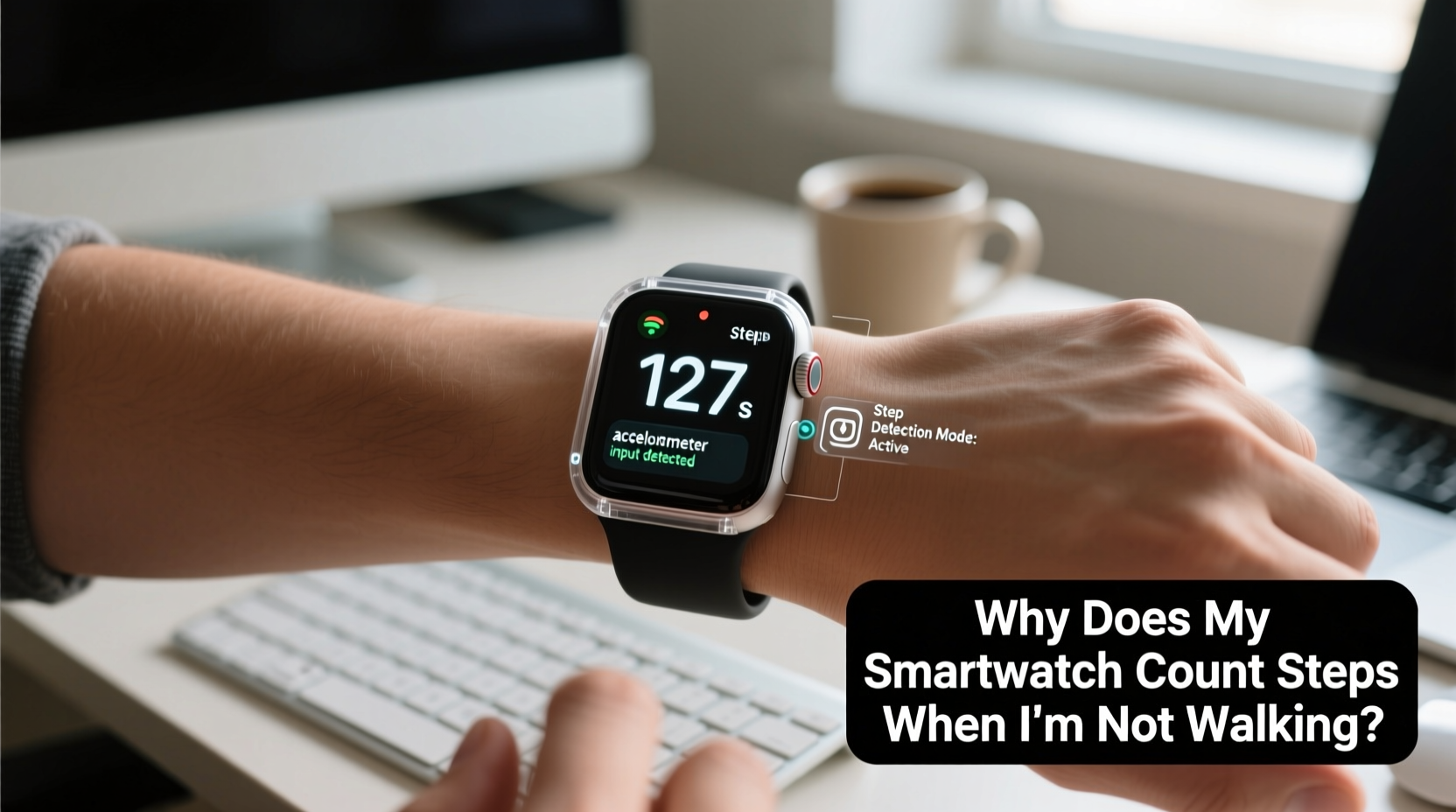
At the heart of every step-counting smartwatch lies a tiny component called an accelerometer. This sensor measures acceleration forces in three dimensions—up/down, left/right, and forward/backward. When you move your arm, especially in a rhythmic swinging motion typical of walking or running, the accelerometer detects patterns that the device interprets as steps.
Modern devices also incorporate gyroscopes and sometimes magnetometers to refine motion data. Combined, these sensors form an inertial measurement unit (IMU) that helps distinguish between different types of movement. However, despite this sophistication, the system isn’t perfect. It relies on pattern recognition rather than direct observation of leg movement, which means any repetitive arm motion—even typing or stirring coffee—can trick the algorithm into registering a \"step.\"
Manufacturers train their step-detection algorithms using large datasets of human motion. These models learn what a \"typical\" walking gait looks like. But individual differences in posture, stride length, arm swing, and even wrist placement (e.g., loose vs. tight band) affect accuracy. As a result, no single algorithm works flawlessly across all users and scenarios.
“Even high-end wearables prioritize usability over laboratory-grade precision. They’re designed to trend over time, not capture exact biomechanics.” — Dr. Lena Patel, Biomedical Engineer & Wearable Technology Researcher
Common Causes of False Step Counts
Understanding why your smartwatch logs steps when you're not walking starts with identifying the most frequent triggers. Below are the primary culprits behind inaccurate step tracking:
- Arm Movements During Non-Walking Activities: Gesturing while talking, cooking, or working at a computer can mimic the natural arm swing of walking.
- Vibrations from Vehicles: Driving over bumpy roads, riding public transit, or operating machinery produces low-frequency oscillations that resemble footsteps.
- Poor Wrist Placement: A loosely worn watch may shift or bounce slightly with hand movements, increasing false detections.
- Software Glitches or Outdated Firmware: Bugs in the operating system or outdated motion-processing algorithms can lead to erratic behavior.
- Sleep Tracking Artifacts: Tossing and turning during sleep may register as light activity or steps, especially if the sensitivity settings are too high.
Improving Step Count Accuracy: A Practical Checklist
You don’t need to replace your device to get better results. In most cases, simple adjustments can significantly improve accuracy. Follow this checklist to optimize your smartwatch’s step tracking:
- Ensure the watch fits snugly—but comfortably—on your wrist to minimize unnecessary movement.
- Update your device’s firmware regularly to benefit from improved motion algorithms.
- Use the companion app (e.g., Apple Health, Google Fit, Samsung Health) to calibrate your stride length manually.
- Enable “wrist detection” or similar security features that help determine whether the device is actually being worn.
- Review and correct erroneous data weekly to train your device's learning model (if applicable).
- Disable step counting temporarily during known high-interference activities like driving long distances.
- Select the correct dominant hand setting in your profile, as some algorithms adjust sensitivity based on this.
Device Comparison: Step Accuracy Across Popular Smartwatches
Not all smartwatches perform equally when it comes to motion sensing. Independent studies and user reports suggest notable differences in false-positive rates and overall reliability. The table below summarizes key findings from recent evaluations:
| Device | Average Step Error Rate* | Key Strengths | Known Limitations |
|---|---|---|---|
| Apple Watch Series 9 | 5–7% | Advanced motion fusion, seamless iOS integration | Overcounts during cycling; sensitive to arm gestures |
| Garmin Forerunner 265 | 3–5% | Highly accurate GPS and gait analysis | Less effective for non-athletes; complex interface |
| Samsung Galaxy Watch 6 | 6–8% | Good Android integration, built-in coaching | Frequent overcounting during household tasks |
| Fitness Tracker (Basic Model) | 10–15% | Affordable, long battery life | Limited calibration options; prone to vibration errors |
*Error rate defined as percentage of steps recorded during sedentary periods compared to controlled walking tests.
Real-World Example: How Sarah Reduced Her Phantom Steps
Sarah, a 34-year-old office worker from Portland, noticed her smartwatch consistently showed 800–1,200 steps by mid-morning—despite spending most of her time seated at her desk. Confused and frustrated, she began logging her actual movements against the app data. She discovered that her highest false counts occurred during two activities: typing vigorously and commuting on a bus with poor suspension.
After researching online forums and reviewing her device settings, Sarah made several changes. She updated her watch firmware, recalibrated her stride length using a measured walk, and adjusted the band for a firmer fit. She also disabled automatic workout detection, which was incorrectly triggering \"walking\" mode during typing sessions.
Within a week, her morning step count dropped to a more realistic 200–300, aligning closely with short walks to meetings and bathroom breaks. Sarah now reviews her stats weekly and uses the notes feature in her health app to annotate days with unusual activity patterns, helping her interpret trends accurately over time.
Step-by-Step Guide to Calibrate Your Smartwatch for Better Accuracy
Calibration enhances how well your device understands your personal movement patterns. Here’s how to do it effectively:
- Measure Your Stride Length: Walk 10 full steps on a flat surface, mark the start and end points, then divide the total distance by 10. For example, if you walked 7.5 meters, your average stride is 0.75 meters (75 cm).
- Enter Data Into Your App: Open your wearable’s companion app (e.g., Fitbit, Garmin Connect), navigate to Profile > Preferences > Personal Info, and input your stride length under “Step Calibration.”
- Perform a Calibration Walk: Some devices prompt you to walk a set distance outdoors with GPS enabled. Let the watch compare GPS-tracked distance with its step count to adjust internal calculations.
- Test in Different Scenarios: Repeat the process while walking at various speeds (slow, normal, brisk) to ensure broad adaptability.
- Reassess Monthly: Recalibrate every few weeks, especially if you change footwear, exercise routines, or notice inconsistencies.
Frequently Asked Questions
Can I completely eliminate false step counts?
No system is 100% accurate, but you can reduce errors significantly through proper fit, calibration, and awareness. Most top-tier devices aim for consistency over perfection, focusing on long-term trends rather than isolated data points.
Does wearing the watch on my ankle improve accuracy?
In theory, yes—since ankle movement correlates more directly with footfalls. However, most smartwatches aren't designed for ankle wear, and doing so may damage the band or impair heart rate monitoring. Specialized fitness trackers or running pods are better suited for lower-limb placement.
Why does my partner’s watch show fewer steps than mine during the same walk?
Differences in arm swing, stride length, watch placement, and even gender-based gait variations can influence results. Two people walking side by side may generate different motion signatures. Focus on relative progress rather than absolute comparisons.
Final Thoughts: Trust Trends, Not Single Data Points
While it’s frustrating to see your step count creep upward when you’re clearly stationary, remember that smartwatches are tools for insight—not infallible instruments. Their real value lies in identifying patterns over time: Are you moving more this week than last? Did your weekend hike boost your daily average? Is your sedentary time decreasing month over month?
Rather than obsessing over every miscounted step, focus on consistency, context, and gradual improvement. Use the strategies outlined here to minimize inaccuracies, but also embrace the bigger picture. With thoughtful calibration and realistic expectations, your smartwatch can remain a trustworthy companion on your wellness journey.




 浙公网安备
33010002000092号
浙公网安备
33010002000092号 浙B2-20120091-4
Comments
No comments yet. Why don't you start the discussion?