
Sleep tracking has become one of the most valued features on modern smartwatches. It promises deeper insight into rest quality, heart rate variability, movement patterns, and even stress levels. But many users are frustrated when they wake up to a significantly drained battery—sometimes below 30%, or worse, completely dead. This isn’t just inconvenient; it undermines trust in the device’s reliability. So why does your smartwatch lose battery so fast during sleep tracking? The answer lies in a combination of hardware demands, software settings, sensor usage, and user behavior.
Unlike daytime use, where activity is intermittent, sleep tracking runs continuously for 6–9 hours with multiple sensors active. Each contributes to power consumption in ways that may not be obvious. Understanding these factors is key to balancing accurate health monitoring with acceptable battery life.
How Sleep Tracking Works—and Why It Drains Power
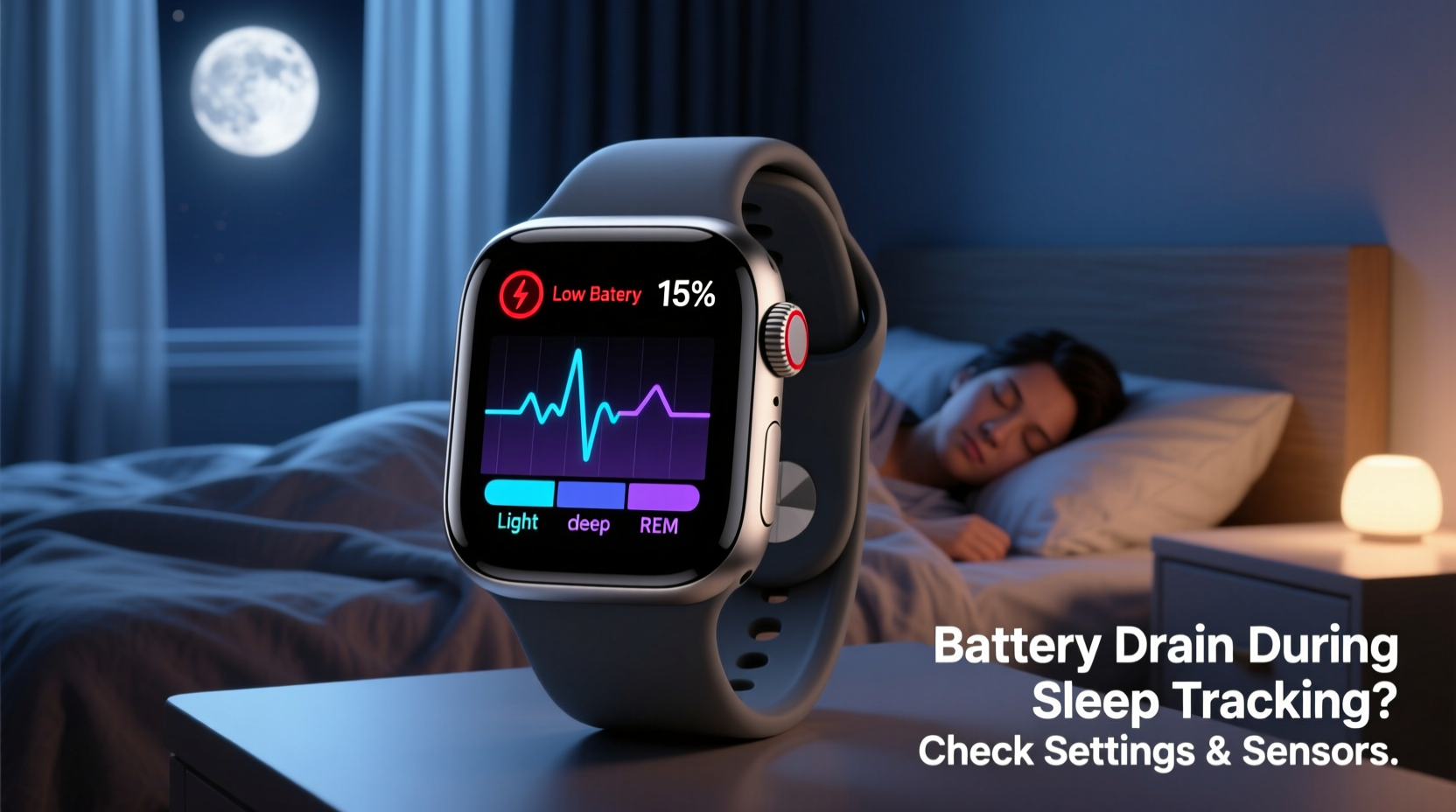
Sleep tracking isn’t passive. Your smartwatch doesn’t simply “record” sleep like a voice memo. Instead, it actively collects data from several sensors throughout the night:
- Optical Heart Rate Sensor (PPG): Measures blood flow changes by shining LED lights into your skin. This component uses significant energy, especially when sampling frequently (e.g., every 10 seconds).
- Accelerometer & Gyroscope: Detect body movement and position shifts. While low-power individually, constant polling adds up over eight hours.
- SpO2 Sensor (Blood Oxygen): Found on premium models, this infrared/LED-based sensor measures oxygen saturation. When enabled overnight, it can double the power draw of standard tracking.
- Temperature Sensor: Some newer watches monitor skin temperature trends during sleep. Continuous thermal sensing consumes additional power.
These sensors don’t operate in isolation. They feed data to algorithms running in the background that analyze sleep stages—light, deep, REM—based on biometrics. Processing all this information requires sustained CPU activity, which further depletes the battery.
“Overnight monitoring turns your smartwatch into a mini biomedical lab. That level of continuous operation was unthinkable five years ago—but it comes at an energy cost.” — Dr. Lena Patel, Wearable Health Technology Researcher, MIT Media Lab
Common Settings That Accelerate Battery Drain Overnight
Even if your watch supports advanced sleep tracking, certain configurations can unnecessarily increase energy consumption. Here are the most common culprits:
Always-On Display (AOD)
If your watch face remains lit all night, even dimly, it will consume far more power than necessary. OLED screens save energy when displaying dark pixels, but any illumination increases drain.
Frequent Heart Rate Sampling
Some apps sample heart rate every 5–10 seconds during sleep. While this improves accuracy, it keeps the PPG sensor active nearly constantly. Reducing frequency to every 30–60 seconds can cut power use by up to 40%.
Blood Oxygen Monitoring Enabled by Default
Watches like Apple Watch Series 6+, Samsung Galaxy Watch 5+, and Fitbit Sense allow SpO2 measurement during sleep. Unless medically needed, enabling this nightly creates a major drain. On some devices, this single feature can reduce total battery life by 15–25% per night.
Background App Refresh & Notifications
Even while sleeping, apps may sync data, receive messages, or update widgets. If notifications aren’t silenced or background refresh isn’t limited, your watch wakes up repeatedly, disrupting low-power states.
Hardware and Model Differences Matter
Not all smartwatches handle overnight tracking equally. Battery size, processor efficiency, and sensor design vary widely between brands and generations.
| Smartwatch Model | Battery Capacity (mAh) | TYPICAL OVERNIGHT DRAIN (8 HOURS, SLEEP TRACKING ON) | Key Features Affecting Drain |
|---|---|---|---|
| Apple Watch Series 9 | 308 | 18–25% | AOD, ECG, SpO2, frequent HR polling |
| Samsung Galaxy Watch 6 | 425 | 20–30% | Bioelectrical impedance, SpO2, always-on display |
| Fitbit Charge 6 | 190 | 12–18% | Efficient firmware, no SpO2 by default |
| Garmin Venu 3 | 458 | 10–15% | Power-efficient processors, optional SpO2 |
| Amazfit GTS 4 | 280 | 8–12% | Minimalist OS, infrequent HR checks unless prompted |
The table shows that larger batteries don’t always mean less drain—software optimization plays a critical role. For example, Garmin and Amazfit prioritize battery longevity through conservative sensor usage and efficient firmware, while Apple and Samsung offer richer data at the cost of higher consumption.
Step-by-Step Guide to Reduce Overnight Battery Drain
You don’t have to give up sleep tracking to preserve battery life. Follow this sequence to minimize drain without losing meaningful insights:
- Disable Blood Oxygen Monitoring
Go to your health app settings and turn off automatic SpO2 measurement during sleep unless advised by a doctor. - Turn Off Always-On Display
Navigate to Display Settings → Always-On Display → Disable or set to “Only When Raised” to prevent constant screen activation. - Reduce Heart Rate Polling Frequency
In your fitness app, look for options like “Heart Rate Measurement” and switch from “Continuous” to “On Demand” or “Every Minute.” - Enable Sleep Mode or Do Not Disturb
This prevents notifications, calls, and screen wake-ups from motion. Most watches allow scheduling this automatically. - Charge Before Bed (If Needed)
If your typical overnight drain exceeds 30%, consider charging for 20–30 minutes before sleeping. Even 20% extra can prevent shutdown. - Use Power-Saving Modes (if available)
Some watches (e.g., Garmin, Huawei) offer “Battery Saver” modes specifically for sleep tracking that disable non-essential sensors. - Update Firmware Regularly
Manufacturers often release updates that improve power management. Check for updates monthly via the companion app.
Real-World Example: Sarah’s Sleep Tracking Struggle
Sarah, a 34-year-old project manager, bought an Apple Watch Series 8 to monitor her sleep after experiencing chronic fatigue. She wore it every night but noticed it would drop from 70% to 15% by morning—sometimes shutting down before her alarm.
After reviewing her settings, she discovered that both SpO2 monitoring and Always-On Display were enabled. She also had multiple third-party health apps syncing in the background. By disabling SpO2, turning off AOD, and activating Sleep Mode at 10 PM, her overnight drain dropped to 22%. The change allowed her to track full sleep cycles for seven nights without recharging, improving both data consistency and convenience.
“I didn’t realize how much those little features added up,” she said. “Now I get reliable data *and* my watch lasts through the next day.”
Checklist: Optimize Your Smartwatch for Efficient Sleep Tracking
- ✅ Disable SpO2 monitoring unless medically required
- ✅ Turn off Always-On Display or set to motion-only
- ✅ Enable Sleep Mode or Do Not Disturb during bedtime hours
- ✅ Limit background app refresh and notifications
- ✅ Reduce heart rate sampling frequency
- ✅ Use scheduled charging if drain exceeds 30%
- ✅ Keep watch and phone apps updated
- ✅ Consider using a dedicated sleep band if long-term tracking is essential
Frequently Asked Questions
Can sleep tracking damage my smartwatch battery over time?
No, regular sleep tracking does not harm the battery. Lithium-ion batteries are designed for daily charge-discharge cycles. However, consistently letting the battery drop below 10% may shorten its lifespan over months or years.
Is it safe to wear my smartwatch to bed every night?
Yes, for most people. The EMF exposure from smartwatches is minimal and well within safety standards. If you have sensitive skin or experience irritation, take breaks or ensure the band is clean and breathable.
Why does my watch drain more on some nights than others?
Variations occur due to longer sleep duration, increased movement (restless sleep), poor signal connection forcing Bluetooth/Wi-Fi reconnection, or background app activity. Environmental factors like cold room temperatures can also temporarily reduce battery efficiency.
Conclusion: Balance Accuracy and Efficiency
Sleep tracking is a powerful tool, but it shouldn’t come at the expense of daily usability. The rapid battery drain many users experience stems from high-performance sensors running continuously, compounded by suboptimal settings. By understanding what drives power consumption—and making small, deliberate adjustments—you can maintain valuable health insights without sacrificing battery life.
Modern smartwatches are engineered to do more than ever, but their compact size limits battery capacity. Smart usage is the key to unlocking their full potential. Revisit your settings tonight, apply the optimizations outlined here, and see how much more efficiently your device performs.




 浙公网安备
33010002000092号
浙公网安备
33010002000092号 浙B2-20120091-4
Comments
No comments yet. Why don't you start the discussion?