
It’s a common frustration: you charge your smartwatch before bed, only to wake up to a significantly drained battery—sometimes even completely dead. You didn’t use it all day, yet the power seems to vanish overnight. This issue isn’t just inconvenient; it undermines the core promise of wearable tech: seamless, all-day (and all-night) functionality. The culprit? Your sleep.
More specifically, it’s what your smartwatch *does* while you sleep that causes the drain. Most modern smartwatches are designed to monitor your sleep automatically, using sensors and background processes that consume substantial energy. But understanding the mechanics behind this battery loss—and knowing how to manage it—is key to getting the most out of your device without sacrificing convenience or insight.
Why Sleep Tracking Drains Your Smartwatch Battery
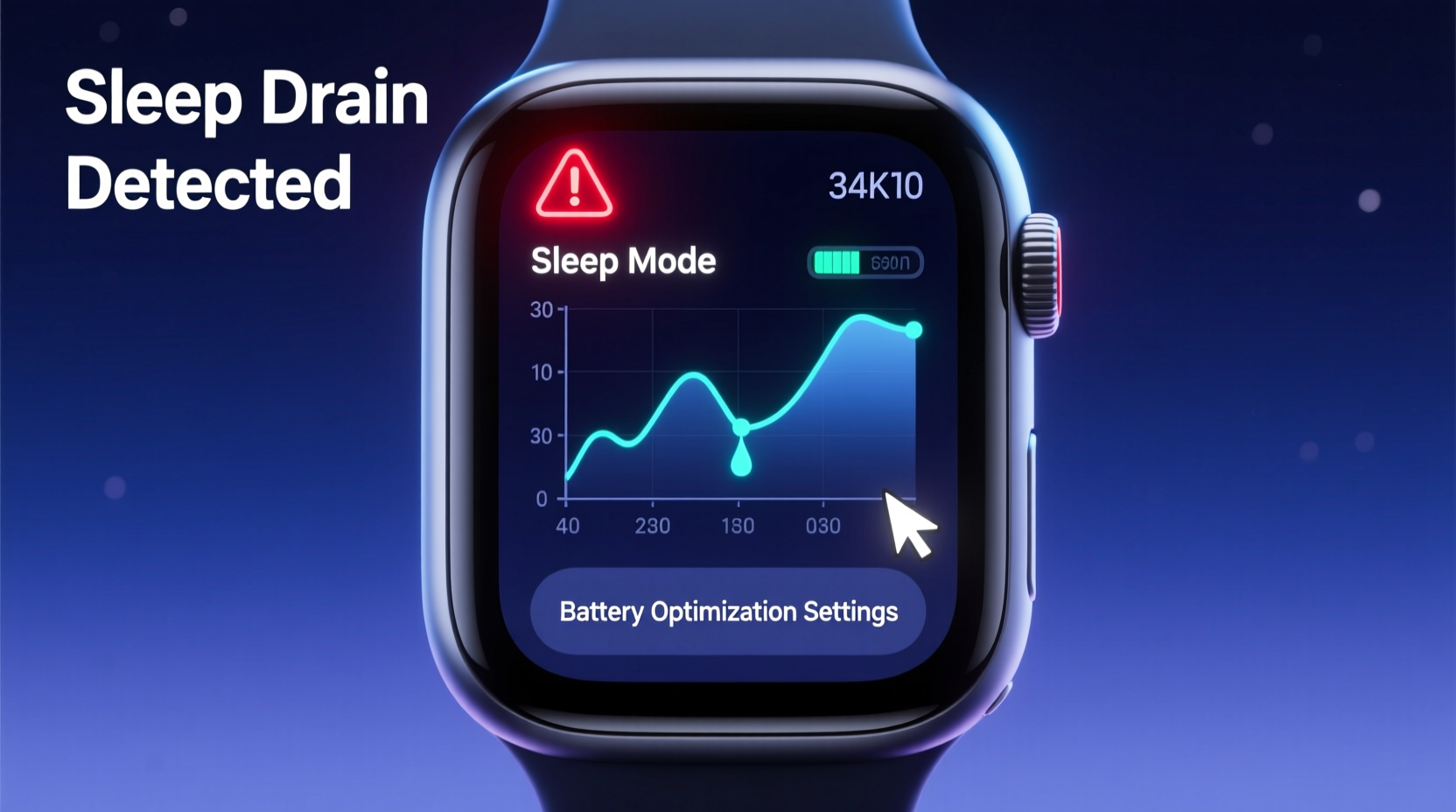
Sleep tracking is one of the most resource-intensive features on any smartwatch. Unlike daytime activity monitoring, which often samples data intermittently, sleep tracking runs continuously for 6–9 hours each night. During this time, multiple systems operate in tandem:
- Heart rate sensor: Continuously monitors BPM, often every few seconds.
- Accelerometer and gyroscope: Track movement patterns to determine sleep stages (light, deep, REM).
- SpO2 sensor (if available): Measures blood oxygen levels, typically in periodic bursts.
- GPS (on some models): Rarely active during sleep, but may run if location services aren't restricted.
- Bluetooth and sync processes: Send data to your phone or cloud in real-time or batch mode.
Each of these functions draws power. When combined over an entire night, they can deplete 30% to 70% of your battery, depending on model, settings, and usage habits.
“Sleep tracking is the single biggest contributor to overnight battery drain. It's not broken—it's working as intended. The challenge is optimizing it.” — Dr. Lena Torres, Wearable Technology Researcher at MIT Media Lab
Common Settings That Exacerbate Battery Drain
Beyond the essential sensors, several user-configurable settings silently accelerate battery loss during sleep. Many users enable these features for convenience without realizing their impact.
Always-On Display (AOD)
If enabled, your screen remains dimly lit throughout the night. Even at low brightness, AOD consumes significant energy over 8 hours, especially on OLED displays where pixels remain active.
Frequent Notifications
Receiving messages, emails, or app alerts during sleep forces the watch to wake up, light the screen, vibrate, and process data—all of which interrupt low-power states.
Poor Sync Optimization
Some watches sync data with your phone every 15–30 minutes. If Bluetooth stays constantly active, it prevents the device from entering deep sleep modes.
Background Apps and Widgets
Third-party apps or widgets running in the background may poll for updates or location, even at night. These hidden processes add up.
Step-by-Step Guide to Reduce Overnight Battery Drain
You don’t need to abandon sleep tracking to preserve battery life. With strategic adjustments, you can maintain accurate insights while minimizing power consumption. Follow this sequence nightly or set up automation once.
- Enable Power Saving Mode at Night: Most smartwatches (Apple Watch, Samsung Galaxy Watch, Fitbit, Garmin) offer a sleep or battery saver mode. Activate it manually or schedule it through the companion app.
- Turn Off SpO2 Monitoring (or Limit Frequency): Unless you have a medical reason to track blood oxygen every night, reduce SpO2 sampling to “occasional” or disable it entirely.
- Reduce Heart Rate Sampling Interval: Switch from continuous to “on-demand” or “every 10 minutes” mode. This maintains useful data without constant sensor activation.
- Disable Unnecessary Notifications: Use Do Not Disturb or Sleep Mode to silence non-critical alerts. Allow only alarms or emergency contacts.
- Limit Background App Refresh: In your watch settings, restrict third-party apps from running in the background overnight.
- Optimize Sync Frequency: Set data sync to occur once every hour instead of continuously. Batch uploads save more energy than constant transmission.
- Charge Before Bed Only If Needed: Avoid charging to 100% every night. Lithium-ion batteries degrade faster when kept at high voltage. Aim for 80–90% unless full tracking is required.
Do’s and Don’ts: Managing Smartwatch Battery at Night
| Do | Don’t |
|---|---|
| Use scheduled Sleep Mode or Theater Mode | Leave Always-On Display enabled overnight |
| Set automatic Do Not Disturb during sleep hours | Allow all app notifications to come through |
| Update firmware regularly for battery optimizations | Ignore software updates that improve power management |
| Manually start sleep tracking only when needed | Assume automatic tracking is always necessary |
| Keep your phone nearby for efficient syncing | Let Bluetooth search for disconnected devices all night |
Real Example: How Sarah Reduced Her Apple Watch Drain by 60%
Sarah, a 34-year-old project manager, noticed her Apple Watch Series 8 frequently died by morning despite charging it to 90% before bed. She used sleep tracking daily but found herself skipping it after a few days due to reliability issues.
After reviewing her settings, she discovered that:
- Her watch was set to take SpO2 readings every 5 minutes all night.
- Work email and Slack notifications were still enabled.
- Always-On Display was active with a bright face.
- She had two fitness apps running background heart rate checks.
She adjusted her setup:
- Enabled Sleep Focus from 10 PM to 6 AM.
- Switched SpO2 measurement to “Only during sleep” with reduced frequency.
- Selected a simpler watch face and disabled AOD.
- Disabled third-party app refresh overnight.
Result: Her overnight battery drop went from 68% to just 27%. She now gets consistent sleep data without needing to charge mid-morning.
Checklist: Optimize Your Smartwatch for Nightly Use
Before going to bed, ensure your smartwatch is configured efficiently. Use this checklist weekly or after major updates:
- ✅ Enable Sleep Mode or Do Not Disturb
- ✅ Disable Always-On Display or schedule it off at night
- ✅ Turn off SpO2 monitoring (unless medically advised)
- ✅ Limit heart rate sampling to intervals, not continuous
- ✅ Silence non-essential notifications
- ✅ Ensure watch and phone are within range for stable Bluetooth
- ✅ Update watchOS/Firmware to latest version
- ✅ Charge to 80–90%, not 100%, unless necessary
- ✅ Remove unused widgets or complications from the watch face
- ✅ Restart your watch once a week to clear memory leaks
Frequently Asked Questions
Can I track sleep without draining the battery?
Yes. Most watches let you adjust sensor intensity. For example, Apple Watch allows “Core Sleep” tracking with less frequent readings. Similarly, Garmin offers “Battery Saver” sleep mode. You’ll still get reliable duration and restlessness data, though stage accuracy may be slightly reduced.
Is it bad to charge my smartwatch every night?
Not inherently, but keeping lithium-ion batteries at 100% for long periods stresses the cell. Modern watches have safeguards, but best practice is to charge to 80–90% for routine use. Reserve full charges for days when you expect heavy usage or travel.
Why does my watch die faster on weekends?
This is often due to longer sleep durations and increased weekend activity tracking. If you sleep 9+ hours versus 7 on weekdays, that’s nearly 30% more time for sensors to run. Combine that with weekend hikes or social events, and battery strain compounds. Consider using a fast charger Saturday morning if needed.
Conclusion: Take Control of Your Smartwatch Efficiency
Your smartwatch doesn’t have to sacrifice battery life for sleep insights. The technology is powerful, but its default settings often prioritize data collection over efficiency. By making informed choices about sensor usage, notifications, and display behavior, you can retain valuable health tracking while avoiding the morning surprise of a dead device.
The goal isn’t to eliminate sleep tracking—it’s to refine it. Small tweaks yield dramatic improvements in longevity and reliability. Whether you rely on your watch for health monitoring, productivity, or peace of mind, optimizing its nighttime performance ensures it stays ready when you need it most.




 浙公网安备
33010002000092号
浙公网安备
33010002000092号 浙B2-20120091-4
Comments
No comments yet. Why don't you start the discussion?