
Smartwatches have become essential companions, tracking fitness, delivering notifications, and keeping users connected without reaching for their phones. Yet, many owners experience a frustrating issue: the sudden loss of signal when stepping into specific buildings. Whether it’s losing GPS accuracy, dropping Bluetooth connection, or failing to sync data, this disruption can undermine trust in the device. The reasons behind these signal losses are rooted in physics, building design, and wireless technology limitations. Understanding them not only demystifies the problem but also empowers users to minimize disruptions and make smarter choices about usage and placement.
How Smartwatches Stay Connected
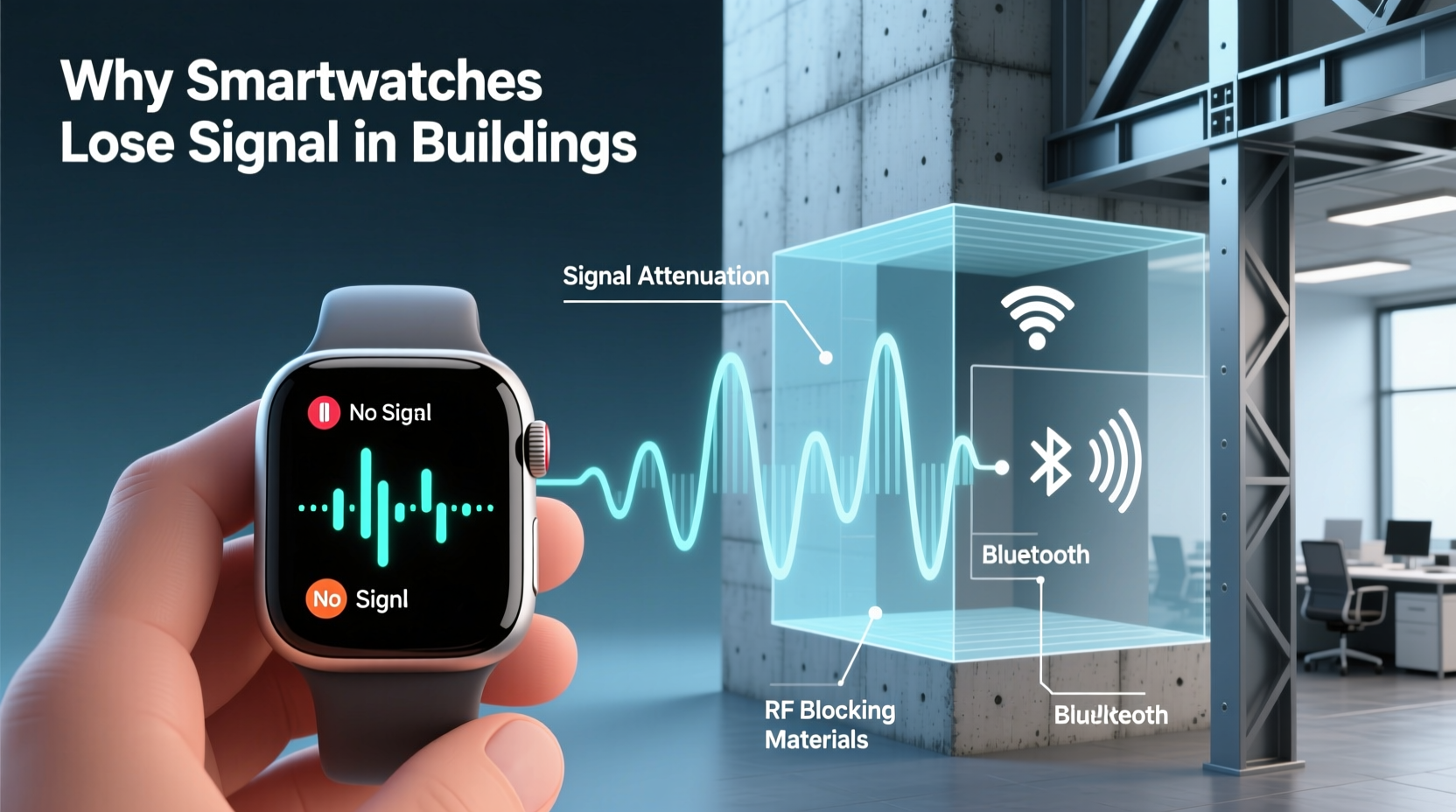
Modern smartwatches rely on multiple wireless technologies to function seamlessly. These include Bluetooth, Wi-Fi, GPS, and sometimes cellular connectivity (LTE/5G). Each plays a role:
- Bluetooth: Connects the watch to your smartphone, enabling call alerts, message syncing, and app updates.
- Wi-Fi: Allows direct internet access when Bluetooth is out of range, useful for software updates or streaming music.
- GPS: Tracks location independently for outdoor workouts like running or cycling.
- Cellular: Enables full independence from the phone in LTE-enabled models.
The strength and reliability of these signals depend on line-of-sight transmission, frequency bands used, and environmental interference. Unlike wired connections, wireless signals travel as electromagnetic waves that can be absorbed, reflected, or blocked by physical materials—especially within complex indoor environments.
Building Materials That Block Signals
Not all buildings interfere equally with wireless signals. The construction materials used play a decisive role in how much signal reaches your smartwatch. Some materials are highly conductive or dense, making them effective shields against radio waves.
| Material | Signal Impact | Common Locations |
|---|---|---|
| Reinforced Concrete | Severe attenuation; blocks most frequencies | Basements, parking garages, high-rises |
| Steel Framing | Reflects and absorbs RF signals | Office towers, industrial buildings |
| Tinted or Low-E Glass | Blocks GPS and cellular signals | Modern skyscrapers, energy-efficient homes |
| Metal Cladding/Walls | Near-total signal blockage | Elevators, server rooms, underground facilities |
| Brick & Stone | Moderate signal reduction | Historic buildings, older apartments |
For example, low-emissivity (Low-E) glass, commonly installed in modern office buildings to reduce heat transfer, contains a microscopically thin metallic coating. While excellent for insulation, this layer acts as a Faraday cage, reflecting or absorbing incoming GPS and cellular signals. Similarly, rebar inside concrete walls creates a mesh that traps electromagnetic waves, significantly weakening connectivity.
“Modern energy-efficient buildings often unintentionally create dead zones for wearables. Architects rarely consider RF penetration during design.” — Dr. Lena Patel, RF Engineer at Urban Connectivity Lab
Environmental and Structural Factors
Beyond raw materials, architectural design and surrounding environment influence signal behavior indoors. Key structural challenges include:
- Depth below ground level: Basements and underground parking lots suffer from near-complete signal loss due to earth and concrete coverage.
- Multiple interior walls: Each wall adds incremental signal degradation, especially if made of plaster with metal lath or insulation containing foil backing.
- Distance from external antennas: Cellular and Wi-Fi signals originate outside. The farther you move from exterior walls or windows, the weaker the reception becomes.
- High-rise elevation: Ironically, upper floors may have better connectivity than mid-level ones, depending on antenna alignment and signal bounce patterns.
In large commercial complexes, internal layout can create “shadow zones” where signals cancel each other due to multipath interference—waves bouncing off surfaces and arriving out of phase. This phenomenon particularly affects GPS and higher-frequency Wi-Fi bands (5 GHz), which are more directional and less penetrating than lower bands.
Mini Case Study: Office Worker Loses Sync Midday
Jamal, a project manager in downtown Chicago, noticed his Apple Watch frequently disconnected from his iPhone between 10 a.m. and 3 p.m. He worked on the 18th floor of a LEED-certified tower featuring floor-to-ceiling Low-E glass and steel-reinforced concrete core walls. His desk was positioned 40 feet from the nearest window, surrounded by drywall partitions.
Testing revealed that Bluetooth signal strength dropped from -65 dBm near the window to -98 dBm at his workstation—below reliable connection threshold. Wi-Fi calling failed entirely unless he stepped into the hallway. After relocating his phone to a charging dock near the window and enabling Wi-Fi sync on his watch, Jamal restored consistent connectivity throughout the day.
Frequency Bands and Their Penetration Limits
Different wireless technologies operate on different frequency ranges, each with distinct propagation characteristics:
- Bluetooth (2.4 GHz): Widely used but prone to interference from microwaves, cordless phones, and dense walls.
- Wi-Fi 2.4 GHz vs. 5 GHz: The 2.4 GHz band penetrates walls better but is slower and congested. 5 GHz offers speed but poor wall penetration.
- GPS (~1.5 GHz): Requires clear sky view; easily disrupted by roofs, trees, and reflective surfaces.
- Cellular (700 MHz – 2.5 GHz): Lower bands (e.g., 700 MHz) travel farther and penetrate deeper than higher bands (e.g., 2.5 GHz).
Your smartwatch may support only select bands, limiting adaptability. For instance, many watches lack support for Band 12 or Band 14 (low-band LTE), which carriers use specifically for indoor coverage. Without access to these robust frequencies, even cellular models struggle in basements or shielded interiors.
Why GPS Fails Indoors
GPS relies on satellites orbiting over 12,000 miles above Earth. The signals they transmit are extremely weak by the time they reach the surface—comparable to seeing a 25-watt light bulb from 10,000 miles away. Any obstruction, including a single floor of a building, can prevent acquisition. Even walking under a covered walkway or awning can cause temporary dropouts.
While some smartwatches use GLONASS, Galileo, or BeiDou satellite systems to improve fix speed and accuracy, none are designed for indoor navigation. Sensor fusion (combining GPS with accelerometer and gyroscope data) helps maintain estimated position briefly after signal loss, but drift accumulates quickly.
Step-by-Step Guide to Improve Indoor Signal Performance
If you regularly encounter connectivity issues in certain buildings, follow this actionable plan to mitigate signal loss:
- Test signal strength in key locations: Use your smartphone’s field test mode (e.g., *3001#12345#* on iPhones) or network analyzer apps to measure RSSI (Received Signal Strength Indicator) in dBm. Values above -80 dBm are strong; below -100 dBm indicate poor reception.
- Relocate your phone: Keep your smartphone near windows, exterior walls, or known strong spots. Even a few feet can make a difference for Bluetooth pairing.
- Enable Wi-Fi syncing: Ensure both devices are on the same Wi-Fi network. This allows communication even when Bluetooth range is exceeded.
- Use airplane mode strategically: In areas with zero signal, enable airplane mode and manually turn on Wi-Fi to prevent the watch from wasting battery searching for lost connections.
- Check for firmware updates: Manufacturers often release improvements to antenna management and signal handling logic.
- Consider a signal booster: For home or office use, carrier-approved femtocells or Wi-Fi extenders can enhance local coverage.
- Carry your phone in a consistent location: Avoid placing it in metal-lined bags or back pockets far from your wrist, which reduces Bluetooth efficiency.
Checklist: Optimize Your Smartwatch Connectivity
Use this checklist daily or weekly to maintain optimal performance:
- ✅ Confirm Bluetooth is active and paired correctly
- ✅ Verify both watch and phone are on the same Wi-Fi network
- ✅ Restart both devices if sync issues persist
- ✅ Update operating systems on both devices monthly
- ✅ Clean watch sensors and charging contacts (dirt can affect performance)
- ✅ Disable unused radios (e.g., GPS when indoors) to preserve battery and reduce interference
- ✅ Monitor battery health; degraded batteries may impair wireless module operation
FAQ
Can I fix signal loss permanently?
No single fix guarantees perfect connectivity in all buildings, but combining strategies—like using Wi-Fi sync, optimizing phone placement, and choosing routes near windows—can dramatically reduce interruptions. Permanent solutions require infrastructure changes, such as installing distributed antenna systems (DAS) in large buildings.
Does wearing the watch tighter improve signal?
No. Signal transmission depends on the internal antenna and surrounding environment, not contact pressure. However, tight wear improves heart rate sensor accuracy, which is unrelated to connectivity.
Will future smartwatches solve this problem?
Improvements are ongoing. Newer models incorporate multi-band GNSS, advanced MIMO antennas, and AI-driven signal prediction. However, fundamental physics limits remain. As long as buildings use signal-blocking materials, some degree of indoor loss will persist.
Conclusion
Signal loss in certain buildings isn’t a flaw in your smartwatch—it’s an inevitable consequence of how wireless signals interact with modern architecture. From steel-framed offices to energy-efficient homes, the very features that make buildings safe and comfortable can disrupt digital connectivity. By understanding the science behind signal attenuation and adopting practical habits, you can minimize disruptions and get the most from your wearable.
Don’t accept constant disconnections as normal. Experiment with positioning, leverage Wi-Fi, and stay updated on firmware enhancements. With informed adjustments, your smartwatch can remain a reliable tool, whether you're ascending a skyscraper or navigating a basement gym.




 浙公网安备
33010002000092号
浙公网安备
33010002000092号 浙B2-20120091-4
Comments
No comments yet. Why don't you start the discussion?