
Sleep tracking has become a cornerstone of modern health monitoring, with millions relying on smartwatches to assess their nightly rest. Yet, many users report discrepancies—waking up feeling rested but seeing poor sleep scores, or logging hours in bed with no data recorded at all. While smartwatches use advanced sensors like accelerometers and heart rate monitors, they’re not infallible. Inaccuracies often stem from user habits, device settings, or physiological factors rather than hardware flaws. Understanding the root causes can help you optimize your device and gain more reliable insights into your sleep patterns.
How Smartwatches Track Sleep: The Basics
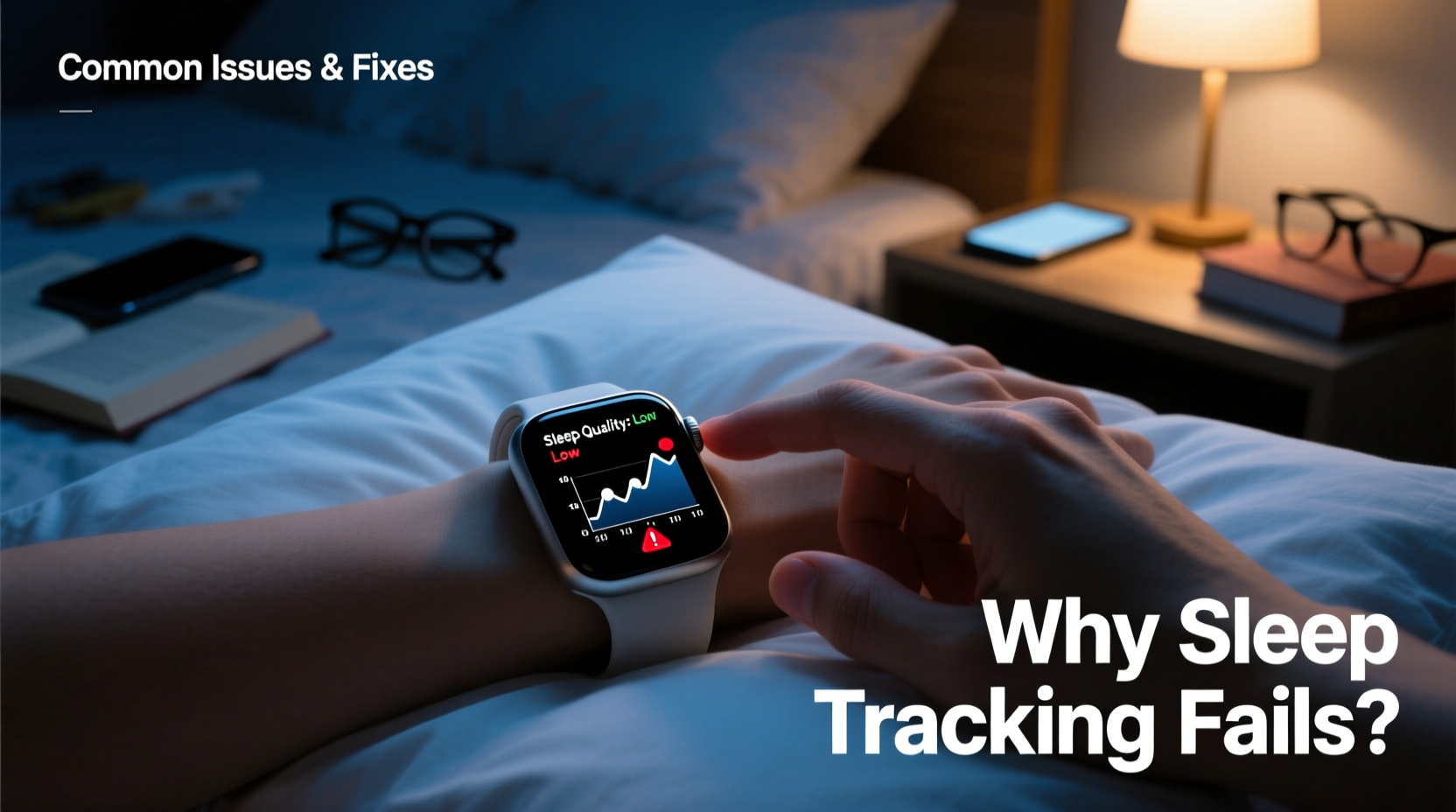
Most smartwatches estimate sleep using a combination of motion detection and heart rate variability (HRV). When your body is still for an extended period and your heart rate drops into a typical nighttime rhythm, the watch assumes you’ve fallen asleep. Some models also use blood oxygen (SpO2) sensors and skin temperature readings to detect sleep stages like light, deep, and REM sleep.
However, these methods are indirect. Unlike clinical polysomnography—which measures brain waves, eye movement, and muscle activity—consumer wearables rely on algorithms that interpret physical signals. These algorithms are trained on population averages, which means they may not perfectly align with individual physiology.
“Wearable sleep tracking is useful for identifying trends over time, but it shouldn’t replace medical evaluation for sleep disorders.” — Dr. Lena Patel, Sleep Specialist at Bay Area Sleep Institute
Common Reasons for Inaccurate Sleep Tracking
Inaccuracy doesn’t always mean your device is broken. More often, it’s due to one or more preventable factors. Below are the most frequent culprits behind faulty sleep data.
1. Improper Wear During Sleep
If your smartwatch is too loose, it may slide around or fail to maintain consistent skin contact, leading to erratic heart rate readings. Conversely, wearing it too tightly can restrict blood flow, distorting sensor accuracy.
2. Incorrect Device Settings
Many users forget to enable automatic sleep tracking or set incorrect sleep schedules in their companion apps. If the watch isn’t programmed to monitor sleep during your actual bedtime, it won’t record anything—even if worn all night.
3. Low Battery or Power-Saving Mode
When battery levels drop below 20%, some watches disable continuous heart rate monitoring to conserve power. Similarly, activating power-saving modes overnight suspends background sensors, rendering sleep tracking ineffective.
4. Skin Tone and Tattoo Interference
Optical heart rate sensors use green LED lights to measure blood flow beneath the skin. On darker skin tones or over tattoos, light absorption varies, potentially reducing measurement accuracy. Studies have shown that pulse oximetry and HR sensors perform less consistently across diverse skin pigmentation.
5. Excessive Movement or Restless Sleep
Frequent tossing and turning, especially in cases of insomnia or sleep apnea, can confuse motion-based algorithms. The watch might interpret movement as wakefulness, even if you were asleep.
6. Wearing the Watch on the Wrong Wrist
If your dominant hand moves frequently at night (e.g., gesturing while dreaming), placing the watch there increases motion noise. Some experts recommend wearing it on the non-dominant wrist for more stable readings.
Solutions and Best Practices for Accurate Tracking
Improving sleep data accuracy requires both technical adjustments and behavioral changes. The following checklist outlines actionable steps to get the most out of your smartwatch.
✅ Sleep Tracking Optimization Checklist
- Ensure the watch is charged above 50% before bedtime
- Disable power-saving modes during sleep hours
- Enable automatic sleep detection in the companion app
- Wear the watch snugly, 1–2 cm above the wrist bone
- Prefer wearing it on your non-dominant wrist
- Keep firmware and app updated to the latest version
- Avoid placing the sensor over tattoos or scars
- Manually start sleep mode if auto-detection fails regularly
- Sync data immediately upon waking for timely logs
- Review trends weekly instead of focusing on single-night anomalies
Step-by-Step Guide to Calibrate Your Smartwatch Sleep Tracking
Follow this five-step process to improve the reliability of your sleep data over time.
- Verify Device Compatibility
Check your smartwatch model’s specifications. Not all devices support full sleep staging. For example, older Fitbits or basic Garmin models may only track duration, not REM cycles. - Update Software
Go to your phone’s app store and update the wearable’s companion app. Then check for watch OS updates under settings. Manufacturers often release algorithm improvements through patches. - Set Accurate Sleep Schedule
In the health app (e.g., Fitbit, Samsung Health, Apple Health), input your average bedtime and wake time. This helps the system know when to expect sleep and improves auto-detection. - Test Wear Position
For one week, wear the watch on your left wrist; the next week, switch to the right. Compare consistency of heart rate readings and sleep stage breakdowns. Choose the side that delivers smoother data. - Correlate with Subjective Feelings
Keep a simple journal noting how rested you feel each morning. Over time, match this with your watch’s sleep score. If low-score nights feel restful, the device may be overestimating light sleep or wake periods.
Comparison: Do’s and Don’ts for Reliable Sleep Data
| Do’s | Don’ts |
|---|---|
| Charge your watch to at least 70% before bed | Let the battery drop below 20% overnight |
| Wear the watch snug but comfortable | Wear it loosely so it slides around |
| Place it on the non-dominant wrist | Wear it over a dark tattoo or scar |
| Use automatic sleep detection + manual backup | Rely solely on auto-tracking without verification |
| Review weekly trends, not single-night data | Panic over one “poor” sleep score |
Real-World Example: Fixing Persistent Tracking Gaps
Consider Mark, a 38-year-old software engineer using a Samsung Galaxy Watch 6. He noticed his sleep wasn’t being logged three out of five nights. After checking battery levels, he realized he often went to bed with only 15% charge. He also had power-saving mode enabled after 20%, which disabled heart rate monitoring.
Mark adjusted his routine: he began charging his watch during dinner and disabled aggressive power-saving settings. He also switched from wearing it on his right (dominant) wrist to his left. Within a week, his sleep logs became consistent, showing 7.5-hour averages with detailed REM breakdowns. His insight? “I assumed the watch was broken, but it was just me not setting it up right.”
When Accuracy Isn’t the Issue: Understanding Algorithmic Limits
Even under ideal conditions, smartwatches estimate rather than measure sleep. A 2022 study published in *Sleep Medicine Reviews* found that while wearables are reasonably accurate for detecting total sleep time (within 85–90% of lab results), they struggle with distinguishing between sleep stages—often misclassifying light sleep as deep or overestimating wakefulness after sleep onset.
This means a “low deep sleep” alert doesn’t necessarily indicate poor quality rest. Factors like age, fitness level, and hydration affect physiological signals independently of actual sleep health.
Frequently Asked Questions
Can I trust my smartwatch’s sleep score?
Sleep scores combine duration, restlessness, and heart rate recovery into a single number. While convenient, they vary by brand and lack standardization. They’re best used to identify patterns—like improved scores after reducing caffeine—not as medical metrics.
Why does my watch say I was awake when I know I was asleep?
This usually happens due to micro-movements or brief awakenings you don’t remember. Watches detect motion spikes and elevated heart rate as wake indicators. If it occurs frequently, ensure the band isn’t too tight or causing discomfort that disrupts sleep.
Do all smartwatches track sleep the same way?
No. Apple Watch uses a combination of motion and heart rate via its accelerometer and optical sensor. Fitbit emphasizes heart rate variability and includes SpO2 in newer models. Garmin adds respiration rate and Body Battery energy modeling. Each brand uses proprietary algorithms, so results aren’t directly comparable.
Final Thoughts: Maximizing Value from Your Device
Your smartwatch is a powerful ally in understanding your sleep—but only if used correctly. Most inaccuracies stem not from flawed technology, but from mismatched expectations and suboptimal usage. By adjusting how you wear it, managing settings proactively, and interpreting data wisely, you can transform inconsistent logs into meaningful insights.
Remember, the goal isn’t perfect nightly data. It’s building awareness of your habits and spotting long-term trends that inform healthier choices. Whether it’s going to bed earlier, reducing screen time, or addressing stress, your smartwatch works best as part of a broader wellness strategy.




 浙公网安备
33010002000092号
浙公网安备
33010002000092号 浙B2-20120091-4
Comments
No comments yet. Why don't you start the discussion?