
Tablets have become essential tools for work, education, entertainment, and communication. Yet, one of the most common frustrations users face is rapid battery degradation. Within a year or two, a once-reliable device may struggle to last through a single day. The decline isn’t always due to poor manufacturing—it’s often the result of everyday habits and chemical realities inherent to lithium-ion batteries. Understanding the causes and adopting smart usage practices can significantly slow this process and preserve both performance and longevity.
The Science Behind Battery Degradation
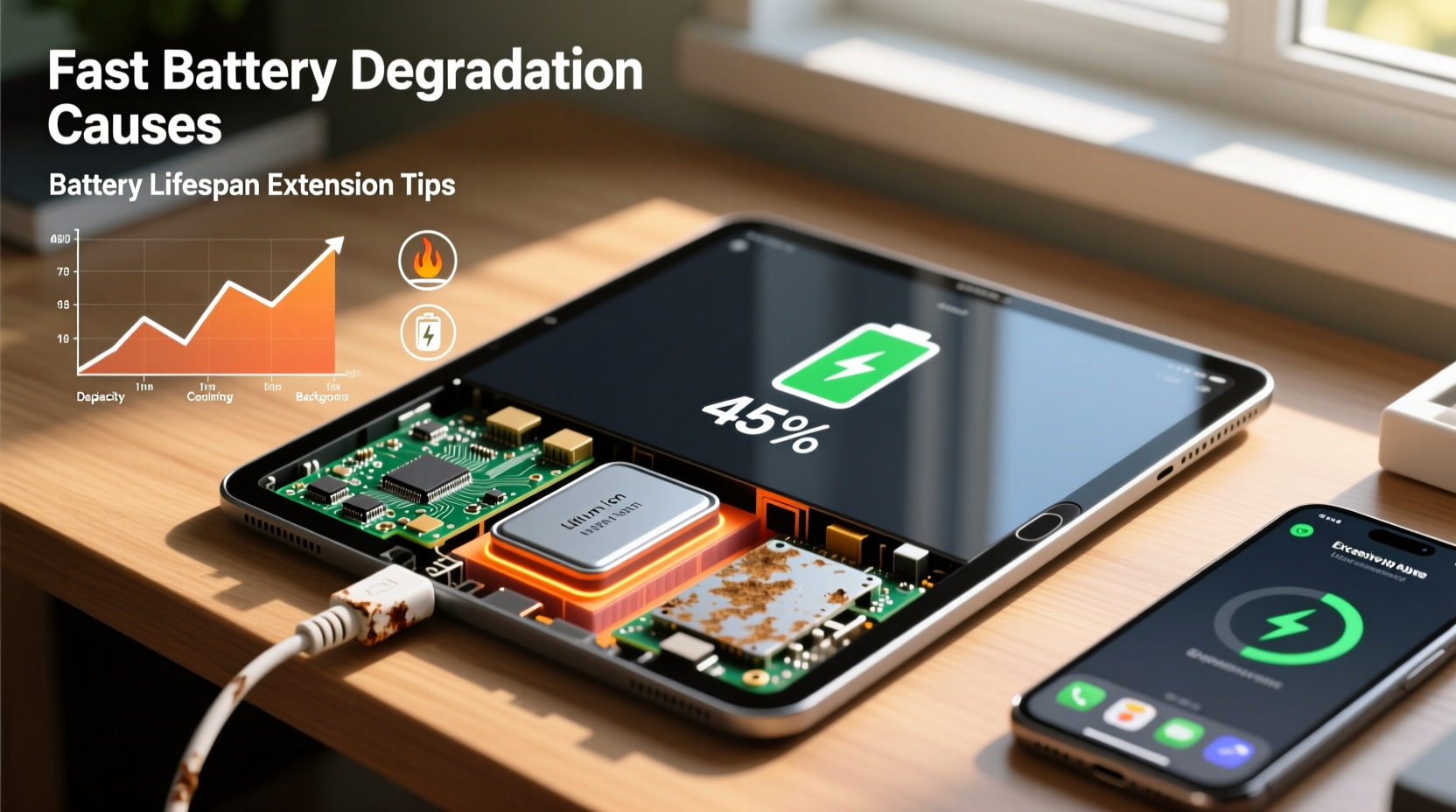
Lithium-ion batteries, which power nearly all modern tablets, are engineered for high energy density and long cycle life. However, they are inherently unstable on a chemical level. Each charge and discharge cycle causes microscopic wear inside the battery. Over time, this leads to capacity loss and increased internal resistance, reducing the amount of usable energy.
One primary cause of degradation is the formation of a solid electrolyte interphase (SEI) layer on the anode. While this layer is necessary for stability, it thickens with each cycle, consuming active lithium ions and reducing overall capacity. Additionally, side reactions at high voltages or temperatures accelerate the breakdown of electrolytes and electrode materials.
“Every lithium-ion battery begins degrading from the first charge. The key isn’t preventing decay entirely—it’s slowing it down through intelligent use.” — Dr. Lin Zhao, Electrochemical Systems Researcher, MIT Energy Initiative
Unlike older battery types, lithium-ion doesn’t suffer from memory effect, but it is highly sensitive to three factors: heat, charge state, and depth of discharge. These elements play a far greater role in battery health than total usage hours alone.
Why Your Tablet Battery Degrades Faster Than Expected
Several user-driven and environmental factors contribute to accelerated battery wear. Recognizing these can help you adjust habits before irreversible damage occurs.
1. Exposure to High Temperatures
Heat is the number one enemy of lithium-ion batteries. Operating or charging your tablet in hot environments—such as direct sunlight, a car dashboard, or while covered by bedding—can raise internal temperatures beyond safe thresholds. At sustained temperatures above 35°C (95°F), chemical reactions accelerate dramatically, leading to faster SEI growth and electrolyte decomposition.
2. Keeping the Battery at 100% or 0% for Long Periods
Storing a tablet fully charged or completely drained places significant stress on the battery. Lithium-ion cells are most stable between 20% and 80% charge. When kept at 100%, especially while plugged in, the battery remains under high voltage stress, promoting oxidation and electrode wear. Similarly, deep discharges below 10% can lead to copper shunting, which permanently damages internal structure.
3. Using Fast Charging Excessively
While convenient, frequent use of fast charging generates more heat and increases electrical stress on the battery. Over months, this cumulative strain accelerates aging. It’s best reserved for emergencies rather than daily use.
4. Running Power-Intensive Apps Constantly
Streaming HD video, playing graphics-heavy games, or using augmented reality apps forces the processor and display to draw maximum power. This not only drains the battery quickly but also raises device temperature, compounding degradation over time.
5. Poor Charging Habits
Using third-party chargers with incorrect voltage, leaving the tablet plugged in overnight, or charging on soft surfaces that block ventilation all contribute to inefficient charging and excess heat buildup.
How to Extend Your Tablet Battery Lifespan: A Practical Guide
You can’t stop battery aging entirely, but you can reduce its pace by up to 50% with consistent, informed care. The following steps are backed by battery research and real-world testing.
Step-by-Step Guide to Battery Preservation
- Keep charge levels between 20% and 80%: Avoid full charges unless needed for travel. Unplug once your tablet reaches 80% during regular use.
- Use original or certified chargers: Third-party adapters may deliver inconsistent voltage, harming battery management systems.
- Avoid extreme temperatures: Store and use your tablet in environments between 20°C and 25°C (68°F–77°F).
- Enable adaptive or optimized charging: Many tablets (like iPads and Samsung Galaxy models) offer settings that delay full charging until just before you wake up.
- Turn off unnecessary features: Disable Bluetooth, GPS, and Wi-Fi when not in use. Lower screen brightness manually instead of relying on auto-brightness.
- Update your operating system regularly: Updates often include battery optimization patches and improved power management.
- Restart your tablet weekly: Clears background processes that may be draining power silently.
Real Example: Sarah’s Two-Year Tablet Test
Sarah, a freelance graphic designer, uses her tablet daily for client work. After noticing her battery lasted only half a day by month 18, she implemented targeted changes. She started unplugging at 80%, used airplane mode during lunch breaks, avoided gaming after work, and disabled background app refresh. She also began storing the tablet in a ventilated case instead of her warm laptop bag.
After six months of consistent practice, her battery health stabilized. Independent diagnostics showed only a 3% additional capacity drop—compared to the previous 15% annual rate. Her tablet now comfortably lasts through a full workday, two years in.
Do’s and Don’ts: Battery Care Comparison Table
| Do’s | Don’ts |
|---|---|
| Charge between 20% and 80% regularly | Leave the tablet plugged in overnight |
| Use adaptive charging features | Use fast charging every day |
| Store in a cool, dry place | Expose to direct sunlight or hot cars |
| Power down occasionally for deep rest | Let the battery drain to 0% frequently |
| Keep software updated | Ignore battery health warnings |
| Use power-saving modes during low activity | Run multiple high-drain apps simultaneously |
Battery Maintenance Checklist
Follow this monthly checklist to ensure optimal battery health:
- ✅ Check current battery health via device settings or diagnostic tools
- ✅ Clean charging port gently with a dry toothbrush to ensure good contact
- ✅ Review battery usage stats to identify power-hungry apps
- ✅ Disable animations and haptic feedback if not essential
- ✅ Enable dark mode—especially on OLED screens—to reduce power draw
- ✅ Restart the device to clear memory leaks
- ✅ Verify that automatic brightness and sleep timers are properly set
- ✅ Store the tablet in a well-ventilated area, away from heat sources
Frequently Asked Questions
Can I replace my tablet’s battery when it degrades?
Yes, most tablets allow battery replacement, though accessibility varies. Apple iPads and many Samsung models can be serviced at authorized centers. Some budget tablets have sealed units, making DIY repairs difficult. Replacement typically costs $70–$150 but can restore near-original performance and delay e-waste.
Does turning off my tablet every night help the battery?
Completely powering down occasionally reduces background processes and thermal buildup. However, shutting down daily isn’t necessary. A weekly restart offers similar benefits without the inconvenience of constant reboots.
Is it bad to use my tablet while charging?
It’s not inherently dangerous, but doing so—especially with demanding apps—generates more heat and increases stress on the battery. For light tasks like reading emails, it’s fine. Avoid gaming or video editing while charging to minimize wear.
Conclusion: Take Control of Your Tablet’s Battery Life
Battery degradation is inevitable, but its speed is largely within your control. By understanding the chemistry behind lithium-ion cells and adjusting everyday habits, you can extend your tablet’s functional lifespan by years. Simple actions—like avoiding full charges, managing heat, and optimizing settings—add up to significant gains in battery health.
Instead of replacing your device prematurely, invest a few minutes each week in maintenance. Not only will you save money, but you’ll also reduce electronic waste and get more value from your technology. The tablet you have today can perform like new tomorrow—with the right care.




 浙公网安备
33010002000092号
浙公网安备
33010002000092号 浙B2-20120091-4
Comments
No comments yet. Why don't you start the discussion?