
Lithium-ion batteries power most modern tablets, offering high energy density and long life under normal conditions. However, when these batteries begin to degrade or are exposed to adverse conditions, they can swell—sometimes dangerously. A swollen tablet battery isn't just a sign of aging hardware; it's a potential safety hazard that demands immediate attention. Understanding the causes, recognizing the symptoms early, and knowing how to respond safely can prevent damage to your device and, more importantly, protect you from injury.
What Causes Tablet Batteries to Swell?
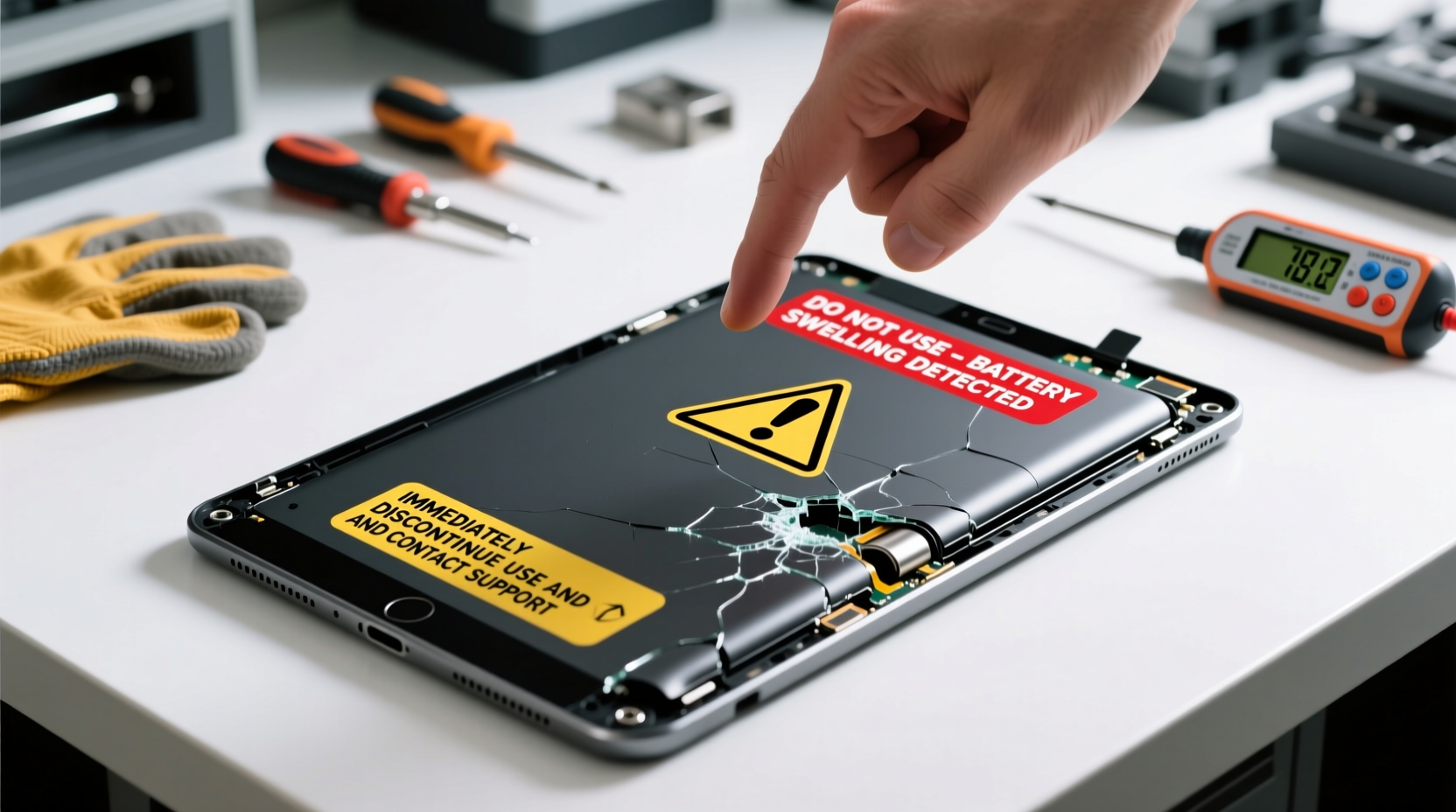
Battery swelling occurs when gases build up inside the lithium-ion cells due to chemical decomposition. This internal pressure forces the battery casing to expand, often pushing against the tablet’s screen, frame, or back cover. Several factors contribute to this process:
- Aging and Overuse: All lithium-ion batteries degrade over time. After hundreds of charge cycles, internal resistance increases, leading to heat buildup and gas formation.
- Overcharging: Leaving your tablet plugged in for extended periods—especially overnight on cheap or faulty chargers—can cause overvoltage stress and electrolyte breakdown.
- Exposure to Heat: High temperatures accelerate chemical reactions within the battery. Using your tablet in direct sunlight, leaving it in a hot car, or running intensive apps for long durations raises internal temperature.
- Physical Damage: Dropping your tablet or applying pressure can compromise the battery’s internal layers, triggering short circuits and thermal runaway.
- Poor Manufacturing or Defective Cells: Rarely, a manufacturing flaw such as impurities in the electrolyte or misaligned electrodes can lead to premature swelling.
- Moisture Exposure: Water or humidity entering the device can corrode contacts and initiate unwanted electrochemical reactions.
Warning Signs of a Swollen Battery
Recognizing the early signs of a swelling battery is crucial. The longer a swollen battery remains in use, the greater the risk of rupture, fire, or exposure to toxic chemicals. Watch for these red flags:
- Visible Bulge: The most obvious sign. If your tablet no longer lies flat on a surface or feels raised in the center, the battery is likely expanding.
- Screen Lifting or Cracking: As the battery pushes outward, it can force the screen upward, creating gaps or even causing cracks in the display.
- Back Cover Warping or Popping Off: In tablets with removable backs, the cover may not fit snugly or could detach spontaneously.
- Overheating During Use or Charging: Excessive warmth—even without heavy usage—can indicate internal battery stress.
- Sudden Shutdowns or Charging Issues: A swollen battery may lose contact with terminals intermittently, causing unexpected shutdowns or failure to charge.
- Strange Odors: A faint chemical or vinegar-like smell near the device suggests electrolyte leakage and decomposition.
“Battery swelling is not just a performance issue—it’s a serious safety concern. Lithium-ion cells under pressure can vent flammable gases or ignite if punctured.” — Dr. Alan Reyes, Battery Safety Researcher at the National Electronics Safety Institute
Safety Risks of Ignoring a Swollen Battery
While some users continue using devices with slightly swollen batteries, doing so poses real dangers:
- Fire Hazard: Swollen batteries are more prone to thermal runaway—a self-sustaining reaction that generates intense heat and can lead to combustion.
- Chemical Exposure: If the battery ruptures, it releases corrosive electrolytes containing lithium salts and organic solvents, which can irritate skin and eyes.
- Device Damage: The expanding battery can permanently warp the chassis, break connectors, or destroy the screen.
- Explosion Risk: Though rare, puncturing a swollen battery (e.g., during DIY repair) can trigger a violent release of energy.
Real Example: A Cautionary Case
In 2022, a user in Portland reported that their three-year-old tablet began overheating after being left on a car dashboard during summer. Within days, the screen bulged visibly. Attempting to disassemble it for a “quick fix,” they pierced the battery with a screwdriver. The cell immediately hissed, emitted smoke, and caught fire, damaging their workspace and requiring emergency ventilation. This incident underscores why professional handling is critical.
Immediate Safety Steps When You Notice Swelling
If you suspect or confirm battery swelling, act quickly but calmly. Follow this step-by-step guide to minimize risk:
- Power Off Immediately: Turn off the tablet completely. Do not attempt to restart or charge it.
- Stop Using It: Remove it from pockets, bags, or beds. Place it on a non-flammable surface like ceramic tile or metal.
- Isolate the Device: Keep it away from flammable materials—curtains, paper, furniture—and out of reach of children or pets.
- Avoid Temperature Extremes: Don’t place it in the freezer or expose it to direct sunlight. Room temperature is safest.
- Do Not Pierce or Disassemble: Never try to drain gas or remove the battery yourself unless you’re a certified technician with proper tools.
- Contact Manufacturer or Authorized Repair: Reach out to the tablet maker or an authorized service provider. Many brands have recall programs for defective batteries.
- Dispose Properly: If the device is beyond repair, take it to a certified e-waste recycling center. Never throw a swollen battery in household trash.
Prevention: How to Extend Battery Health and Prevent Swelling
While no battery lasts forever, smart habits can delay degradation and reduce the chance of dangerous swelling:
| Do’s | Don’ts |
|---|---|
| Charge between 20% and 80% for daily use | Leave the tablet plugged in overnight regularly |
| Use manufacturer-approved chargers and cables | Use cheap, unbranded charging accessories |
| Keep the tablet in cool, dry environments | Expose it to direct sunlight or hot cars |
| Enable battery-saving modes when possible | Run graphics-heavy apps continuously |
| Update software regularly (improves power management) | Ignore system updates related to battery optimization |
Long-Term Storage Tips
If you're storing a tablet for weeks or months, don’t leave it fully charged or completely drained. Instead:
- Charge it to about 50% before storage.
- Turn it off completely.
- Store in a climate-controlled area, away from moisture.
- Check every few months and recharge to 50% if needed.
FAQ: Common Questions About Swollen Tablet Batteries
Can a swollen battery explode?
Yes, though rare, a severely swollen lithium-ion battery can catch fire or explode if punctured, overheated, or subjected to pressure. The risk increases if the battery is damaged or improperly handled.
Is it safe to keep using a tablet with a slightly swollen battery?
No. Even minor swelling indicates internal failure. Continued use increases the risk of sudden failure, leakage, or fire. Stop using the device immediately and arrange for safe replacement or disposal.
How much does it cost to replace a swollen battery?
Costs vary by brand and model. Factory service centers typically charge $70–$150 for battery replacement. Third-party shops may offer lower prices ($40–$90), but ensure they use high-quality, tested cells and follow safety protocols.
Final Checklist: What to Do If Your Tablet Battery Swells
Use this concise action plan to respond safely and effectively:
- ✅ Power down the device immediately
- ✅ Place it on a non-flammable surface, away from people and combustibles
- ✅ Do not charge, open, or press on the bulge
- ✅ Contact the manufacturer or a certified repair technician
- ✅ Schedule professional battery replacement or safe disposal
- ✅ Avoid future risks by using quality chargers and avoiding heat exposure
Conclusion: Prioritize Safety Over Convenience
A swollen tablet battery is more than a technical inconvenience—it’s a signal that your device has entered a potentially hazardous state. Lithium-ion technology powers our digital lives, but it demands respect and proper care. By understanding the causes of swelling, recognizing early symptoms, and acting decisively, you protect not only your investment but also your personal safety.
Don’t ignore subtle changes in your device’s shape or performance. Replace aging batteries proactively, store devices wisely, and always prioritize certified repairs over risky DIY fixes. Your tablet may seem small, but the energy stored in its battery is powerful enough to cause harm if mishandled.




 浙公网安备
33010002000092号
浙公网安备
33010002000092号 浙B2-20120091-4
Comments
No comments yet. Why don't you start the discussion?