
Streaming video has become one of the most common uses for tablets, whether you're catching up on a series, attending virtual meetings, or watching tutorials. But many users notice their device getting warmer—sometimes uncomfortably so—during extended playback. This raises a natural question: is this heat normal, or a sign of something going wrong? The truth lies in understanding how modern tablets manage performance, power, and thermal regulation. While some warmth is expected, excessive heat can indicate underlying issues that may affect longevity or safety.
Heat generation isn’t inherently dangerous, but persistent overheating can degrade battery life, throttle performance, and in rare cases, damage internal components. Recognizing the difference between acceptable operating temperatures and problematic overheating is essential for maintaining your tablet’s health and ensuring a smooth user experience.
How Streaming Triggers Heat Buildup
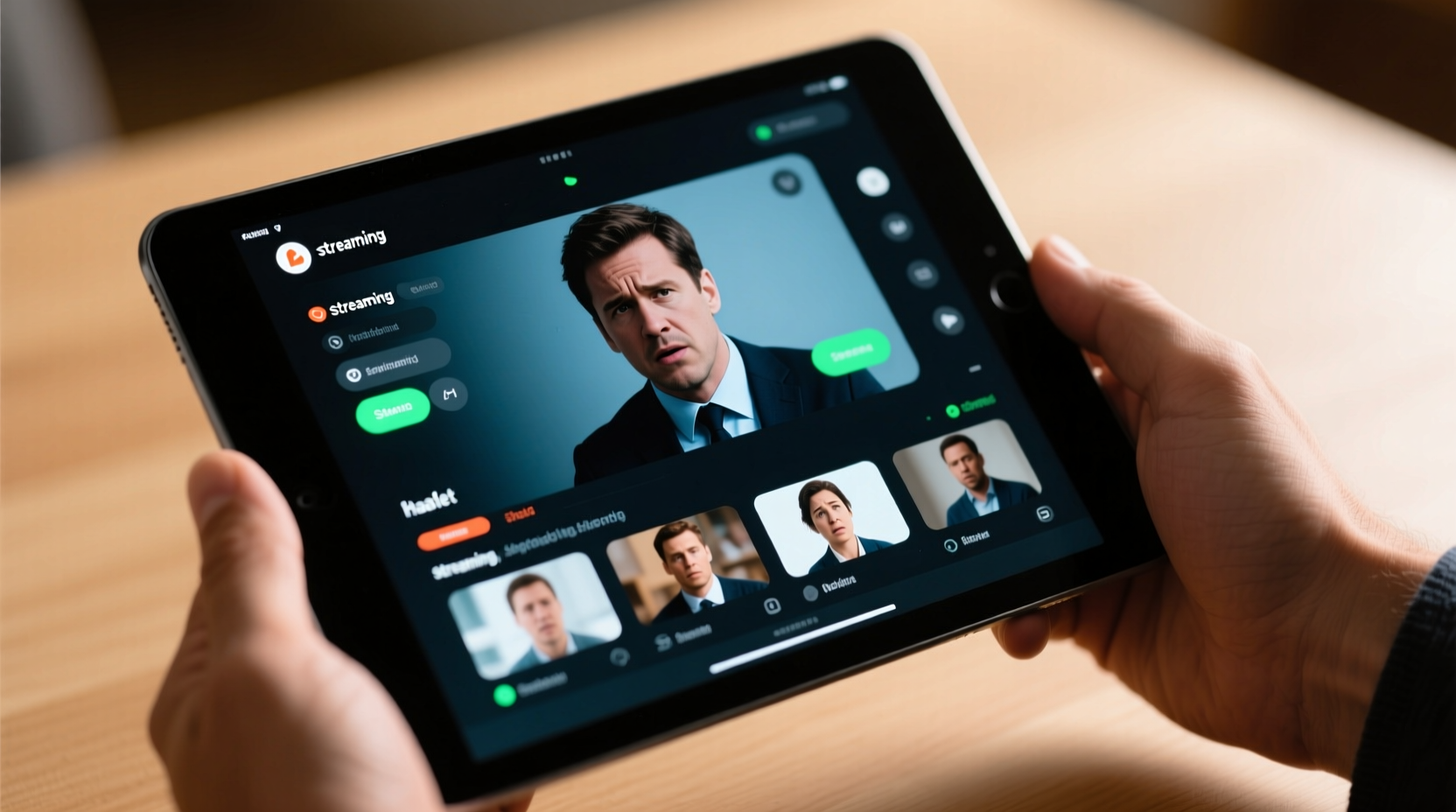
When you stream video, your tablet activates multiple high-demand systems simultaneously. Unlike reading an e-book or browsing static web pages, streaming is resource-intensive. It requires continuous data processing from your Wi-Fi or cellular connection, decoding of compressed video files (often in HD or 4K), screen brightness adjustments, audio output, and background system management.
The central processor (CPU) and graphics processing unit (GPU) work harder to decode video streams in real time. High-resolution content—especially from platforms like Netflix, YouTube, or Disney+—uses advanced codecs such as H.265 (HEVC), which are efficient for compression but demanding on hardware. As these components operate at higher speeds, they generate more heat due to electrical resistance within the silicon chips.
Additionally, the display itself is a major contributor. Modern tablets use bright, high-resolution LCD or OLED screens that consume significant power. The brighter the screen, the more energy it draws—and the more heat it produces. Running the screen at full brightness for long periods compounds thermal stress, especially in poorly ventilated environments.
Normal vs. Excessive Heating: What You Should Watch For
It’s normal for a tablet to feel warm to the touch after 30–60 minutes of streaming. Typically, surface temperatures between 35°C and 42°C (95°F–108°F) are considered safe and within design limits. However, if the device becomes too hot to hold comfortably, emits a burning smell, or displays warning messages about temperature, that’s a red flag.
Manufacturers build in thermal throttling mechanisms to protect hardware. When internal sensors detect rising temperatures, the system automatically reduces CPU/GPU speed to cool down. This may result in lag, stuttering video, or sudden app closures. While this safeguard prevents permanent damage, frequent triggering suggests your usage patterns or environment need adjustment.
Another sign of concern is rapid battery drain during streaming. Overheating accelerates chemical reactions inside lithium-ion batteries, leading to faster degradation. If you notice your battery losing charge unusually quickly—even while plugged in—it may be compensating for heat-related inefficiencies.
“Tablets are designed with thermal margins, but sustained high temperatures above 45°C can shorten component lifespan by up to 30% over time.” — Dr. Lena Torres, Electronics Thermal Management Engineer
Environmental and Usage Factors That Worsen Heating
External conditions play a crucial role in how well your tablet dissipates heat. Using the device in direct sunlight, on a bed or couch (where airflow is blocked), or inside a thick case traps heat and prevents cooling. Even ambient room temperature matters; streaming in a hot car or unairconditioned space increases thermal load significantly.
Background processes also contribute. Notifications, syncing apps, location tracking, and automatic updates run silently but consume processing power. These tasks add to the workload during streaming, increasing overall heat output. Similarly, outdated software may lack optimized power management, forcing older devices to work harder than necessary.
Charging while streaming is another common culprit. Simultaneously drawing power from the charger and delivering energy to the screen, processor, and radios creates a “double load” scenario. Many users do this without realizing it pushes the battery and power circuits beyond ideal operating conditions.
Common Heat Amplifiers During Streaming
- Using the tablet under direct sunlight or near heat sources
- Streaming in high resolution (e.g., 4K) on a device not optimized for it
- Running multiple apps in the background
- Using non-original or low-quality charging cables and adapters
- Streaming over weak Wi-Fi, causing the radio module to boost signal strength
Practical Steps to Reduce Tablet Heating
You don’t need to stop streaming to keep your tablet cool. Simple behavioral and environmental changes can make a big difference. Start by optimizing settings directly related to performance and power consumption.
Step-by-Step Guide to Cooler Streaming
- Adjust video quality: In apps like YouTube or Netflix, manually set playback to 720p instead of 1080p or higher. This reduces decoding load.
- Lower screen brightness: Set brightness to 50% or less, or use adaptive brightness with upper limits capped.
- Close unused apps: Swipe away background apps before starting a long session.
- Remove protective cases: Especially silicone or leather cases that insulate heat.
- Avoid charging while streaming: If possible, begin with a full charge and unplug during use.
- Use a flat, hard surface: Place the tablet on a table or tray rather than on fabric or laps.
- Enable airplane mode (if offline): If downloading videos ahead of time, disable radios to eliminate unnecessary signal processing.
Do’s and Don’ts: Tablet Heat Management Table
| Do’s | Don’ts |
|---|---|
| Stream in a cool, shaded environment | Leave the tablet in direct sunlight |
| Use original chargers only when necessary | Use cheap third-party chargers |
| Take breaks every 60–90 minutes | Stream continuously for hours without pause |
| Keep software updated for efficiency improvements | Ignore system warnings about temperature |
| Download content first when possible | Stream in 4K on older or entry-level tablets |
Real-World Example: A Case of Overheating During Travel
Sophia, a frequent traveler, often watches movies on her three-year-old Android tablet during flights. On a recent trip, she noticed the device shutting down unexpectedly after 45 minutes of streaming. At first, she assumed the battery was failing. After consulting online forums and testing different scenarios, she realized the issue stemmed from multiple factors: she was using a thick faux-leather case, watching in full brightness, and had left Bluetooth and GPS running for navigation apps.
She removed the case, reduced brightness, closed background apps, and downloaded her next movie before takeoff. On her return flight, the tablet ran smoothly for over two hours without overheating. Her experience highlights how small adjustments can resolve what seems like a hardware failure.
When to Be Concerned: Warning Signs of Serious Issues
Occasional warmth is normal. However, recurring or extreme symptoms suggest deeper problems. Watch for:
- Frequent automatic shutdowns during streaming
- Visible warping or discoloration of the casing
- Swelling of the battery (visible gap in the chassis)
- Persistent slowdowns even after rebooting
- Burning or plastic-like odors
If any of these occur, discontinue use immediately. Continued operation under such conditions risks permanent damage or safety hazards. Contact the manufacturer or an authorized repair center. Do not attempt to open or repair the device yourself, especially if the battery is swollen.
For older tablets, accumulated dust in speaker grills or ports can impede passive cooling. While tablets lack fans, they rely on metal frames and internal conduction paths to dissipate heat. Keeping vents clear—even microscopic ones—helps maintain thermal efficiency.
Frequently Asked Questions
Is it safe to stream for hours on my tablet?
Yes, but with precautions. Limit sessions to 60–90 minutes, allow cooling breaks, avoid charging, and ensure good ventilation. Devices are built for moderate streaming, but prolonged heavy use stresses components over time.
Can overheating permanently damage my tablet?
Yes. Chronic exposure to high temperatures degrades the battery, reduces processor lifespan, and can cause solder joints to weaken. Lithium-ion batteries lose capacity faster when regularly exposed to heat above 40°C.
Why does my tablet get hotter than my phone when streaming the same show?
Tablets often have larger batteries and screens, requiring more power. Despite bigger bodies, they may have less efficient thermal dissipation due to thinner designs. Also, users tend to stream longer on tablets, increasing cumulative heat buildup.
Checklist: Prevent Tablet Overheating While Streaming
- ✅ Lower screen brightness before starting
- ✅ Disable auto-brightness and set manual levels
- ✅ Remove thick or insulated cases
- ✅ Close all background apps
- ✅ Avoid charging during playback
- ✅ Use downloaded content instead of live streaming when possible
- ✅ Keep the device on a hard, flat surface
- ✅ Take a 10-minute break every hour
- ✅ Ensure OS and apps are up to date
- ✅ Monitor for warning signs like slowdowns or shutdowns
Conclusion: Smart Habits for Safer, Cooler Streaming
Your tablet warming up during streaming isn’t a flaw—it’s physics in action. But understanding the causes empowers you to use your device more efficiently and safely. By adjusting settings, managing your environment, and recognizing early warning signs, you can enjoy uninterrupted viewing without risking long-term damage.
Modern tablets are engineered for resilience, but they thrive best under mindful usage. Small habits—like removing a case, lowering brightness, or downloading in advance—can extend your device’s performance life by years. Don’t wait for a shutdown or swelling battery to act. Start applying these practices today and keep your tablet running cool, capable, and reliable.




 浙公网安备
33010002000092号
浙公网安备
33010002000092号 浙B2-20120091-4
Comments
No comments yet. Why don't you start the discussion?