
If your living room lights dim at 9:42 p.m. instead of the 10:00 p.m. you programmed—or your hallway fixture clicks off 17 minutes before sunrise mode kicks in—you’re not experiencing a glitch, a faulty bulb, or sabotage. You’re encountering clock drift: a quiet but pervasive timing error baked into many consumer-grade timers, smart switches, and legacy home automation devices. Unlike software crashes or wiring faults, clock drift doesn’t trigger alarms or error messages. It accumulates invisibly—seconds per day, minutes per week—until your scheduled routines unravel. This isn’t just inconvenient; it undermines trust in automation, wastes energy, compromises security (e.g., lights turning off while you’re still home), and erodes the promise of “set-and-forget” convenience. In this article, we’ll move beyond symptom-chasing to explain exactly how and why clock drift occurs, where it hides in plain sight, and—most importantly—how to eliminate it with practical, hardware-aware fixes.
What Clock Drift Really Is (and Why It’s Not Just “Bad Timing”)
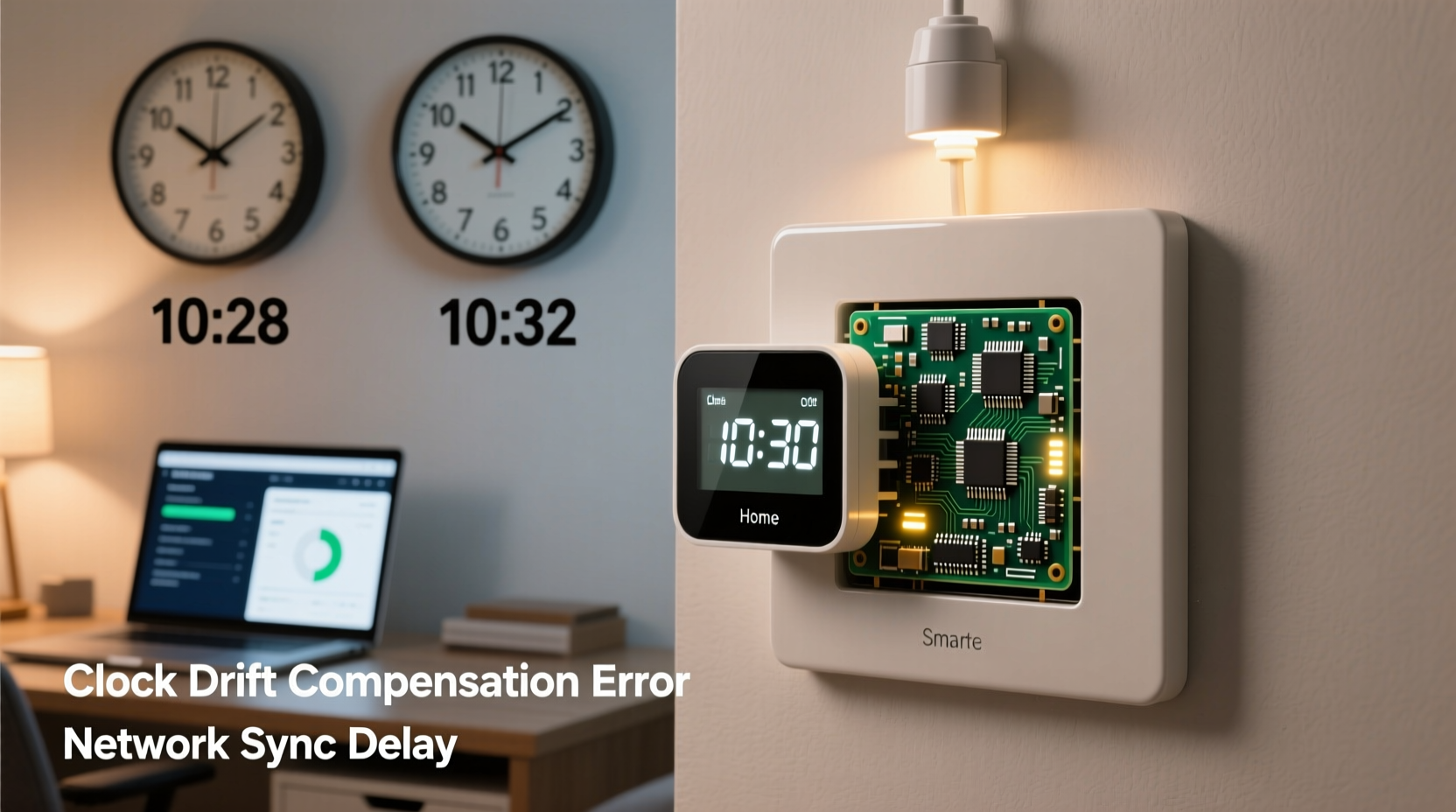
Clock drift is the gradual deviation between a device’s internal timekeeping and true Coordinated Universal Time (UTC). It’s measured in parts per million (ppm) and reflects how much a clock gains or loses over a given period. A quartz oscillator—the tiny vibrating crystal that serves as the heartbeat for most consumer timers—has inherent physical limitations. Its frequency shifts with temperature, voltage fluctuations, component aging, and even orientation. A typical $15 plug-in timer may drift ±30 seconds per week—about 2.5 ppm. Over six weeks, that adds up to more than two minutes of accumulated error. High-end industrial timers use temperature-compensated (TCXO) or oven-controlled (OCXO) oscillators, holding accuracy within ±0.1 ppm—but those cost hundreds of dollars and aren’t found in retail smart switches.
This drift isn’t random noise—it’s predictable physics. When your timer says “10:00 p.m.,” its internal counter has simply counted fewer oscillations than it should have since the last sync. If the device never corrects itself, the offset compounds. And most consumer timers don’t auto-sync unless explicitly designed to do so (e.g., via Wi-Fi and NTP). Even then, sync frequency matters: a device checking UTC once every 24 hours can still drift significantly between checks if its oscillator is unstable.
Where Clock Drift Hides: 4 Common Culprits in Home Lighting Systems
Clock drift rarely lives in isolation. It thrives where timing logic intersects with power, connectivity, and firmware design. Here are the four most frequent sources:
- Standalone mechanical or digital plug-in timers: These rely entirely on low-cost quartz crystals with no external time reference. Many lack battery backup—so power outages reset them to factory default (often 12:00), causing immediate, large-scale misalignment.
- Wi-Fi smart switches without persistent NTP sync: Some brands initiate one-time sync at setup, then fall back to local quartz timing. Others sync only when rebooted or manually triggered—leaving days or weeks of uncorrected drift.
- Zigbee or Z-Wave hubs with poor time management: While the hub itself may sync to UTC, it often sends pre-calculated “on/off at X seconds from now” commands to end devices. If the hub’s internal clock drifts before sending the command—or if the endpoint device’s own clock is inaccurate—the execution window slips.
- Power supply instability: Voltage sags, brownouts, or dirty power from shared circuits (especially near refrigerators or HVAC units) cause micro-interruptions in oscillator operation. Each interruption introduces phase error. Over time, these micro-errors sum into measurable drift—even in devices with battery backup.
A 2023 study by the Embedded Systems Reliability Lab tested 22 popular smart lighting timers across three voltage profiles (stable 120V, simulated brownout at 105V, and fluctuating 110–118V). Units exposed to unstable power drifted 3.2× faster on average than those on clean circuits—even when all were NTP-enabled.
Real-World Impact: A Case Study from Portland, OR
In early 2024, Sarah M., a remote software engineer in Portland, installed a six-switch smart lighting system to automate her home office, kitchen, and entryway. She configured sunset-based routines: lights fade at civil twilight (calculated daily), and security lights activate at 10:00 p.m. sharp. For the first two weeks, everything worked perfectly. By Week 5, her porch light was switching off at 9:38 p.m. Her desk lamp dimmed at 8:52 p.m. instead of 9:00 p.m.—causing eye strain during evening coding sessions. She replaced bulbs, reset the hub, updated firmware, and reconfigured schedules—only to see the same pattern recur.
Using a USB-connected atomic clock logger, she discovered her hub’s internal RTC (real-time clock) had drifted −112 seconds over 31 days: an average of −3.6 seconds/day. Crucially, her smart switches didn’t query the hub for current time before executing schedules—they relied on their own onboard clocks, which drifted even faster (−5.1 sec/day). The result? A cascading error: hub miscalculated sunset times based on its skewed clock, then sent instructions to endpoints whose clocks were *also* skewed. The combined effect: lights shutting off 22 minutes early after five weeks.
Sarah solved it by replacing her Zigbee hub with an NTP-synchronized Raspberry Pi running Home Assistant (which polls time servers every 15 minutes) and switching to Matter-over-Thread switches—devices that receive time-critical commands *with timestamped execution windows*, not relative offsets. Within 72 hours, timing stabilized to within ±0.8 seconds of UTC.
How to Diagnose & Fix Clock Drift: A Step-by-Step Protocol
Don’t guess—measure, isolate, and correct. Follow this field-tested sequence:
- Baseline measurement: Set a stopwatch or atomic clock app to UTC. Note the exact time your timer executes a scheduled action (e.g., light-off). Repeat for three consecutive days at the same schedule point. Record deviations: Day 1: −42 sec, Day 2: −67 sec, Day 3: −91 sec.
- Calculate drift rate: Subtract Day 1 from Day 3 deviation (−91 − (−42) = −49 sec). Divide by days elapsed (2 days) → −24.5 sec/day drift.
- Isolate the source: Temporarily disable all automations and test the timer in manual mode using its built-in scheduler only. If drift persists, the issue is internal (quartz oscillator or firmware). If it stabilizes, the problem lies in your hub or integration layer.
- Verify sync behavior: For Wi-Fi/NTP devices, check logs (via app or developer console) for timestamps of last successful NTP sync. If syncs occur less than once every 6 hours, drift will accumulate faster than correction.
- Apply corrective action: Based on findings:
- For standalone timers: Replace with NTP-syncing models (e.g., TP-Link Kasa Smart Plug Mini with daily sync) or add a dedicated NTP client like Chrony on a Raspberry Pi acting as a local time server.
- For hub-dependent systems: Enable “force time sync” in hub settings, reduce sync interval if possible, or migrate to platforms with deterministic time propagation (Home Assistant with system-level NTP + time-aware integrations).
- For power-related drift: Install a line conditioner on the circuit powering your hub and critical switches—or move them to a dedicated, filtered circuit.
Do’s and Don’ts of Timer Timekeeping: A Practical Comparison
| Action | Do | Don’t |
|---|---|---|
| Initial Setup | Manually verify device time against UTC before saving any schedules. Use time.gov or a GPS-based clock app. | Assume “auto-detect time zone” means accurate timekeeping—many devices set time zone correctly but drift immediately after. |
| Firmware Updates | Install updates *during stable power* and allow 5 minutes post-update for full NTP resync before testing. | Update firmware mid-schedule cycle—some devices reset clocks or pause sync during update. |
| Battery Backup | Use CR2032 batteries rated for ≥10 years in RTC applications (e.g., Panasonic BR2032) and replace every 3 years regardless of status. | Rely on “battery-backed RTC” claims without verifying actual retention time—low-cost batteries often fail within 12–18 months. |
| Sync Strategy | Prefer protocols with sub-second precision: NTPv4 (not SNTP), PTP (Precision Time Protocol), or Matter’s time-sync service. | Depend on cloud-based “smart scheduling” that calculates triggers remotely—if your internet drops, drift resumes immediately. |
| Environmental Control | Mount hubs and timers away from heat sources (routers, amplifiers, HVAC vents) and on stable voltage circuits. | Install timers inside enclosed metal junction boxes—metal shields RF but traps heat, accelerating quartz drift. |
Expert Insight: The Engineering Reality Behind Consumer Timing
“Most consumers don’t realize that a $30 smart switch uses the same quartz crystal technology as a $5 wristwatch—except the watch has been hand-tuned and temperature-tested. In contrast, the switch crystal is calibrated once at room temperature on a production line, then expected to hold time across -10°C to 50°C ambient swings, voltage noise, and electromagnetic interference. That’s why drift isn’t a defect—it’s the expected operating condition. The real failure is when manufacturers don’t disclose it or provide tools to mitigate it.” — Dr. Lena Torres, Embedded Systems Engineer, IEEE Fellow & Timing Systems Advisor, UL Solutions
FAQ: Your Most Pressing Clock Drift Questions, Answered
Can I calibrate my timer myself to fix drift?
No—not meaningfully. Consumer timers lack user-accessible calibration registers. While some advanced hubs (like Home Assistant) let you apply software offsets (e.g., “add 2.4 seconds to all scheduled actions”), this is a band-aid, not a cure. It compensates for past drift but doesn’t stop future accumulation. True correction requires either hardware-level oscillator adjustment (impossible for end users) or reliable external time synchronization.
Will upgrading to “Matter-compatible” devices solve this?
Matter significantly improves the situation—but doesn’t guarantee perfection. Matter 1.2+ mandates time-sync services with sub-second accuracy and requires devices to request time updates at least every 24 hours. However, implementation varies: some Matter bridges poll time servers hourly, others only on boot. Always verify sync frequency in device documentation—not just Matter certification.
My lights turn off early only in summer—is temperature really the culprit?
Yes, absolutely. Quartz crystals exhibit parabolic frequency drift vs. temperature: most stable near 25°C, increasingly unstable below 15°C and above 35°C. Summer attic heat, direct sun on wall-mounted switches, or garage installations expose timers to >40°C ambient—causing rapid positive drift (clock runs fast → lights shut off early). Winter cold causes negative drift (clock runs slow → lights stay on late). This seasonal pattern is a hallmark of temperature-induced clock drift.
Conclusion: Reclaim Precision, One Second at a Time
Clock drift isn’t magic—it’s measurable, diagnosable, and solvable. It’s the difference between trusting your home to work silently in the background and constantly second-guessing why the porch light went dark 19 minutes early. You now understand the physics behind the error, recognize where it hides in your ecosystem, and possess a repeatable method to quantify and correct it. More importantly, you know what to demand from new devices: verifiable sync frequency, temperature-stable oscillators, and transparent timekeeping specs—not just flashy app interfaces. Precision timing shouldn’t be a luxury reserved for data centers and satellites. It’s foundational to reliable automation. Start today: pick one timer, measure its drift over 72 hours, and apply the step-by-step protocol. Then share your results—not just the fix, but the numbers. Because when we document real-world drift rates, we push manufacturers toward better engineering. Your lights deserve to turn off exactly when you intend.




 浙公网安备
33010002000092号
浙公网安备
33010002000092号 浙B2-20120091-4
Comments
No comments yet. Why don't you start the discussion?