
Sitting in front of a screen for hours is now part of daily life—whether for work, study, or entertainment. But if you’ve noticed your vision becoming blurry after prolonged screen use, you’re not imagining things. This common experience, often dismissed as fatigue, is a real physiological response known as digital eye strain or computer vision syndrome. Left unaddressed, it can affect productivity, comfort, and long-term eye health. The good news: most causes are reversible with simple, practical changes.
This article explains the science behind post-screen vision blur, identifies contributing factors, and offers actionable strategies backed by optometry research to restore visual clarity and prevent future discomfort.
The Science Behind Screen-Induced Vision Blur
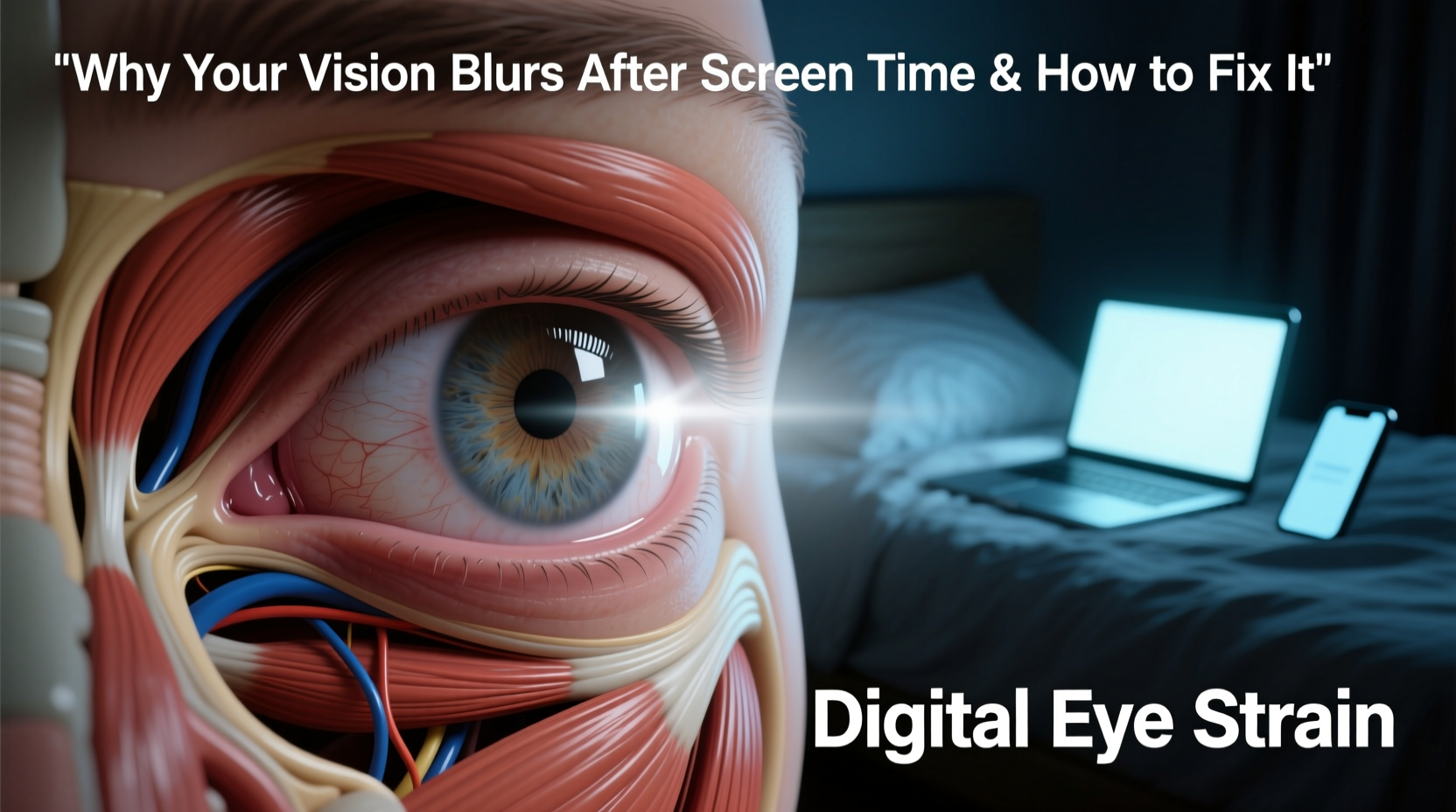
When you focus on a digital screen, your eyes perform differently than they do during traditional reading or distance viewing. Screens emit blue light, require sustained near-focus, and often involve reduced blinking—all of which strain the ocular system.
The primary culprit behind temporary blurriness is **ciliary muscle fatigue**. These tiny muscles inside the eye control the lens’s shape, allowing you to shift focus between near and far objects. When locked onto a screen for extended periods, they remain contracted, leading to accommodative spasm—a condition where the eye struggles to relax and refocus on distant objects.
Additionally, reduced blink rate plays a major role. Studies show people blink about 66% less while using screens—dropping from a normal 15–20 times per minute to just 5–7. This leads to dry eyes, surface irritation, and blurred vision due to an unstable tear film.
“Prolonged screen use disrupts natural blinking and focusing mechanisms, creating a perfect storm for temporary visual disturbances.” — Dr. Lena Patel, Optometrist and Vision Health Researcher
Common Causes of Post-Screen Blurry Vision
Blurry vision after screen exposure rarely stems from a single cause. It’s usually a combination of environmental, behavioral, and physiological factors. Understanding each helps target effective solutions.
- Dry Eye Syndrome: Insufficient tear production or rapid evaporation due to infrequent blinking.
- Blue Light Exposure: High-energy visible (HEV) light may contribute to retinal stress and disrupt circadian rhythms.
- Poor Ergonomics: Incorrect screen height, distance, or glare forces the eyes to work harder.
- Uncorrected Vision Problems: Undiagnosed farsightedness, astigmatism, or presbyopia worsen under screen demand.
- Lighting Mismatch: Excessive ambient brightness or screen glare increases visual strain.
- Mental Fatigue: Cognitive overload reduces attention to physical cues like eye discomfort.
Proven Strategies to Prevent and Reverse Blurry Vision
Addressing screen-related vision issues requires both immediate relief techniques and long-term habit adjustments. Below are evidence-based methods to restore visual comfort and protect eye health.
Follow the 20-20-20 Rule
Every 20 minutes, look at something 20 feet away for at least 20 seconds. This simple practice gives the ciliary muscles a chance to relax, reducing accommodative fatigue.
Optimize Your Workspace Lighting
Ambient lighting should match screen brightness. Avoid working in dark rooms with bright screens or under harsh overhead lights that create glare. Use indirect lighting and consider a matte screen filter.
Blink Consciously
Set reminders to blink fully every few minutes. A full blink—where the eyelids completely close—renews the tear film more effectively than partial blinks common during screen use.
Adjust Screen Settings
Modify brightness, contrast, and text size to minimize strain. Set color temperature to warmer tones (less blue light), especially in the evening. Many devices offer “night mode” or “blue light filter” settings.
Use Artificial Tears if Needed
Preservative-free lubricating eye drops can relieve dryness. Apply them before extended screen sessions if you're prone to dry eyes, but avoid overuse of medicated drops without medical advice.
Step-by-Step Guide to Reducing Digital Eye Strain
Implementing change gradually ensures lasting results. Follow this 7-day action plan to reset your visual habits:
- Day 1: Measure your current screen distance and height. Ideal setup: top of screen at or slightly below eye level, 20–28 inches from face.
- Day 2: Download a timer app to prompt 20-20-20 breaks. Start tracking how often you follow through.
- Day 3: Adjust room lighting and screen brightness. Eliminate reflections using blinds or anti-glare filters.
- Day 4: Practice full-blink exercises: close eyes slowly for 2 seconds, open, repeat 5 times hourly.
- Day 5: Test blue light filtering glasses or software. Note any improvement in eye comfort.
- Day 6: Schedule a comprehensive eye exam if symptoms persist beyond two weeks.
- Day 7: Evaluate progress. Refine habits based on what reduced your symptoms most.
Do’s and Don’ts: Screen Habits That Protect Your Vision
| Do’s | Don’ts |
|---|---|
| Position screen slightly below eye level | Look up at a raised laptop screen |
| Use large, readable font sizes | Zoom in only when necessary |
| Take 5-minute breaks every hour | Work through lunch without looking away |
| Keep artificial tears nearby | Ignore persistent dryness or burning |
| Wear prescription computer glasses if needed | Assume regular glasses are sufficient for screen work |
Real Example: How Sarah Regained Visual Clarity
Sarah, a 32-year-old graphic designer, began experiencing daily headaches and blurred vision after switching to remote work. Her days involved 9+ hours in front of dual monitors with minimal breaks. Initially, she assumed it was stress-related. After three months of worsening symptoms, she consulted an optometrist.
The diagnosis: significant digital eye strain compounded by uncorrected mild astigmatism. She was advised to implement ergonomic adjustments, use computer-specific lenses, and adopt the 20-20-20 rule strictly. Within two weeks, her blurriness decreased dramatically. By week four, she reported no post-work visual disturbances and improved sleep quality—likely due to reduced blue light exposure from adjusted screen settings.
Sarah’s case highlights how easily screen-related vision issues escalate when ignored—and how quickly they can resolve with targeted interventions.
When to Seek Professional Help
Most cases of screen-induced blurriness improve with lifestyle changes. However, persistent or worsening symptoms may signal deeper issues such as:
- Chronic dry eye disease
- Unmanaged glaucoma or cataracts
- Neurological conditions affecting eye movement
- Uncorrected refractive errors
If you experience any of the following, schedule an appointment with an optometrist or ophthalmologist:
- Blurred vision lasting more than 30 minutes after screen use
- Frequent double vision or light sensitivity
- Pain behind the eyes or recurring headaches
- Night vision deterioration
“Annual eye exams are non-negotiable for heavy screen users. Small corrections early can prevent years of discomfort.” — Dr. Marcus Lin, Clinical Director at Urban Eye Care Center
FAQ: Common Questions About Screen-Related Vision Issues
Can blue light glasses really help with blurry vision?
Yes, for some users. While research on blue light’s direct harm is ongoing, many report reduced eye strain and better sleep with filtering lenses. They don’t correct vision but can ease visual fatigue during evening screen use.
Is blurry vision after screens permanent?
No—temporary blurring caused by eye strain or dryness is fully reversible. However, chronic strain without intervention may accelerate age-related eye conditions, so proactive care matters.
Why does my vision blur only in the afternoon?
This pattern often reflects cumulative strain. Morning eye moisture and muscle function are optimal. As the day progresses and blink rate drops, tear film instability and muscle fatigue build up, peaking in the late afternoon.
Conclusion: Take Control of Your Visual Comfort
Blurry vision after screen time isn’t inevitable—it’s a warning sign your eyes are overworked. With rising digital demands, protecting your vision must become as routine as backing up files or charging your phone. Simple changes in posture, lighting, and habits can make a dramatic difference in how clearly and comfortably you see throughout the day.
You don’t need expensive gear or drastic lifestyle shifts. Start with one adjustment today: set a timer for your first 20-20-20 break. Build from there. Over time, these small actions compound into lasting visual resilience.




 浙公网安备
33010002000092号
浙公网安备
33010002000092号 浙B2-20120091-4
Comments
No comments yet. Why don't you start the discussion?