
Spend more than an hour in front of a screen, and you might notice your vision starting to blur—words on the page seem to swim, colors dull slightly, or your focus feels strained. You're not imagining it. This phenomenon is increasingly common in our digital age, affecting students, remote workers, creatives, and even casual users. The good news: most cases are temporary and preventable. Understanding the root causes and applying targeted solutions can restore visual clarity and long-term eye health.
The human eye evolved for dynamic environments—shifting focus between near and far objects, tracking movement, and adapting to natural light. Modern screen use disrupts this rhythm. We fixate at a fixed distance for prolonged periods, blink less, and expose our eyes to high-energy blue light. Over time, this leads to what’s commonly known as digital eye strain or computer vision syndrome (CVS), with blurred vision as one of its hallmark symptoms.
What Causes Blurry Vision After Screen Use?
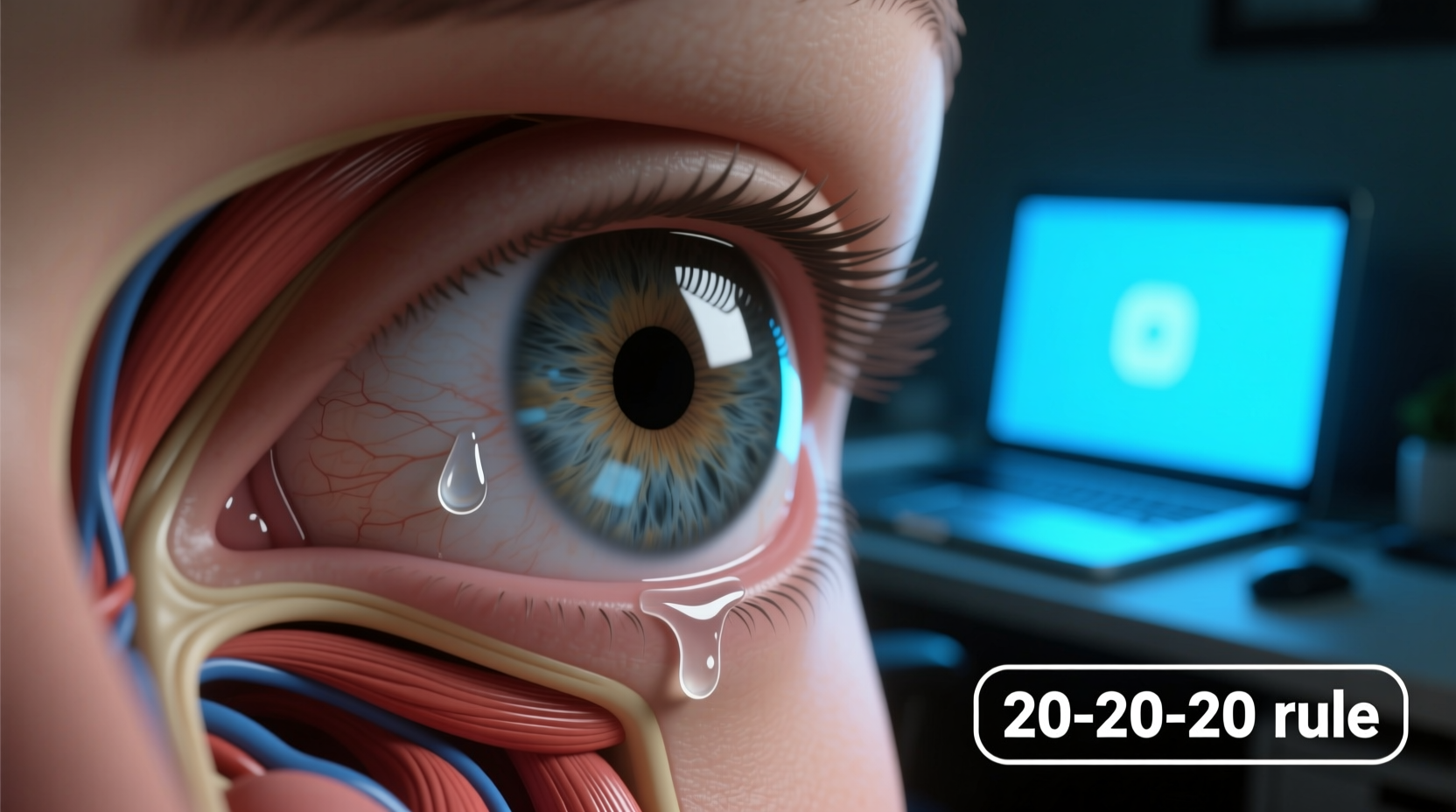
Blurry vision after screen exposure isn’t usually a sign of permanent damage. Instead, it reflects fatigue in the visual system caused by several interrelated factors:
- Reduced Blink Rate: People blink about half as often when looking at screens—around 5–7 times per minute instead of the normal 15–20. This leads to dry, irritated eyes and a filmy sensation that mimics blurriness.
- Ciliary Muscle Fatigue: The ciliary muscle inside the eye adjusts the lens to focus on near objects. Constant close-up work keeps this muscle contracted, causing temporary spasm or fatigue, known as accommodative spasm.
- Blue Light Exposure: High-energy visible (HEV) blue light from LED screens may contribute to retinal stress and disrupt circadian rhythms, indirectly affecting visual processing.
- Poor Ergonomics: Screens positioned too close, too high, or at awkward angles force the eyes and neck into unnatural positions, increasing strain.
- Uncorrected Vision Issues: Minor refractive errors like astigmatism or presbyopia (age-related difficulty focusing up close) become noticeable only during extended screen tasks.
“Digital eye strain is now the most common cause of temporary visual disturbance in adults under 50. It’s not serious, but it’s a warning sign that your visual habits need adjustment.” — Dr. Lena Torres, Optometrist and Vision Health Researcher
Effective Fixes to Restore Clarity and Prevent Recurrence
Addressing blurry vision after screen use requires both immediate relief strategies and long-term behavioral changes. The following evidence-based approaches help reset the visual system and build sustainable screen habits.
1. Follow the 20-20-20 Rule
Every 20 minutes, look at something 20 feet away for at least 20 seconds. This simple practice relaxes the ciliary muscle, reduces accommodative fatigue, and gives the eyes a chance to rehydrate naturally through blinking.
2. Optimize Your Workspace Lighting
Glare and contrast imbalances force your eyes to work harder. Position your screen perpendicular to windows to avoid reflections. Use indirect lighting and consider a matte screen filter if glare persists.
3. Adjust Screen Settings for Eye Comfort
Modern devices offer built-in features to reduce visual strain:
- Lower brightness to match ambient light (avoid overly bright screens in dark rooms).
- Enable “night mode” or warm color temperature settings in the evening.
- Increase text size to reduce squinting.
4. Use Artificial Tears Strategically
Preservative-free lubricating eye drops can relieve dryness-induced blurriness. Apply one drop per eye when symptoms begin, especially in air-conditioned or heated environments.
5. Get a Comprehensive Eye Exam
If blurriness persists despite lifestyle adjustments, consult an optometrist. You may need prescription computer glasses with anti-reflective coating or lenses optimized for intermediate distances (arm’s length). Even minor corrections make a significant difference during screen tasks.
Step-by-Step Daily Routine to Protect Your Vision
Implementing a structured routine helps reinforce healthy visual habits. Follow this timeline each workday:
- 8:00 AM – Setup Check: Ensure your screen is 20–28 inches from your eyes and the top line of text is at or slightly below eye level.
- 8:15 AM – Lighting Adjustment: Turn off overhead fluorescent lights if possible; use a desk lamp with warm-toned bulbs.
- Every 20 Minutes – 20-20-20 Break: Look out a window, down a hallway, or at a distant wall object.
- Noon – Midday Reset: Step outside for 5–10 minutes. Natural daylight helps regulate eye focus and dopamine levels linked to ocular health.
- 3:00 PM – Dry Eye Prevention: Apply lubricating drops if eyes feel gritty or tired.
- 6:00 PM – Screen Wind-Down: Enable blue light filters 2 hours before bedtime to support sleep quality and reduce morning eye fatigue.
Do’s and Don’ts: Screen Habits That Matter
| Do’s | Don’ts |
|---|---|
| Position screen slightly below eye level | Look up at your laptop on the couch |
| Blink consciously during intense focus | Stare continuously without breaks |
| Use larger fonts to reduce eye strain | Zoom in only when necessary |
| Keep hydration high—dehydration worsens dry eyes | Drink excessive caffeine, which can dehydrate |
| Wear computer-specific glasses if prescribed | Rely solely on reading glasses for screens |
Real Example: Recovering From Chronic Blurriness
Mark, a 34-year-old software developer, began experiencing daily blurriness after migrating to full-time remote work. His vision would fog around 11 a.m., forcing him to rub his eyes or step away from coding. He assumed it was stress-related until his optometrist diagnosed mild astigmatism and digital eye strain.
Following a tailored plan—new prescription computer glasses, strict adherence to the 20-20-20 rule, and relocating his desk away from direct sunlight—Mark noticed improvement within a week. By day 10, his mid-morning blurriness had vanished. He also reported better sleep and reduced headaches, underscoring how interconnected visual health is with overall well-being.
Checklist: How to Prevent Screen-Related Blurry Vision
Use this checklist daily to maintain optimal eye function:
- ✅ Position monitor at arm’s length and slightly below eye level
- ✅ Enable night mode or blue light filter after sunset
- ✅ Take a 20-second break every 20 minutes
- ✅ Keep artificial tears nearby for dry spells
- ✅ Stay hydrated throughout the day
- ✅ Avoid screen use in complete darkness
- ✅ Schedule annual eye exams—even if no symptoms exist
Frequently Asked Questions
Can blurry vision from screens lead to permanent damage?
No, the blurriness caused by screen overuse is typically temporary and reversible. There’s no strong evidence that normal screen use causes permanent eye damage. However, chronic strain without correction may accelerate issues like dry eye disease or contribute to early-onset presbyopia in susceptible individuals.
Are blue light glasses worth it?
For some people, yes. While studies show mixed results on blue light’s direct impact on eye strain, many users report improved comfort and better sleep with blue light-blocking lenses. They’re most effective when used in the evening. However, they should complement—not replace—good screen habits like regular breaks and proper lighting.
Why does my vision blur only in the afternoon?
This pattern suggests cumulative fatigue. As the day progresses, your eyes endure continuous demand without sufficient recovery. Factors like dehydration, reduced blinking, and mental fatigue compound the strain. Implementing morning and midday preventive steps—especially outdoor exposure and hydration—can delay or eliminate afternoon blurring.
Conclusion: Take Control of Your Visual Comfort
Blurry vision after screen use is a widespread but manageable condition. It’s not a flaw in your eyesight—it’s a signal from your body asking for balance. By understanding the mechanics behind digital eye strain and adopting consistent, thoughtful practices, you can preserve clarity, comfort, and long-term eye health.
Your eyes weren’t designed for endless scrolling or back-to-back video calls. But with small, deliberate changes—like stepping away every 20 minutes, adjusting your screen setup, or simply remembering to blink—you give them the support they need. Start today. Your future self will see the difference clearly.




 浙公网安备
33010002000092号
浙公网安备
33010002000092号 浙B2-20120091-4
Comments
No comments yet. Why don't you start the discussion?