
If your internet slows to a crawl or disconnects every time you heat up lunch, you're not imagining things—and you're far from alone. This frustrating phenomenon is more common than most people realize. The culprit? Your microwave interfering with your Wi-Fi signal. While it may seem like unrelated household appliances clashing, the science behind this disruption is both logical and fixable. Understanding how microwaves and Wi-Fi interact can help you reclaim a stable connection without giving up your go-to popcorn setting.
How Microwaves and Wi-Fi Share the Same Frequency Band
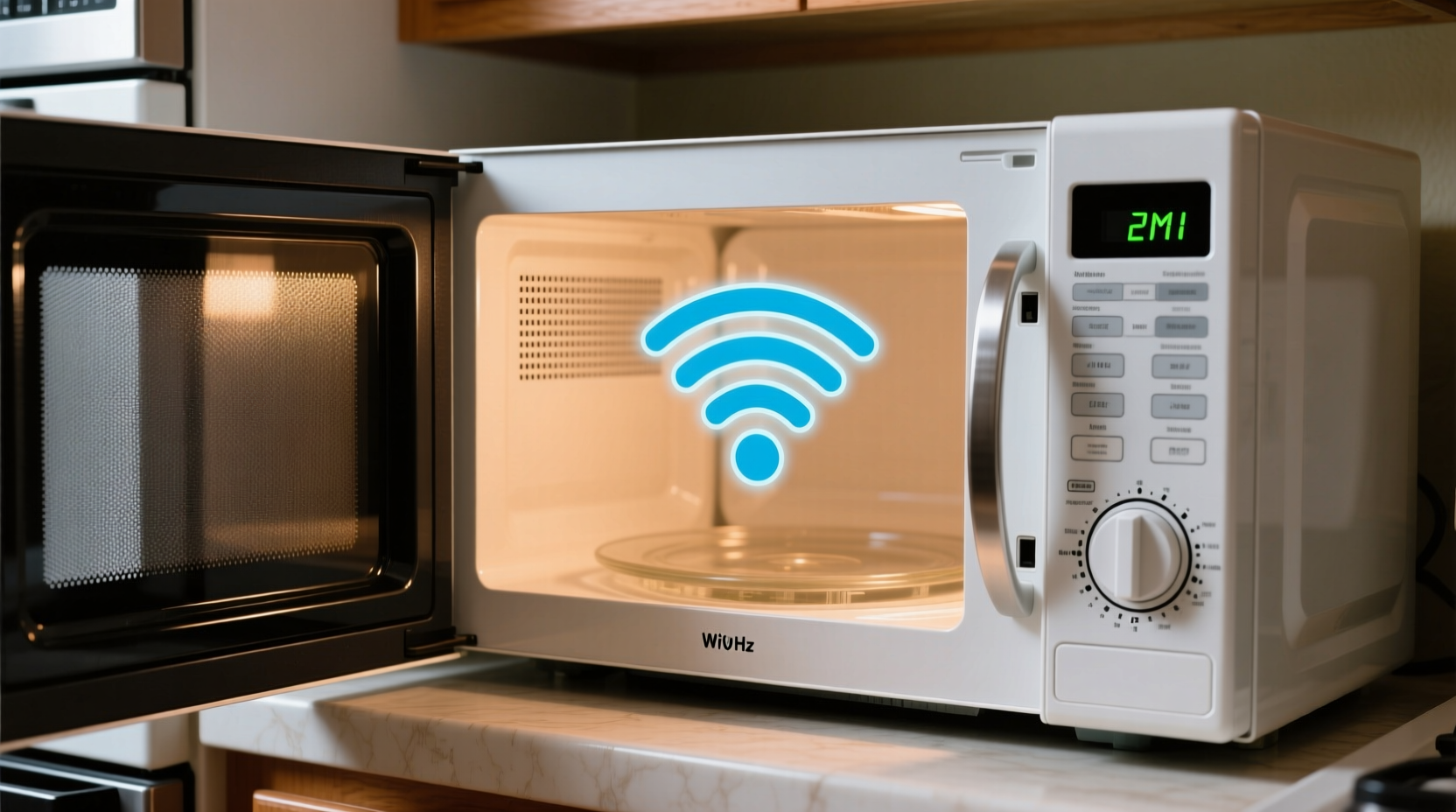
At the heart of this issue lies a shared frequency band: 2.4 GHz. Both microwave ovens and most Wi-Fi routers operate in this range. While they serve entirely different purposes—one cooks food, the other transmits data—they unintentionally compete for electromagnetic space.
Microwave ovens generate intense bursts of energy at 2.45 GHz to agitate water molecules in food, producing heat. Although designed with shielding to contain radiation, no microwave is perfectly sealed. Small amounts of electromagnetic leakage occur, especially in older or damaged units. This leakage radiates into the surrounding environment and overlaps directly with the 2.4 GHz Wi-Fi band used by many wireless networks.
Wi-Fi routers using the 2.4 GHz band are particularly vulnerable because this spectrum is unlicensed and widely adopted. Devices like cordless phones, baby monitors, Bluetooth gadgets, and even neighboring networks also crowd this band, increasing susceptibility to interference. When your microwave runs, it floods the area with high-power noise that drowns out weaker Wi-Fi signals, causing temporary disconnections or latency spikes.
The Science Behind Signal Interference
Electromagnetic interference (EMI) occurs when one electronic device emits energy that disrupts another’s operation. In the case of microwaves and Wi-Fi, the interference is broadband—meaning it doesn’t target a specific channel but instead creates a wide noise floor across the entire 2.4 GHz spectrum.
Think of it like trying to hear a whisper in a noisy room. Your Wi-Fi signal is the whisper; the microwave is someone shouting nearby. Even if the shout isn't directed at you, it makes communication nearly impossible. Routers rely on clear signal transmission to maintain connections with devices. When interference overwhelms the signal-to-noise ratio (SNR), packets are lost, retransmissions increase, and eventually, the connection drops.
Studies conducted by the Federal Communications Commission (FCC) show that microwave ovens can emit up to 5 milliwatts per megahertz near their surface—well within safety limits—but enough to disrupt nearby wireless communications. The effect diminishes rapidly with distance, which explains why moving your router just a few feet away can make a noticeable difference.
“Microwave ovens are among the most common sources of unintentional RF interference in homes. Their power output dwarfs that of Wi-Fi devices, making them dominant emitters in the 2.4 GHz band.” — Dr. Alan Pierce, RF Engineering Consultant, IEEE Spectrum
Common Factors That Worsen the Problem
Not all homes experience Wi-Fi dropouts when the microwave runs. Several variables influence how severe the interference will be:
- Aging or damaged microwave seals: Over time, door gaskets and shielding degrade, allowing more radiation to escape.
- Router proximity: Placing your router within three feet of the microwave dramatically increases interference risk.
- Wall materials: Metal backsplashes, foil-backed insulation, or thick concrete walls can reflect or amplify interference patterns.
- Wi-Fi channel congestion: If multiple networks occupy overlapping channels, the added microwave noise pushes the system past its tolerance threshold.
- Router antenna orientation: Poorly aligned antennas may not efficiently receive signals amid interference.
Additionally, some budget or outdated routers lack advanced interference mitigation features such as dynamic frequency selection (DFS) or adaptive modulation, making them less resilient to sudden noise bursts.
Solutions to Prevent Wi-Fi Disruption
You don’t need to stop using your microwave—or your internet—to solve this issue. Practical adjustments can significantly reduce or eliminate interference.
Step-by-Step Guide to Minimize Microwave-WiFi Conflict
- Relocate your router: Move it at least 6–10 feet away from the microwave, preferably in a different room or behind a wall without metal components.
- Switch to the 5 GHz band: Use your router’s dual-band capability to connect devices to the 5 GHz network, which is immune to microwave interference.
- Upgrade your microwave: Replace older models (especially those over 5 years old) with newer ones that meet current FCC shielding standards.
- Change Wi-Fi channels: Manually set your 2.4 GHz network to Channel 1 or 11 to avoid overlap with the microwave’s emission peak near 2.45 GHz.
- Use wired connections: For critical devices like smart TVs or desktops, switch to Ethernet cables to bypass wireless instability.
- Test microwave leakage: Use an RF meter to check for excessive emissions. Readings above 5 mW/cm² at 2 inches indicate potential hazards and strong interference sources.
Do’s and Don’ts When Managing Wi-Fi and Microwave Interference
| Do | Don't |
|---|---|
| Place the router away from kitchen appliances | Stack the router directly on top of the microwave |
| Use 5 GHz for streaming and video calls | Rely solely on 2.4 GHz for high-bandwidth tasks |
| Update router firmware regularly | Ignore repeated disconnection warnings |
| Inspect microwave door seal for damage | Continue using a microwave with visible wear or sparking |
| Run a Wi-Fi analyzer app to detect interference | Assume all dropouts are due to your ISP |
Real-World Example: A Busy Household's Fix
Consider the Thompson family in suburban Chicago. They frequently experienced Zoom call disruptions every time someone used the kitchen microwave. Initially blaming their internet provider, they upgraded plans twice with no improvement. After consulting a home networking technician, they discovered the root cause: their dual-purpose kitchen island housed both the microwave and the Wi-Fi router underneath.
The solution was simple. The router was moved to a bookshelf in the living room, about 15 feet away and separated by a drywall partition. They also enabled band steering on their mesh system, automatically directing devices to the 5 GHz network when available. The result? No more dropped calls—even during peak cooking hours. A $0 fix that restored reliability and peace of mind.
When to Consider Hardware Upgrades
While repositioning and configuration changes resolve most cases, some situations call for new equipment:
- Dual-band or tri-band routers: Modern systems like Wi-Fi 6 (802.11ax) offer better traffic management and reduced latency under interference.
- Mesh networks: These distribute coverage evenly and allow strategic node placement away from kitchens.
- Updated microwave ovens: Look for models certified under IEC 60335-2-25, which ensures tight RF containment.
Investing in a Wi-Fi 6 router not only provides faster speeds but also includes technologies like OFDMA and beamforming that improve signal resilience. These routers can dynamically adjust transmission parameters in response to environmental noise, including microwave bursts.
FAQ
Can a microwave permanently damage my router?
No, microwave interference does not cause physical damage to your router. It disrupts signal transmission temporarily but poses no long-term harm to internal components.
Is it dangerous if my microwave interferes with Wi-Fi?
Not necessarily. Some level of interference is normal. However, if you notice interference beyond 3 feet or your microwave is over 10 years old, have it inspected. Excessive leakage could pose health risks over prolonged exposure.
Why doesn’t this happen with all microwaves?
Newer microwaves have improved shielding and tighter manufacturing tolerances. Cheaper or older units often leak more RF energy, increasing the chance of disrupting nearby electronics.
Checklist: Eliminate Microwave-Induced Wi-Fi Dropouts
- ✅ Move router at least 6 feet from microwave
- ✅ Connect key devices to 5 GHz network
- ✅ Test current Wi-Fi performance during microwave use
- ✅ Inspect microwave door seal and hinges for damage
- ✅ Change 2.4 GHz channel to 1 or 11
- ✅ Run speed tests before and after implementing fixes
- ✅ Consider upgrading to a Wi-Fi 6 router if problems persist
Conclusion
The clash between your microwave and Wi-Fi is a classic example of modern technology sharing invisible space—with unintended consequences. But armed with knowledge about frequency overlap, router placement, and network settings, you can effectively neutralize the disruption. Simple changes like switching bands or relocating your router can restore seamless connectivity without sacrificing convenience.
Don’t accept spotty internet as inevitable. Take control of your home network environment today. Implement one or two of the strategies outlined here, test the results, and enjoy uninterrupted browsing—even during dinner prep.




 浙公网安备
33010002000092号
浙公网安备
33010002000092号 浙B2-20120091-4
Comments
No comments yet. Why don't you start the discussion?