
It’s a common frustration: just as you're about to finish an important video call or stream a movie, the sky darkens, rain begins to fall, and suddenly—your Wi-Fi drops. You check your device, restart the router, and wait, only for the signal to return once the storm passes. This isn’t a coincidence. Weather, particularly rain, can significantly impact wireless connectivity, especially if your setup relies on outdoor equipment or long-distance signals. Understanding the science behind this interference and knowing how to mitigate it can transform your internet experience from unreliable to resilient.
The Science Behind Rain and Wi-Fi Interference
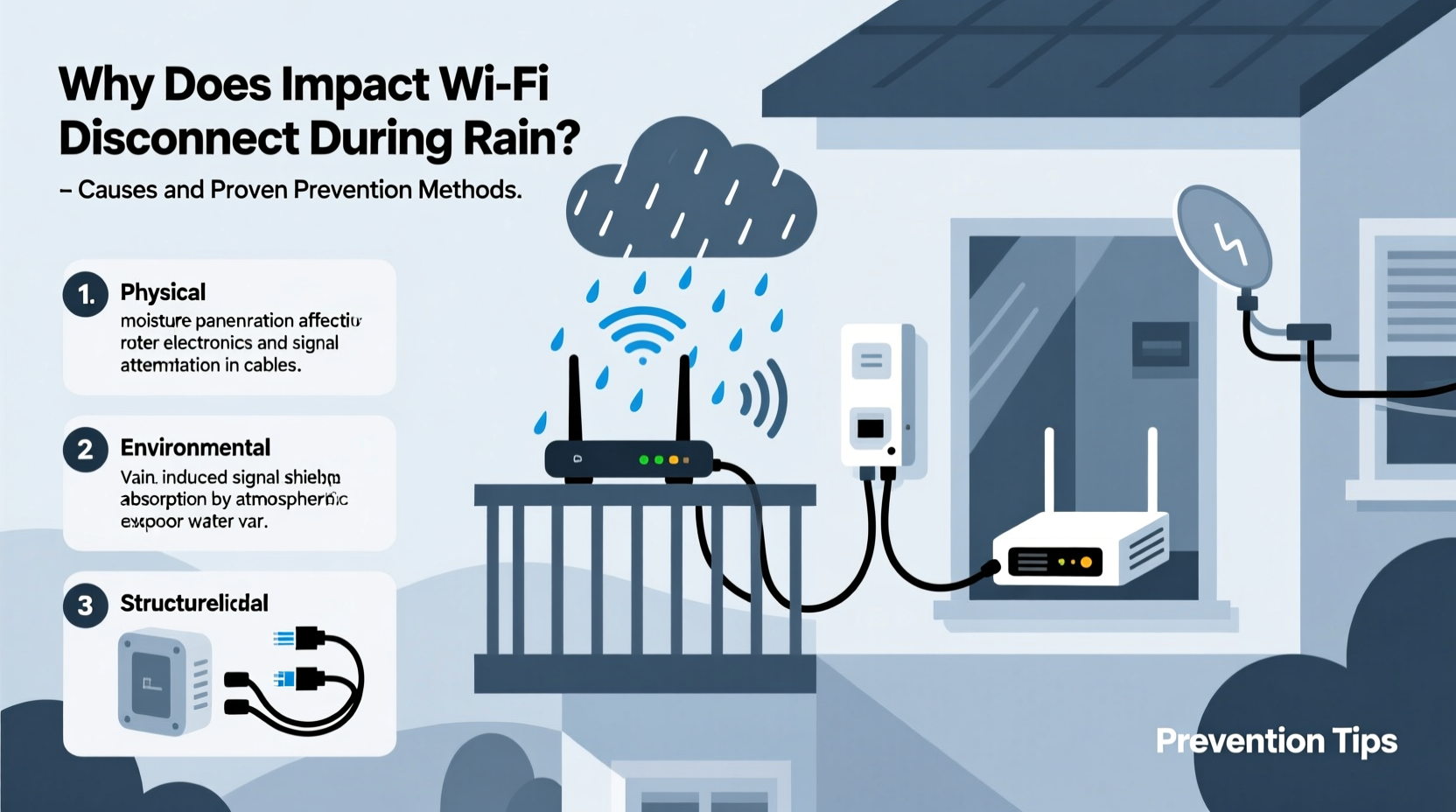
Wi-Fi operates using radio waves, typically in the 2.4 GHz and 5 GHz frequency bands. These signals travel through the air, bouncing off surfaces and penetrating obstacles to reach your devices. However, they are not impervious to environmental factors. Rain introduces water droplets into the atmosphere, which absorb and scatter radio waves—especially at higher frequencies like 5 GHz and above. This phenomenon is known as rain fade.
Rain fade is more commonly associated with satellite communications and long-range microwave links, but it also affects consumer-grade Wi-Fi under certain conditions. When rain falls between your router and connected devices—particularly those outside or in distant rooms—it weakens signal strength. The effect intensifies when:
- You’re using high-frequency bands (5 GHz or 6 GHz).
- Your signal must travel through exterior walls, roofs, or windows.
- You rely on outdoor access points or mesh nodes mounted externally.
- Your home has metal roofing, aluminum siding, or energy-efficient windows with metallic coatings.
“Rain doesn’t ‘block’ Wi-Fi outright, but it increases signal attenuation, especially over distance and at higher frequencies.” — Dr. Lena Patel, RF Engineer and Wireless Systems Consultant
Common Vulnerable Setups That Fail in the Rain
Not all Wi-Fi systems are equally affected by weather. The risk depends largely on your network architecture and hardware placement. Below are real-world scenarios where rain-induced disconnections frequently occur:
Outdoor Mesh Nodes Exposed to Elements
Many homeowners install mesh Wi-Fi satellites in garages, sheds, or exterior walls to extend coverage. If these units aren’t properly sealed or rated for outdoor use, moisture can seep into connectors or internal components, causing intermittent faults or complete failure during downpours.
Satellite Internet Connections
Services like Starlink or older satellite ISPs transmit data via signals that travel through the atmosphere to orbiting satellites. Heavy rain clouds or storms can disrupt this line-of-sight transmission, leading to latency spikes or total outages—a well-documented issue known as “rain outage.”
DIY Long-Range Links Between Buildings
Some rural users set up point-to-point wireless bridges between homes and barns, offices, or guest houses using directional antennas. While effective in dry conditions, these high-frequency links (often 5.8 GHz) suffer dramatically during rainfall due to increased atmospheric absorption.
How to Prevent Rain-Related Wi-Fi Disconnections
While you can't control the weather, you can engineer your network to withstand it. The following strategies address both indoor vulnerabilities and outdoor exposure, ensuring consistent performance regardless of conditions.
1. Switch to 2.4 GHz During Storms
The 2.4 GHz band is less susceptible to rain fade than 5 GHz because lower-frequency waves penetrate obstacles more effectively and scatter less in humid air. If your router supports band steering, temporarily disable it during heavy rain and manually connect devices to the 2.4 GHz network for stability.
2. Upgrade Outdoor Equipment to Weatherproof Models
If you have external access points or cameras linked to your Wi-Fi, ensure they are IP67-rated or higher. Use waterproof enclosures, drip loops in cabling, and UV-resistant conduit to protect Ethernet lines. Seal any wall penetrations with silicone caulk to prevent water ingress.
3. Re-route or Shield Cables
Coaxial or Ethernet cables running along gutters, rooftops, or uninsulated walls can act as antennas for electrical noise generated by lightning or wet surfaces. Elevate cables off the ground, avoid direct contact with metal structures, and use surge protectors rated for data lines.
4. Install Signal Repeaters Indoors Instead of Outdoors
Rather than placing a mesh node outside, position it near an interior window facing the problem area. This keeps electronics dry while still extending coverage. For detached buildings, consider running a buried, waterproof Ethernet cable instead of relying on wireless bridging.
5. Optimize Router Placement
Centralize your router away from exterior walls and basements. Avoid locations near large appliances, mirrors, or metal ductwork, which amplify signal degradation when humidity rises. Elevate the router on a shelf and orient antennas vertically for optimal dispersion.
Step-by-Step Guide to Weatherproof Your Home Network
Follow this sequence to systematically reduce rain-related disruptions:
- Inspect all outdoor connections: Check for frayed cables, loose fittings, or corroded ports on external devices.
- Test each component: Disconnect outdoor units and test Wi-Fi indoors. If the issue disappears, the fault lies outside.
- Replace non-weatherproof gear: Swap consumer-grade extenders with outdoor-rated access points (e.g., Ubiquiti NanoBeam, TP-Link Omada).
- Seal entry points: Where cables enter the house, apply waterproof sealant around the opening.
- Enable band steering controls: Configure your router to prioritize 2.4 GHz during low-signal events or allow manual switching.
- Install a UPS and surge protector: Protect against power fluctuations caused by storms.
- Monitor signal strength: Use apps like Wi-Fi Analyzer or NetSpot to track RSSI levels before and after rainfall.
| Issue | Possible Cause | Solution |
|---|---|---|
| Complete outage during rain | Water in outdoor junction box | Re-seal enclosure, add drip loop |
| Sluggish speeds, no disconnect | Rain fade on 5 GHz band | Switch to 2.4 GHz network |
| Intermittent dropouts | Surge or grounding issue | Install Ethernet surge protector |
| Only affects remote devices | Weak signal amplified by humidity | Add indoor repeater or wired AP |
| Modem resets during storms | Power fluctuation | Use UPS backup system |
Real Example: A Rural Home Overcomes Seasonal Connectivity Loss
Mark, a freelance graphic designer living in northern Vermont, relied on a DIY wireless bridge to connect his main house to a studio barn 100 feet away. Every spring and fall, during prolonged rainy periods, his internet would cut out mid-project. After ruling out ISP issues, he discovered that his 5.8 GHz directional antenna—mounted under an unsealed eave—was collecting moisture inside the housing.
He replaced the unit with an IP67-rated outdoor access point, rerouted the Ethernet cable through a downward-looped PVC pipe to prevent water runoff, and added a small roof shield over the mount. He also installed a UPS to handle brief power dips. Since then, his connection has remained stable even during torrential downpours, allowing him to meet deadlines without interruption.
Checklist: Rain-Proof Your Wi-Fi Network
- ☐ Inspect all outdoor Wi-Fi equipment for cracks or moisture
- ☐ Verify that external access points are weather-rated (IP65 or higher)
- ☐ Create drip loops in outdoor cabling to divert water
- ☐ Seal wall entry points with waterproof caulk
- ☐ Switch critical devices to 2.4 GHz during storms
- ☐ Install surge protectors on power and data lines
- ☐ Test indoor signal strength near problem areas
- ☐ Consider burying a direct Ethernet line instead of wireless bridging
- ☐ Update router firmware for better band management
- ☐ Keep a UPS connected to your modem and router
Frequently Asked Questions
Can rain permanently damage my Wi-Fi router?
No, if the router is indoors and protected, rain itself won’t cause permanent damage. However, repeated exposure to moisture through poorly sealed outdoor cables or power surges during storms can degrade components over time. Using surge protection and weatherproofing external connections minimizes long-term risks.
Why does only one part of my house lose signal when it rains?
This usually indicates that the affected area relies on a weak signal path that becomes further degraded by environmental factors. Thick walls, metal framing, or windows with reflective coatings worsen the effect. Adding an indoor access point on the same floor or switching to 2.4 GHz can resolve the imbalance.
Is fiber optic internet immune to rain interference?
Yes. Since fiber uses light pulses through glass cables rather than radio waves, it is completely unaffected by rain, electromagnetic interference, or atmospheric conditions. If available, fiber provides the most reliable option in storm-prone areas.
Conclusion: Build a Resilient Network for All Seasons
Rain-induced Wi-Fi disconnections are more than a minor annoyance—they can disrupt work, education, and entertainment. But with a clear understanding of how moisture and radio waves interact, you can take meaningful steps to fortify your network. From optimizing frequency bands to upgrading hardware and sealing vulnerabilities, the solutions are accessible and cost-effective. Don’t wait for the next storm to expose your network’s weaknesses. Audit your setup now, implement protective measures, and enjoy uninterrupted connectivity—rain or shine.




 浙公网安备
33010002000092号
浙公网安备
33010002000092号 浙B2-20120091-4
Comments
No comments yet. Why don't you start the discussion?