
It’s a common frustration: you step into your basement, only to find your phone shows no signal, your smart TV buffers endlessly, or your video call drops mid-sentence. While basements are ideal for home theaters, gyms, or guest suites, they’re notorious dead zones for Wi-Fi. The issue isn’t just inconvenience—it can affect work-from-home productivity, entertainment quality, and even home security if smart devices lose connection.
The root causes lie in physics and construction. Concrete walls, metal support beams, underground placement, and distance from your router all contribute to poor signal penetration. But what’s the right fix? Many turn to Wi-Fi extenders first—affordable and easy to install—but these often fall short. Mesh systems promise seamless coverage but come at a higher cost. Understanding the differences between them is key to making an informed decision.
Why Basements Kill Wi-Fi Signals
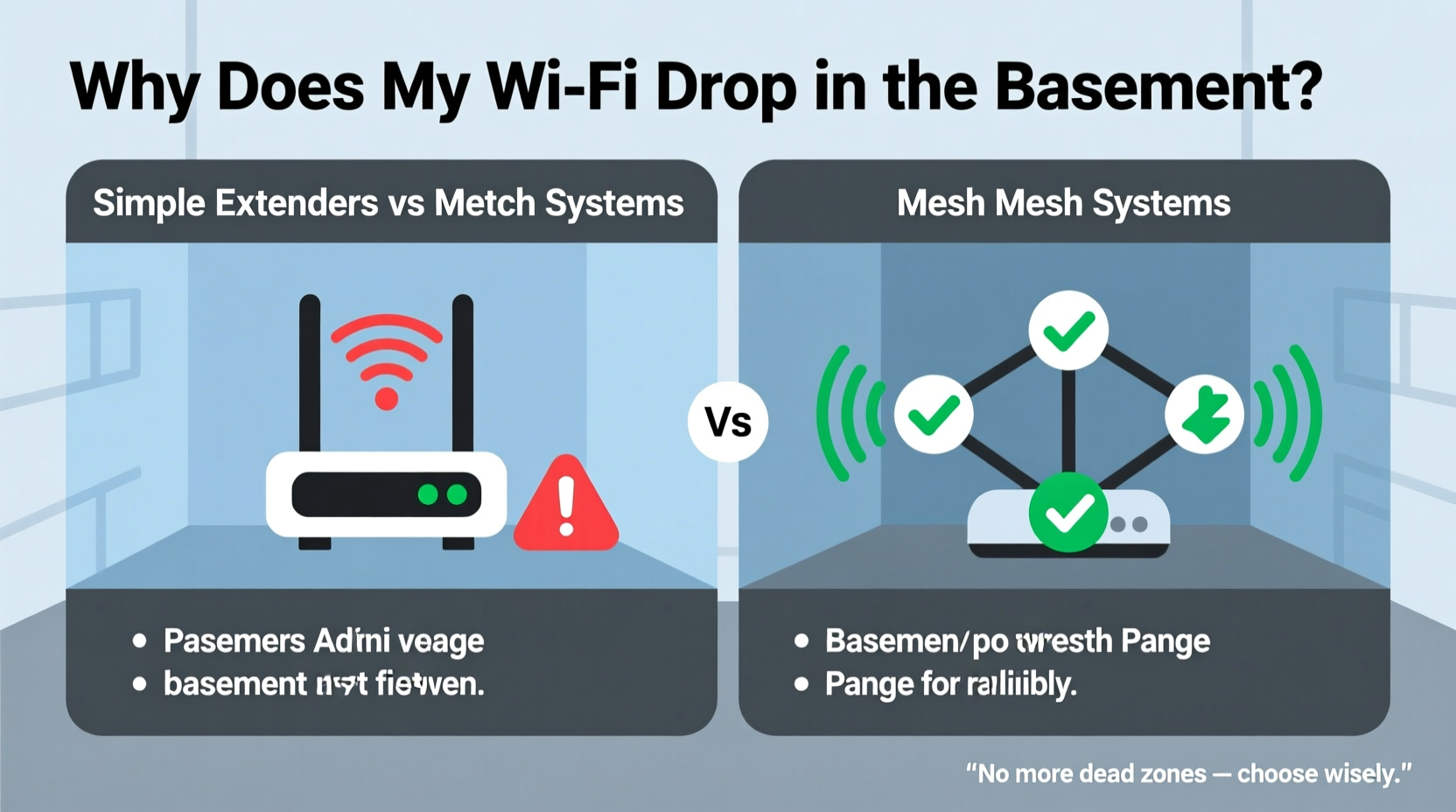
Basements are among the most challenging areas for wireless connectivity. Unlike upper floors that may have line-of-sight proximity to the router, basements are typically below ground level, surrounded by dense materials like concrete, brick, and metal piping—all of which block or reflect radio waves.
Wi-Fi operates on two main frequency bands: 2.4 GHz and 5 GHz. The 2.4 GHz band travels farther and penetrates walls better but offers slower speeds. The 5 GHz band delivers faster performance but has limited range and struggles with obstacles. Most modern routers broadcast both, but as signals move through floors and walls, especially thick basement foundations, the 5 GHz signal often vanishes entirely by the time it reaches lower levels.
In addition, interference from appliances such as washing machines, dryers, and furnaces can disrupt connectivity. Even fluorescent lighting and electrical panels emit electromagnetic noise that degrades signal quality.
How Traditional Wi-Fi Extenders Work (And Why They Often Fail)
A Wi-Fi extender, also known as a repeater, captures your existing Wi-Fi signal and rebroadcasts it to expand coverage. It's a plug-and-play solution: simply plug it into an outlet within partial range of your router, configure it via app or browser, and it creates a secondary network (often named “YourNetwork_Ext”).
On paper, this sounds effective. In practice, extenders suffer from a critical flaw: they halve bandwidth. When an extender receives data from the router, it must retransmit that same data to your device. This process uses the same radio channel, effectively doubling transmission time and cutting throughput in half. If your original speed is 100 Mbps, devices connected through the extender may see only 30–50 Mbps—and that’s under ideal conditions.
Moreover, many extenders operate on a separate network name (SSID), forcing users to manually switch between “Home-WiFi” and “Home-WiFi_Ext” as they move through the house. This lack of seamlessness disrupts streaming, gaming, and video conferencing.
Another limitation is placement. Extenders need to be close enough to the router to receive a decent signal but far enough to extend coverage—typically halfway between the router and the dead zone. In large homes or those with complex layouts, finding this sweet spot is difficult. Too close, and you gain little extra reach; too far, and the extender itself has a weak backhaul connection, resulting in lag and disconnections.
“Repeaters can help marginally, but they're fundamentally bandwidth-limited. For whole-home coverage, especially in multi-level homes, mesh is almost always superior.” — David Chen, Network Infrastructure Engineer at NetSignal Labs
Mesh Wi-Fi Systems: Seamless Coverage Designed for Homes Like Yours
Mesh Wi-Fi systems consist of multiple interconnected units called nodes. One node connects directly to your modem (acting as the main router), while satellite nodes are placed throughout your home to blanket it in continuous Wi-Fi. Unlike extenders, mesh systems use intelligent routing protocols to direct traffic efficiently across nodes.
The biggest advantage of mesh networks is their seamless operation. Instead of switching between different network names, your devices automatically connect to the strongest available node as you move around the house. This handoff happens quickly and invisibly, preserving active connections during video calls or online gameplay.
Advanced mesh systems use tri-band technology: one band for communication between nodes (dedicated backhaul), and the other two (2.4 GHz and 5 GHz) for connecting your devices. This eliminates the bandwidth-sharing problem seen in extenders, ensuring consistent performance even in distant areas like basements.
Additionally, mesh systems are managed through intuitive apps that allow you to monitor device usage, set parental controls, pause internet access, and run speed tests—all from your smartphone. Some models even support Wi-Fi 6 and 6E standards, future-proofing your network for high-bandwidth applications like 4K streaming, VR, and smart home ecosystems.
Real Example: A Family Solves Their Basement Connectivity Problem
The Thompsons live in a 2,800-square-foot colonial home with a finished basement used as a recreation room and home office. Their original router was located upstairs near the front door. While the main floor had strong Wi-Fi, the basement experienced frequent dropouts, especially during Zoom meetings and Netflix binges.
They first tried a $50 Wi-Fi extender. It worked initially, but devices would often stay connected to the weak main network instead of switching to the extender. Streaming quality remained inconsistent, and file downloads stalled. After reading reviews, they invested in a three-node mesh system (one main router, two satellites). They placed one satellite midway on the main floor and another in the basement.
Within minutes of setup, every device in the basement showed full bars. Video calls became stable, and large files downloaded without interruption. Best of all, there was no need to toggle networks—their phones and tablets seamlessly transitioned between floors. Over six months later, they’ve had zero connectivity complaints.
Extenders vs Mesh: A Direct Comparison
| Feature | Wi-Fi Extender | Mesh System |
|---|---|---|
| Setup Complexity | Easy (plug-and-play) | Moderate (app-guided setup) |
| Cost | $30–$80 | $150–$500+ |
| Bandwidth Efficiency | Low (halves throughput) | High (dedicated backhaul in tri-band models) |
| Seamless Roaming | No (separate SSIDs) | Yes (single network name) |
| Coverage Area | Up to +50% range | Full home coverage (scalable with more nodes) |
| Basement Performance | Poor to fair (depends on placement) | Excellent (with proper node positioning) |
| Management Features | Limited or none | App control, parental controls, guest network, etc. |
When an Extender Might Be Enough
Despite their limitations, Wi-Fi extenders still have a place in certain scenarios:
- Small homes or apartments: If your basement is small and relatively close to the router, a single extender may suffice.
- Budget constraints: For renters or those unwilling to invest in new hardware, extenders offer a low-cost temporary fix.
- Light usage: If the basement is only used occasionally—for storage or infrequent guests—an extender might meet basic browsing needs.
However, if you rely on the basement for remote work, streaming, gaming, or hosting smart devices, a mesh system is almost always the better long-term investment.
Step-by-Step Guide to Improving Basement Wi-Fi
- Test your current signal strength. Use a Wi-Fi analyzer app (like NetSpot or Wi-Fi Analyzer) to measure signal (RSSI) and speed in your basement. Anything below -70 dBm is considered weak.
- Reposition your main router. Move it to a central, elevated location away from obstructions and interference sources.
- Upgrade your router firmware. Ensure your current router runs the latest software for optimal performance.
- Choose your solution:
- If budget is tight and usage is light → try a dual-band extender.
- If performance matters → purchase a mesh system with at least two satellites.
- Install nodes strategically. Place the first satellite halfway between the router and basement. Place the second in the basement, avoiding metal objects and large appliances.
- Optimize settings. Use the mesh app to enable features like band steering and automatic updates.
- Test again. Run speed tests and check streaming stability after installation.
Frequently Asked Questions
Can I use a mesh node in my basement without running cables?
Yes, most mesh systems support wireless backhaul, meaning nodes communicate wirelessly with the main router. However, for best performance—especially in basements with thick walls—consider using Ethernet backhaul if possible. Some systems support hybrid mode, combining wired and wireless nodes.
Will a Wi-Fi extender work through a concrete wall?
Possibly, but poorly. Concrete with rebar acts as a Faraday cage, blocking most Wi-Fi signals. An extender placed just inside the basement may pick up a faint signal, but speeds will likely be unreliable. A mesh node with stronger antennas and better processing usually performs significantly better in such environments.
Do I need a new modem to use a mesh system?
No. Mesh systems replace your router, not your modem. You can connect a mesh router to your existing cable or fiber modem. Just disable the Wi-Fi on your old router to prevent interference.
Final Recommendation: Invest in Stability, Not Just Signal
Fixing basement Wi-Fi isn’t just about getting a few more bars—it’s about creating a reliable, high-performance environment where work, entertainment, and smart devices function without interruption. While extenders offer a quick, inexpensive patch, they often fail to deliver consistent results, especially in larger or structurally complex homes.
Mesh Wi-Fi systems, though pricier upfront, provide smarter coverage, better speed retention, and user-friendly management. For anyone serious about whole-home connectivity, particularly in homes with basements, attics, or open-floor challenges, mesh is the clear winner.
Don’t let your basement remain a digital desert. Assess your needs, consider your layout, and choose the solution that supports how you actually use your space. With the right setup, every corner of your home can enjoy fast, stable Wi-Fi.




 浙公网安备
33010002000092号
浙公网安备
33010002000092号 浙B2-20120091-4
Comments
No comments yet. Why don't you start the discussion?