
It’s a familiar scenario: dark clouds roll in, the first drops of rain begin to fall, and suddenly your video call freezes, your stream buffers, or your download grinds to a halt. You glance at the router and wonder—could the weather really be affecting your Wi-Fi? While it might seem like superstition, many users report slower internet speeds during rainy conditions. But is there scientific truth behind this phenomenon, or is it just coincidence? The answer isn’t as simple as “yes” or “no.” In reality, rain doesn’t directly interfere with most indoor home Wi-Fi signals—but it can indirectly impact your network performance through several overlooked factors.
This article dives deep into the physics of wireless signals, examines common misconceptions, identifies real-world causes of rain-related slowdowns, and offers actionable solutions to keep your connection stable regardless of the forecast.
Myth vs. Reality: Does Rain Affect Wi-Fi Signals?
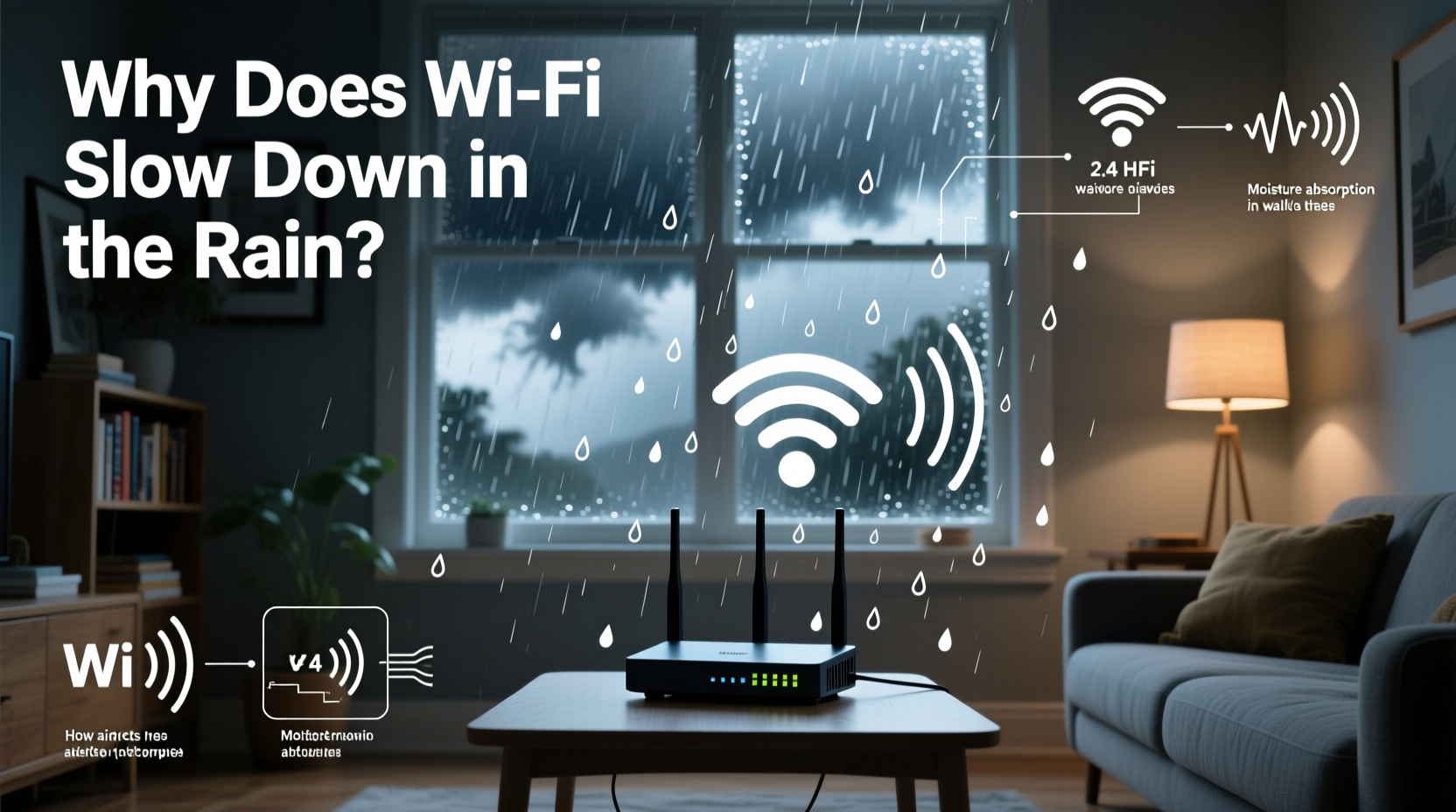
A widespread belief is that rain physically blocks or weakens Wi-Fi signals in the same way it might obscure visibility. This idea stems from a misunderstanding of how radio waves propagate. Most home Wi-Fi operates on the 2.4 GHz or 5 GHz frequency bands. These signals are relatively short-range and designed for indoor use. While water can absorb radio waves, the amount of moisture in the air during typical rainfall is insufficient to significantly degrade a signal traveling just across a room.
In contrast, high-frequency microwave links used in long-distance wireless backhaul networks (such as those between cell towers) can suffer from what’s known as rain fade. At frequencies above 10 GHz, especially in the 20–40 GHz range, raindrops can scatter and absorb signals over distances of several kilometers. However, this effect is negligible for consumer-grade routers operating indoors at lower frequencies.
“Rain doesn’t meaningfully attenuate 2.4 or 5 GHz signals over short distances. If your home Wi-Fi slows in the rain, look beyond atmospheric interference.” — Dr. Alan Reeves, RF Network Engineer
So while rain *can* affect certain types of wireless communication, it’s not the direct cause of most residential Wi-Fi slowdowns. Instead, the real culprits lie elsewhere—often in infrastructure, hardware, or environmental changes triggered by the weather.
Real Causes of Rain-Related Internet Slowdowns
The correlation between rain and poor internet performance usually points to indirect technical issues rather than signal absorption. Below are the most common underlying causes:
1. Moisture Damage to Outdoor Equipment
If your internet service relies on outdoor components—such as cable lines, DSL junction boxes, or fiber termination units—rainwater infiltration can lead to signal degradation. Corrosion, short circuits, or degraded insulation in coaxial cables or connectors may increase latency or packet loss. Even minor water seepage can create electrical resistance, weakening the data signal before it reaches your modem.
2. Overloaded Local Networks
Rainy days often mean more people staying indoors, leading to increased bandwidth consumption. Streaming services, online gaming, video conferencing, and downloads all spike simultaneously, straining your router and ISP connection. What feels like a weather-related issue is often just congestion caused by higher-than-normal usage patterns.
3. Power Fluctuations and Surges
Storms bring lightning and unstable power grids. Even if your devices stay on, voltage fluctuations can disrupt modem and router performance. Some equipment may reset intermittently or operate below optimal levels during brownouts. Without a surge protector or uninterruptible power supply (UPS), your networking gear is vulnerable to micro-interruptions that degrade connectivity.
4. Satellite Internet Vulnerability
If you're using satellite internet (e.g., HughesNet, Viasat, or Starlink), rain fade becomes a legitimate concern. These services transmit signals over 22,000 miles between ground stations and orbiting satellites. Heavy rain, thick clouds, or even humidity along this path can weaken the signal, causing temporary outages or reduced speeds—a phenomenon aptly named \"rain fade.\"
5. Poor Signal Propagation in Damp Conditions
While indoor Wi-Fi isn’t blocked by rain, increased humidity can slightly alter how radio waves travel through walls and floors. Wet building materials (like plaster or brick) become more conductive, absorbing more signal energy. Combined with already marginal coverage, this subtle change can push weak spots into complete dead zones.
Case Study: The Suburban Home with Persistent Rain Issues
Consider the case of Maria Thompson, a remote worker in Portland, Oregon—a city known for its frequent rainfall. For months, she noticed her Zoom calls freezing every time it rained. Her initial assumption was that the weather disrupted her Wi-Fi. After testing signal strength and speed indoors, however, no significant drop was found in the actual wireless transmission.
Upon inspection, a technician discovered that the coaxial cable entering her home had a cracked connector cap. During dry weather, the connection held. But when rain fell, water seeped into the joint, causing intermittent signal loss at the modem level. Replacing the connector and sealing the entry point resolved the issue completely.
Maria’s experience highlights a critical lesson: symptoms may appear wireless, but the root cause often lies in physical infrastructure compromised by weather exposure.
Troubleshooting Guide: How to Diagnose and Fix Rain-Related Slowdowns
Follow this step-by-step process to identify and resolve the true source of your rainy-day connectivity issues.
- Rule out user-side congestion. Check how many devices are connected during slowdowns. Ask household members about their usage. Use your router’s admin panel to monitor bandwidth per device.
- Test wired vs. wireless performance. Connect a laptop directly to the modem via Ethernet. Run a speed test during rain. If speeds remain normal, the issue is likely internal Wi-Fi distribution, not external signal loss.
- Inspect outdoor cabling and hardware. Look for frayed wires, loose connectors, or corroded junction boxes. Pay special attention to where cables enter the building.
- Check for firmware updates. Outdated modem or router firmware can exacerbate instability under stress. Visit the manufacturer’s website or log into your device dashboard.
- Monitor signal metrics. Log into your modem (usually via 192.168.100.1) and check downstream/upstream signal levels and error rates (SNR, FEC, CRC). Sudden spikes in errors during rain indicate line issues.
- Contact your ISP. Provide them with your findings, especially if you observe recurring signal errors correlated with precipitation.
Preventive Measures Checklist
- ✅ Seal all outdoor cable connections with waterproof tape or gel-filled enclosures
- ✅ Install a UPS or surge protector for your modem and router
- ✅ Upgrade to mesh Wi-Fi if large areas lose signal when humidity rises
- ✅ Schedule annual inspection of external telecom lines
- ✅ Switch to fiber-optic internet if available—less susceptible to weather than copper-based lines
- ✅ Limit bandwidth-heavy activities during storms if you rely on satellite internet
Wi-Fi Performance: Weather Impact Comparison Table
| Internet Type | Impact of Rain | Primary Cause | Mitigation Strategy |
|---|---|---|---|
| Cable (Coaxial) | Moderate | Water ingress in damaged cables or connectors | Seal outdoor joints; request line inspection |
| DSL (Phone Line) | Low to Moderate | Moisture in aging copper lines or junction boxes | Upgrade to fiber; check local loop condition |
| Fiber-Optic | Negligible | Immune to electromagnetic and moisture interference | Best long-term solution for weather-prone areas |
| Satellite | High | Rain fade disrupting signal to orbiting satellite | Use during light rain only; consider hybrid plans |
| 5G Fixed Wireless | Low to Moderate (mmWave only) | Higher frequencies (24+ GHz) affected by heavy precipitation | Ensure clear line-of-sight; avoid mmWave in stormy climates |
Frequently Asked Questions
Can I protect my Wi-Fi router from rain damage?
Your indoor Wi-Fi router doesn’t need protection from rain unless it's located in a damp basement or near a leak. However, the modem and any outdoor-facing infrastructure should be safeguarded. Use weatherproof enclosures for external equipment and ensure proper grounding to prevent water accumulation.
Does using a Wi-Fi extender help during rainy weather?
Extenders won’t fix issues originating from the modem or ISP signal degradation. If the incoming internet feed slows due to wet cables or network congestion, boosting the wireless signal won’t restore lost bandwidth. Focus first on stabilizing the source connection before expanding coverage.
Is fiber internet immune to weather disruptions?
Yes, fiber-optic cables transmit data using light, not electricity, making them highly resistant to moisture, temperature changes, and electromagnetic interference. While physical damage (e.g., from flooding or excavation) can occur, routine rain has no measurable impact on fiber performance.
Expert Insight: The Role of Infrastructure in Weather Resilience
“The weakest link in any home network during bad weather is rarely the Wi-Fi—it’s the last hundred feet of cabling from the pole to the house. That’s where moisture, corrosion, and poor shielding do the most damage.” — Lena Patel, Senior ISP Field Technician
This insight underscores the importance of maintaining the often-overlooked physical layer of your internet connection. No amount of advanced routers or mesh systems can compensate for a degraded signal at the entry point.
Final Thoughts and Action Steps
Rain doesn’t magically slow down your Wi-Fi—but it can expose weaknesses in your internet setup. Whether it’s a frayed cable, outdated equipment, or an overloaded network, weather often acts as a stress test for your digital infrastructure. By understanding the real causes behind rainy-day slowdowns, you can take proactive steps to build a more resilient connection.
Start by inspecting your outdoor connections, monitoring signal health, and upgrading where necessary. If you’re on satellite or aging copper lines, explore alternatives like fiber or fixed wireless. And remember: consistent maintenance today prevents frustrating outages tomorrow.




 浙公网安备
33010002000092号
浙公网安备
33010002000092号 浙B2-20120091-4
Comments
No comments yet. Why don't you start the discussion?