
In recent years, many users have noticed a shift in how Google delivers information. Instead of clear, concise answers, searches often return vague summaries, circular content, or links that don’t directly address the query. This change isn’t random—it reflects deeper shifts in Google’s infrastructure, particularly its increasing reliance on artificial intelligence and algorithmic content generation. While these technologies aim to make search smarter, they’ve also introduced new challenges that affect the quality and reliability of results.
The frustration is real: typing a straightforward question only to be met with “People also ask” boxes, AI-generated overviews, or low-quality blog posts repackaging basic facts. Understanding why this happens—and what you can do about it—is essential for anyone who depends on accurate, timely information from search engines.
How AI Is Reshaping Google Search
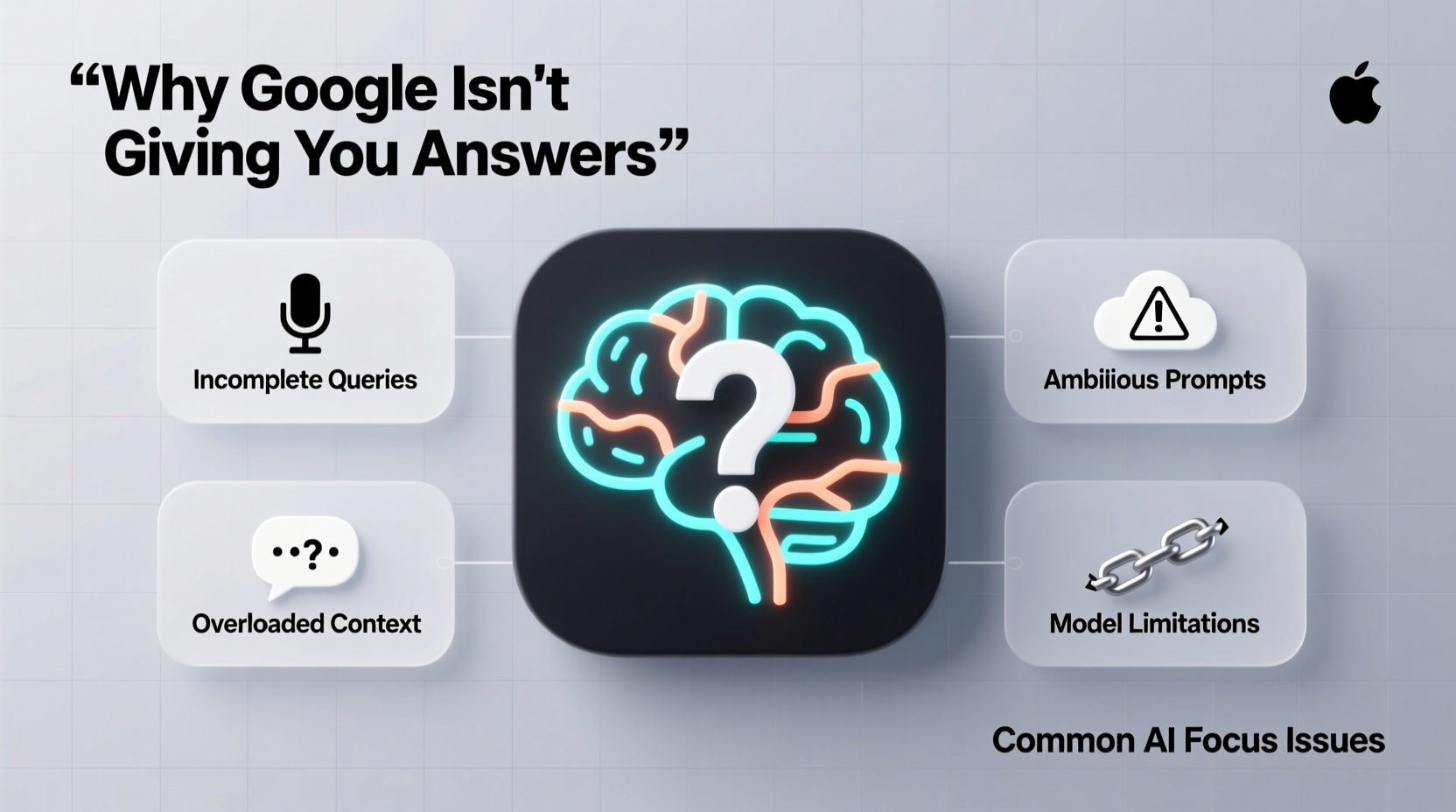
Google’s integration of AI into its search engine, most notably through systems like BERT, MUM, and now the Search Generative Experience (SGE), marks a fundamental shift from keyword matching to intent interpretation. The goal is to understand natural language queries more deeply and generate synthesized responses rather than simply retrieving pages.
This sounds promising, but in practice, it often leads to overgeneralized answers pulled from multiple low-authority sources. Because AI models prioritize coherence and volume over factual precision, inaccuracies can slip through—sometimes with confidence. In some cases, Google now displays AI-generated summaries at the top of results without linking to a specific source, making verification difficult.
“AI doesn’t ‘know’ facts—it predicts plausible text based on patterns. That means it can sound authoritative while being completely wrong.” — Dr. Lydia Chen, NLP Researcher at MIT
The result? Users get answers that feel informative but lack depth, citation, or nuance. For complex or technical questions, this can be misleading or even harmful.
Common Issues Behind Missing or Poor Answers
Several interrelated factors explain why Google may fail to deliver useful answers today:
- Overreliance on low-quality content farms: AI models train on vast amounts of web data, including content from sites designed to game algorithms rather than inform readers.
- Dilution of expert voices: Original research, academic papers, and niche expertise are often buried beneath SEO-optimized listicles and affiliate content.
- Algorithmic bias toward popularity: Pages with high engagement—even if inaccurate—tend to rank higher, reinforcing misinformation.
- Loss of direct sourcing: With AI summaries replacing traditional snippets, users rarely see where information originates.
- Query ambiguity misinterpreted by AI: Natural language processing struggles with context, sarcasm, or domain-specific terminology.
Strategies to Get Better Results Despite AI Noise
You don’t have to accept poor search outcomes. By adjusting how you interact with Google, you can bypass much of the AI-generated clutter and access higher-quality information.
Refine Your Search Syntax
Most users rely on simple keyword phrases, but precise syntax yields dramatically better results. Use operators to narrow scope and target credible domains.
| Operator | Function | Example |
|---|---|---|
| site: | Limits results to a specific website or domain | site:cdc.gov flu symptoms 2024 |
| intitle: | Finds pages with keywords in the title | intitle:\"climate change\" policy report |
| filetype: | Returns specific document types | filetype:pdf renewable energy trends |
| “exact phrase” | Searches for exact wording | “best practices for remote team management” |
| -exclude | Removes unwanted terms | apple -fruit -recipes |
Target Authoritative Domains Directly
Instead of trusting Google’s AI to summarize medical advice, go straight to trusted institutions. Bookmark key sites like PubMed, WHO, IEEE Xplore, or government portals (.gov, .mil) and use Google to search within them.
Avoid Clickbait Traps
AI models often pull from content designed for maximum clicks, not clarity. Be skeptical of headlines using “You Won’t Believe,” “This One Trick,” or numbered lists without citations. Prioritize pages that reference studies, include author bios, and link to primary data.
Mini Case Study: Finding Accurate Mental Health Guidelines
Sarah, a school counselor, needed current guidelines on adolescent anxiety screening. Her initial search—“how to screen teens for anxiety”—returned an AI-generated box citing no sources, followed by blog posts from wellness influencers and affiliate sites selling journals.
Frustrated, she refined her query: site:psychiatry.org adolescent anxiety screening guidelines 2023. This led directly to the American Psychiatric Association’s clinical practice update. She then cross-referenced with a CDC publication found via site:cdc.gov.
By bypassing Google’s AI layer and targeting authoritative domains, Sarah saved time and ensured accuracy—something the default results failed to provide.
Checklist: How to Improve Your Search Effectiveness
To consistently find reliable answers despite Google’s evolving behavior, follow this checklist:
- Start with a clear, specific question—not just keywords.
- Add domain filters like
site:.edu,site:.gov, orsite:.orgwhen seeking trustworthy sources. - Use quotation marks for exact phrases to avoid irrelevant matches.
- Exclude noise with the minus operator (e.g.,
-wiki -video). - Look beyond the AI overview—scroll down to organic results and “News” or “Scholar” tabs.
- Verify claims by checking multiple reputable sources.
- Use Google Scholar for academic or technical topics.
- Clear your search history periodically to reduce personalization bias.
FAQ: Common Questions About Google’s AI and Search Quality
Why does Google show AI-generated answers instead of real websites?
Google aims to provide instant answers without requiring clicks, especially on mobile. However, this model prioritizes speed over transparency. The AI pulls information from various sites but often fails to credit original authors or verify accuracy.
Can I turn off AI-generated results in Google Search?
Not officially. There’s no toggle to disable AI Overviews or SGE. However, using advanced search operators or switching to Google Scholar, News, or Images can help bypass AI summaries.
Are AI-generated answers always wrong?
No—but they’re often incomplete or oversimplified. They work best for general knowledge (e.g., “capital of France”) but struggle with nuanced, recent, or controversial topics. Always verify critical information independently.
Conclusion: Reclaim Control Over Your Information Diet
Google’s shift toward AI-driven search reflects broader technological trends, but it doesn’t mean you must accept lower-quality results. Awareness of how these systems work—and deliberate search habits—can restore access to accurate, meaningful information.
The internet still holds deep expertise, rigorous research, and thoughtful analysis. But finding it requires moving past the surface layer of algorithmically generated noise. By mastering search syntax, targeting credible domains, and verifying outputs, you reclaim agency in your digital inquiry.




 浙公网安备
33010002000092号
浙公网安备
33010002000092号 浙B2-20120091-4
Comments
No comments yet. Why don't you start the discussion?