
If you've ever been part of a group conversation where messages arrive one by one instead of in a single thread, you're not alone. This common issue disrupts the flow of communication, creates confusion, and often leads to missed replies. The root causes vary depending on your device, carrier settings, and how the group was created. Understanding why this happens—and how to fix it—can restore seamless group messaging across platforms.
How Group Messaging Works (and Why It Fails)
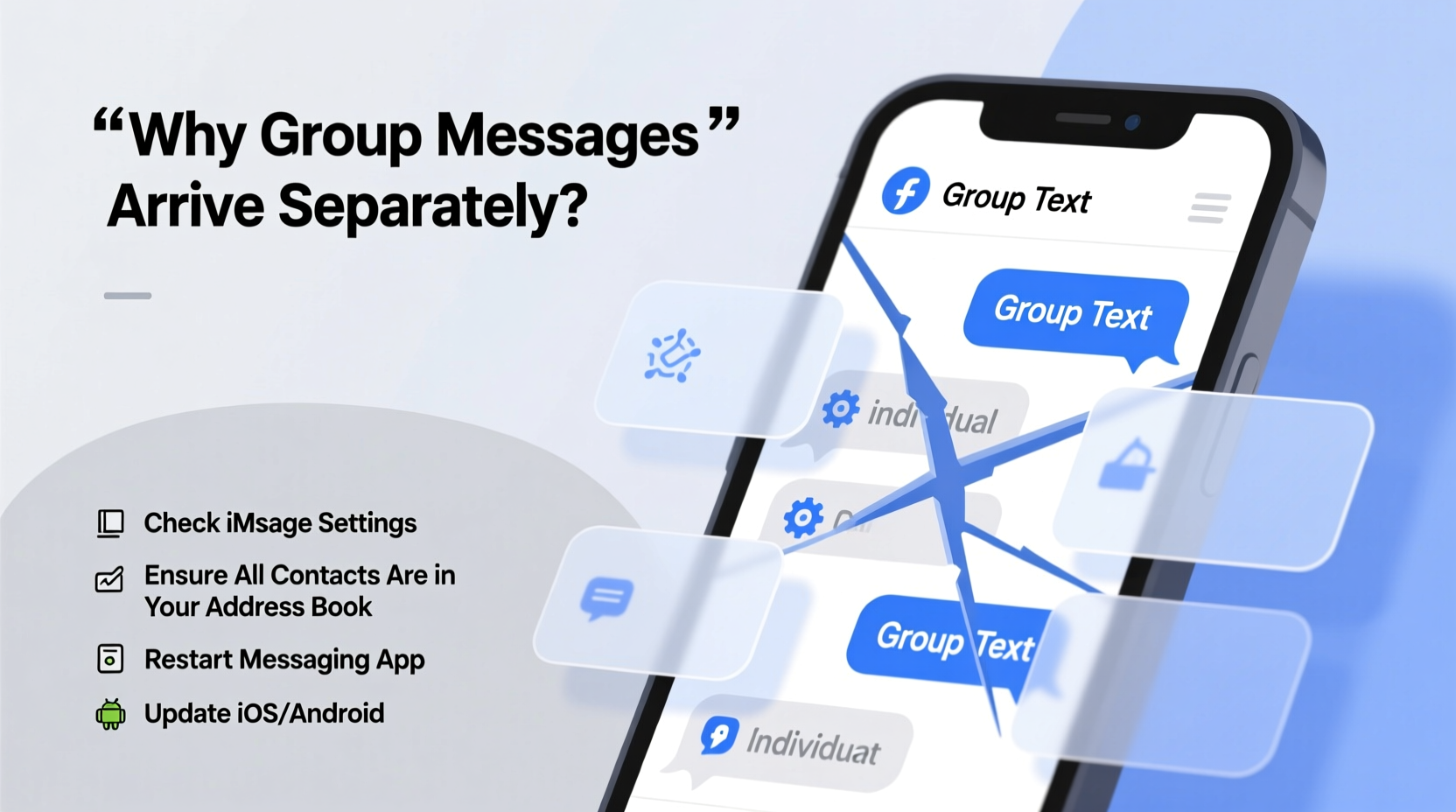
Group texting operates differently depending on whether you're using SMS/MMS, iMessage, or a third-party app like WhatsApp or Signal. On iPhones, Apple’s iMessage handles group conversations over data, while SMS/MMS takes over when non-iPhone users are involved or when data is unavailable. Android devices rely primarily on MMS for native group texts unless using Google Messages with Chat Features enabled.
The problem arises when devices fail to recognize the conversation as a unified thread. Instead of treating all participants as part of one continuous chat, each message appears as a separate exchange between two people. This typically occurs due to:
- Incompatible messaging protocols between iOS and Android
- MMS settings misconfigured on Android
- iMessage settings disabled or unstable
- Carrier limitations on group message handling
- Network connectivity issues interrupting message threading
“Many users don’t realize that cross-platform group texts default to fragmented delivery when advanced messaging features aren't active.” — Jordan Lee, Mobile Network Analyst at CommTech Insights
Troubleshooting Steps for iPhone Users
iPhones use iMessage for Apple-to-Apple communication, which supports true group chats. However, adding an Android user forces the entire thread into SMS/MMS mode, disabling iMessage features and often causing individual message delivery.
Step-by-Step Fix for iOS Devices
- Verify iMessage is enabled: Go to Settings > Messages and ensure iMessage is turned on.
- Enable MMS Messaging: Still in Messages, confirm that \"MMS Messaging\" is toggled on. Without this, group texts won’t send or receive properly.
- Check Send as SMS: If iMessage fails, enabling \"Send as SMS\" allows fallback to standard text—but know this breaks end-to-end encryption and may fragment threads.
- Reset network settings: If messages still arrive individually, go to Settings > General > Transfer or Reset iPhone > Reset > Reset Network Settings. This clears any corrupted APN configurations affecting MMS.
- Update iOS: Outdated software can cause bugs in message threading. Install the latest iOS version via Settings > General > Software Update.
Fixing Group Text Issues on Android
Android users often face problems because default messaging apps sometimes disable MMS by default or lack support for rich communication services (RCS), which improves group messaging reliability.
Essential Settings to Adjust
- Use Google Messages: Switch to Google’s official app if you’re not already. It supports RCS, which enables better group chat functionality similar to iMessage.
- Enable Chat Features: Open Google Messages > More > Settings > Chat features. Turn it on and verify your phone number. This activates enhanced messaging over Wi-Fi or data.
- Confirm MMS Auto-Retrieve: In Settings > Advanced > Multimedia messages, make sure \"Auto-retrieve\" and \"Data usage\" are enabled. Otherwise, group messages may fail to load fully.
- Check APN Settings: Incorrect Access Point Names can block MMS delivery. Contact your carrier for correct APN details or search their support site using your model and plan.
Table: Common Fixes by Device Type
| Device | Key Setting to Check | Solution |
|---|---|---|
| iPhone | MMS Messaging | Enable in Settings > Messages |
| iPhone | iCloud Sync | Ensure Messages in iCloud is on to maintain thread continuity |
| Android | RCS / Chat Features | Activate in Google Messages app |
| Android | APN Configuration | Verify with carrier; reset if needed |
| Both | Wi-Fi/Data Connection | Switch to stable network during group chat setup |
Real-World Example: A Family Group Chat Gone Wrong
The Martinez family set up a group chat to coordinate holiday plans. Maria (iPhone) started the thread with her sister Ana (iPhone), brother Luis (Android), and cousin Carlos (Android). Initially, everything seemed fine—until Luis replied, and his message appeared only to Maria, not as part of the shared thread.
After some investigation, they realized the issue stemmed from Maria having “MMS Messaging” turned off. Once she enabled it and restarted the group chat, messages began syncing correctly. However, replies still occasionally arrived individually when Luis had spotty data. They resolved this permanently by switching to WhatsApp, where all members could participate equally regardless of OS.
This case illustrates how small configuration oversights compound across platforms—and why alternative apps often provide more reliable experiences.
Do’s and Don’ts of Managing Cross-Platform Group Chats
| Do | Don’t |
|---|---|
| Use messaging apps with cross-platform support (e.g., WhatsApp, Signal, Telegram) | Assume default SMS will handle complex group dynamics |
| Start fresh groups when mixing iOS and Android users | Add Android contacts mid-way into an established iMessage group |
| Ensure all participants have stable internet connections | Ignore MMS or RCS settings on Android devices |
| Encourage everyone to update their messaging apps regularly | Expect perfect synchronization without enabling required features |
Frequently Asked Questions
Why do my group texts show up separately on iPhone?
This usually happens when MMS Messaging is disabled in Settings > Messages. It can also occur if the group includes non-iPhone users, forcing the conversation into SMS mode, which doesn’t support unified threading like iMessage.
Can I fix individual message delivery on Android?
Yes. First, switch to Google Messages and enable Chat Features (RCS). Then ensure auto-retrieve for MMS is on and your APN settings are correct. Updating the app and OS can also resolve underlying bugs.
Is there a way to keep group threads together across iPhone and Android?
Native SMS/iMessage struggles with this. The most effective solution is using a third-party app like WhatsApp, Facebook Messenger, or Signal, which maintains consistent threading regardless of device type.
Final Recommendations and Action Plan
To stop receiving group texts individually, follow this checklist based on your ecosystem:
📋 Troubleshooting Checklist
- ✅ Confirm MMS is enabled (iPhone: Settings > Messages)
- ✅ Enable Chat Features in Google Messages (Android)
- ✅ Restart the group chat after adjusting settings
- ✅ Verify all participants have working data or Wi-Fi
- ✅ Consider migrating to a dedicated messaging app for long-term stability
- ✅ Update your phone’s OS and messaging app to the latest version
While native messaging has improved over the years, fundamental differences between iOS and Android continue to create friction in group communication. By proactively configuring your device and understanding platform limitations, you regain control over how messages are delivered and displayed.
For families, teams, or friend groups spread across operating systems, investing time in setting up a unified messaging environment pays off in clarity, efficiency, and fewer missed updates.




 浙公网安备
33010002000092号
浙公网安备
33010002000092号 浙B2-20120091-4
Comments
No comments yet. Why don't you start the discussion?