
When your internet cuts out unexpectedly, it’s natural to wonder: Is it just me, or is something bigger going on? If you're a Comcast Xfinity customer, frequent disruptions can be frustrating—especially during work hours, streaming marathons, or online classes. The good news is that most outages are temporary and often affect entire neighborhoods rather than individual homes. Understanding how to verify if Xfinity is down, where to find real-time outage information, and what support options are available can save time, reduce stress, and get your connection back faster.
How to Check If Xfinity Service Is Down in Your Area
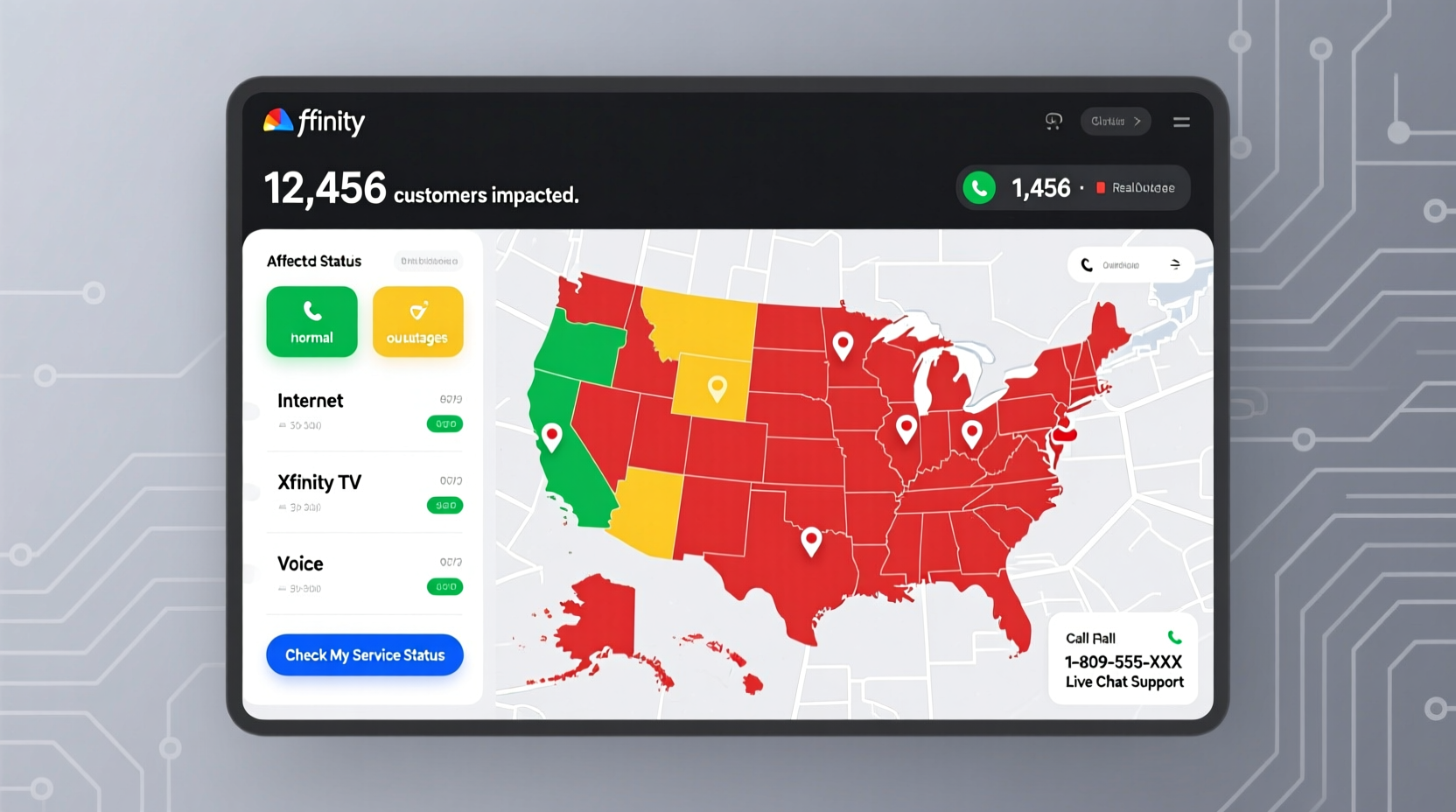
The first step when your internet stops working is determining whether the issue is localized to your home or part of a broader outage. Comcast provides several tools to help customers monitor network status in real time.
The most reliable method is using the Xfinity Internet Outage Checker, accessible through the official website or mobile app. This tool uses your service address to detect active outages, estimated restoration times, and technician dispatch status. It pulls data directly from Comcast’s network monitoring systems, making it more accurate than third-party sites.
To use the outage checker:
- Visit xfinity.com/support/outages.
- Log in with your Xfinity ID and password.
- Allow location access or manually enter your service address.
- Review the status dashboard for any reported outages.
If an outage is confirmed, the page will display an estimated time for service restoration, typically within a few hours. No action is required on your part—Comcast technicians are already working on repairs.
Common Causes of Xfinity Outages
Not all service interruptions stem from the same source. Identifying the root cause helps determine whether you can fix it yourself or must wait for Comcast to intervene.
| Cause | Description | Solution |
|---|---|---|
| Network-Wide Outage | Regional infrastructure failure due to equipment malfunction or fiber cuts. | Wait for Comcast to resolve; no user action needed. |
| Local Weather Events | Storms, high winds, or flooding damaging cables and nodes. | Check status updates; avoid rebooting during lightning. |
| Planned Maintenance | Scheduled upgrades or system patches during off-peak hours. | Review notifications; outages usually last under 2 hours. |
| Home Equipment Failure | Modem/router malfunction, power surges, or loose cables. | Reboot device, inspect connections, or replace hardware. |
| Account Issues | Service suspension due to billing problems or unauthorized usage. | Contact customer support to verify account status. |
According to FCC reports, approximately 70% of residential internet outages are caused by external factors like weather or infrastructure issues beyond customer control. Internal problems—such as outdated modems or Wi-Fi interference—account for most remaining cases.
Step-by-Step Guide to Troubleshooting Xfinity Internet Issues
Before assuming the problem is on Comcast’s end, perform a systematic check of your home setup. Often, simple fixes can restore connectivity without waiting for technical support.
- Check Other Devices: Confirm if multiple devices (phones, laptops, tablets) also lack internet access. If only one device fails, the issue may be device-specific.
- Inspect Modem Lights: Look at the status indicators on your gateway. A solid white or blue light typically means normal operation. Flashing red, amber, or no power indicates a problem.
- Restart Your Equipment: Unplug the modem and router, wait 60 seconds, then plug them back in. Allow up to five minutes for full reboot.
- Verify Cables: Ensure coaxial, Ethernet, and power cables are securely connected and undamaged.
- Test Direct Connection: Connect a computer directly to the modem via Ethernet. If internet works, the issue is likely Wi-Fi related.
- Run the Xfinity App Diagnostic: Open the Xfinity My Account app, go to “Connectivity,” and run the built-in network test.
Real Example: How One Customer Resolved a Persistent Outage
Jamie from Philadelphia experienced intermittent internet loss over three days. Each morning, service would drop around 8:30 AM and return by noon. After checking the Xfinity outage map and seeing no regional issues, she used the app to run diagnostics. The test showed signal fluctuations but no complete outage.
She called support and learned her neighborhood was undergoing firmware updates on network nodes—something not listed publicly. The technician explained that signal handoffs were unstable during peak hours. Jamie was advised to update her modem firmware and switch channels manually via the app settings. After doing so, her connection stabilized completely.
This case highlights the importance of combining self-check tools with direct communication. Not all outages appear on public dashboards, especially partial or intermittent ones.
Expert Insight on ISP Reliability and Customer Response
“Proactive monitoring and transparent communication are key during outages. Customers who know what’s happening feel more in control—even if they can’t fix it.” — Dr. Lena Torres, Senior Analyst at Broadband Insights Group
Torres emphasizes that ISPs like Comcast have improved outage response times significantly over the past decade. Automated alerts, AI-driven diagnostics, and mobile apps now allow users to stay informed in real time. However, she notes that clarity in messaging remains inconsistent across regions.
Support Options When Xfinity Is Down
If troubleshooting doesn’t restore service and no outage is listed, contact Xfinity support through one of these channels:
- Phone Support: Call 1-800-XFINITY (1-800-934-6489). Wait times vary; early mornings and weekdays tend to be fastest.
- Live Chat: Available in the Xfinity My Account app or website after login. Often quicker than phone support.
- Social Media: Tweet @comcastcares for public assistance. Responses are typically faster due to visibility.
- In-Person Stores: Visit a local Xfinity Store for hardware replacement or advanced diagnostics.
When contacting support, have your account number, service address, and modem serial number ready. This reduces verification time and speeds up resolution.
Frequently Asked Questions
How long do Xfinity outages usually last?
Most unplanned outages are resolved within 2–4 hours. Severe weather or infrastructure damage may extend this to 24–48 hours. Planned maintenance typically lasts under two hours and occurs between midnight and 6 AM.
Can I get a bill credit for downtime?
Yes. Xfinity offers service credits for extended outages (usually over four hours). You must request the credit within 60 days through customer service or the billing department.
Why does my Wi-Fi show signal but no internet?
This often means your modem has lost its connection to Comcast’s network while still broadcasting a local signal. Reboot the modem. If the issue persists, check for outages or contact support.
Conclusion: Stay Informed, Stay Connected
Internet reliability is no longer a convenience—it’s a necessity. When Xfinity goes down, knowing how to quickly assess the situation empowers you to respond effectively. Use the official outage checker, follow a clear troubleshooting process, and leverage support tools before frustration sets in. Most disruptions are temporary and resolvable with minimal effort.




 浙公网安备
33010002000092号
浙公网安备
33010002000092号 浙B2-20120091-4
Comments
No comments yet. Why don't you start the discussion?