
In recent years, more Facebook users have reported being unexpectedly prompted to upload a government-issued ID to verify their identity. While this may feel intrusive or confusing, these requests are typically part of Facebook’s broader efforts to maintain platform integrity, prevent abuse, and comply with legal and regulatory standards. Understanding why Facebook asks for ID verification—and how to navigate the process—can help protect your account while ensuring compliance.
Why Facebook Requests ID Verification
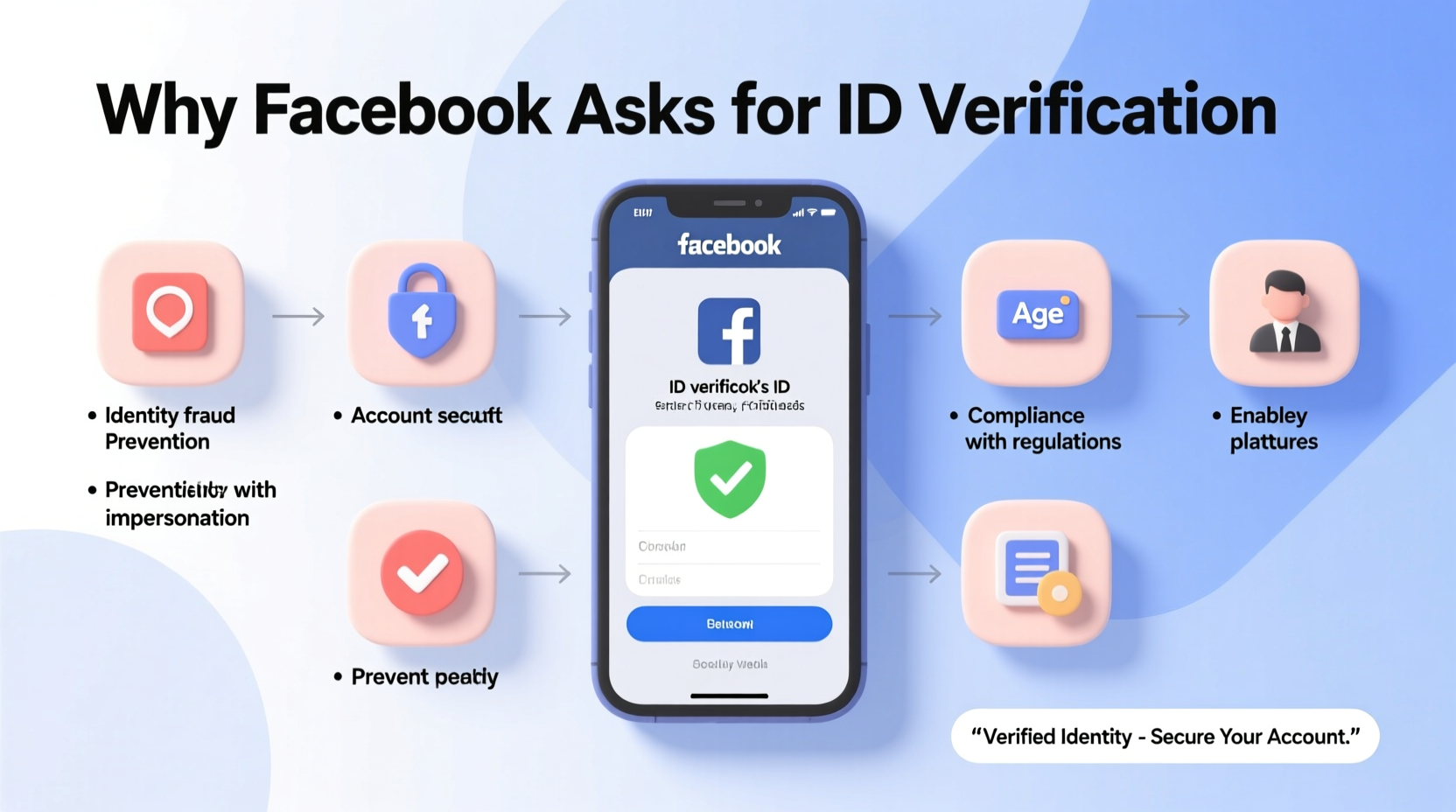
Facebook, now operating under parent company Meta, manages over 3 billion monthly active users across its platforms. With such vast scale comes significant challenges in combating fake accounts, misinformation, financial fraud, and policy violations. To address these issues, Facebook employs automated systems that detect suspicious activity or inconsistencies in user behavior and profile information.
When an account triggers certain risk indicators—such as sudden changes in login location, unusual ad spending patterns, or repeated reports from other users—the system may flag it for manual review. In many cases, this leads to a request for government-issued identification to confirm the person behind the account is who they claim to be.
This isn't limited to individual users. Business pages, advertisers, and public figures are also frequently asked to verify their identity, especially when managing ads or monetized content. According to Meta's official policies, “Verification helps us confirm that people and businesses running ads on Facebook are authentic.”
Common Triggers for ID Verification Requests
There is no single rule that determines when Facebook will ask for ID, but several behaviors and circumstances increase the likelihood:
- Suspicious login activity: Logging in from new devices or countries without prior history.
- Ad account anomalies: Sudden spikes in ad spend, changes in payment methods, or use of restricted targeting options.
- Profile inconsistencies: Name changes, mismatched profile photos, or frequent updates that resemble impersonation.
- User reports: Multiple reports from other users about spam, harassment, or false information.
- Page ownership disputes: Attempts to claim control over popular or high-engagement Pages.
It’s important to note that even legitimate users can be flagged by mistake. Automated systems rely on algorithms trained to detect patterns associated with abuse, not intent. As a result, normal behavior can sometimes appear suspicious at scale.
How the Verification Process Works
When Facebook requests ID verification, it usually appears as a pop-up message or notification within your account settings or Ads Manager (if related to advertising). The prompt will specify which type of document is required—commonly a driver’s license, passport, or national ID card—and provide instructions for uploading.
The process generally follows these steps:
- You receive a notification stating your account needs verification.
- You select the type of ID you’ll upload.
- You take or upload a clear photo of both the front and back of your document.
- Facebook uses automated tools to extract and validate key details (name, photo, expiration date).
- Your information is encrypted and stored securely; Meta states it deletes most IDs within 30 days unless needed for investigations.
- You receive confirmation once verified—or further instructions if additional review is needed.
While the entire process may take anywhere from minutes to several business days, most standard verifications are resolved quickly. However, incomplete submissions or discrepancies between your ID and profile details can delay approval.
“Identity verification is a critical tool in our ongoing effort to build trust and safety on social media. We only request IDs when necessary and handle all documents with strict privacy protocols.” — Guy Rosen, former Vice President of Integrity at Meta
What Information Does Facebook Collect From Your ID?
When you submit your ID, Facebook collects specific data points to match against your account details. These include:
| Data Collected | Purpose | Retention Period |
|---|---|---|
| Name | Match with profile or business name | Deleted after 30 days (typically) |
| Photo | Compare with profile picture (if applicable) | Automatically deleted post-verification |
| Date of Birth | Confirm age and eligibility | May be retained if used for account settings |
| ID Number | Validation and anti-fraud checks | Encrypted and deleted within 30 days |
| Expiration Date | Ensure document validity | Deleted after validation |
Meta emphasizes that uploaded IDs are encrypted both in transit and at rest. Access is restricted to authorized personnel and automated systems involved in the verification workflow. Still, concerns about data security persist among privacy advocates, particularly in regions with weak digital protection laws.
Mini Case Study: A Small Business Owner’s Experience
Jamila Patel runs a boutique skincare brand and uses Facebook Ads to reach customers across the U.S. After scaling her campaigns during the holiday season, she suddenly found her ad account disabled with a message: “We need to verify your identity before you can continue running ads.”
Though initially alarmed, Jamila followed the prompts and uploaded a scanned copy of her passport. Within two days, her account was reinstated, and she received an email confirming successful verification. She later learned that rapid increases in ad budget had triggered Facebook’s anti-abuse algorithm. Since then, she staggers budget increases gradually and ensures her business documents are always up to date in Meta Business Suite.
Her experience reflects a growing trend: legitimate advertisers being caught in automated filters designed to stop bad actors. Proactive compliance reduces downtime and maintains campaign momentum.
Tips for Safely Submitting Your ID
If Facebook asks for your ID, follow these best practices to protect your personal information:
- Use a secure, private device and network when submitting sensitive documents.
- Avoid sharing screenshots of your ID outside the verification portal.
- Check the URL: ensure you’re on
facebook.comormeta.com, not a phishing site. - Cover unrelated personal details (like your home address) only if allowed by the upload interface.
- Enable two-factor authentication on your Facebook account to reduce future risks.
Frequently Asked Questions
Is it safe to send my ID to Facebook?
Yes, Facebook uses encryption and access controls to protect submitted IDs. However, only submit documents through official channels within the app or website. Avoid responding to unsolicited messages requesting ID.
What happens if I don’t submit my ID?
Failure to verify may result in restricted functionality—such as inability to run ads, manage Pages, or even access your account in some cases. Long-term non-compliance could lead to permanent suspension.
Can I use a photocopy or expired ID?
No. Facebook requires a clear, legible photo of a current, government-issued ID. Expired documents are typically rejected, and low-quality scans may delay processing.
Conclusion: Stay Verified, Stay Protected
Facebook’s ID verification process, while occasionally inconvenient, plays a crucial role in maintaining trust and accountability on one of the world’s largest digital platforms. Whether you're an everyday user, content creator, or advertiser, understanding why these requests occur—and how to respond appropriately—empowers you to protect your online presence without compromising security.
Rather than viewing ID verification as an invasion of privacy, consider it part of responsible digital citizenship. By cooperating with legitimate verification steps, you help reduce fraud, misinformation, and abuse for everyone. Keep your documents ready, stay informed about Meta’s policies, and act promptly when verification is requested.




 浙公网安备
33010002000092号
浙公网安备
33010002000092号 浙B2-20120091-4
Comments
No comments yet. Why don't you start the discussion?