
A red light on your air purifier typically signals a problem—most often related to air quality, filter status, or internal sensor performance. While some models use red to indicate poor air conditions, others trigger it when sensors are dirty or malfunctioning. If your unit’s light stays red even after cleaning or replacing filters, the issue likely lies with the sensor system. Understanding how these components work—and what disrupts them—is key to restoring your air purifier’s function and ensuring cleaner indoor air.
Understanding Air Purifier Indicator Lights
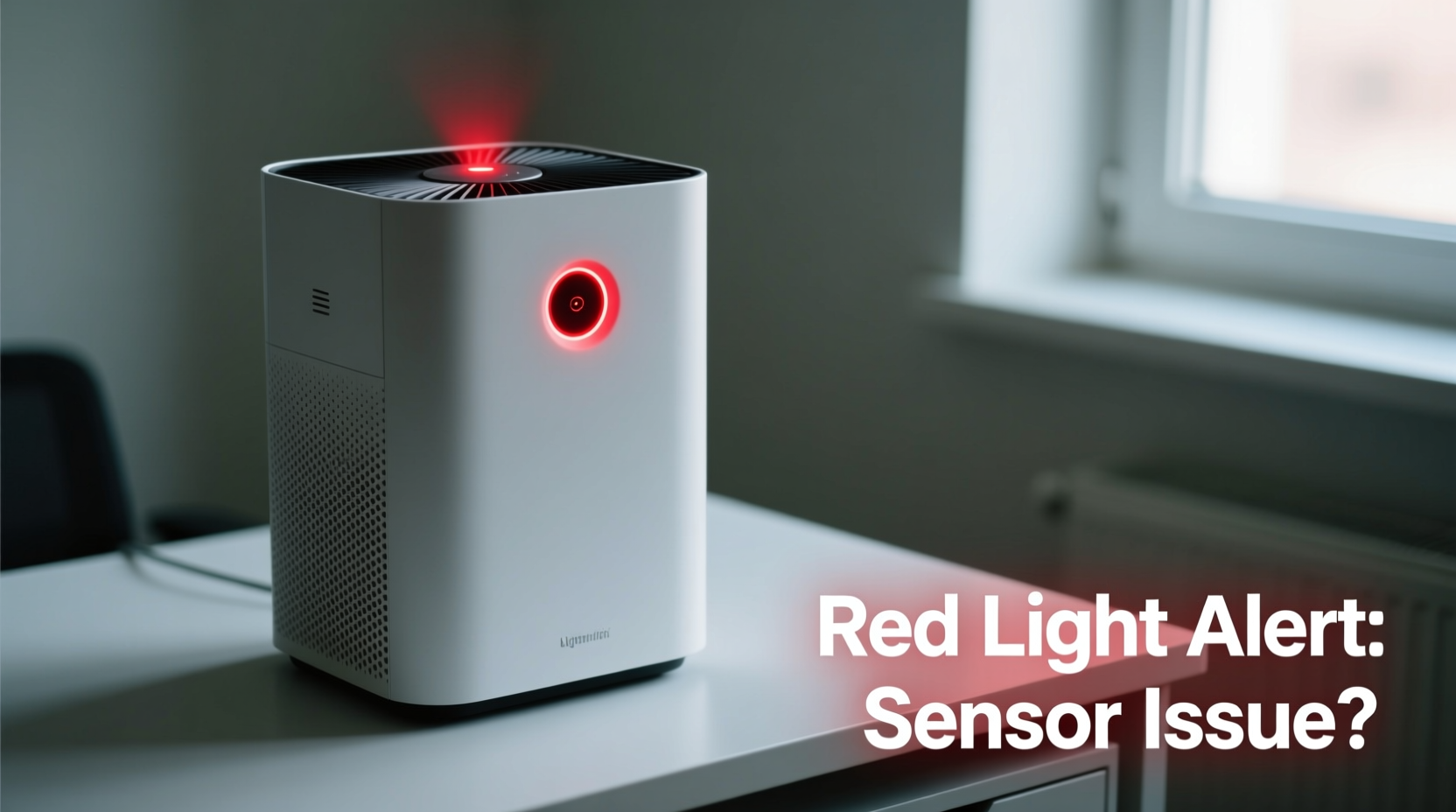
Air purifiers use color-coded lights to communicate their operational status. These indicators help users monitor air quality, filter life, and device health without needing technical knowledge. The most common colors include:
- Blue or Green: Good air quality, normal operation
- Yellow or Orange: Moderate pollution, rising particle levels
- Red: Poor air quality, high pollutant concentration, or system alert
However, not all red lights mean the same thing. Some brands use red exclusively for air quality feedback, while others reserve it for maintenance alerts such as overdue filter replacement or sensor errors. For example, Dyson models often display red when PM2.5 levels exceed thresholds, whereas Coway units may show red if the pre-filter needs cleaning—even if the air is relatively clean.
“Many customers assume a red light means their purifier isn’t working—but in most cases, it's doing exactly what it should: reporting real-time data about air contamination.” — Dr. Lena Torres, Indoor Air Quality Researcher at the Environmental Health Institute
Common Causes of a Persistent Red Light
A constantly red light doesn’t automatically mean your air purifier is broken. In fact, several correctable factors can cause this behavior. Below are the most frequent culprits:
- Dust or debris on the sensor: Most modern purifiers have optical or laser-based particle sensors that detect airborne contaminants. When dust accumulates on the sensor lens, it can misread conditions and remain in “high pollution” mode.
- Clogged or expired filters: Even if you’ve replaced the main HEPA filter, neglecting the pre-filter or carbon layer can restrict airflow and compromise sensing accuracy.
- High ambient pollution levels: Cooking fumes, pet dander, smoking, or nearby construction can keep pollutant concentrations elevated, prompting continuous red alerts.
- Faulty calibration or software glitch: Firmware bugs or failed auto-calibration cycles can lock the light into error mode.
- Improper placement: Units placed near walls, furniture, or in enclosed spaces may recirculate dirty air, preventing effective cleaning and skewing sensor readings.
Sensor Types and How They Work
To properly diagnose sensor issues, it helps to know which type your purifier uses:
| Sensor Type | How It Works | Vulnerable To |
|---|---|---|
| Optical (Laser) Particle Sensor | Uses a laser beam to detect particles by measuring light scatter | Dust buildup, direct sunlight interference |
| Carbon Dioxide (CO₂) Sensor | Measures CO₂ levels to infer occupancy and ventilation needs | Poor calibration, aging components |
| VOC (Volatile Organic Compounds) Sensor | Detects gases from paints, cleaners, adhesives | Chemical exposure, humidity damage |
| Hybrid Multi-Sensor Array | Combines multiple detection methods for comprehensive monitoring | Software conflicts, cross-sensitivity errors |
If your unit has a hybrid array, conflicting inputs between sensors can lead to persistent red alerts—even when air appears clean.
Step-by-Step Guide to Troubleshooting Sensor Issues
Follow this systematic approach to identify and resolve the root cause of a continuously red indicator light.
- Power down and unplug the unit – Safety first. Always disconnect power before inspecting internal components.
- Check filter condition – Remove and examine all filters. Replace HEPA and carbon filters according to manufacturer schedule (typically every 6–12 months). Wash reusable pre-filters with mild soap and water; let dry completely before reinserting.
- Locate the sensor chamber – Refer to your manual. On many models (e.g., Levoit, Blueair), the sensor is behind a small grille near the intake vents. Use a flashlight to look inside.
- Clean the sensor gently – Use a cotton swab lightly dampened with distilled water or isopropyl alcohol (70%). Avoid scratching lenses. Do not spray liquid directly into the unit.
- Reset the device – After cleaning, plug the purifier back in and hold the reset button (if available) for 10 seconds. Some models require a full reboot cycle to recalibrate sensors.
- Test in a controlled environment – Run the purifier in a clean room with windows closed for 1–2 hours. If the light turns green/blue, the issue was environmental or temporary.
- Update firmware (if applicable) – Smart purifiers like those from Winix or Honeywell may receive updates via app that fix known sensor bugs.
Real Example: Resolving a Stubborn Red Light on a Levoit Core 300
Sarah, a homeowner in Denver, noticed her Levoit Core 300 displayed a permanent red light despite replacing the filter two months prior. She cleaned the pre-filter weekly and kept the unit centrally located. Frustrated, she contacted customer support, who suggested checking the sensor port behind the front grill.
Using a magnifying glass, Sarah spotted a fine film of dust coating the small lens inside. With a dry microfiber cloth and a soft brush, she carefully removed the buildup. After resetting the unit by holding the power button for 15 seconds, the light cycled through yellow and turned blue within 30 minutes. The fix took less than 10 minutes and cost nothing.
This case highlights how minor maintenance oversights can mimic major malfunctions—especially in compact, high-efficiency units where sensors are sensitive and easily obscured.
Do’s and Don’ts When Handling Sensor Maintenance
Mishandling sensors during cleaning can cause long-term inaccuracies or permanent damage. Follow best practices to protect delicate components.
| Do’s | Don’ts |
|---|---|
| Use lint-free cloths or cotton swabs | Use abrasive pads or paper towels |
| Apply minimal moisture when needed | Soak or spray water into the housing |
| Allow full drying time before powering on | Rush reassembly while parts are damp |
| Follow manufacturer-recommended intervals | Neglect cleaning because the filter looks fine |
| Keep pets and humidifiers away from the unit | Place near sources of steam or fur shedding |
When to Consider Replacement or Professional Repair
Despite proper care, some sensor failures stem from hardware defects or end-of-life wear. Signs that professional attention or replacement may be necessary include:
- The red light persists after thorough cleaning and filter replacement
- The display shows inconsistent readings (e.g., spikes with no apparent source)
- Error codes appear alongside the red light (e.g., E1, Err, or flashing patterns)
- The unit is over 5 years old and lacks firmware support
Some manufacturers offer diagnostic tools through companion apps. For instance, the IQAir App logs historical sensor data and flags anomalies. If diagnostics reveal erratic sensor output, contacting authorized service centers is advisable rather than attempting DIY repairs, which may void warranties.
“Once a sensor degrades beyond cleaning or recalibration, accuracy drops sharply. At that point, you're better off upgrading to a newer model with improved sensing technology.” — Mark Chen, HVAC Technician and Air Quality Consultant
FAQ
Why does my air purifier show red even after I cleaned the filter?
Cleaning the filter alone may not resolve the issue if the sensor itself is dirty or if ambient air quality remains poor. Also, some models require a manual reset after maintenance to update status indicators.
Can I disable the red light if it’s just indicating air quality?
Most units don’t allow disabling the indicator light due to safety regulations, but some smart models let you dim the display via an app. Check your settings menu for \"night mode\" or \"light control\" options.
How do I know if my air purifier sensor is broken?
If the red light stays on regardless of environment (e.g., stays red even in a freshly cleaned, sealed room), and cleaning/resetting fails to correct it, the sensor may be faulty. Comparing its readings with a standalone air quality monitor can help verify accuracy.
Final Checklist: Fixing a Constant Red Light
- ✅ Confirm the meaning of the red light in your model’s manual
- ✅ Inspect and replace/clean all filters
- ✅ Locate and gently clean the sensor lens or chamber
- ✅ Reset the unit using the recommended method
- ✅ Test in a low-pollution environment for at least one hour
- ✅ Update firmware if the device supports it
- ✅ Contact support if problems persist
Conclusion
A red light on your air purifier doesn’t have to mean costly repairs or premature replacement. In most cases, the issue stems from simple causes like dirty sensors or outdated filters—problems you can fix yourself with basic tools and a little patience. By understanding how your unit monitors air quality and responding proactively to warning signs, you ensure both optimal performance and healthier indoor air for your household.




 浙公网安备
33010002000092号
浙公网安备
33010002000092号 浙B2-20120091-4
Comments
No comments yet. Why don't you start the discussion?