
If you've noticed your AirPods case losing charge much faster than it used to—even when the earbuds aren't in use—you're not alone. Many users report rapid battery drain from their charging cases, which can be frustrating when you rely on them for daily commutes, workouts, or remote work. While some battery degradation over time is normal, excessive drain often points to fixable issues. The good news: most causes are preventable or correctable with a few smart adjustments.
This guide breaks down the most common reasons behind fast battery drain in AirPods cases and provides actionable, tested solutions. Whether you own first-gen AirPods or the latest model, these strategies will help you get the most out of every charge.
Understanding How Your AirPods Case Uses Power
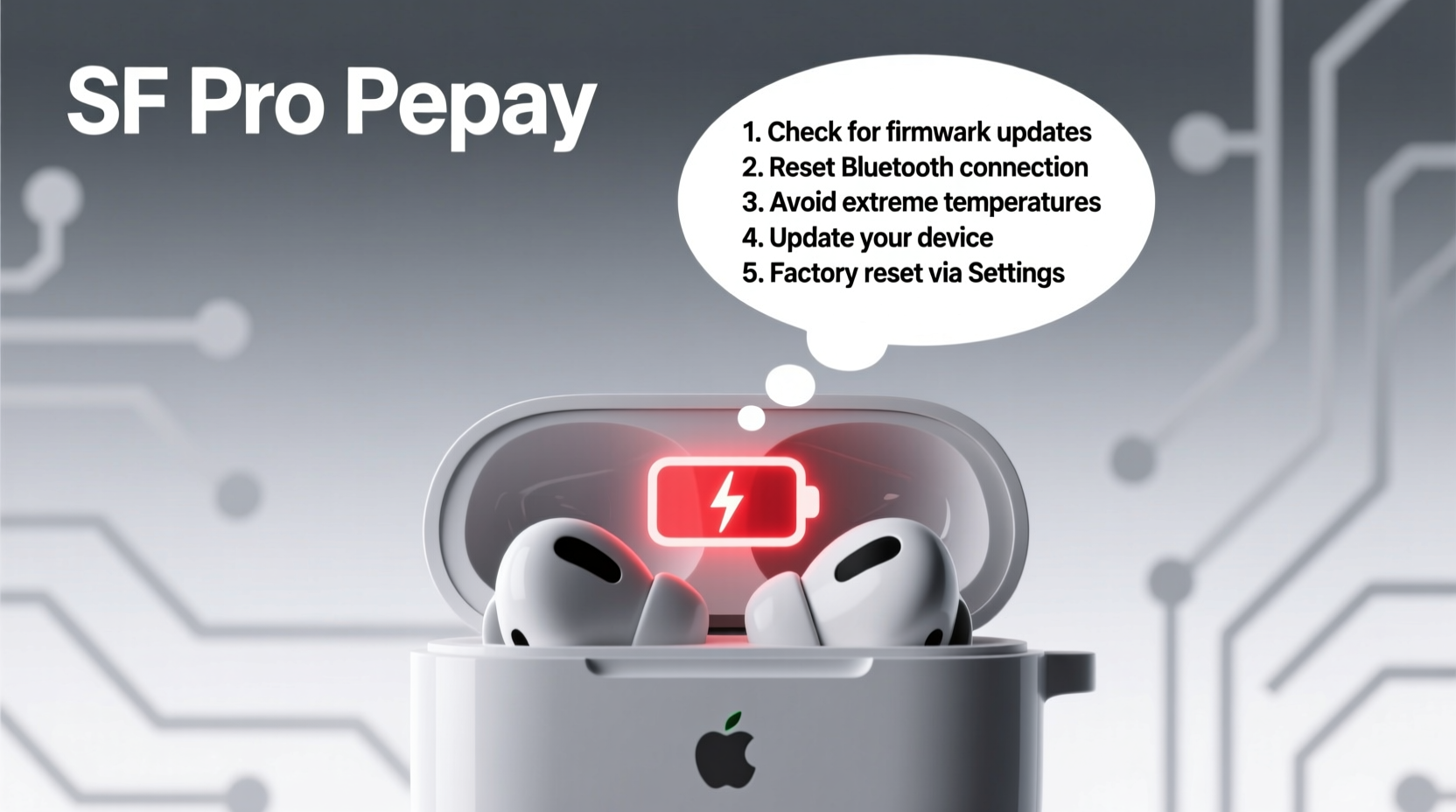
The AirPods charging case isn’t just a protective shell—it’s a portable power bank for your earbuds. Inside, a small lithium-ion battery recharges the AirPods when stored and draws its own charge from a Lightning or USB-C cable (depending on model). However, several background processes consume energy even when the case appears idle.
- Bluetooth pairing signals: The case communicates with your iPhone or iPad to maintain connection status.
- Status LED activity: Each time you open the lid near a paired device, the LED flashes, using a small amount of power.
- Find My network support: If enabled, the case periodically broadcasts a secure signal to help locate it if lost.
- Internal circuitry maintenance: Even in standby mode, minimal current flows to keep systems ready.
While each of these functions uses negligible power individually, together they contribute to gradual discharge—especially if the case is exposed to poor conditions or software inefficiencies.
Common Causes of Fast Battery Drain
1. Frequent Lid Opening Near Paired Devices
Every time you open the case near your phone or tablet, it triggers a Bluetooth handshake and activates the status light. Doing this repeatedly throughout the day—like checking if your AirPods are charged—adds up in energy use.
2. Outdated Firmware
Apple releases firmware updates for AirPods that improve power management and fix bugs. If your earbuds haven’t updated in months, outdated firmware could be causing inefficient battery usage.
3. Extreme Temperatures
Lithium-ion batteries degrade faster under extreme heat or cold. Leaving your case in a hot car, near a radiator, or outdoors in freezing weather accelerates battery wear and increases self-discharge rates.
4. Dirty Charging Contacts
Dust, lint, or oil buildup on the metal contacts inside the case or on the AirPods prevents efficient charging. This forces the system to draw more power during top-ups and reduces overall battery performance.
5. Background Find My Network Activity
While helpful for locating lost items, the “Find My” network constantly listens for nearby Apple devices to relay location data. On older models or in high-traffic areas, this can increase power consumption.
6. Overcharging or Poor Charging Habits
Leaving the case plugged in for hours after reaching 100% can stress the battery chemistry. Similarly, using third-party chargers with unstable voltage output may cause long-term damage.
“Lithium-ion batteries thrive on partial discharges. Keeping them between 20% and 80% significantly extends lifespan.” — Dr. Alan Kim, Battery Technology Researcher at Stanford University
Step-by-Step Fixes to Try
Follow this systematic approach to diagnose and resolve battery drain issues:Step 1: Clean the Charging Contacts
- Power off your AirPods by placing them in the case and closing the lid for 30 seconds.
- Use a dry cotton swab or soft brush to gently clean the metal charging contacts inside the case and on the stems of the AirPods.
- Avoid liquids or abrasive materials. Do not insert anything sharp into the ports.
- Reconnect and check if charging efficiency improves.
Step 2: Check and Update Firmware
- Place your AirPods in the case and connect the case to a power source.
- Bring the case close to your iPhone or iPad (must be paired).
- Go to Settings > Bluetooth, tap the info (i) icon next to your AirPods.
- Check the firmware version. Current versions are typically 6.9.x or higher.
- To force an update, leave the case near your device while charging overnight. Updates install automatically when conditions are met.
Step 3: Reset Bluetooth Settings
Sometimes corrupted Bluetooth caches cause unnecessary wake cycles. Resetting helps:
- On your iPhone: Go to Settings > General > Transfer or Reset iPhone > Reset > Reset Network Settings.
- Re-pair your AirPods afterward by opening the case near your phone.
Step 4: Disable Unnecessary Features
- Turn off automatic ear detection: If you don’t use auto-play/pause, disable it in Settings > Bluetooth > AirPods > Automatic Ear Detection.
- Limit Find My alerts: In the Find My app, ensure “Notify When Found” is on, but avoid frequent location checks unless needed.
Step 5: Monitor Battery Health
- Add the Batteries widget to your iPhone home screen.
- Open your AirPods case near your phone to see real-time charge levels for both earbuds and case.
- If the case consistently shows rapid drops (e.g., 20% in one hour without use), battery degradation may be advanced.
Battery Longevity: Do’s and Don’ts
| Do’s | Don’ts |
|---|---|
| Charge in moderate temperatures (62°F–72°F / 16°C–22°C) | Leave the case in direct sunlight or a hot car |
| Clean contacts monthly with a dry cloth | Use alcohol, cleaners, or wet wipes on the case |
| Store with 50% charge if unused for weeks | Store fully discharged or fully charged for long periods |
| Use Apple-certified cables and adapters | Rely on cheap, unbranded chargers |
| Keep firmware updated via regular iOS syncs | Ignore Bluetooth connectivity glitches |
Real Example: Sarah’s AirPods Case Turnaround
Sarah, a freelance writer from Portland, noticed her second-gen AirPods case dying within two days—even when she barely used the earbuds. She kept it on her desk, frequently opened the lid to check battery level, and charged it nightly. After reading about contact buildup, she cleaned the pins with a dry toothbrush. She also disabled automatic ear detection and started charging only when the case dropped below 30%.
Within a week, the case held charge for five full days. “I didn’t realize how much those little habits were killing the battery,” she said. “Now I barely think about charging it.”
When to Consider Replacement or Service
Even with perfect care, AirPods case batteries degrade over time. Apple estimates a lifespan of approximately 500 full charge cycles before capacity drops below 80%. If you’ve tried all fixes and still experience fast drain, consider these options:
- Individual case replacement: Apple sells standalone charging cases for $59–$79 depending on model (wireless charging availability).
- Genius Bar battery service: If under AppleCare+, battery service may be free. Out of warranty? Expect around $49–$89.
- Third-party repair shops: Some specialize in battery swaps but verify parts quality and warranty terms.
Note: Replacing just the case preserves your original AirPods’ pairing and settings. Simply pair the new case like any other accessory.
Frequently Asked Questions
How long should an AirPods case hold charge when not in use?
A well-maintained case should retain significant charge for 10–14 days when stored properly and not opened frequently. Expect faster drain if kept near active devices due to periodic Bluetooth pings.
Can I replace the battery inside the AirPods case myself?
Technically possible, but not recommended. The case battery is glued in place and requires precision tools. DIY attempts often damage the housing or charging circuitry. Opt for official or certified replacements instead.
Does using the case while charging affect battery life?
Yes. Placing AirPods in a case that’s actively charging creates additional thermal stress. While safe, doing this regularly increases heat exposure, which accelerates battery aging. Let the case charge fully first, then store the AirPods.
Final Thoughts: Protect Your Investment
Your AirPods case plays a crucial role in keeping your wireless audio experience seamless. Fast battery drain doesn’t always mean it’s failing—often, it’s a sign of habits or conditions that can be corrected. By understanding what drains power, cleaning components regularly, updating firmware, and storing the case wisely, you can extend its functional life by years.
Small changes yield big results. Start with one fix today—clean the contacts, adjust a setting, or simply stop opening the lid unnecessarily. These actions compound over time, preserving battery health and saving you money on premature replacements.




 浙公网安备
33010002000092号
浙公网安备
33010002000092号 浙B2-20120091-4
Comments
No comments yet. Why don't you start the discussion?