
If you’ve noticed your Amazon Echo device flashing an orange light, you’re not alone. That pulsing amber glow can be unsettling—especially if you rely on Alexa for daily tasks like setting alarms, checking the weather, or controlling smart home devices. The good news: an orange blink doesn’t mean your device is broken. In fact, it’s usually a simple status indicator that something needs attention. Whether it’s a Wi-Fi issue, setup mode, or a temporary glitch, most causes are easy to resolve—if you know what to do.
This guide breaks down exactly why Alexa blinks orange, what it means in different contexts, and how to fix it fast. No guesswork. No unnecessary resets. Just clear, practical steps based on real-world user experiences and technical insights.
What Does an Orange Blink Mean on Alexa?
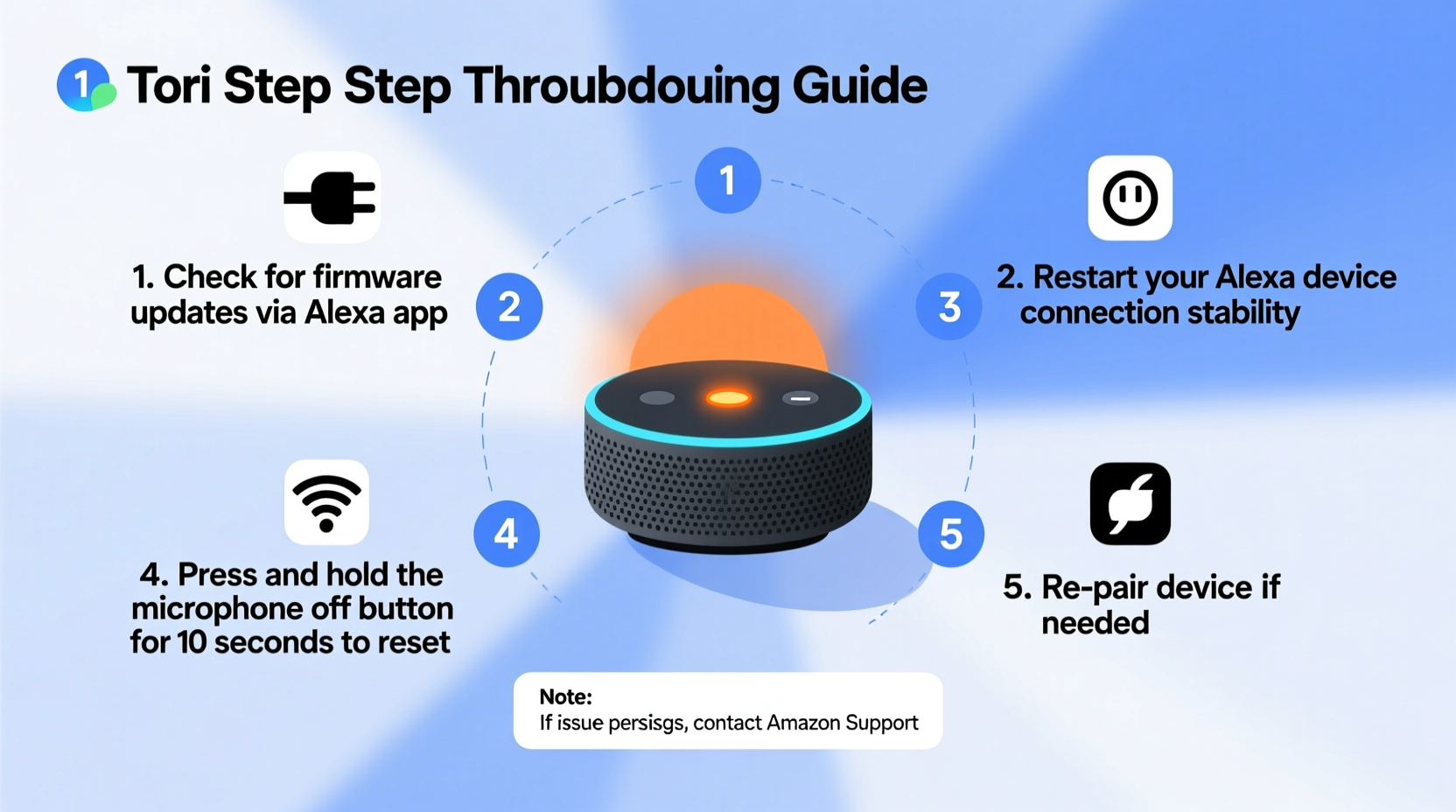
The orange (or amber) light on your Alexa-enabled device isn't random. It's part of Amazon’s visual feedback system designed to communicate device status without requiring voice prompts or app notifications. When Alexa blinks orange, it typically indicates one of two things:
- The device is trying to connect to Wi-Fi.
- The device is in setup mode (also known as “pairing” or “discoverable” mode).
In both cases, the blinking pattern is rhythmic—pulsing slowly around the top edge of the device. Once connected successfully, the light should turn off. If it continues blinking, the connection attempt has failed or been interrupted.
“An amber light cycle is Alexa’s way of saying, ‘I’m ready to talk to your network—but I can’t quite reach it.’ Most issues resolve within 5 minutes with proper troubleshooting.” — Raj Patel, Senior Support Engineer at Amazon Smart Home Division
Step-by-Step Guide to Fix an Orange-Blinking Alexa
Follow this structured approach to diagnose and resolve the issue efficiently. Start from the simplest fixes and move toward deeper diagnostics only if needed.
- Check Your Wi-Fi Network
Ensure your router is powered on and other devices can access the internet. If your phone or laptop can’t connect, the problem lies with your network—not Alexa. - Restart Your Router
Unplug your modem/router, wait 30 seconds, then plug it back in. Allow 1–2 minutes for full reboot. This often resolves transient network outages. - Move Alexa Closer to the Router
Wi-Fi signal strength matters. If your Echo is far from the router or behind thick walls, consider relocating it temporarily during setup or reconnection. - Verify Wi-Fi Credentials in the Alexa App
Open the Alexa app → Devices → Echo & Alexa → Select your device → Wi-Fi Network. Confirm the correct network name appears. If not, proceed to reconnect. - Reconnect Alexa to Wi-Fi
Press and hold the Microphone Off and Volume Down buttons simultaneously for about 15 seconds until the light ring turns orange again. Release, then use the Alexa app to reconnect via Settings > Wi-Fi > Connect. - Forget and Re-add the Device (if necessary)
If reconnection fails, remove the device from the app (Settings → Your Device → Remove), then add it again as new.
When Is Orange Normal? Understanding Setup Mode
It’s important to distinguish between a problematic orange blink and a legitimate one. An orange pulse is expected—and completely normal—when:
- You’ve just unboxed and powered on a new Echo device.
- You’ve performed a factory reset.
- You manually triggered pairing mode using button combinations.
In these situations, the orange light signals that Alexa is waiting to join a network. As long as you follow the setup process in the Alexa app within 15–20 minutes, the light will stop once connected.
However, if the light persists beyond 30 minutes without progress, intervention is required. A stuck setup mode may result from incorrect passwords, incompatible networks, or outdated firmware.
Troubleshooting Table: Common Causes & Solutions
| Cause | Symptoms | Solution |
|---|---|---|
| Wi-Fi Connection Failed | Orange blinks continuously; no response to voice commands | Re-enter Wi-Fi password in app; restart router |
| Incorrect Network Band | Device finds network but won’t connect | Switch phone and Echo to 2.4 GHz band |
| Outdated Firmware | Setup stalls mid-process | Wait for automatic update or force reconnect |
| Router Security Settings | Other devices work, Alexa fails repeatedly | Temporarily disable MAC filtering or WPA3-only mode |
| App Sync Error | Alexa shows offline despite being powered | Log out/in to Alexa app; reinstall if needed |
Mini Case Study: Resolving Persistent Orange Blink in a Multi-Floor Home
Sarah, a homeowner in Portland, OR, received a new Echo Dot as a gift. She plugged it in, opened the Alexa app, and followed the prompts—but after entering her Wi-Fi password, the device kept blinking orange. Frustrated, she left it overnight, hoping it would resolve itself. It didn’t.
After reading online forums, she realized her basement location might be the culprit. Her router was upstairs, and concrete walls were weakening the signal. She moved the Echo to the living room near the router, restarted the setup, and successfully connected within two minutes. Later, she installed a Wi-Fi extender to maintain coverage downstairs.
Sarah’s experience highlights a common oversight: environmental factors. Even strong household networks have dead zones. Relocating the device—even temporarily—can make all the difference.
Do’s and Don’ts When Alexa Blinks Orange
To avoid making the situation worse, follow these best practices:
| Do’s | Don’ts |
|---|---|
| ✅ Restart your router before troubleshooting Alexa | ❌ Continuously unplug and replug Alexa rapidly |
| ✅ Use the Alexa app to check connection status | ❌ Assume the device is defective too early |
| ✅ Ensure mobile device is on 2.4 GHz Wi-Fi | ❌ Enter Wi-Fi passwords manually on-screen (prone to errors) |
| ✅ Try connecting from a different mobile device if possible | ❌ Disable router firewall permanently—only test temporarily |
Firmware Updates and Hidden Glitches
Sometimes, Alexa enters a soft loop where it attempts to connect, fails, and retries endlessly. This often happens when a firmware update is pending but cannot download due to connectivity issues. Since the device needs internet access to update, it creates a catch-22.
To break the cycle:
- Bring the device close to the router.
- Use a secondary smartphone hotspot (set to 2.4 GHz) to complete initial setup.
- Once online, Alexa will automatically download updates and stabilize.
Amazon pushes background updates frequently, especially for security patches and voice recognition improvements. These updates typically install silently—but only if the device has stable internet access.
Checklist: How to Fix Alexa Blinking Orange (Quick Reference)
Print or save this checklist for fast troubleshooting:
- ☑ Confirm router is on and other devices have internet
- ☑ Restart modem/router
- ☑ Ensure phone is on 2.4 GHz Wi-Fi network
- ☑ Open Alexa app and verify device status
- ☑ Press and hold Microphone Off + Volume Down for 15 sec to reset connection
- ☑ Reconnect via Wi-Fi settings in app
- ☑ Test with a mobile hotspot if home network fails
- ☑ Wait up to 5 minutes post-connection for light to turn off
FAQ: Common Questions About Orange-Blinking Alexa
Is a blinking orange light bad for my Alexa?
No. The light itself isn’t harmful. However, prolonged disconnection means your device can’t perform its functions. Resolve the underlying cause promptly to restore usability.
Can I use Alexa while it’s blinking orange?
No. While the orange light is active, Alexa is not connected to the internet and cannot process voice requests, control smart devices, or stream music. It must complete setup or reconnect first.
Why does my Alexa blink orange after a power outage?
After losing power, Alexa attempts to reconnect to Wi-Fi automatically. If the router comes online slower than the Echo, or if there’s a brief network mismatch, the device may enter setup mode and blink orange until connection is restored. Usually resolves within a few minutes.
Conclusion: Regain Control Fast
An orange-blinking Alexa isn’t a crisis—it’s a signal. Like a low battery icon or a spinning wheel, it tells you action is needed. With the right approach, most connection issues take less than ten minutes to fix. The key is understanding what the light means and responding with targeted steps instead of panic resets.
From checking Wi-Fi bands to leveraging hotspots and app tools, the solutions are straightforward once you know where to look. Millions of users encounter this every year—most never need customer support.




 浙公网安备
33010002000092号
浙公网安备
33010002000092号 浙B2-20120091-4
Comments
No comments yet. Why don't you start the discussion?