
When your Amazon Echo device starts blinking orange, it can be disconcerting—especially if you're unsure what the light means or whether it signals a security concern. Unlike the familiar blue pulse during voice responses or the green flash indicating an incoming call, the orange blink isn't part of daily use. It typically appears during setup, updates, or when connectivity issues arise. But could it also expose your data? Is someone accessing your microphone without consent? These questions are valid in an age where smart devices collect vast amounts of personal information.
Understanding the meaning behind Alexa’s orange light is essential not just for troubleshooting, but also for maintaining digital privacy. While the blink itself doesn’t indicate a privacy breach, the conditions under which it occurs—such as firmware updates or network reconfigurations—can create temporary vulnerabilities if not managed properly. This article breaks down the technical reasons for the orange indicator, evaluates its implications for user privacy, and provides practical steps to ensure your device remains both functional and secure.
What Does an Orange Blink Mean on Alexa?
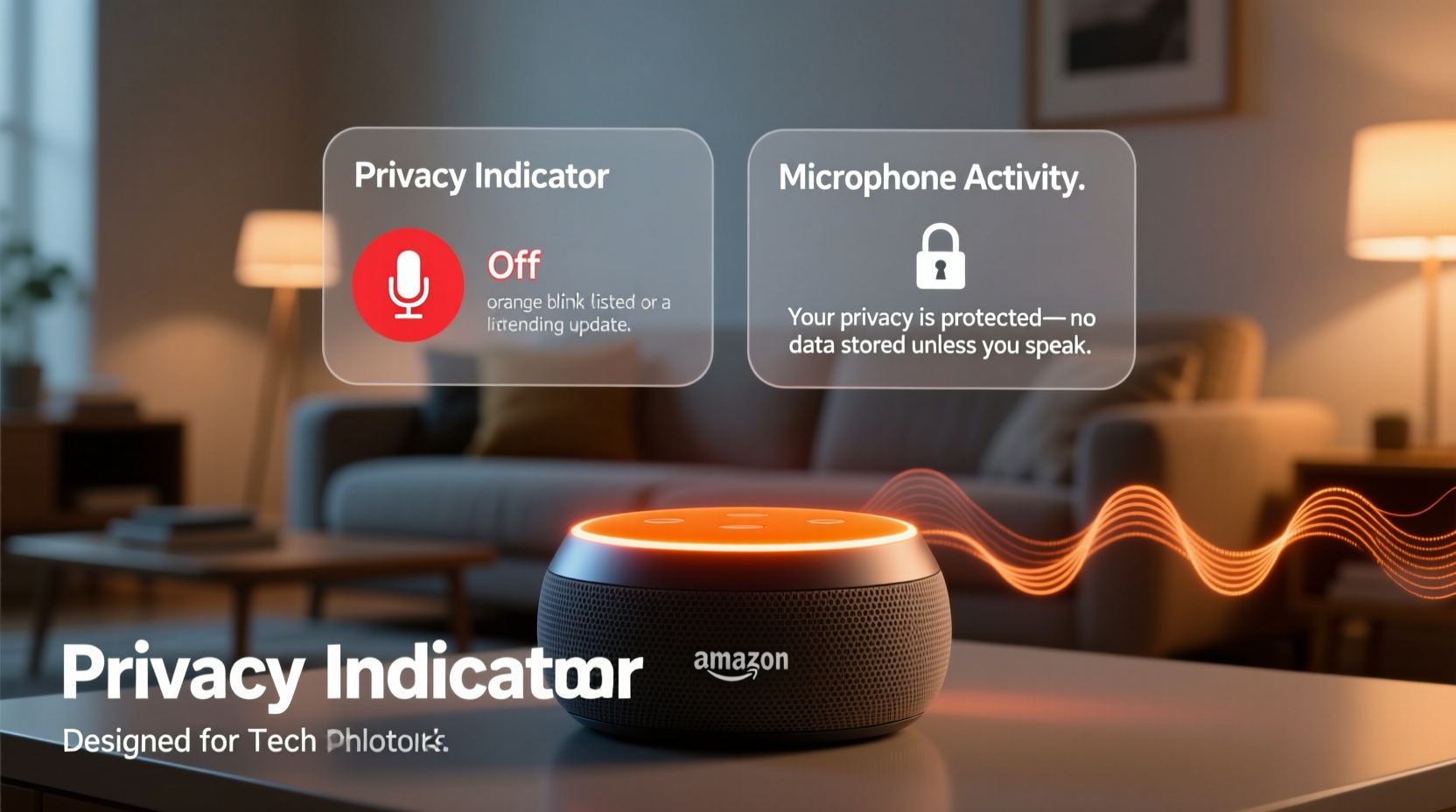
The solid orange light that rotates or blinks slowly on an Amazon Echo device is not an error signal—it’s a status indicator. Amazon uses color-coded lights to communicate different system states, and orange specifically denotes one of two primary conditions:
- Device Setup Mode: When you first unbox your Echo or perform a factory reset, the orange rotation indicates that the device is in pairing mode, waiting to connect to your Wi-Fi network via the Alexa app.
- Firmware Update in Progress: If your device is already set up, a sudden appearance of the orange light usually means it is downloading or installing a software update from Amazon’s servers.
In both cases, the behavior is normal and expected. The device cycles through this state until the process completes, after which the light turns off. However, if the orange blink persists beyond 10–15 minutes without transitioning to standby (no light), there may be an issue with internet connectivity, server response, or internal processing.
Privacy Implications: Should You Be Concerned?
The blinking orange light itself does not pose a direct privacy threat. It does not mean your microphone is actively recording or transmitting audio. However, the processes associated with this light—particularly firmware updates and network configuration—do involve background communication between your device and Amazon’s cloud infrastructure.
During a software update, your Echo downloads new code that may include changes to voice recognition algorithms, skill integrations, or even new data collection features. While Amazon asserts these updates enhance performance and security, they can also expand the scope of data usage. For example, newer firmware versions might enable improved contextual awareness, such as detecting household routines or recognizing multiple voices more accurately—all of which rely on stored voice profiles and interaction history.
“Any time a smart device communicates externally during setup or updates, there's a window where metadata flows to corporate servers—even if content isn't recorded.” — Dr. Lena Patel, Cybersecurity Researcher at Stanford HAI
This metadata includes timestamps, connection logs, IP addresses, and device identifiers. Though anonymized in theory, aggregated over time, such data can contribute to detailed behavioral profiles. The concern isn’t necessarily about eavesdropping during the orange phase, but rather about the lack of transparency regarding what data is exchanged and how long it’s retained.
Common Misconceptions About the Orange Light
Many users assume that any unusual light pattern suggests unauthorized access or hacking. In reality, Alexa has no visual alert for breaches or third-party intrusions. Instead, misinformation spreads easily online, leading people to believe:
- An orange blink means someone is listening (false).
- Hackers can trigger the light remotely (extremely unlikely due to encryption).
- Amazon activates the mic silently during updates (not supported by evidence).
While vigilance is healthy, fear-based assumptions can lead to unnecessary resets or disuse of helpful technology. The key is understanding actual risks versus perceived threats.
How Firmware Updates Work—and What Data Moves
To better assess privacy impact, it helps to know how updates function behind the scenes. When your Alexa enters orange-blink mode for an update, here’s what happens:
- Check-in: The device contacts Amazon’s servers to verify if a new firmware version is available.
- Download: Encrypted update files are transferred over HTTPS to your Echo via your home network.
- Installation: The device applies the update locally, rebooting once complete.
- Verification: Post-update, it sends a confirmation signal back to Amazon.
Throughout this cycle, Amazon collects diagnostic data including device model, current software version, success/failure status, and approximate location based on IP address. According to Amazon’s privacy notice, this information is used to improve services and troubleshoot issues.
| Update Stage | Data Transmitted | Privacy Risk Level |
|---|---|---|
| Check-in | Device ID, current version, network type | Low |
| Download | No user data sent; only receives encrypted code | None |
| Installation | Local process – no transmission | None |
| Verification | Success status, timestamp, IP-derived region | Moderate (metadata aggregation) |
Note that while voice recordings are not transmitted during updates unless explicitly triggered (e.g., “Alexa”), behavioral patterns derived from past usage may influence which features are enabled post-update. For instance, if you frequently use shopping lists, a new update might prioritize integration with grocery delivery partners—an enhancement powered by historical data.
Real-World Scenario: A User’s Experience With Persistent Orange Blink
Sarah, a remote worker in Portland, noticed her kitchen Echo blinking orange late one evening. She hadn’t touched the device in weeks. Alarmed, she unplugged it immediately, fearing a hack. After researching online, she found conflicting advice—some forums claimed government surveillance, others suggested malware.
She eventually contacted Amazon support, who guided her through checking her router logs. They discovered that a recent power surge had corrupted the device’s Wi-Fi credentials, causing it to repeatedly attempt reconnection and enter update-check loops. No breach occurred, but Sarah realized she had never reviewed her Alexa privacy settings or disabled optional data sharing.
After resetting the device and adjusting her preferences in the Alexa app—disabling personalized recommendations and enabling auto-deletion of voice recordings every 3 months—she regained confidence in using the speaker. Her case highlights how technical glitches can spark privacy anxiety, but also how informed actions restore control.
Action Plan: Securing Your Alexa During Orange Blink Events
You don’t need to disable your smart speaker to protect your privacy. Instead, follow this checklist to minimize risk during setup or updates:
- Use a Secure Network: Ensure your Wi-Fi uses WPA3 or WPA2 encryption. Avoid public or open networks when setting up new devices.
- Monitor Connected Devices: Check your router’s admin panel periodically to confirm only authorized gadgets appear.
- Enable Two-Factor Authentication (2FA): Protect your Amazon account so no one else can manage your Echo remotely.
- Limit Data Retention: Go to Alexa Privacy settings and turn on “Auto-delete recordings” (options: 3 or 18 months).
- Disable Unused Features: Turn off Drop In, Alexa-to-Alexa calling, or location tracking if not needed.
- Update Router Firmware: Outdated routers may fail to handle modern device handshakes securely.
- Physically Mute When Not in Use: Press the microphone-off button when discussing sensitive topics nearby.
Do’s and Don’ts During Orange Blink States
| Do | Don’t |
|---|---|
| Wait patiently during updates (up to 15 mins) | Pull the plug mid-update (could corrupt OS) |
| Restart router if blink persists | Assume malicious activity without verification |
| Review privacy settings afterward | Ignore repeated failed update attempts |
| Contact Amazon Support if unresolved | Factory reset unnecessarily (loses custom settings) |
Frequently Asked Questions
Is a blinking orange light dangerous for my privacy?
No, the orange blink itself does not compromise privacy. It indicates either setup or updating—both standard operations. However, ensure your network is secure and your Amazon account is protected with strong authentication.
Can hackers make my Alexa blink orange?
It’s highly improbable. The orange light is controlled internally by the device’s operating system. Remote exploitation would require bypassing multiple layers of encryption and Amazon’s device authentication protocols—something no widespread vulnerability currently allows.
Should I reset my Alexa if it keeps blinking orange?
Only after exhausting other options. Try rebooting your router, moving the device closer to the access point, or checking for outages. Resetting should be a last resort, as it erases saved preferences and requires re-pairing.
Final Thoughts: Balance Convenience With Control
The blinking orange light on your Alexa is far more mundane than many fear. It reflects routine maintenance, not surveillance. Yet, dismissing all concerns would be equally misguided. Every connected device introduces potential entry points into your digital life. The real issue isn’t the light—it’s whether you understand what your devices do when you’re not watching.
Smart speakers offer undeniable convenience, but their value multiplies when used mindfully. Take a few minutes each quarter to audit your privacy settings, update passwords, and assess which features truly serve you. By treating your Echo not as magic, but as a tool with responsibilities, you reclaim agency in an increasingly automated world.




 浙公网安备
33010002000092号
浙公网安备
33010002000092号 浙B2-20120091-4
Comments
No comments yet. Why don't you start the discussion?