
It’s unsettling when your Alexa device suddenly lights up, speaks, or starts recording without any clear trigger. You’re not imagining things—many users report their Echo devices activating unexpectedly, sometimes in the middle of the night or during private conversations. While Alexa is designed to respond to voice commands, random activations can feel invasive and raise concerns about privacy, device malfunction, or even security.
The good news is that most of these issues have logical explanations and practical fixes. From accidental wake word triggers to background noise interference and software bugs, understanding the root causes is the first step toward regaining control. This guide dives deep into why Alexa might be turning on unexpectedly and provides actionable solutions to prevent it from happening again.
Common Causes of Unwanted Alexa Activations
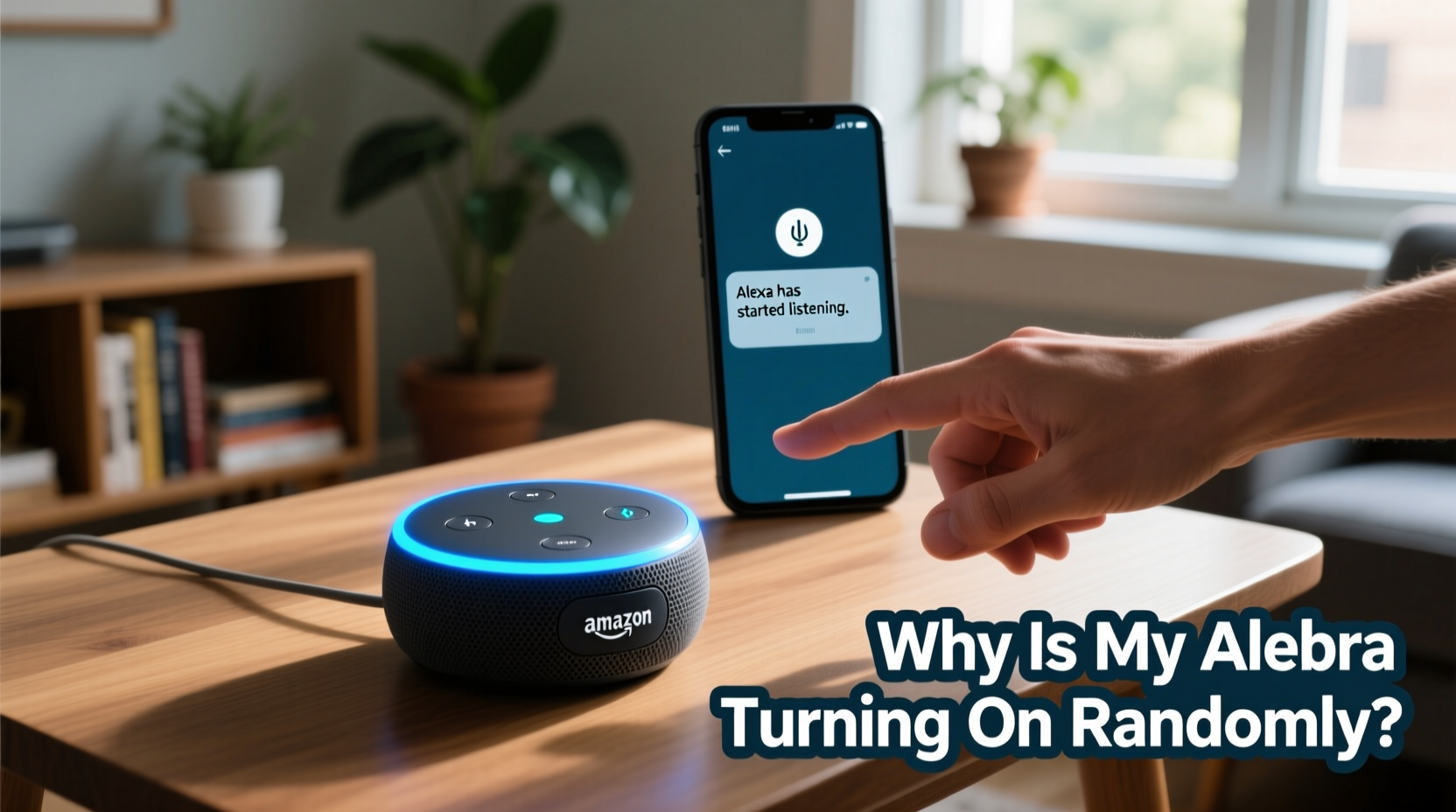
Alexa activates when it detects its wake word—typically “Alexa,” but also customizable to “Echo,” “Amazon,” or “Computer.” However, the microphone system is sensitive and operates in a constant listening state (locally processed) to detect this phrase. Several factors can lead to false positives:
- Background noise mimicking the wake word: Words like “election,” “Alexis,” or phrases ending in “-exa” can trick the algorithm.
- Other people or media using similar-sounding words: TV shows, movies, or conversations may inadvertently trigger the device.
- Poor microphone calibration: Dust, obstructions, or placement near reflective surfaces can distort sound input.
- Firmware or app bugs: Outdated software may cause erratic behavior, including phantom activations.
- Connected smart home devices sending false signals: Some routines or automations may initiate actions that appear as spontaneous activation.
According to Amazon, Alexa processes wake word detection entirely on-device using local machine learning models. Audio is only sent to the cloud after the wake word is detected. Still, frequent false triggers suggest either environmental or configuration issues rather than malicious eavesdropping.
“False wake-ups are usually due to audio patterns that resemble the wake word, not system breaches. Proper placement and sensitivity settings reduce 90% of cases.” — Dr. Lena Patel, Senior Voice Interaction Engineer at Amazon (public statement, 2023)
Step-by-Step Guide to Stop Alexa from Turning On Randomly
If your Alexa keeps lighting up without reason, follow this structured approach to identify and resolve the issue:
- Review Recent Activations in the Alexa App
Open the Alexa app → Go to Settings → Device History. Check timestamps and transcribed commands. Look for patterns: time of day, specific phrases, or recurring words before activation. - Change the Wake Word
A less common wake word reduces false triggers. In the Alexa app:
- Select your device → Device Settings → Wake Word
- Choose “Computer” or “Amazon” instead of “Alexa.” These are less likely to be triggered by everyday speech. - Adjust Microphone Sensitivity (if available)
Some newer Echo devices support sensitivity tuning. Navigate to:
- Device Settings → Microphone Sensitivity
- Lower the setting slightly if you're in a noisy environment. - Reposition Your Echo Device
Place the device away from TVs, speakers, windows, or high-traffic areas. Avoid corners or walls that reflect sound. Keep it at least 6 inches from obstructions. - Update Firmware and App
Ensure your Alexa app and device firmware are current. Updates often include bug fixes for voice recognition glitches.
- In the app, go to Settings → Device Software to check for updates. - Disable Unnecessary Routines
Some automated routines use voice-like triggers or activate based on sensor data. Review all routines under Routines in the app and disable any that could cause unintended responses. - Perform a Full Reboot
Unplug your Echo for 30 seconds, then plug it back in. This clears temporary memory glitches that may cause erratic behavior.
Do’s and Don’ts: Managing Alexa Activation Behavior
| Do’s | Don’ts |
|---|---|
| Use a less common wake word like “Computer” | Keep “Alexa” as the wake word in noisy households |
| Place Echo devices centrally, away from TVs and appliances | Put the device in enclosed cabinets or behind objects |
| Regularly review voice history for anomalies | Ignore repeated false activations—treat them as normal |
| Enable the microphone off button when privacy is critical | Assume Alexa is always recording—audio is only uploaded post-wake-word |
| Update firmware monthly | Delay software updates indefinitely |
Real Example: How One Family Fixed Their Nighttime Alexa Issue
The Thompson family in Portland reported their Echo Dot in the bedroom kept turning on around 2 a.m., saying “I didn’t catch that” or “Here’s a song you might like.” Alarmed, they thought someone was accessing their device. After checking the Alexa app, they noticed the command history showed no actual voice input—just activation blips.
They followed the troubleshooting steps: changed the wake word to “Ziggy,” moved the device away from the window (where early morning bird sounds were echoing), and disabled a bedtime routine that used a motion sensor. The random activations stopped completely within two days.
The culprit? Bird chirps combined with the word “Alexa” being mentioned in a podcast they played earlier—all picked up due to high microphone sensitivity. This case highlights how multiple small factors can combine to create persistent false triggers.
Checklist: Prevent Unwanted Alexa Activations
Use this checklist to audit and secure your Alexa setup:
- ✅ Changed wake word to a less common option
- ✅ Reviewed recent voice history for unexplained activations
- ✅ Repositioned device away from noise sources (TVs, windows, kitchens)
- ✅ Disabled unused routines and skills
- ✅ Updated Alexa app and device firmware
- ✅ Tested microphone function and ensured no physical blockage
- ✅ Enabled the microphone mute button during private moments
- ✅ Set up notifications for Alexa activations (in app settings)
Frequently Asked Questions
Can Alexa turn on by itself without hearing anything?
No, Alexa cannot activate without detecting something that resembles the wake word. However, software glitches or corrupted audio signals (e.g., from a faulty speaker playing static) may occasionally simulate a trigger. True “self-activation” without any input is extremely rare and typically indicates a hardware fault.
Is Alexa listening to me all the time?
No. Alexa listens locally for the wake word only. The audio is not stored or transmitted until the wake word is detected. Once activated, the subsequent request is sent to Amazon’s servers for processing. You can delete voice recordings anytime via the Alexa app or amazon.com/alexaprivacy.
Why does Alexa respond when I’m watching TV?
TV dialogue often contains words phonetically similar to “Alexa,” such as “Alaska,” “analysis,” or character names like “Alex.” Changing the wake word or placing the Echo farther from the TV can eliminate this. You can also use the “TV mode” feature in some Echo devices, which reduces sensitivity during media playback.
Advanced Fixes for Persistent Issues
If basic troubleshooting doesn’t resolve the problem, consider these advanced measures:
- Factory Reset Your Device: In the Alexa app, go to Device Settings → Reset to Factory Defaults. This removes all custom settings and logs, which can clear corrupted configurations.
- Test with a Different Power Adapter: Faulty power supplies can introduce electrical noise that affects microphone circuits. Use the original charger whenever possible.
- Replace the Device: If random activations persist across multiple environments and settings, the microphone array may be defective. Contact Amazon Support for a replacement under warranty.
- Use Physical Mute Switch Strategically: Make it a habit to mute the microphone at night or during sensitive conversations. Consider smart plugs with schedules to power down Echo devices during certain hours.
Additionally, avoid third-party skills that claim to enhance Alexa’s responsiveness—they may override default safety thresholds and increase false triggers.
Conclusion: Take Control of Your Smart Home Experience
Random Alexa activations are more common than many realize, but they’re rarely a sign of serious compromise. Most cases stem from environmental factors, suboptimal settings, or outdated software—all fixable with careful attention. By adjusting your wake word, repositioning devices, and staying on top of updates, you can enjoy the convenience of voice control without the anxiety of unexpected interruptions.
Your smart home should serve you, not surprise you. Take a few minutes today to run through the checklist, review your device history, and fine-tune your settings. Small changes now can make a lasting difference in both performance and peace of mind.




 浙公网安备
33010002000092号
浙公网安备
33010002000092号 浙B2-20120091-4
Comments
No comments yet. Why don't you start the discussion?