
As holiday enthusiasts power up their synchronized light shows each winter, one frustration surfaces more than any other: the lights aren’t moving in time with the music. A dazzling animated Christmas display can lose its magic when twinkling reindeer blink too early or a dancing Santa jerks into motion half a beat behind Mariah Carey’s high note. This lack of synchronization doesn’t just diminish visual impact—it breaks immersion. The good news? Most timing issues are solvable with a methodical approach. Understanding the root causes, from hardware delays to software misconfigurations, is the first step toward a perfectly choreographed holiday spectacle.
Understanding Synchronization in Animated Light Displays
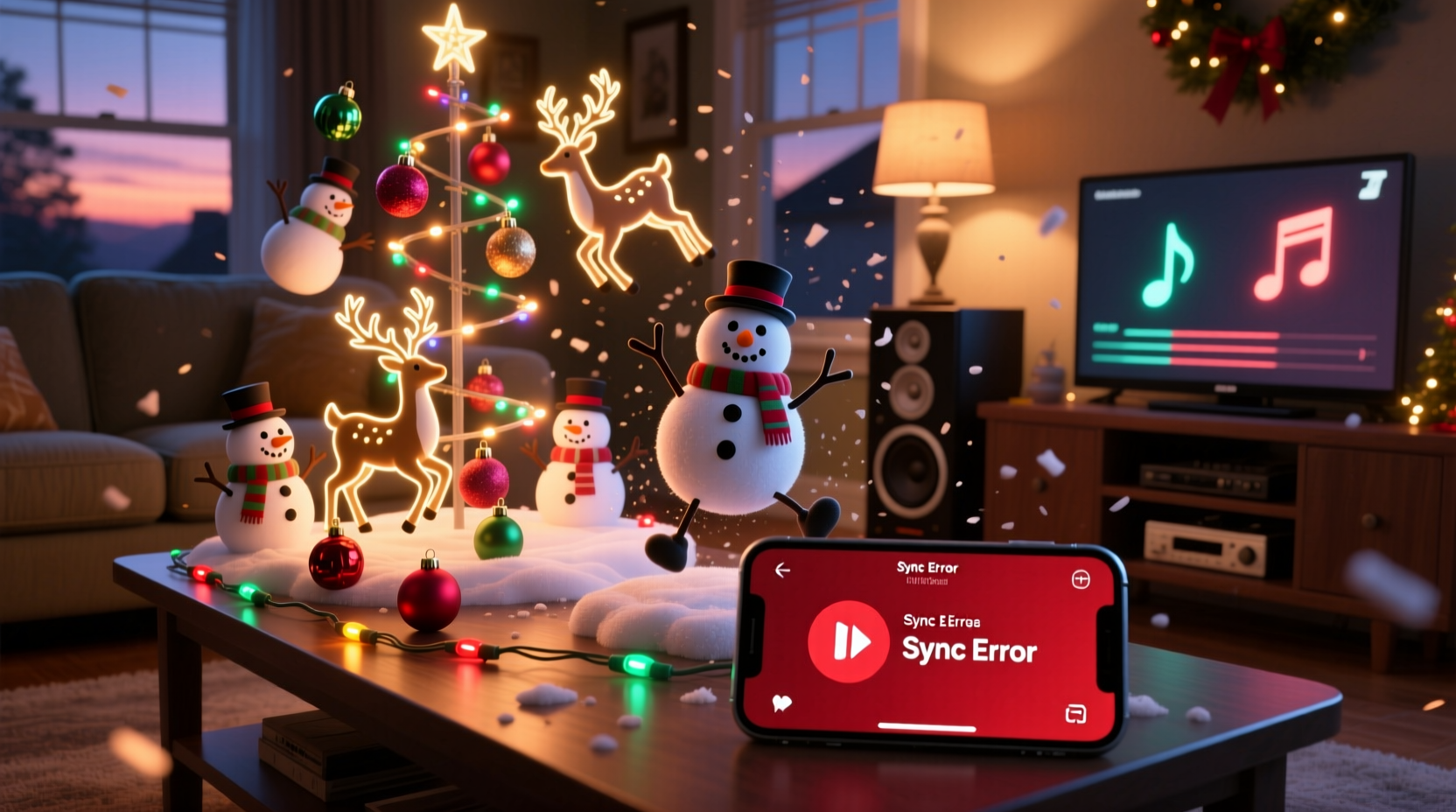
Synchronized Christmas displays rely on precise coordination between audio playback and lighting control systems. At the heart of most setups is a digital controller—such as an ESP32, Raspberry Pi, or dedicated commercial sequencer—that sends signals to relays, LEDs, or motorized props based on a pre-programmed timeline. This timeline aligns lighting effects (on/off, fade, color change) with specific moments in a song. When everything works, it feels seamless. But even a 0.2-second delay can make the difference between magic and mayhem.
The illusion of perfect sync depends on three key components: accurate sequencing data, low-latency signal transmission, and consistent audio output. Any lag in one area disrupts the entire chain. For example, if your controller takes 150 milliseconds to process a command while your speakers add another 100ms of Bluetooth delay, your snowflake prop might flash nearly a quarter-second after the musical cue. Over time, these micro-delays compound, making the display appear “drifting” or progressively out of phase.
“Timing precision within 10–20 milliseconds is essential for believable synchronization. Beyond that, the human eye begins to detect desynchronization.” — Dr. Alan Reeves, Audio-Visual Systems Engineer, MIT Media Lab
Common Causes of Out-of-Sync Displays
Several technical factors contribute to timing mismatches. Identifying which applies to your setup is crucial for troubleshooting.
1. Audio Output Latency
One of the most frequent culprits is audio latency—the delay between when a digital audio file starts playing and when sound actually reaches the listener. This commonly occurs with:
- Bluetooth speakers (typically 100–300ms delay)
- Wi-Fi streaming devices (variable, often over 200ms)
- Soundbars or AV receivers with audio processing enabled
If your lights are triggered by a local computer but the music plays through a distant Bluetooth speaker, the lights will always appear ahead of the sound.
2. Controller Processing Delay
Lower-end microcontrollers or overloaded systems may not execute commands instantly. If your animation sequence calls for dozens of channels to update simultaneously, the controller might queue commands, introducing micro-delays per frame. Cheap Wi-Fi modules or poorly optimized firmware exacerbate this issue.
3. Network Lag in Distributed Systems
In multi-controller setups (e.g., using E1.31/sACN over Ethernet), network congestion or misconfigured routers can cause packet loss or jitter. Even small inconsistencies in data delivery can throw off timing across different zones of your yard.
4. Incorrect Frame Rate or BPM Settings
Sequencing software like xLights or Vixen allows you to define beats per minute (BPM) and frames per second (FPS). If your sequence runs at 5 FPS but your audio is sampled at 44.1kHz without proper alignment, timing drift becomes inevitable. Similarly, manually setting the wrong tempo during sequencing leads to cumulative errors.
5. External Trigger Misalignment
If you’re using external triggers (e.g., starting both music and lights via a remote), slight human delay or inconsistent startup routines can create initial offset. Even a half-second gap at the beginning grows more noticeable as the song progresses.
Step-by-Step Guide to Fixing Sync Issues
Resolving synchronization problems requires a systematic approach. Follow this timeline to diagnose and correct timing discrepancies.
- Isolate the Problem: Play your sequence and record it from a distance with a smartphone. Watch the video back—do the lights lead or trail the music? Note whether the delay is constant or worsens over time.
- Bypass Wireless Audio: Connect your audio source directly via AUX cable or use wired speakers. Re-test. If sync improves, wireless latency was likely the issue.
- Check Controller Logs: If using software like Falcon Player or PiLight, review logs for dropped packets or processing warnings. High CPU usage indicates performance bottlenecks.
- Verify Sequence Settings: In your sequencing program, confirm the correct BPM and sample rate match your music track. Use waveform visualization tools to ensure cues align precisely with beats.
- Add Audio Offset: Most controllers allow you to apply a global audio delay (in milliseconds). If lights are ahead, delay the audio; if behind, delay the lights. Start with 50ms increments.
- Synchronize Start Triggers: Use a single-button start system (e.g., a physical switch or automated script) to launch both audio and lighting sequences simultaneously.
- Test Under Real Conditions: Run a full-night simulation with outdoor speakers, cold temperatures, and all props active. Environmental stress can reveal hidden latency.
Do’s and Don’ts: Best Practices for Perfect Timing
| Do | Don't |
|---|---|
| Use wired audio connections whenever possible | Rely on Bluetooth for main audio output |
| Set your sequence to 10 FPS or higher for smoother timing | Run sequences at less than 5 FPS |
| Calibrate audio offset using a known reference point (e.g., first drum hit) | Assume default settings are correct |
| Update firmware on all controllers regularly | Ignore error messages about buffer overruns |
| Use NTP (Network Time Protocol) for multi-controller networks | Allow unsynchronized clocks across devices |
Real-World Example: The Suburban Sleigh Sync Fix
Dan Miller, a hobbyist from Columbus, Ohio, spent two years struggling with his 3,000-light rooftop display. Every December, neighbors would comment, “The music’s late!” despite Dan syncing everything meticulously in xLights. He tested different computers, cables, and even replaced his LED strings—nothing worked.
Finally, he recorded a video from across the street and noticed the lights flashed exactly 220ms before the music peaked. That clue led him to investigate his audio chain. He discovered his outdoor speaker was connected via Bluetooth to a weatherproof receiver inside the garage. After switching to a 100-foot shielded AUX cable and adding a +220ms audio offset in his controller software, the display snapped into perfect rhythm. “It was like night and day,” Dan said. “Suddenly, the dancing snowmen were actually dancing *with* the song.”
Troubleshooting Checklist
Use this checklist before each performance to ensure optimal synchronization:
- ✅ Confirm all controllers are powered and online
- ✅ Verify audio file matches sequence tempo and length
- ✅ Test audio output latency with a stopwatch app or clap test
- ✅ Ensure no background processes are slowing down the host device
- ✅ Check network signal strength for wireless controllers
- ✅ Apply audio offset if needed (document the value for future use)
- ✅ Perform a live walk-through during twilight to catch visual/audio gaps
Frequently Asked Questions
Why do my lights get more out of sync as the song goes on?
This usually indicates a mismatch in timing standards. For instance, if your sequence runs on a slightly faster internal clock than your audio playback (e.g., 59.94 vs. 60 FPS), the discrepancy accumulates over time. It can also result from buffer underruns in audio software or inconsistent network packet delivery. To fix, ensure all devices use the same master clock or apply a linear time-warp correction in your sequencing software.
Can I fix sync issues without reprogramming my entire sequence?
Yes. Most modern controllers support real-time audio offset adjustment. In software like xLights or Falcon Player, you can shift the entire audio track forward or backward by milliseconds without altering the light cues. This is often sufficient to correct minor drift. Just be sure to save the adjusted profile for future shows.
Does cold weather affect synchronization?
Indirectly, yes. Cold temperatures can slow down electronics, reduce battery efficiency in wireless units, and increase resistance in long cables. While not typically enough to cause major sync issues on its own, it can worsen existing latency. Using regulated power supplies and industrial-grade components helps maintain consistency in winter conditions.
Maintaining Long-Term Sync Performance
Even after achieving perfect synchronization, seasonal changes, software updates, and hardware wear can reintroduce timing errors. Proactive maintenance ensures reliability year after year. Store configuration files with detailed notes on offsets, frame rates, and hardware versions. Label cables and document network IP assignments to avoid confusion during reassembly.
Consider adopting a “sync calibration routine” before launching your display each season. This includes measuring audio latency, verifying controller responsiveness, and running a timed test sequence. Some advanced users even build automated scripts that ping all nodes and report response times, flagging potential bottlenecks before they ruin the show.
“The best holiday displays aren’t just bright—they’re precise. Like a symphony, every element must move as one.” — Lila Chen, Founder of HolidayLightNetwork.org
Conclusion
A misaligned Christmas light show doesn’t mean your equipment is faulty or your skills lacking—it means there’s an invisible delay hiding in your system. Whether it’s a Bluetooth speaker adding 200ms of lag or a sequencing tempo set just slightly too fast, the fix is almost always within reach. By understanding the technical foundations of audio-visual sync, applying targeted corrections, and testing under real-world conditions, you can transform a disjointed display into a mesmerizing, beat-perfect experience.




 浙公网安备
33010002000092号
浙公网安备
33010002000092号 浙B2-20120091-4
Comments
No comments yet. Why don't you start the discussion?