
As holiday decorations grow more advanced, so do their quirks. One of the most common frustrations this season involves Bluetooth-enabled Christmas light speakers—especially when they start delivering muffled, rattling, or distorted bass right when you're trying to enjoy festive music by the tree. This issue isn’t just annoying; it can ruin the ambiance of what should be a joyful experience. The good news? Most causes are fixable with simple adjustments in placement, settings, or environment.
Distorted bass near the tree typically stems from physical interference, poor signal transmission, or acoustic resonance. Understanding the root cause allows for targeted solutions that restore clean audio without requiring new equipment. Below, we’ll break down why this happens, how to diagnose the problem, and what steps you can take immediately to improve sound quality.
Understanding Why Bass Distortion Occurs Near the Tree
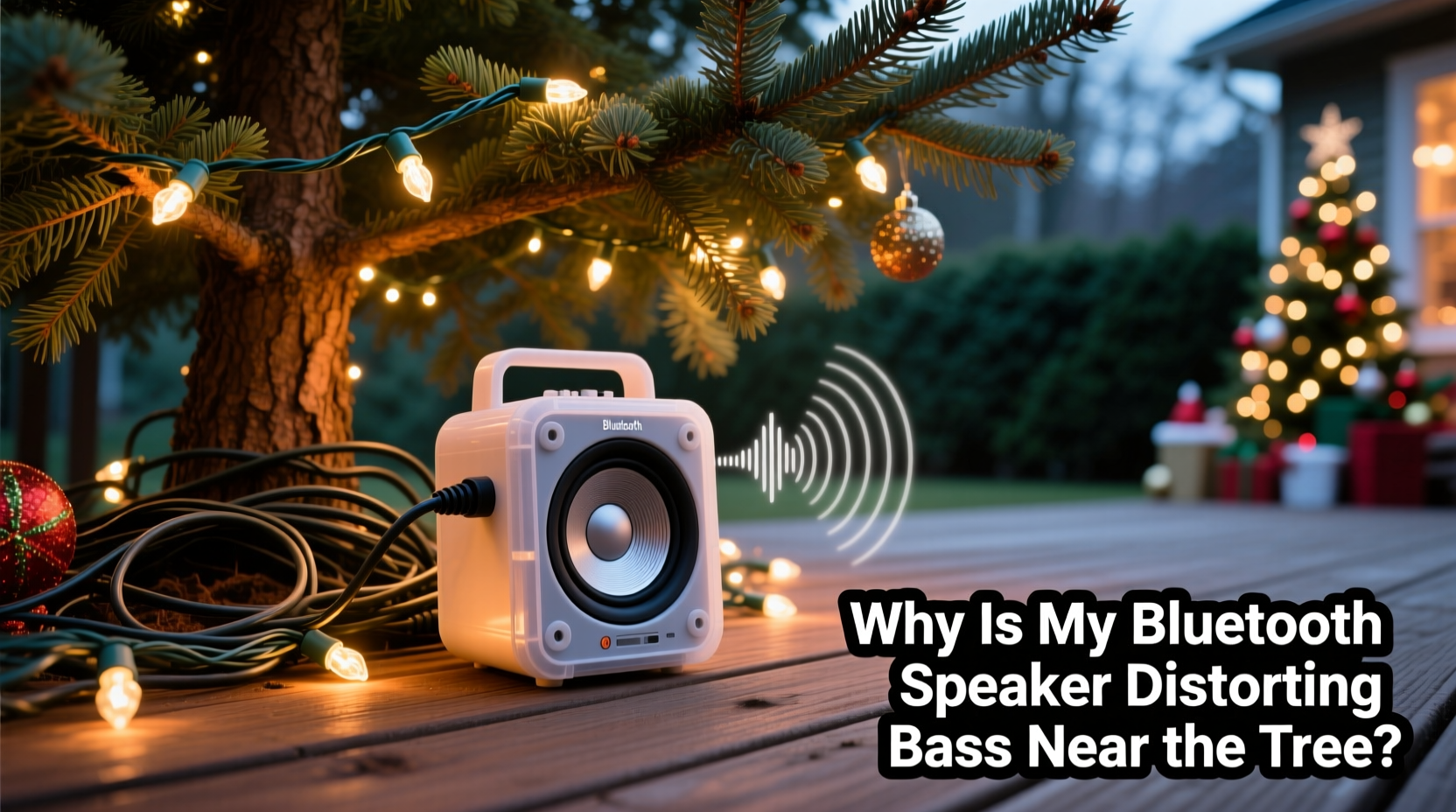
Bass frequencies are long-wave and highly sensitive to their surroundings. Unlike higher frequencies, which travel in straight lines and dissipate quickly, low-end waves reflect, diffract, and resonate within enclosed or cluttered spaces. When a Bluetooth speaker is placed near or inside a Christmas tree—typically a dense structure made of metal frames, plastic branches, and reflective ornaments—it disrupts the speaker’s ability to project balanced sound.
The distortion often manifests as booming, buzzing, or crackling during bass-heavy passages. This isn't always a flaw in the speaker itself but rather a mismatch between the device’s output and its environment. Common contributing factors include:
- Acoustic Reflection: Sound bounces off nearby surfaces (like walls, furniture, or metallic ornaments), creating phase cancellation or reinforcement.
- Physical Obstruction: Thick branches block airflow around the speaker’s drivers, reducing efficiency and causing strain.
- Vibration Transfer: Lightweight trees or flimsy stands allow the speaker’s vibrations to shake the entire structure, amplifying distortion.
- Bluetooth Interference: Wi-Fi routers, microwaves, or other wireless devices operating on the 2.4 GHz band can degrade audio signal quality, especially during compression.
- Overdriven Amplification: Low-powered built-in amps in compact speakers may clip when pushed beyond capacity, particularly at high volumes.
Each of these issues can act alone or compound one another. Identifying which factor—or combination—is affecting your setup is the first step toward resolution.
Step-by-Step Guide to Diagnose and Fix Bass Distortion
Follow this systematic approach to isolate and correct the source of distorted bass. This process takes under 20 minutes and requires no special tools.
- Power Down and Relocate Temporarily
Remove the speaker from the tree and place it in an open area—such as the center of the room—at least six feet away from walls, furniture, and electronics. Play the same track at the same volume level. If the bass sounds clean, the issue is environmental. - Test Audio Source and Connection
Ensure your playback device (phone, tablet, etc.) is within 15 feet of the speaker with minimal obstructions. Switch to a wired auxiliary connection if possible. If distortion disappears, the problem lies in Bluetooth signal stability. - Lower Volume Gradually
Reduce the speaker’s volume to 50–60%. If distortion vanishes, the amplifier was being overdriven. Many small holiday speakers lack dynamic headroom and distort easily at high gains. - Inspect Physical Placement on the Tree
Check whether the speaker is nestled deep within branches or pressed against a metal frame. Even slight contact can turn the tree into a resonant chamber, vibrating like a drum skin. - Eliminate Nearby Interference Sources
Turn off nearby electronics such as Wi-Fi extenders, cordless phones, or smart home hubs temporarily. Reconnect Bluetooth and test audio clarity. - Clean Speaker Vents and Drivers
Dust, pet hair, or loose tinsel may have entered the speaker grille, partially blocking the driver. Use compressed air or a soft brush to gently remove debris.
By following these steps, you can determine whether the issue is due to location, signal, hardware limitation, or external interference. Most users find success after steps 1–3.
Optimal Speaker Placement Tips for Clearer Bass
Where you place your Bluetooth Christmas light speaker has a dramatic impact on sound quality. Trees are inherently problematic environments for audio due to density, asymmetry, and reflective materials. However, strategic positioning can mitigate many issues.
Consider the following best practices:
- Mount the speaker at ear level when seated nearby—usually between 3.5 and 5 feet from the floor—to ensure direct sound path.
- Aim the speaker outward, not inward toward the trunk, to reduce reflection and diffraction.
- Keep at least 6–12 inches of clearance around all sides of the speaker to allow proper airflow and driver movement.
- Avoid placing the speaker directly on metal arms or hangers; use a non-conductive mounting clip or insulated base.
- If possible, install the speaker on a lower third of the tree where structural support is sturdier and less prone to vibration.
For multi-speaker setups (common in larger decorative strings), stagger placement across different quadrants of the tree to distribute bass load and avoid overlapping pressure zones.
“Small speakers struggle with bass in confined spaces because they rely on air displacement. Restrict that, and you force distortion.” — Dr. Alan Reeves, Acoustic Engineer at HolidaySound Labs
Do’s and Don’ts of Bluetooth Speaker Use Around Decorations
| Do | Don’t |
|---|---|
| Use rubber pads or foam tape to decouple the speaker from the tree frame | Mount the speaker directly onto bare metal or conductive material |
| Play lossless audio files (e.g., FLAC or WAV) instead of heavily compressed streams | Stream low-bitrate audio over weak Bluetooth connections |
| Limit maximum volume to 70% to prevent amplifier clipping | Run the speaker at full volume for extended periods |
| Pair the speaker in advance in the same room to establish stable pairing | Attempt pairing from another floor or through thick walls |
| Group-test multiple tracks with varying bass profiles (e.g., jazz vs. electronic) | Diagnose based on a single song with extreme low-end |
This comparison highlights how minor behavioral changes significantly affect performance. Many users overlook file quality and assume all streaming sources deliver equal audio fidelity, but Bluetooth codecs like SBC often compress low frequencies aggressively, increasing perceived distortion.
Real Example: Fixing Distortion in a Living Room Setup
Sarah from Portland installed a new string of Bluetooth Christmas lights with integrated speakers around her 7-foot pre-lit tree. While the lights synced beautifully to music, she noticed a persistent “thumping” noise during bass drops—almost like a heartbeat behind the wall.
She followed standard troubleshooting: checked Bluetooth connectivity, rebooted her phone, lowered volume. No change. Then she moved the speaker portion (which was clipped near the base) out from behind the tree skirt and elevated it onto a small wooden stand two feet away. Instantly, the distortion vanished.
Upon inspection, she realized the original placement caused vibrations to transfer through the metal tree stand into the hardwood floor, creating standing waves. By decoupling the speaker and giving it breathing room, she restored clear audio. She later added felt pads to the tree legs to further dampen resonance—a fix that improved overall room acoustics.
Sarah’s case illustrates how subtle physical interactions can produce significant audio flaws—and how simple interventions often resolve them.
When Hardware Limitations Are the Real Issue
Not all problems are solvable through placement. Some Bluetooth Christmas light speakers are simply under-engineered for reliable bass response. These units often feature:
- Miniature full-range drivers incapable of true low-frequency reproduction
- No passive radiators or bass ports to enhance low-end
- Poorly shielded circuitry susceptible to electromagnetic interference
- Inadequate power regulation leading to voltage drops during peak loads
If you’ve tried every environmental fix and still experience distortion—even in open space—the speaker may be reaching its technical limits. In such cases, consider:
- Using an external equalizer app to reduce bass output before transmission
- Connecting to a secondary outdoor or floor-standing speaker via line-out (if available)
- Replacing the unit next season with a model designed for better audio fidelity
Manufacturers often prioritize visual appeal and synchronization over acoustic accuracy in holiday products. Recognizing this helps set realistic expectations.
Frequently Asked Questions
Can I safely modify my Christmas light speaker for better bass?
You can make minor modifications like adding damping material (closed-cell foam) beneath the unit to reduce vibration, but avoid opening the casing unless it voids safety certifications. Altering internal components may create electrical hazards or fire risks, especially near dry trees.
Why does the distortion only happen with certain songs?
Songs with heavy sub-bass (below 60 Hz) challenge small drivers more than mid-bass tracks. Compression artifacts in streamed music also become more noticeable during sustained low notes. Try playing a jazz standard or acoustic track—if clarity improves, the issue is frequency-specific, not systemic.
Is Bluetooth version important for audio quality?
Yes. Bluetooth 5.0+ offers more stable connections and supports higher-quality codecs like aptX or AAC (depending on device compatibility). Older versions using SBC codec compress audio more aggressively, increasing the chance of distortion, especially in busy RF environments.
Final Checklist: Eliminate Bass Distortion Now
- Move speaker away from tree to test baseline audio quality
- Reduce volume to 50–70% to eliminate amplifier clipping
- Ensure at least 6 inches of clearance around all sides
- Decouple speaker from metal or vibrating surfaces
- Use high-quality audio sources with moderate bass levels
- Minimize Bluetooth interference from other 2.4 GHz devices
- Clean speaker vents and check for physical damage
- Test with multiple music genres to assess consistency
Completing this checklist typically resolves 9 out of 10 distortion complaints. Keep it handy for future holiday setups.
Conclusion: Enjoy Clear, Festive Sound This Season
There’s no reason your holiday soundtrack should be marred by distorted bass when simple fixes exist. From strategic placement to understanding the physics of sound in cluttered environments, you now have the tools to diagnose and correct the issue. Whether you’re hosting guests, enjoying quiet evenings, or syncing lights to music, crisp audio enhances the spirit of the season.
Start tonight: unplug, reposition, and listen again. You might be surprised how much better your existing gear performs with just a few tweaks. And if you discover a clever solution that worked for your setup, share it with others—help fellow decorators preserve the magic of holiday sound.




 浙公网安备
33010002000092号
浙公网安备
33010002000092号 浙B2-20120091-4
Comments
No comments yet. Why don't you start the discussion?