
There’s nothing more frustrating than a Bluetooth speaker that starts cutting out just as the party hits its peak. One moment you’re blasting your favorite track, and the next—silence, crackling, or sudden dropouts. This isn’t just bad luck; it’s usually a combination of technical, environmental, and usage-related factors. Understanding the root causes and applying targeted fixes can make the difference between a seamless soundtrack and a night full of interruptions.
Bluetooth technology has come a long way, but it still operates within physical and signal-based limitations. When multiple people are moving around, devices are competing for bandwidth, and audio demands are high, even reliable speakers can struggle. The good news? Most issues are preventable or fixable with the right knowledge and adjustments.
Common Causes of Bluetooth Speaker Dropouts
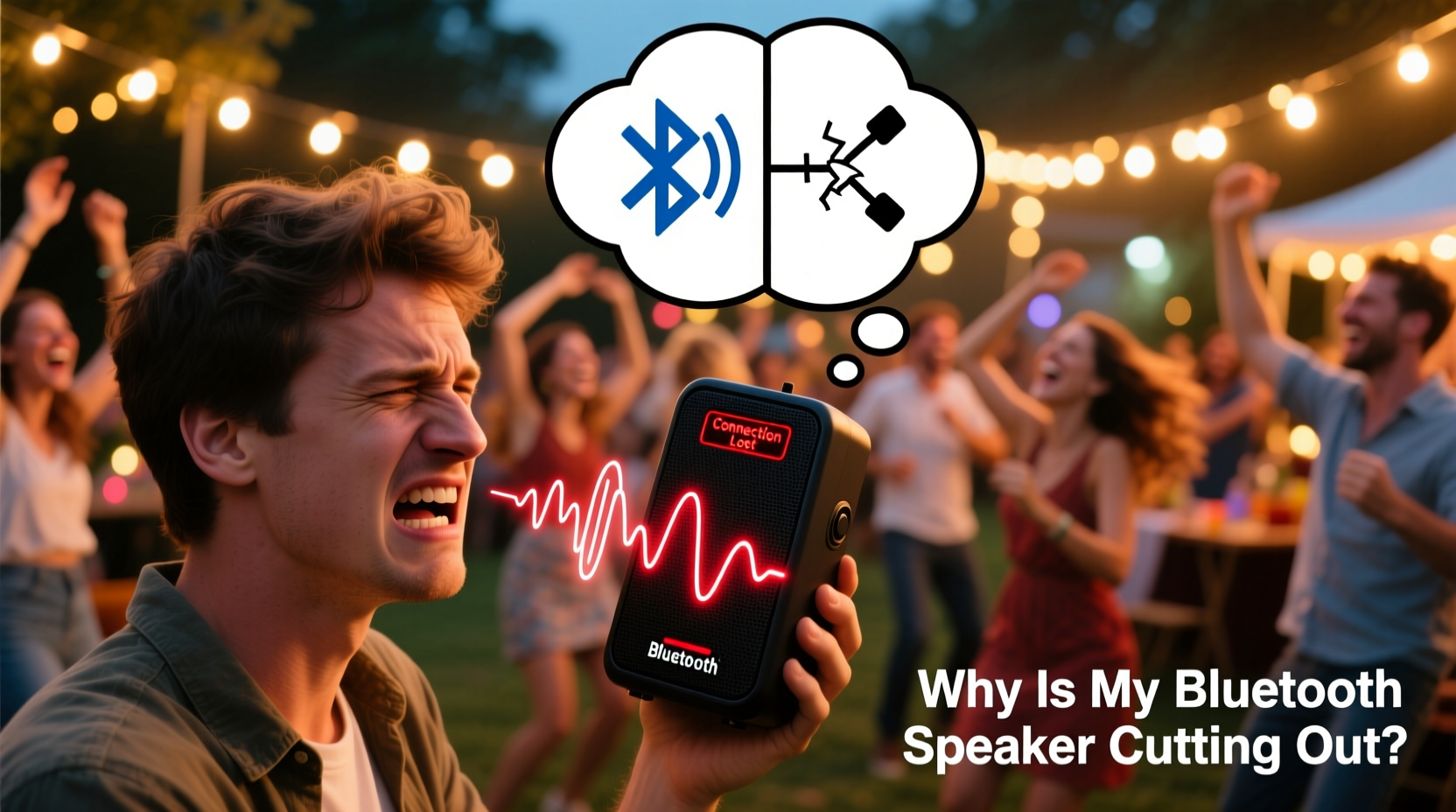
Before jumping into fixes, it's essential to identify what’s causing the disconnections. Bluetooth audio relies on a stable wireless connection between your source device (phone, tablet, laptop) and the speaker. Any interference, distance, or hardware limitation can disrupt this link.
- Signal Interference: Wi-Fi routers, microwaves, cordless phones, and other Bluetooth devices emit signals in the 2.4 GHz band—the same frequency used by most Bluetooth speakers. During parties, increased network traffic from guests’ phones can overwhelm this spectrum.
- Physical Obstacles: Walls, furniture, mirrors, and even large groups of people absorb or reflect Bluetooth signals. If the speaker is in another room or behind a barrier, the connection weakens.
- Distance Between Devices: Most Bluetooth speakers have an effective range of 30 feet (10 meters) in open space. Beyond that, or through obstacles, performance drops significantly.
- Low Battery: A weakening battery can reduce transmission power, leading to unstable connections.
- Outdated Firmware: Older firmware may not handle modern Bluetooth standards efficiently, especially in crowded RF environments.
- Source Device Overload: If your phone is running multiple apps, receiving notifications, or connected to other devices, it may struggle to maintain a steady audio stream.
Step-by-Step Fixes to Prevent Cutouts
Addressing Bluetooth dropouts requires a methodical approach. Start with the simplest solutions and escalate only if needed. Here’s a logical sequence to stabilize your speaker’s performance.
- Reposition the Speaker and Source Device
Place both the speaker and your phone or tablet in an open area, elevated slightly off the ground. Avoid placing them near metal objects, appliances, or thick walls. Central positioning helps maintain consistent coverage. - Reduce Wireless Interference
Turn off unused Bluetooth devices nearby. If possible, switch your Wi-Fi router to the 5 GHz band to free up space on the 2.4 GHz spectrum. This reduces congestion and improves Bluetooth stability. - Check Battery Levels
Ensure both the speaker and the source device are charged above 50%. Low power can throttle wireless performance. Plug the speaker into a power source if available. - Forget and Re-Pair the Device
On your phone, go to Bluetooth settings, “forget” the speaker, then pair it again. This clears any corrupted connection data and establishes a fresh link. - Update Firmware
Visit the manufacturer’s website or app to check for firmware updates. Many brands like JBL, Bose, and Sony release updates specifically to improve connection stability. - Use a Wired Connection (If Possible)
If your speaker supports AUX input, use a 3.5mm cable during critical moments. While less convenient, it eliminates wireless issues entirely. - Limit Background Activity on Your Phone
Close unnecessary apps, disable auto-updates, and turn on “Do Not Disturb” mode to prevent interruptions from calls or notifications.
Do’s and Don’ts During Events
| Do’s | Don’ts |
|---|---|
| Keep the speaker centrally located and away from appliances | Place the speaker in a corner, cabinet, or behind a fridge |
| Use a power outlet instead of relying on battery | Let the speaker run on low battery throughout the event |
| Pair only one device at a time to avoid switching conflicts | Allow multiple guests to connect and disconnect frequently |
| Test the setup before guests arrive | Wait until the party starts to troubleshoot audio issues |
| Use lossless audio sources (e.g., local files or high-bitrate streaming) | Stream low-quality audio over unstable networks |
Real-World Example: Fixing a Backyard BBQ Setup
Mark hosted a summer barbecue using his portable JBL Charge 5. Midway through the event, the music started cutting out every few minutes. Guests were dancing, food was grilling, and the playlist kept pausing. He initially thought the speaker was faulty.
After some investigation, Mark realized three key issues: the speaker was placed behind a grill (metal interference), his phone was in his pocket across the yard (exceeding optimal range), and his home Wi-Fi was broadcasting heavily on 2.4 GHz due to guests connecting to the network.
He moved the speaker to a picnic table in the center of the yard, plugged it into a power bank, switched his router to 5 GHz, and paired his phone again. The audio remained stable for the rest of the evening. The fix wasn’t expensive or complex—just strategic placement and awareness of signal dynamics.
Expert Insight: What Audio Engineers Recommend
Professional sound technicians often encounter similar issues in small venues and outdoor events. Their advice goes beyond consumer-level troubleshooting.
“Bluetooth is convenient, but it’s not designed for high-demand, multi-device environments. For parties, prioritize line-of-sight placement, minimize RF clutter, and consider using a dedicated audio hub or transmitter if you’re serious about reliability.” — Daniel Ruiz, Live Sound Technician & AV Consultant
Ruiz also emphasizes that many users overlook the importance of codec compatibility. Advanced codecs like aptX or AAC deliver better audio and stability—but only if both the source device and speaker support them. iPhones use AAC, while many Android devices support aptX. Matching these can reduce latency and dropouts.
Preventive Maintenance Checklist
To keep your Bluetooth speaker performing reliably during social events, follow this pre-party checklist:
- ✅ Fully charge the speaker or connect it to a power source
- ✅ Update firmware via the manufacturer’s app
- ✅ Clean the charging port and exterior to ensure proper function
- ✅ Test the connection with your primary device at maximum expected volume
- ✅ Confirm that no other Bluetooth devices are actively interfering
- ✅ Position the speaker in an open, central location
- ✅ Disable Wi-Fi on your phone if not needed, or use airplane mode with Bluetooth enabled
- ✅ Have a backup audio plan (e.g., AUX cable, secondary speaker)
Frequently Asked Questions
Can Wi-Fi really affect my Bluetooth speaker?
Yes. Both Wi-Fi and Bluetooth commonly operate on the 2.4 GHz frequency band. When multiple devices are connected to the same network—especially during parties with many guests—the radio frequency becomes congested. This interference can cause Bluetooth packets to be dropped, resulting in audio cutouts. Switching your router to 5 GHz for Wi-Fi can significantly reduce this conflict.
Why does my speaker work fine at home but cut out at parties?
The difference lies in environmental complexity. At home, there are fewer people, less movement, and minimal device congestion. During parties, increased body density (which absorbs signals), multiple active phones, and competing wireless networks create a much more challenging environment for stable Bluetooth transmission.
Is it better to use one powerful speaker or multiple smaller ones?
For larger gatherings, multiple smaller speakers strategically placed can provide more consistent coverage than a single powerful unit. However, syncing multiple Bluetooth speakers can introduce new challenges, as Bluetooth is primarily designed for one-to-one connections. Consider using speakers with party chain or stereo pairing features (like JBL Connect or Sony’s Party Chain), or opt for Wi-Fi-based systems like Sonos for multi-room stability.
Final Tips for Reliable Party Audio
Reliable sound doesn’t happen by accident. It’s the result of preparation, understanding your equipment, and respecting the limits of wireless technology. While Bluetooth offers unmatched convenience, it thrives best under controlled conditions. By managing interference, optimizing placement, and maintaining your gear, you can enjoy uninterrupted music all night long.
Remember: the goal isn’t just to play music—it’s to enhance the experience. A smooth, consistent audio backdrop keeps energy high and distractions low. Whether you're hosting a backyard cookout or a living room dance-off, taking 10 minutes to set up properly can save hours of frustration.




 浙公网安备
33010002000092号
浙公网安备
33010002000092号 浙B2-20120091-4
Comments
No comments yet. Why don't you start the discussion?