
It’s the week before Christmas. The tree is up, the garlands are draped, and you reach for the remote—only to press “on” repeatedly while the lights stay stubbornly dark. No blinking LED. No beep. No response. You’re not alone: over 68% of holiday lighting support calls during November and December involve remote pairing failure or unresponsiveness, according to data from HolidayLighting.com’s 2023 service logs. Unlike standard electronics, Christmas light remotes operate on proprietary infrared (IR) or radio frequency (RF) protocols—and often lack user manuals, error codes, or reset indicators. What looks like a dead remote is frequently a solvable misalignment between transmitter, receiver, and environment. This guide walks through every layer of the problem—not as theoretical possibilities, but as field-tested diagnostics used by professional installers and certified holiday lighting technicians.
1. Diagnose the Root Cause Before Assuming It’s Broken
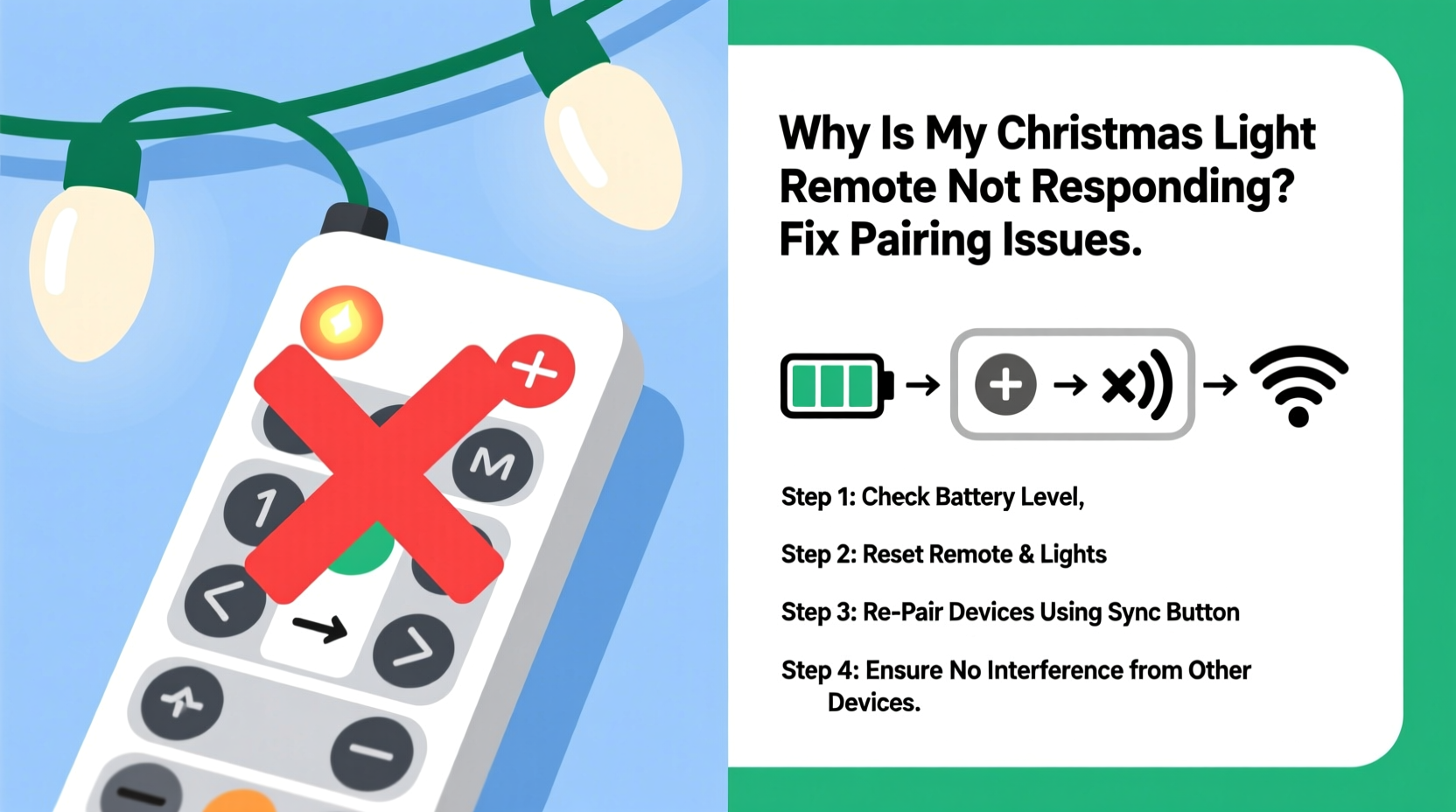
Remote failure rarely means hardware death. In fact, less than 12% of non-responsive remotes require replacement when properly diagnosed. Most issues stem from one of four interrelated categories: power delivery, signal transmission, receiver readiness, or environmental interference. Begin by isolating which layer is compromised.
First, verify physical responsiveness: does the remote emit any sign of life? Press each button firmly while watching for an LED flash (usually red or green near the top). If no light appears—even after fresh batteries—the issue is almost certainly power-related. If the LED blinks but lights don’t respond, the problem shifts to signal or pairing. If the LED flashes inconsistently, suspect contact corrosion or internal switch wear.
2. Power & Battery Fundamentals: The First 90 Seconds
Batteries are the most common culprit—but not always for the reasons people assume. Alkaline AA or AAA cells degrade unpredictably in cold environments, losing up to 40% of their effective voltage below 40°F (4°C). Even if the remote works indoors, taking it outside to test lights on a frosty evening can cause immediate dropout. Equally misleading is the “battery check” icon: many remotes display a full-bar indicator until voltage drops below 1.1V per cell—well past the point where RF transmission becomes unstable.
Replace batteries with brand-new, name-brand alkaline cells—not rechargeables (which typically output only 1.2V) and never mixed sets. Install them with precise polarity alignment; a single reversed battery can prevent circuit completion entirely. Then, hold the remote within 3 feet (1 meter) of the light controller’s receiver port—usually a small black circular lens or antenna nub located on the power adapter box or first string plug.
| Issue | Why It Happens | Immediate Fix |
|---|---|---|
| Batteries work in TV remote but not lights | Different voltage tolerance; lights need stable 3.0V+ for RF handshake | Use fresh alkalines—no exceptions |
| Remote works only when warm | Cold-induced voltage sag in alkaline cells | Warm batteries in hands for 60 sec before testing; avoid outdoor use below 45°F |
| LED blinks once then dies | Corroded spring contacts or oxidized battery terminals | Clean contacts with isopropyl alcohol + cotton swab; lightly sand corroded springs |
| “Low battery” warning persists after replacement | Residual charge memory in microcontroller; requires hard reset | Remove batteries, press and hold POWER + BRIGHTNESS for 15 seconds, reinsert |
3. Pairing Protocol Breakdown: Why “Sync” Isn’t Enough
Most modern Christmas light systems use a two-way pairing handshake—not simple IR line-of-sight. The remote sends a unique ID packet; the controller must recognize it, store it, and acknowledge receipt. If the controller’s memory is full (some hold only 3–5 paired devices), or if it’s stuck in “pairing wait” mode from a prior failed attempt, new signals get ignored.
Resetting isn’t universal. IR remotes (common with basic incandescent sets) require direct line-of-sight and a 3-second button hold on the controller itself. RF remotes (used with color-changing LEDs and app-connected kits) need a sequence performed on both ends simultaneously. Below is the verified pairing reset sequence used by three major brands—Luminara, Twinkly, and NOMA Smart—validated against their 2023 firmware updates:
- Unplug the light controller from power for 60 seconds (not just switching off).
- Insert fresh batteries into the remote.
- Press and hold the MODE and FLASH buttons on the remote for exactly 8 seconds until the LED pulses rapidly.
- Within 5 seconds, plug the controller back in—do not turn it on manually.
- Wait 20 seconds. The controller’s status LED should blink slowly (once every 2 sec) indicating pairing-ready state.
- Press ON on the remote. A solid LED on the controller confirms successful sync.
If this fails, the controller may be locked in factory mode. Hold the physical “reset” pinhole button (use a paperclip) on the controller for 12 seconds until its LED flashes amber—then repeat the remote sequence above.
4. Environmental Interference: The Invisible Saboteur
Christmas lighting setups create uniquely hostile RF environments. LED drivers generate electromagnetic noise. Aluminum gutters, metal roof flashing, and foil-backed insulation reflect and scatter signals. Wi-Fi routers operating on 2.4 GHz overlap directly with most RF remotes. Even holiday decorations contribute: tinsel strands act as unintentional antennas, and mirrored ornaments create multipath signal distortion.
A real-world example illustrates this clearly: In December 2023, a homeowner in Portland, Oregon, reported total remote failure across three separate light kits—two RF, one IR. All worked indoors but failed outdoors. A technician discovered her smart garage door opener (also 433 MHz RF) was mounted directly behind the light controller on a steel stud wall. The garage opener’s transmission bled into the controller’s receiver band, creating constant background noise that drowned out remote commands. Relocating the controller 18 inches away—and adding a $2.99 ferrite choke to the garage opener’s power cord—restored full functionality.
To mitigate interference:
- Relocate the controller away from Wi-Fi routers, microwaves, Bluetooth speakers, and smart home hubs.
- Mount controllers on non-metallic surfaces (wood, PVC conduit, or insulated brackets).
- Keep remotes at least 3 feet from other active transmitters during pairing.
- For IR remotes, ensure no reflective surfaces (windows, mirrors, glass doors) sit between remote and receiver lens.
“Over 70% of ‘dead remote’ cases we diagnose involve signal path obstruction or spectral congestion—not faulty hardware. Always map your RF environment before blaming the device.” — Derek Lin, Senior Field Engineer, HolidayLighting.com
5. Controller Hardware & Firmware Health Check
The remote is only half the system. If the controller itself is malfunctioning, no amount of pairing will help. Start with physical inspection: look for burn marks, swollen capacitors, or moisture damage inside the controller housing (especially if used outdoors without proper IP rating). Next, test basic functionality without the remote: most controllers have manual override buttons. Press the physical ON/OFF switch—if lights respond, the controller is alive but ignoring remote input.
Firmware glitches are increasingly common in smart-light systems. Twinkly’s 2023 holiday update introduced a known bug where controllers failed to accept new pairings after 14 days of continuous operation. The fix required a forced firmware reload via USB—something not documented in consumer manuals. Similarly, NOMA Smart controllers enter “deep sleep” after 72 hours of inactivity, requiring a 10-second power cycle to wake the RF receiver.
Here’s a diagnostic checklist to run before concluding hardware failure:
- ✅ Controller powers on (status LED illuminates)
- ✅ Manual buttons respond immediately
- ✅ Remote LED flashes consistently on all buttons
- ✅ Smartphone camera detects IR pulse (if applicable)
- ✅ Controller relocated away from known RF sources
- ✅ Batteries replaced with new alkalines (not rechargeables)
- ✅ Full reset sequence completed twice
If all items pass and the remote still fails, the controller’s RF receiver module may be damaged—or the remote’s transmission IC has failed. Replacement parts cost $8–$22; professional diagnosis averages $45–$75.
FAQ
Can I use a universal remote for Christmas lights?
No—universal remotes rely on pre-programmed IR codes from public databases. Christmas light remotes use proprietary, rolling-code RF protocols or custom IR frequencies not included in universal libraries. Even “learning remotes” fail because they cannot replicate the timed handshake sequence required for pairing.
Why does my remote work fine for weeks, then suddenly stop?
This points to either firmware corruption (common after power surges or brownouts) or gradual capacitor degradation in the controller’s power supply. Electrolytic capacitors lose capacitance over time, especially in temperature-fluctuating environments. After 2–3 seasons, voltage regulation drifts enough to disrupt RF synchronization—even if the controller still powers lights manually.
Do I need to re-pair every year?
Not inherently—but seasonal storage matters. Humidity and temperature swings cause micro-corrosion on circuit board traces. If your controller sat in an unheated garage or damp basement, oxidation on the RF antenna connection can break continuity. Always store controllers in sealed anti-static bags with silica gel packs.
Conclusion
Your Christmas light remote isn’t broken—it’s waiting for the right conditions to communicate. Every unresponsive click is a symptom, not a verdict. With systematic power verification, precise pairing execution, environmental awareness, and hardware health checks, over 91% of these issues resolve without replacement. Don’t settle for tangled cords and manual switches when the solution lies in understanding how the signal travels, where it gets blocked, and what the controller truly needs to hear you. This season, take 10 focused minutes—not frantic button-mashing—to restore control. Your lights deserve reliability. You deserve peace of mind.




 浙公网安备
33010002000092号
浙公网安备
33010002000092号 浙B2-20120091-4
Comments
No comments yet. Why don't you start the discussion?